JBL speakers and headphones for pure and deep sound!
In cart {{totalProductsCount}} item(s)
Your cart is empty
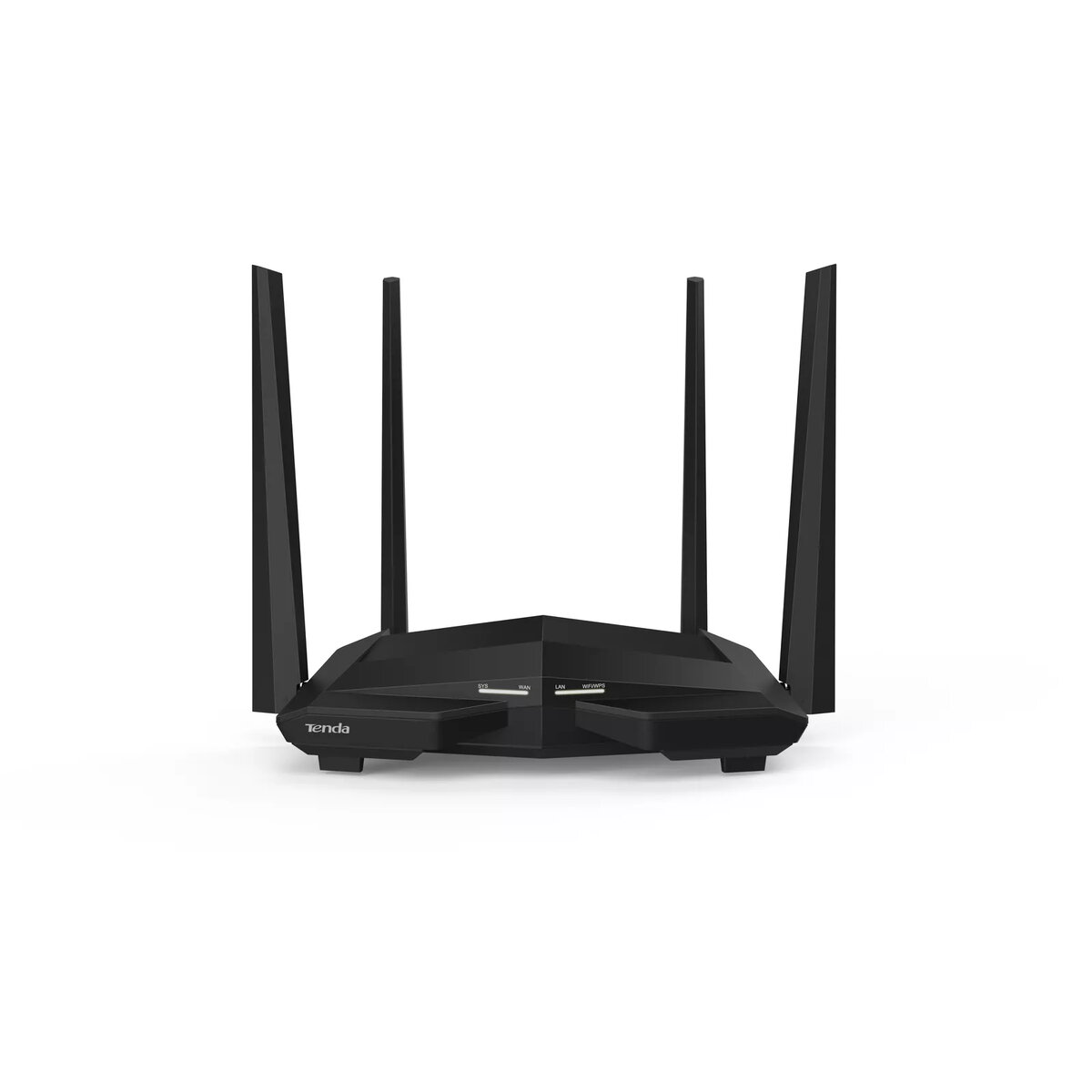
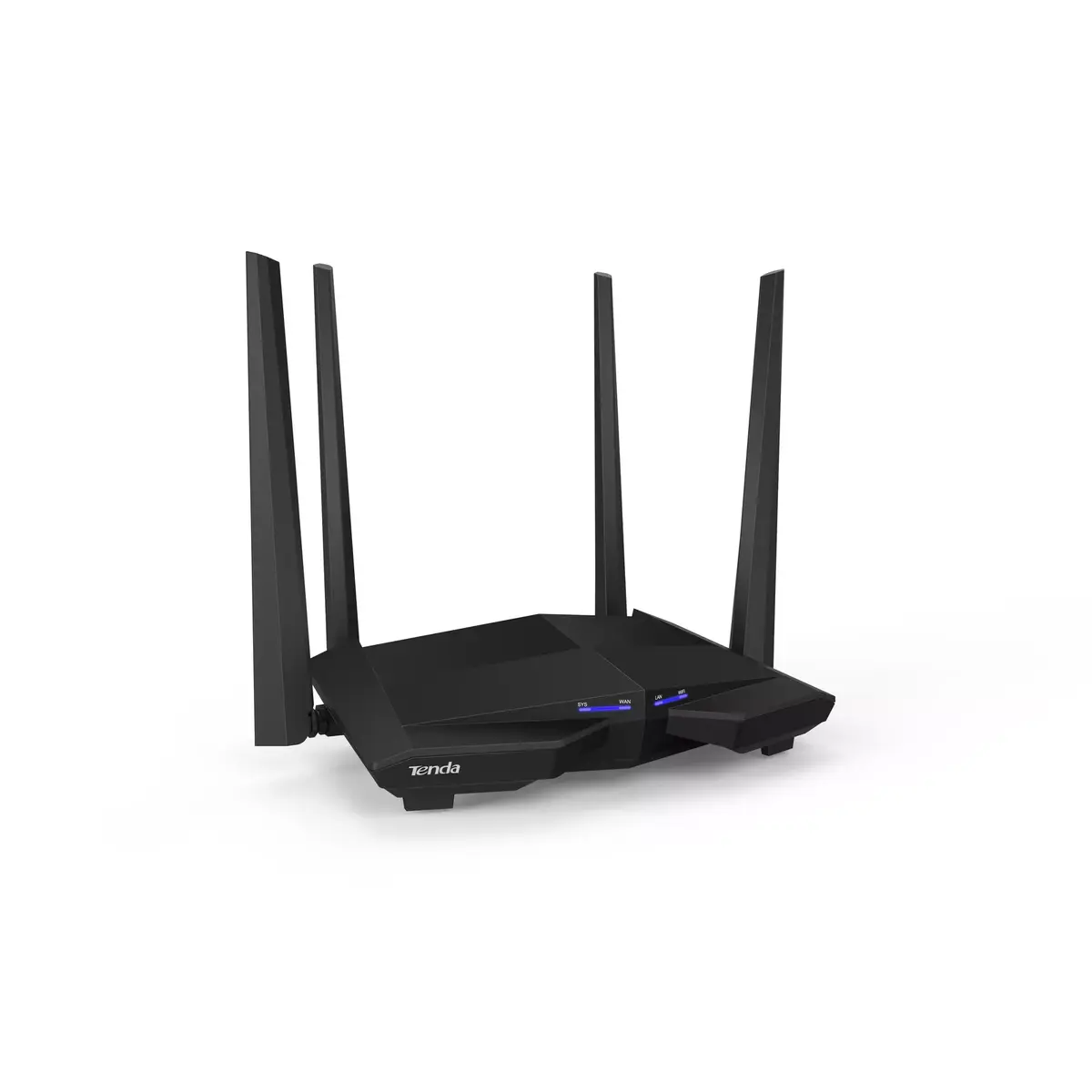
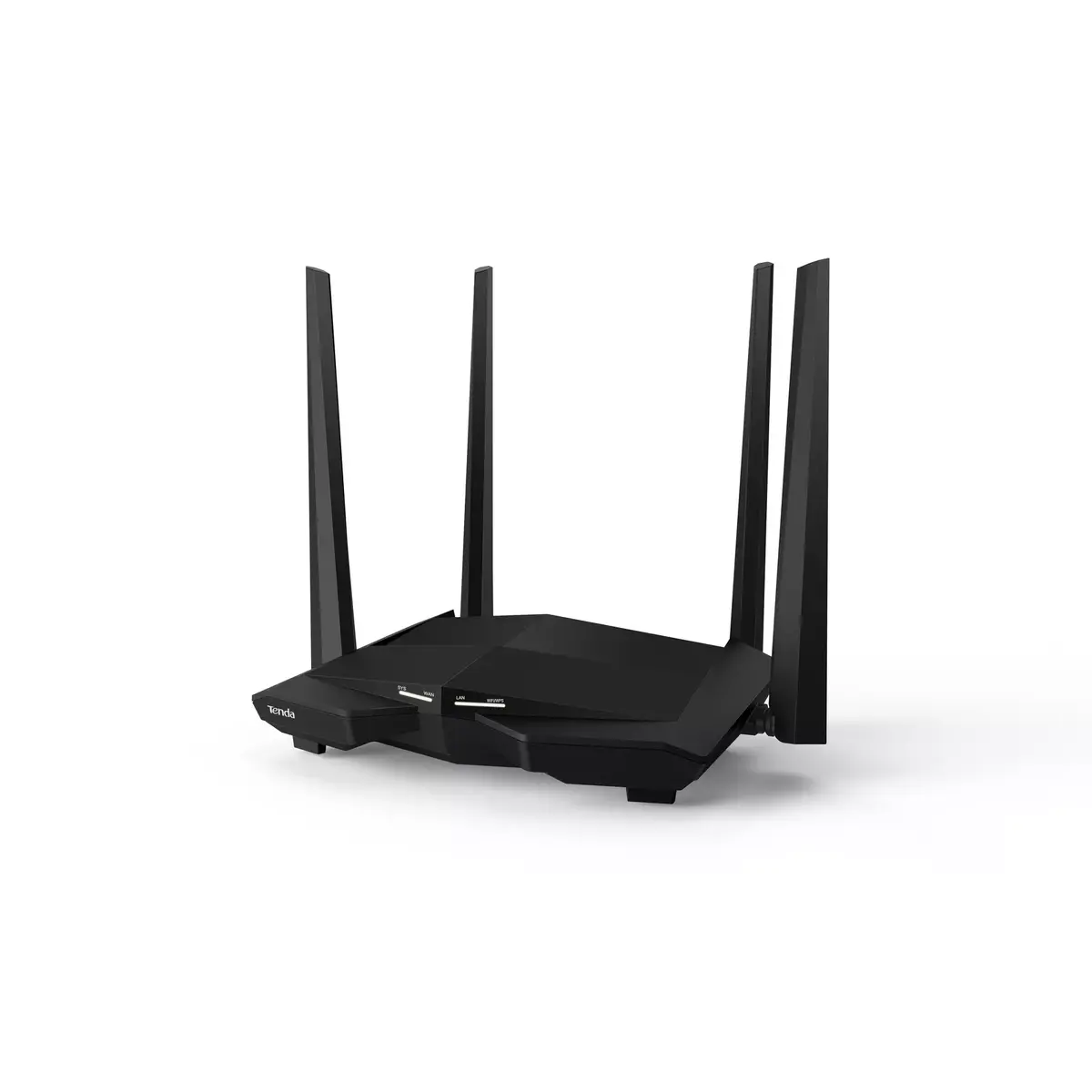
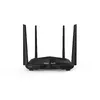
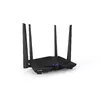
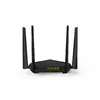
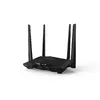
Tabletop Router Tenda AC10 Dual-band Wi-Fi 5
The Tenda AC10 is a tabletop dual-band Wi‑Fi 5 (802.11ac) router that delivers combined wireless throughput up to 1167 Mbps (867 Mbps on 5 GHz and 300 Mbps on 2.4 GHz). Equipped with a 1 GHz CPU and 128 MB DDR3 memory, the AC10 provides stable performance for home networks and supports Gigabit WAN and LAN ports for full use of high-bandwidth optical fibre connections.
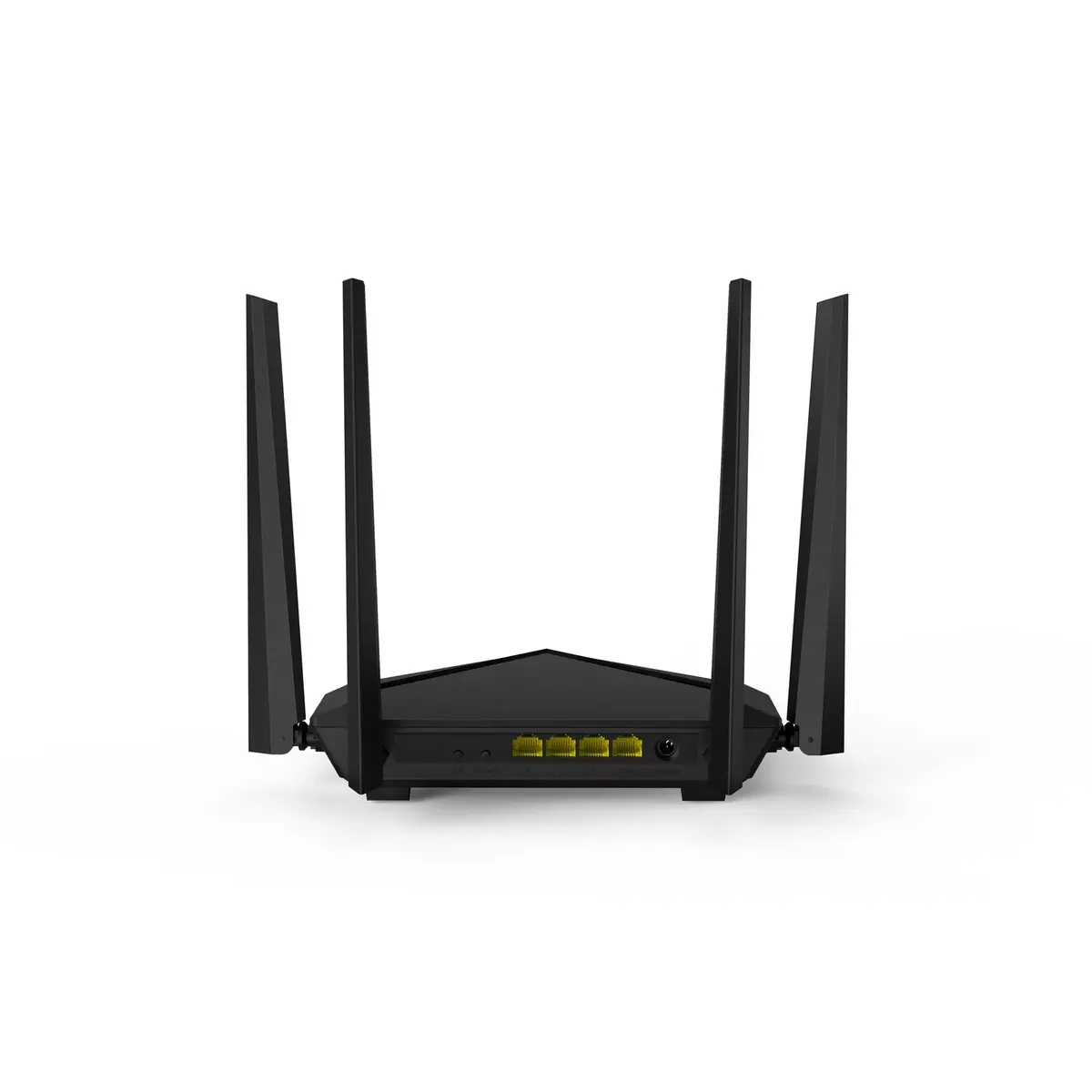
The router supports MU‑MIMO and Beamforming+ to improve multi-device communication and extend coverage through walls. Four 5 dBi omnidirectional antennas and signal boosting technologies increase wireless range. All Gigabit Ethernet ports prevent wired bottlenecks when using faster broadband. The Tenda WiFi mobile app enables remote management and online firmware upgrades, and the device can migrate PPPoE credentials from an existing router to simplify setup.
Connect the optical modem or internet source to the Gigabit WAN port and attach wired devices to the LAN ports as needed. Power on the router and use the Tenda WiFi app or the web interface to complete the initial setup. If you previously had a PPPoE configuration on another router, use the migration feature to import the PPPoE username and password to avoid reconfiguration. Configure wireless SSIDs and passwords for both 2.4 GHz and 5 GHz bands, enable security (WPA/WPA2), and apply any firmware updates through the app or web UI.
Place the router in a central, elevated location away from large metal objects and microwave ovens for best wireless coverage. Use the 5 GHz band for low‑latency activities (gaming and HD streaming) and the 2.4 GHz band for longer range and penetration through walls. Regularly check for firmware updates via the Tenda WiFi app and change default passwords to maintain network security.
{{highlightedFeature.featureTitle}}:
{{getProductFeatureValueById(product, highlightedFeature.featureId)}}
{{ productComparisonGenerationError }}