Dreame vacuums for fast and efficient cleaning!
In cart {{totalProductsCount}} item(s)
Your cart is empty
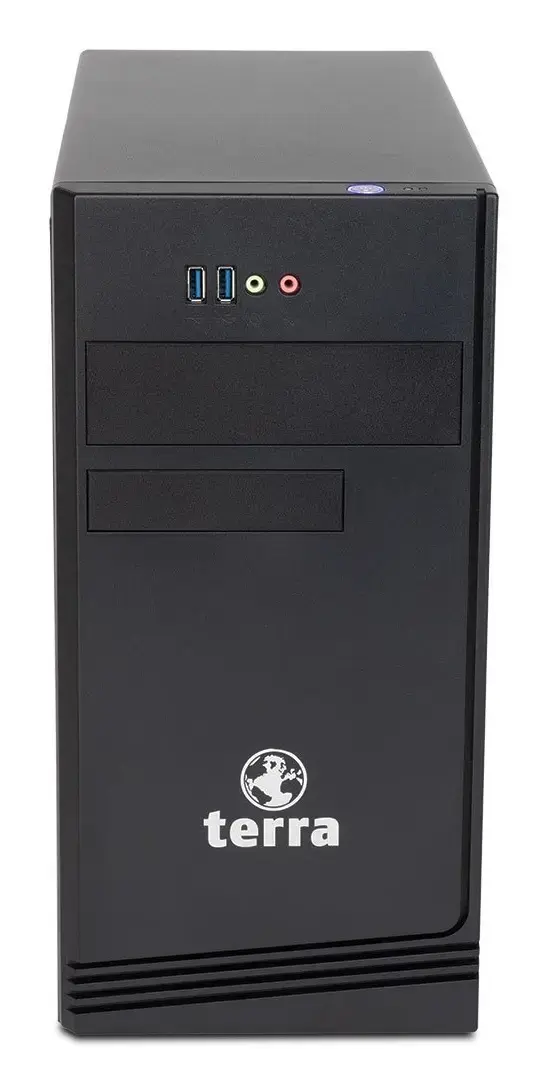
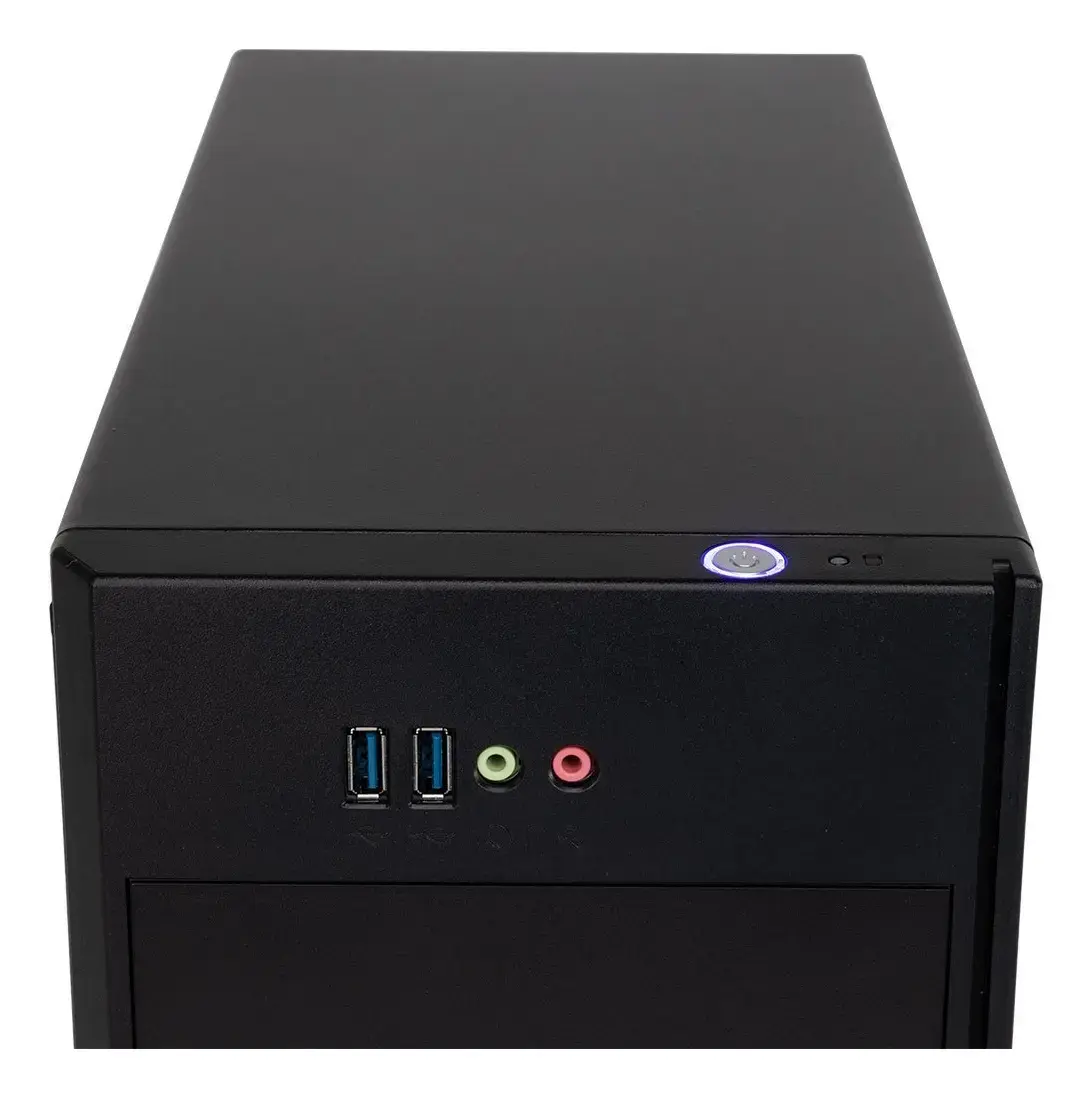
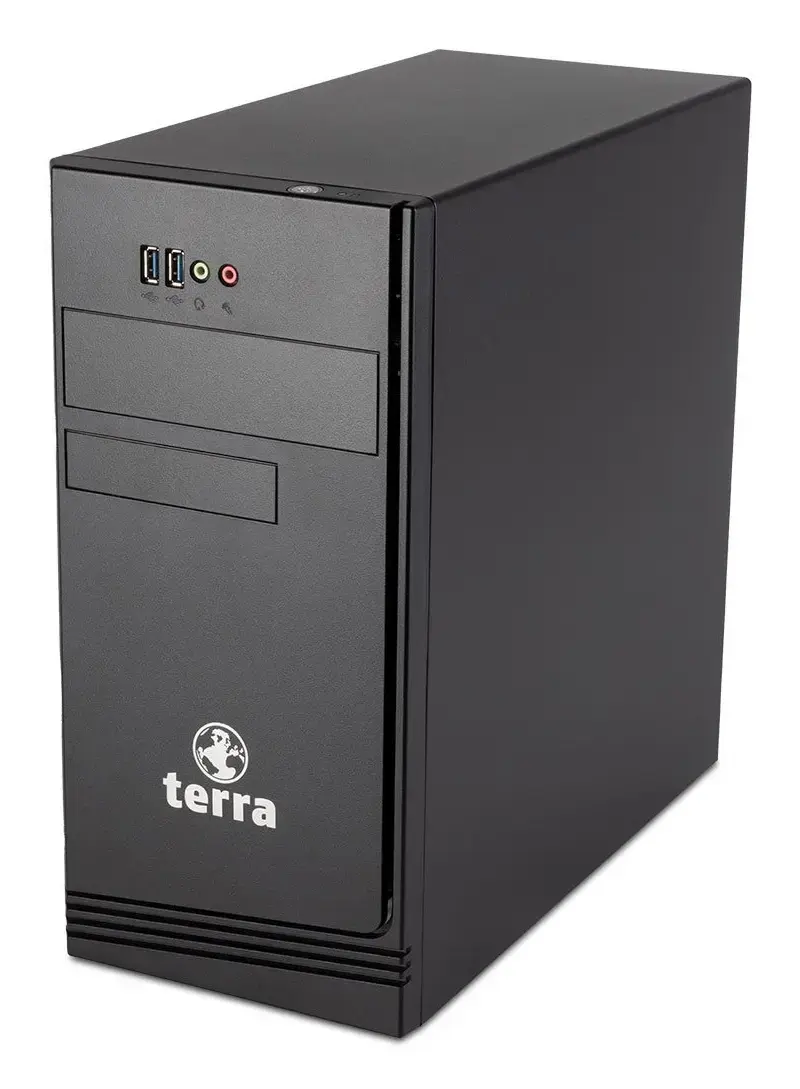
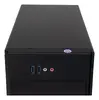
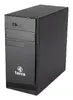
Terra PC-BUSINESS 7000 Desktop Computer, Intel Core i7-14700, 16GB DDR5 RAM, 500GB SSD, Windows 11 Pro, Mini Tower
The Terra PC-BUSINESS 7000 Desktop Computer is a professional-grade mini tower system designed to meet the demands of modern office environments and complex multitasking workflows. Powered by an Intel Core i7-14700 processor and 16GB of high-speed DDR5 RAM, this desktop delivers dependable processing performance for daily business applications. With a fast 500GB solid-state drive and the Windows 11 Pro operating system preinstalled, it offers quick boot times, responsive file handling, and advanced security features suitable for professional deployments.
This business desktop computer provides a balanced combination of processing power and reliable hardware components built for continuous enterprise use. The inclusion of DDR5 memory ensures efficient data transfer rates, while the active cooling system maintains stable operating temperatures during intensive tasks. Its compact mini tower chassis saves valuable desk space without compromising on expandability or connectivity options, making it a versatile asset for corporate workspaces.
This desktop computer is not equipped with a discrete graphics card, meaning it is not suitable for high-end modern gaming, heavy 3D rendering, or professional video editing tasks that require dedicated GPU acceleration. Users looking for a portable solution will also find a desktop PC less adaptable than a laptop.
Unpack the desktop computer and place it on a stable, flat surface with adequate ventilation around the chassis. Connect the power cable to the 400W power supply and plug it into a grounded electrical outlet. Attach your monitor using the available video ports, and connect your keyboard, mouse, and network cable to the appropriate USB and Ethernet ports. Press the power button to start the system and follow the initial Windows 11 Pro on-screen setup prompts to configure your user account and network settings.
Usage recommendations: Keep the desktop computer in a well-ventilated area away from direct sunlight and dust sources to ensure optimal cooling performance and hardware longevity. Regularly install operating system updates and security patches provided through Windows 11 Pro to maintain system stability and data protection.
{{highlightedFeature.featureTitle}}:
{{getProductFeatureValueById(product, highlightedFeature.featureId)}}
{{ productComparisonGenerationError }}