
Powerful EcoFlow stations for energy anywhere!
In cart {{totalProductsCount}} item(s)
Your cart is empty
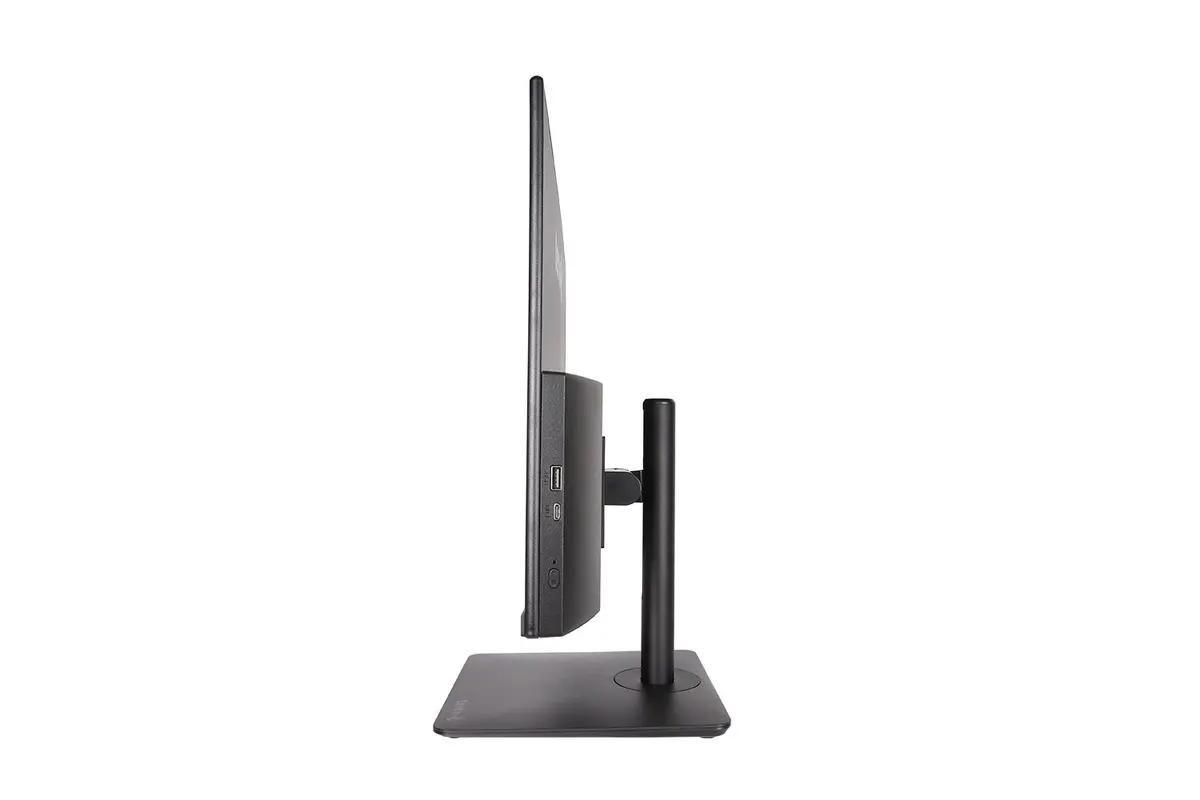
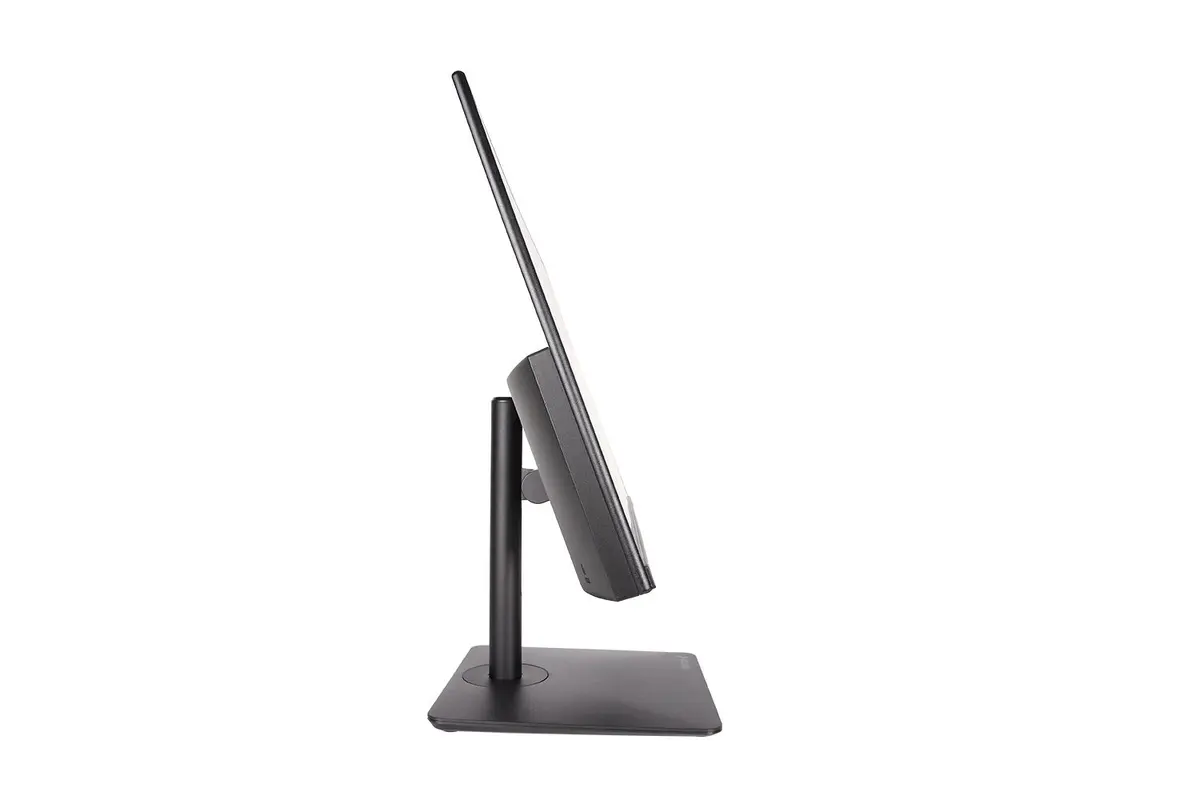
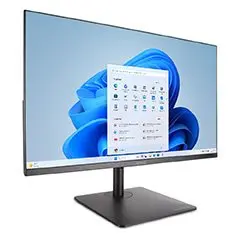
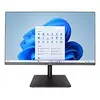
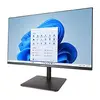
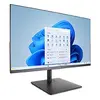
TERRA 1001393 All-in-One PC with Intel Core 5 120U, 23.8" Full HD Display, 16 GB DDR4 RAM, 500 GB SSD, Windows 11 Home, Wi-Fi 6E, Black
The TERRA 1001393 All-in-One PC combines space-saving design with reliable performance, making it a practical choice for everyday computing needs. Featuring a 23.8-inch Full HD LCD display and powered by an Intel Core 5 processor, this system delivers clear visuals and dependable processing power for standard applications. Equipped with 16 GB of DDR4-SDRAM memory and a responsive 500 GB SSD, it ensures efficient multitasking and quick data access. Preinstalled with Windows 11 Home and featuring integrated speakers, Wi-Fi 6E, and Ethernet connectivity, this black all-in-one computer is ready for immediate deployment in home offices and workspaces.
This All-in-One PC offers a streamlined workspace setup by integrating the computer components directly behind the monitor, reducing cable clutter on your desk. The active cooling system maintains stable performance during prolonged use, while the generous 16 GB memory capacity supports smooth switching between multiple browser tabs, office documents, and streaming applications. Connectivity is versatile thanks to multiple USB ports, an HDMI port, and high-speed wireless standards like Wi-Fi 6E and Bluetooth 5.3, allowing seamless connection to various peripherals and networks.
This computer is not designed for demanding professional workloads such as high-end 3D rendering, complex video editing, or heavy CAD software operations. Additionally, due to the integrated graphics configuration, it is not suitable for running modern, graphics-intensive PC games at high settings.
Unpack the All-in-One PC and place it on a stable, flat surface with adequate ventilation around the chassis. Connect the power adapter to the unit and plug it into a standard electrical outlet. Attach your preferred keyboard and mouse to the available USB ports. Turn on the system using the power button and follow the on-screen prompts to complete the initial Windows 11 Home setup. Connect to your local network via Ethernet or Wi-Fi 6E to start browsing and utilizing installed applications.
For optimal longevity and performance, position the All-in-One PC in a well-ventilated area to allow the active cooling system to operate efficiently. Regularly update the Windows 11 Home operating system and security software to maintain system stability and protection against potential vulnerabilities.
{{highlightedFeature.featureTitle}}:
{{getProductFeatureValueById(product, highlightedFeature.featureId)}}
{{ productComparisonGenerationError }}