-
Type:
Characteristics of the device.
-
Digital alarm clock
-
Weight:
Weight of the product without packaging (net weight). If possible, the net weight is given including standard accessories and supplies. Please note that sometimes the manufacturer leaves out the weight of accessories and/or supplies.
-
0.221 kg
-
Battery technology:
The type of battery in the device, e.g. nickel–cadmium (NiCd).
-
Alkaline
-
Battery type:
Description of battery supplied with the product, such battery form factor (e.g. AA/AAA).
-
AAA
-
Number of batteries supported:
The number of batteries that can be used with the product.
-
2
-
AC adapter included:
-
Yes
-
Power source:
What is providing power for the product e.g. mains electricity.
-
AC/Battery
-
Height:
The measurement of the product from head to foot or from base to top.
-
160 mm
-
Width:
The measurement or extent of something from side to side.
-
107 mm
-
Depth:
The distance from the front to the back of something.
-
83 mm
-
Audible alarm(s):
Alarms that make a sound when they are activated (set off).
-
Yes
-
Product colour:
The colour e.g. red, blue, green, black, white.
-
Anthracite
-
Power consumption (standby):
The amount of electricity that is consumed when the product is on standby.
-
0.1 W
-
Snooze function:
The device can be switched on to 'snooze'.
-
Yes
-
Backlight colour:
-
White
-
Input current:
-
1
-
Backlight:
Product has a built-in light source for its illuminating.
-
Yes
-
Manual:
-
Yes
-
Battery voltage:
The voltage (V) of the battery.
-
1.5 V
-
Batteries included:
-
No
-
Housing material:
What the casing of the product is made of.
-
Plastic
-
DC output current:
-
2.5 A
-
AC input frequency:
-
50/60
-
AC input voltage:
The voltage of the AC electricity that is inputted into the product.
-
100 - 240
-
Display type:
Type of display (screen) e.g. LCD.
-
LED
-
Time format:
-
12/24h
-
USB charging port:
-
Yes
-
Recommended gender:
The kind of user to whom the product is most appropriate.
-
Any gender
-
Quantity per pack:
-
1 pc(s)
-
DC output voltage:
-
9.0000
-
Built-in wireless charger:
-
Yes
-
Wireless charging power:
-
10 W
-
Sustainability compliance:
-
Yes

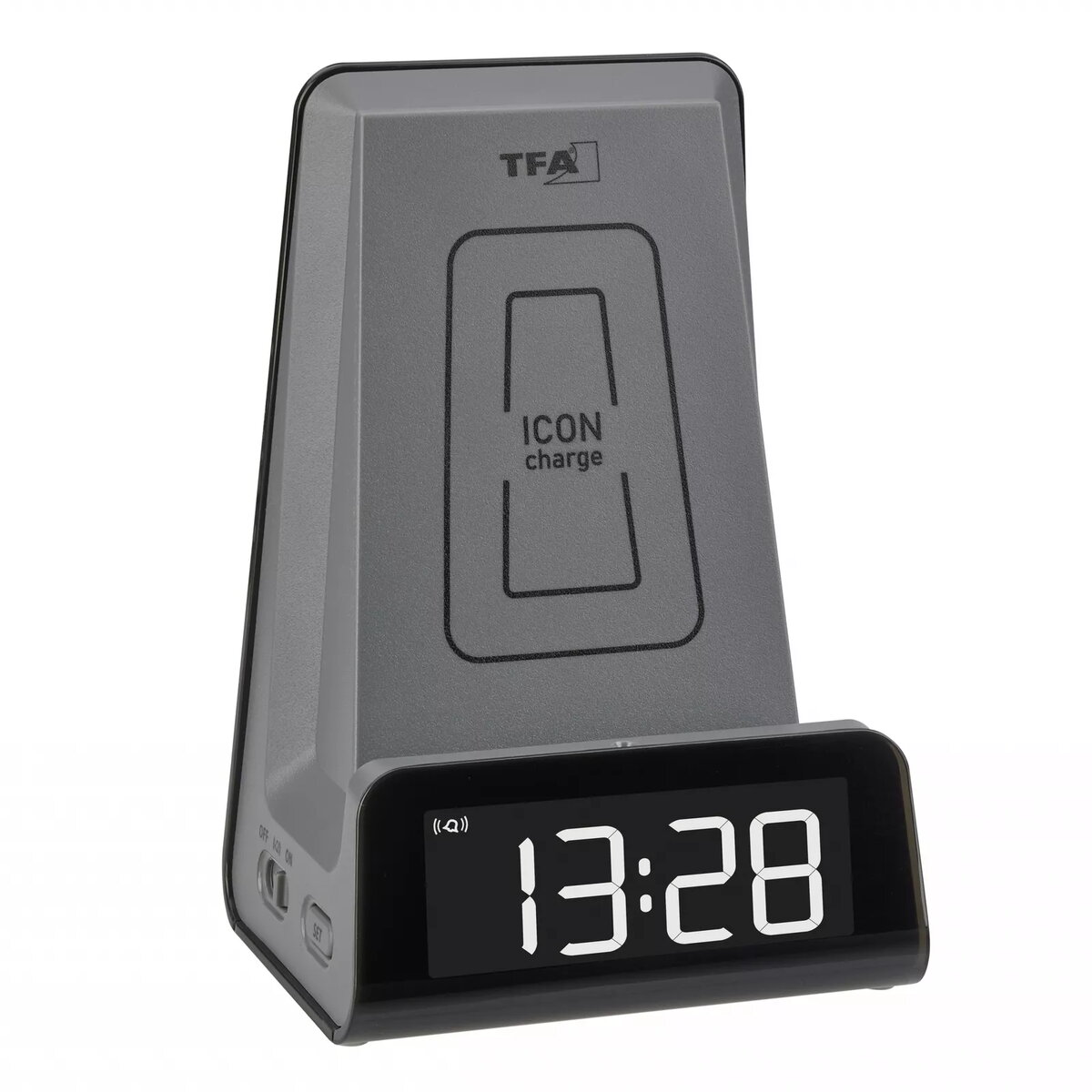
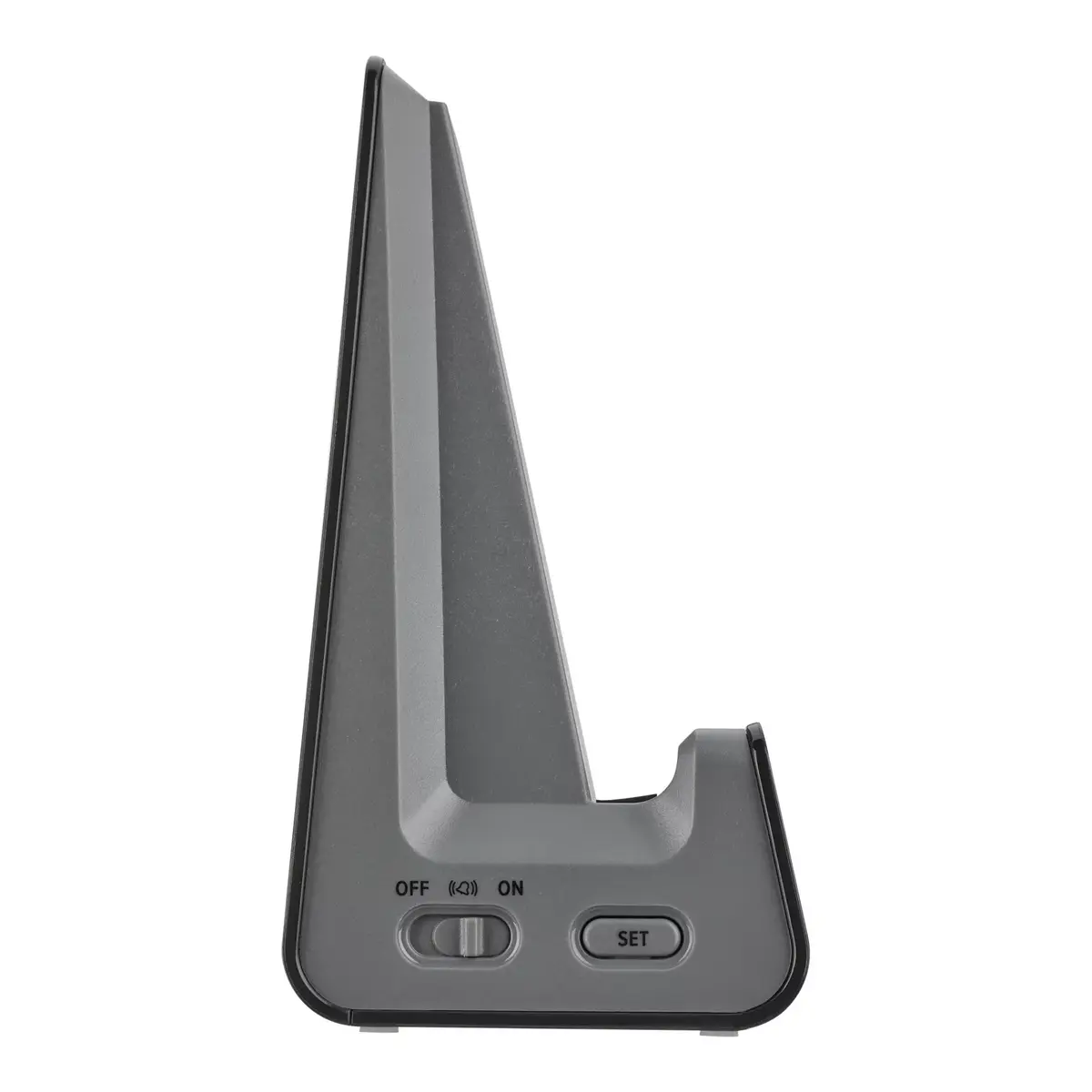
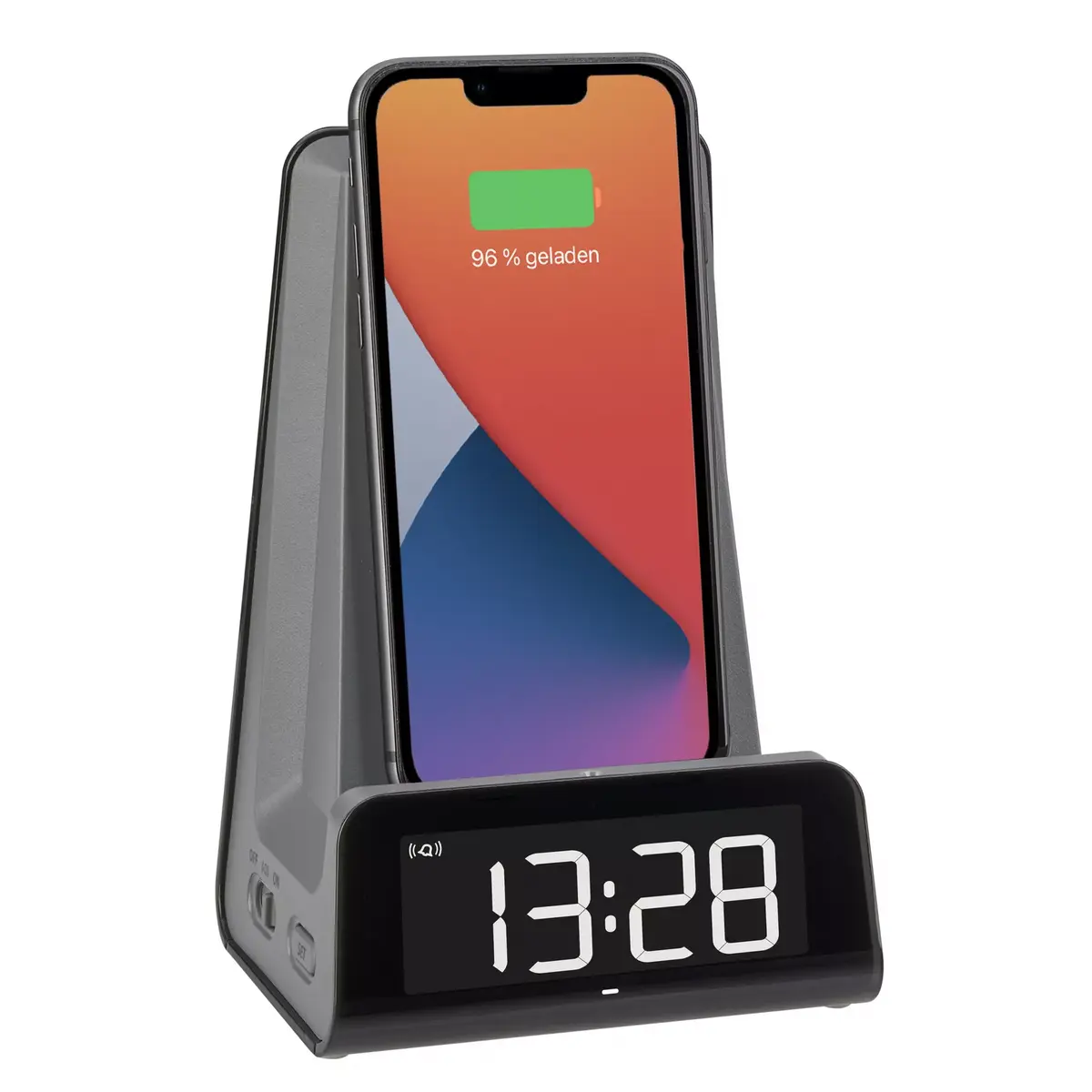
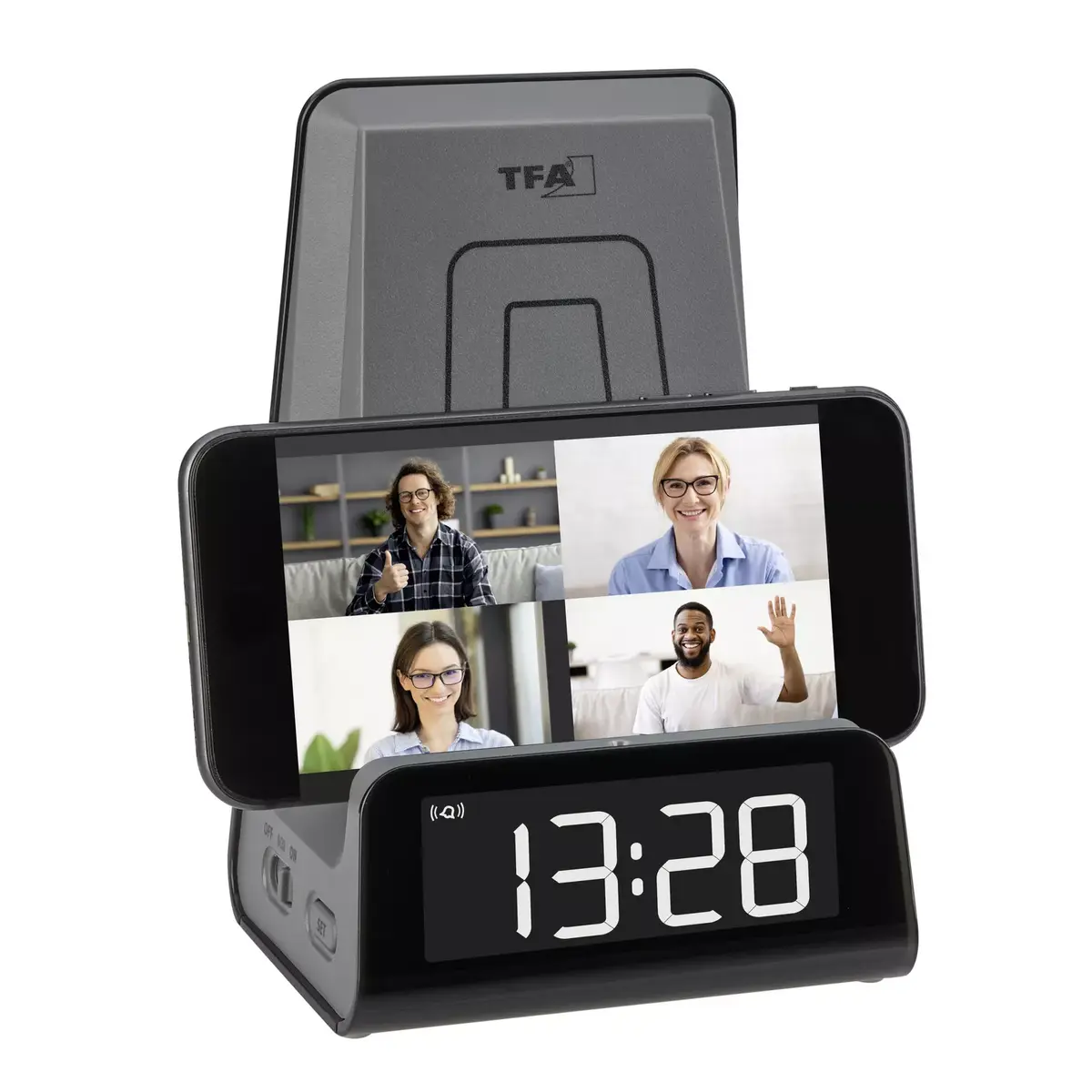
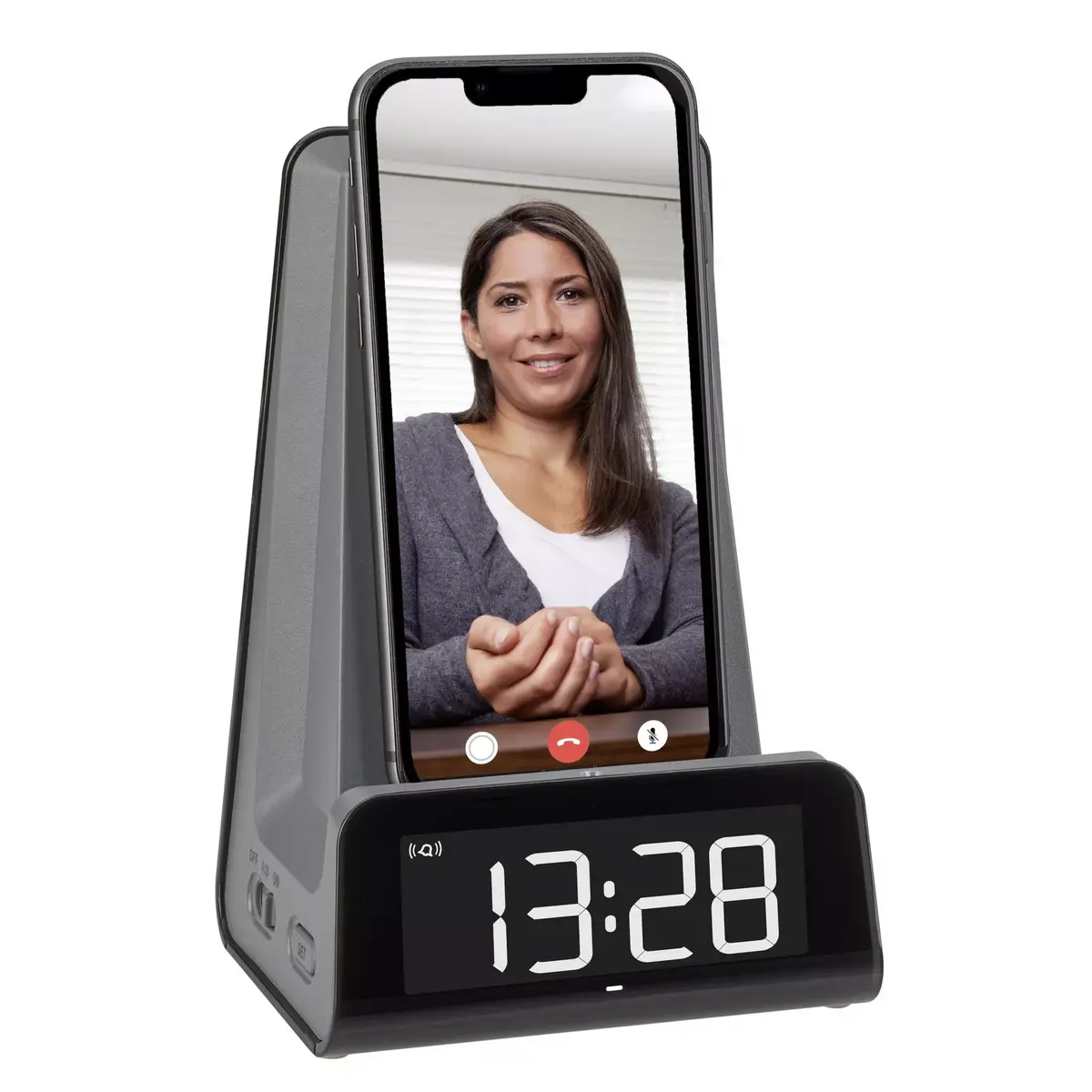
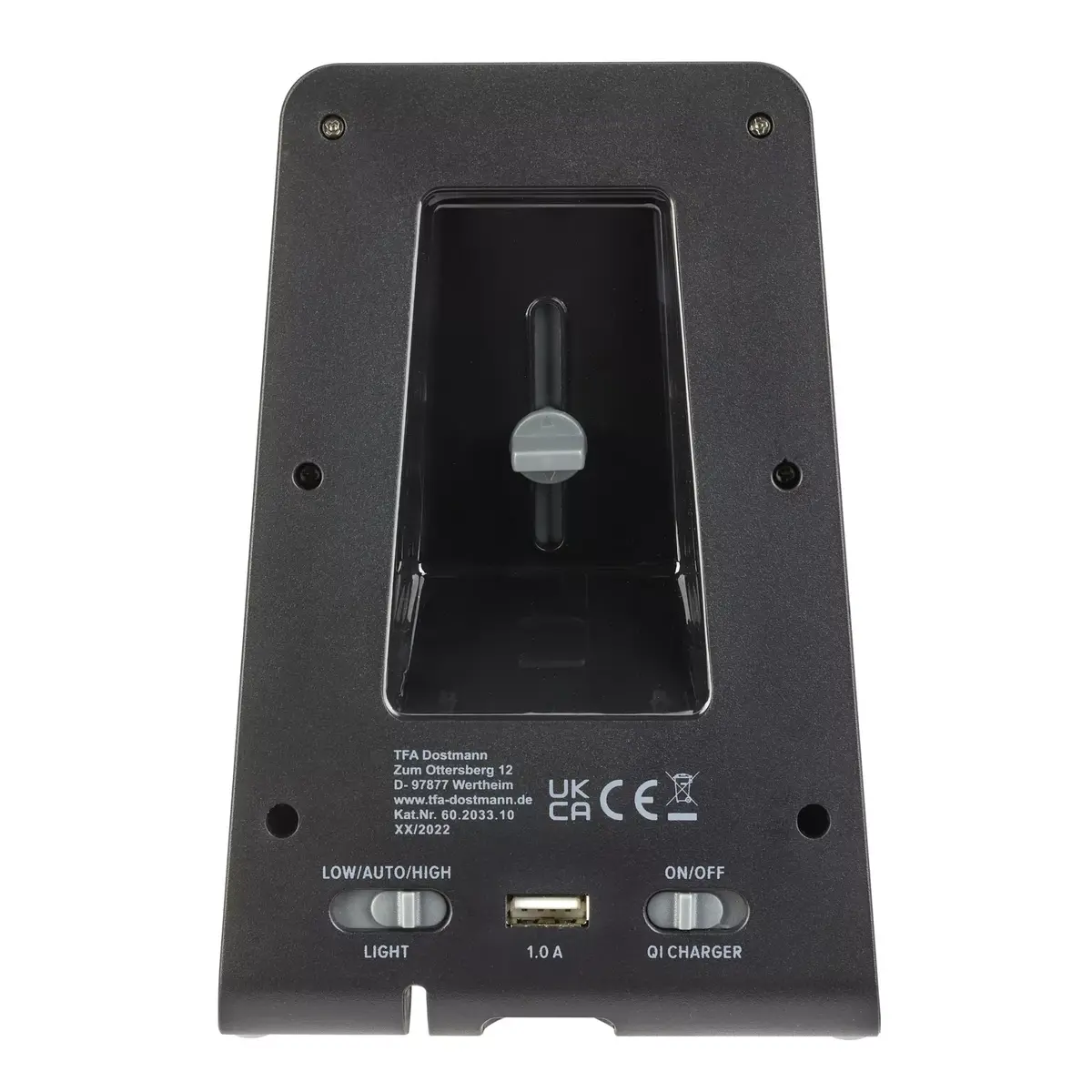
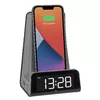
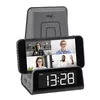
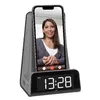
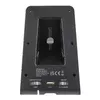
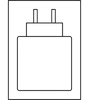 Charging device included


