-
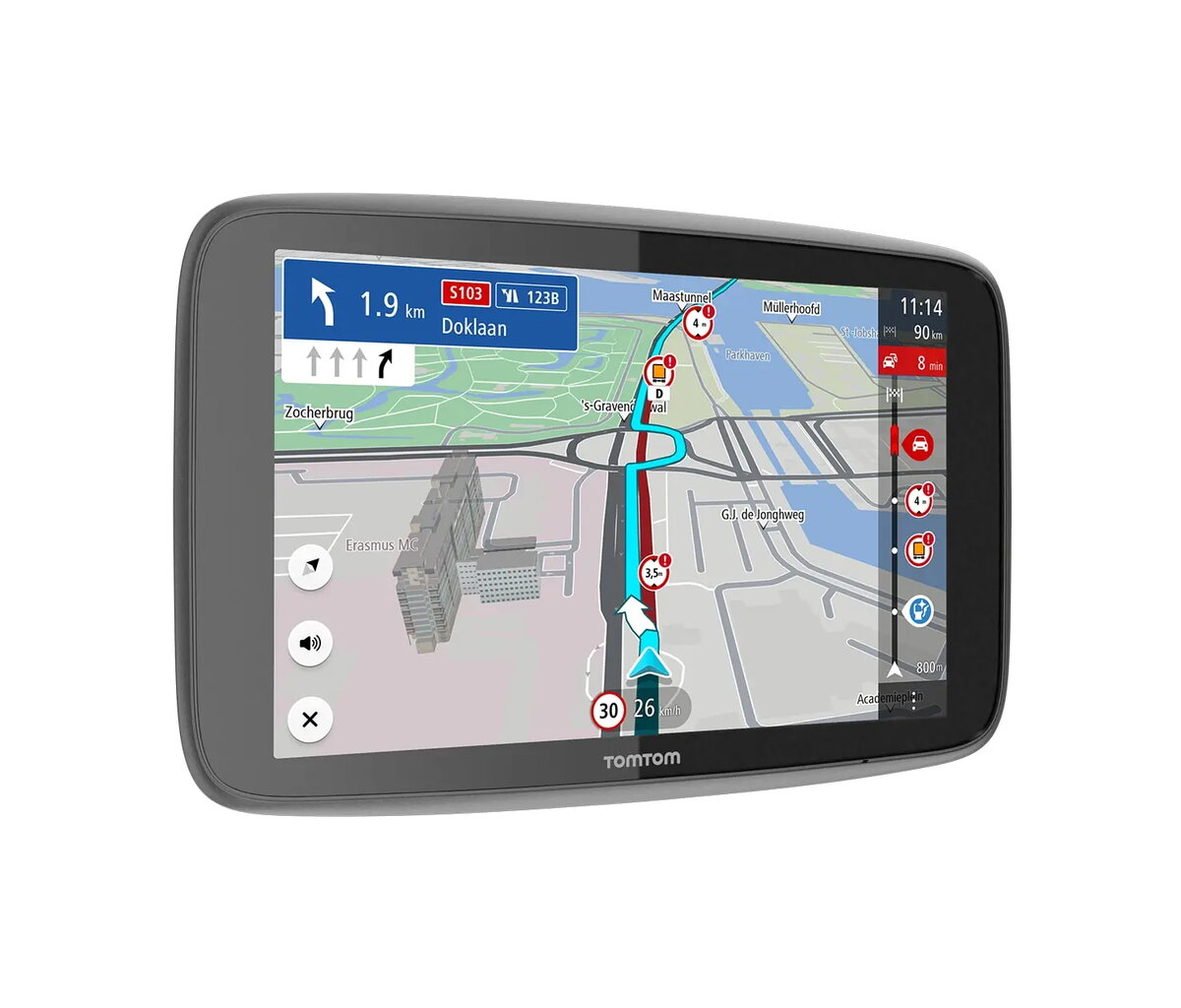
Form factor:
The shape or design of the product.
-
Fixed
-
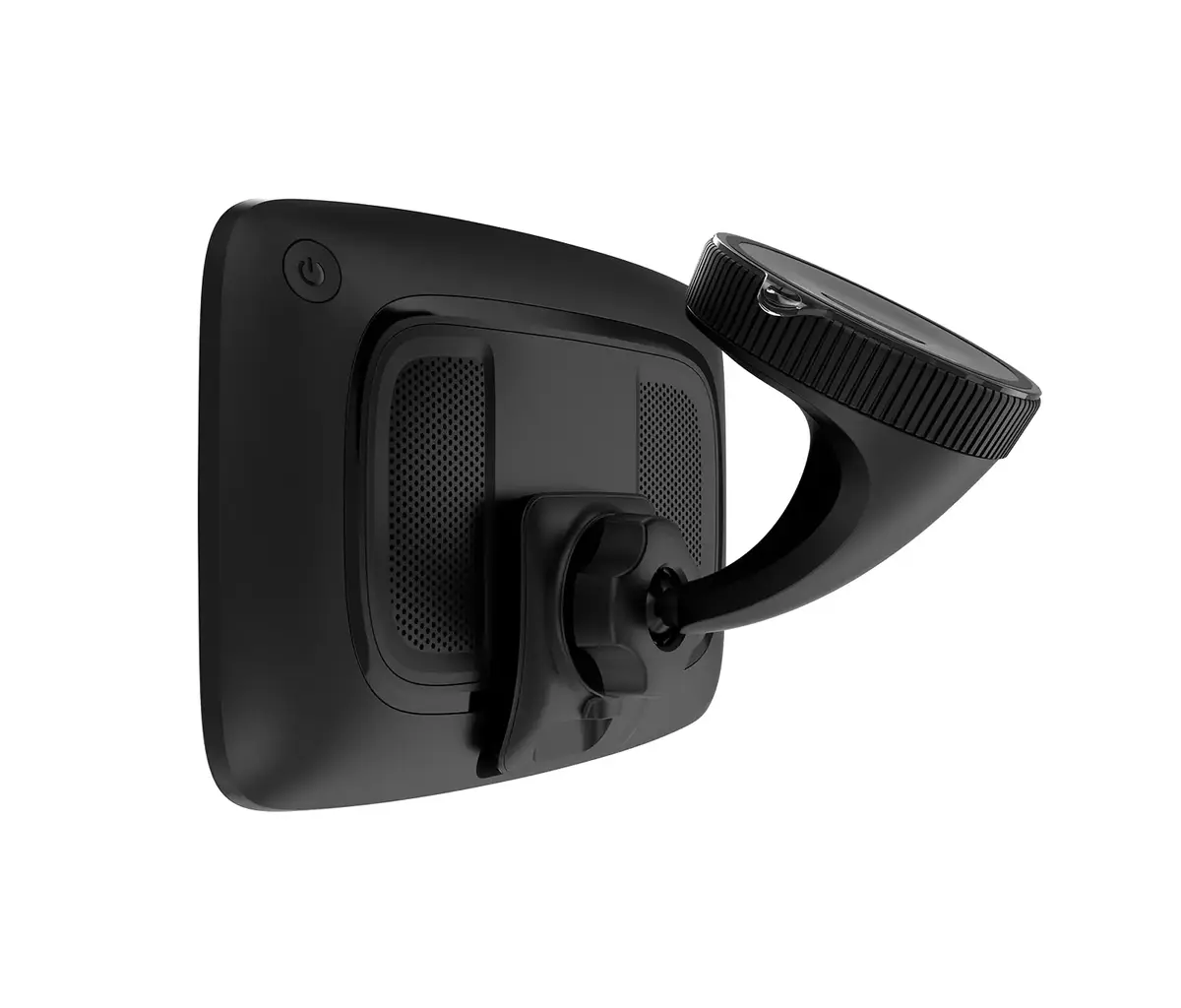
Built-in speaker(s):
The device contains speaker(s) to produce sound.
-
Yes
-
Bluetooth:
Bluetooth is a low-power radio technology developed to replace the cables and wires currently used to link or connect electronic devices such as personal computers, printers, and a wide variety of handheld devices including mobile phones. Because it uses radio-wave connectivity, a Bluetooth-enabled device has a constant, established connection to whatever browser it uses. This saves the user the trouble of logging on to check for emails or news updates, for example.
-
Yes
-
Display resolution:
The number of distinct pixels in each dimension that can be displayed. It is usually quoted as width × height, with the units in pixels: for example, "1024 × 768" means the width is 1024 pixels and the height is 768 pixels. The higher the number of pixels, the sharper the image.
-
1280 x 800
-
Touchscreen:
A screen of a laptop, smartphone, etc., that responds to touch so you can control the interface using your fingers.
-
Yes
-
Display diagonal:
Size of the display for this product, measured diagonally, usually in inches.
-
7 "
-
Maps included:
The product includes maps.
-
Yes
-
Lane guidance:
-
Yes
-
Traffic Message Channel (TMC):
Traffic Message Channel (TMC) is a technology for delivering traffic and travel information to motor vehicle drivers. It is digitally coded, using the Radio Data System system on conventional FM radio broadcasts. It can also be transmitted on Digital Audio Broadcasting or satellite radio.
-
Yes
-
Truck:
Vehicle for carrying goods and materials.
-
Yes
-
Auto:
Device is for use in a car.
-
Yes
-
Power source type:
What the power source is.
-
Battery, Cigar lighter
-
Product colour:
The colour e.g. red, blue, green, black, white.
-
Black
-
Storage media type:
Type of storage medium, like flash, hard disk drive, etc.
-
Not available
-
Map coverage:
The geographical area covered by the maps that are supplied in a sat nav package.
-
Albania, Andorra, Argentina, Australia, Austria, Belgium, Brazil, Bulgaria, Canada, Chile, Croatia, Cyprus, Czech Republic, Denmark, Egypt, Estonia, Finland, France, Germany, Gibraltar, Greece, Iceland, Ireland, Italy, Jordan, Latvia, Lebanon, Liechtenstein, Lithuania, Luxembourg, Malaysia, Malta, Mexico, Moldova, Monaco, Montenegro, Morocco, New Zealand, Norway, Poland, Portugal, Romania, Russia, Serbia, Singapore, Slovakia, Slovenia, Southern Africa, Spain, Sweden, Switzerland, Taiwan, Turkey, USA, Ukraine, United Kingdom, Uruguay
-
Languages support:
The product has support (help) for languages.
-
Bulgarian, Czech, Danish, German, English, Spanish, Estonian, Finnish, French, Greek, HRV, LAT, Latvian, Lithuanian, Norwegian, Polish, Portuguese, Swedish, Turkish