
Filters you can trust. Pure water every day.
In cart {{totalProductsCount}} item(s)
Your cart is empty
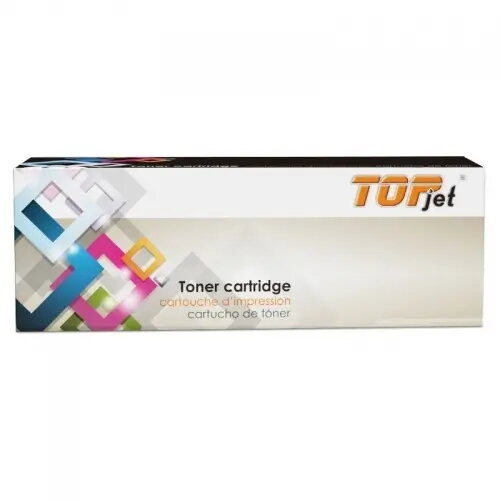
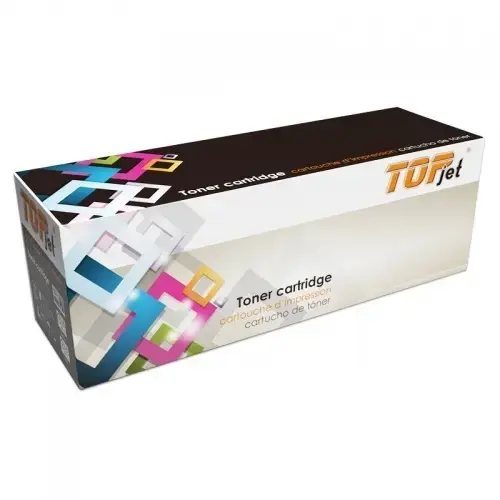
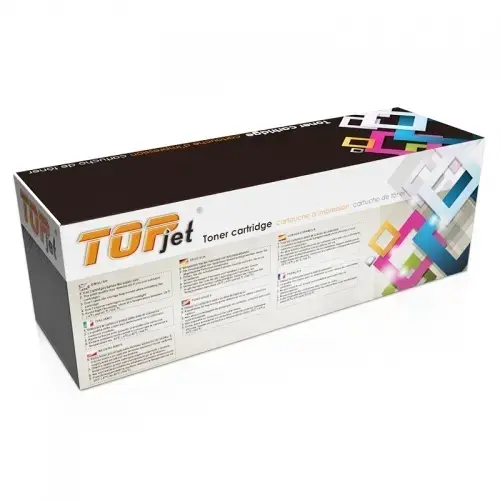
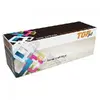
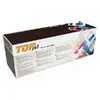
Toner cartridge Top-Jet Compatible for Brother TN-248XLY, Yellow
Top-Jet Compatible for Brother TN-248XLY, Yellow toner cartridge (MPN CH-TJ/TN248XLY, EAN 694255236876) is a replacement yellow toner designed for use in Brother printers compatible with the TN-248XLY series. This compatible Top-Jet cartridge supplies yellow toner for colour laser printing, enabling production of documents, brochures and marketing materials that require accurate yellow colour output. The cartridge is supplied ready to install and intended as a drop-in replacement for the original Brother consumable to restore yellow channel printing.
The Top-Jet compatible yellow toner cartridge delivers a practical alternative to the original supplier cartridge, offering reliable colour coverage and straightforward installation. It is manufactured to fit the Brother TN-248XLY form factor and aims to provide consistent print density and colour stability across typical office print runs. Using a compatible cartridge may reduce consumable costs while maintaining the expected functionality for colour laser prints.
Before installation, power off the printer if recommended by the printer manufacturer. Open the printer cover or toner compartment according to the Brother printer user guide, remove the empty TN-248XLY yellow cartridge and unpack the Top-Jet replacement. Remove any protective seals or packaging from the new cartridge, then insert it into the designated yellow slot until it clicks or seats securely. Close the printer cover and follow any on-screen prompts to reset toner status if required by the printer model. Perform a test print or colour alignment page to confirm correct installation and colour output.
Store the replacement cartridge in a cool, dry place away from direct sunlight and strong magnetic fields. Handle the cartridge horizontally and avoid touching the drum or toner aperture. For best results, run printer colour calibration and use manufacturer-recommended paper and print settings appropriate for colour laser output.
{{highlightedFeature.featureTitle}}:
{{getProductFeatureValueById(product, highlightedFeature.featureId)}}
{{ productComparisonGenerationError }}