
Filters you can trust. Pure water every day.
In cart {{totalProductsCount}} item(s)
Your cart is empty
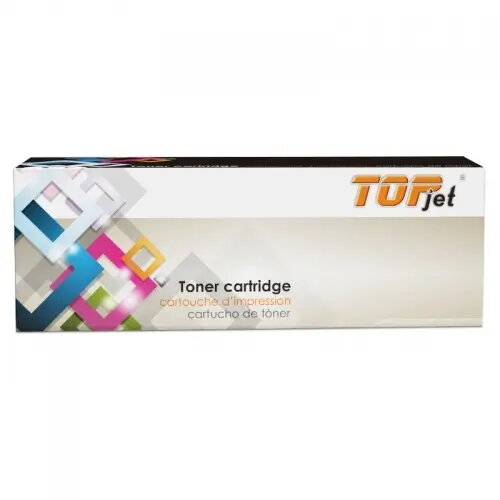
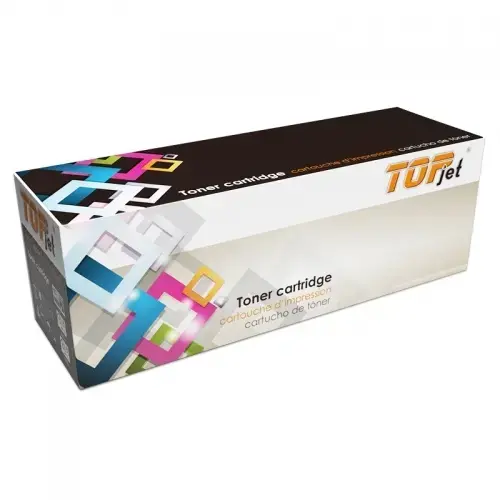
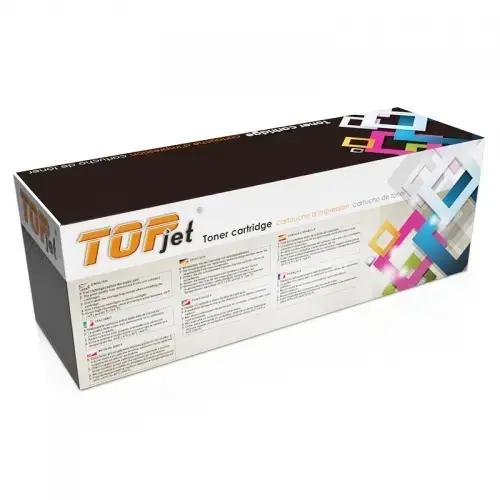
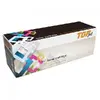
Toner cartridge Top-Jet TN-2510XL compatible with Brother TN2510XL, black
Top-Jet TN-2510XL compatible black toner cartridge is a replacement component designed to work with printers that accept Brother TN2510XL cartridges. It supplies black toner for monochrome laser printing, intended for producing text documents, forms and office materials with clear contrast and readable characters. The cartridge is presented as a compatible alternative to the original consumable and is sized to provide extended page yield compared with standard cartridges.
This compatible Toner cartridge Top-Jet TN-2510XL offers straightforward installation and is built to restore printing capability quickly. It provides consistent black density for plain text and business documents, supports stable page output over the cartridge life and reduces the need for frequent replacements. The cartridge is manufactured to meet common compatibility requirements for printers that accept this cartridge type while keeping handling and storage simple.
Turn off the printer and open the front or top cover following the printer manufacturer’s instructions. Remove the empty cartridge by pulling it straight out and unpack the Top-Jet TN-2510XL compatible cartridge from its protective packaging. Remove any protective seals or tapes indicated on the cartridge, then insert it firmly into the cartridge bay until it clicks into place. Close the printer cover, turn the printer back on and print a test page or alignment page if the printer supports it. If print density or alignment adjustments are available in the printer menu, follow those options to optimise output.
Store the cartridge in a cool, dry place and avoid prolonged exposure to direct sunlight. Handle the cartridge carefully to prevent toner spills and avoid touching the imaging drum area if exposed. For best results, use the cartridge with printers fully supported by TN2510XL-type consumables and follow printer maintenance procedures such as periodic cleaning and firmware updates.
{{highlightedFeature.featureTitle}}:
{{getProductFeatureValueById(product, highlightedFeature.featureId)}}
{{ productComparisonGenerationError }}