{{ totalProductsCount }}

In cart {{totalProductsCount}} item(s)

Total:
{{sum | formatAmount}}

Your cart is empty

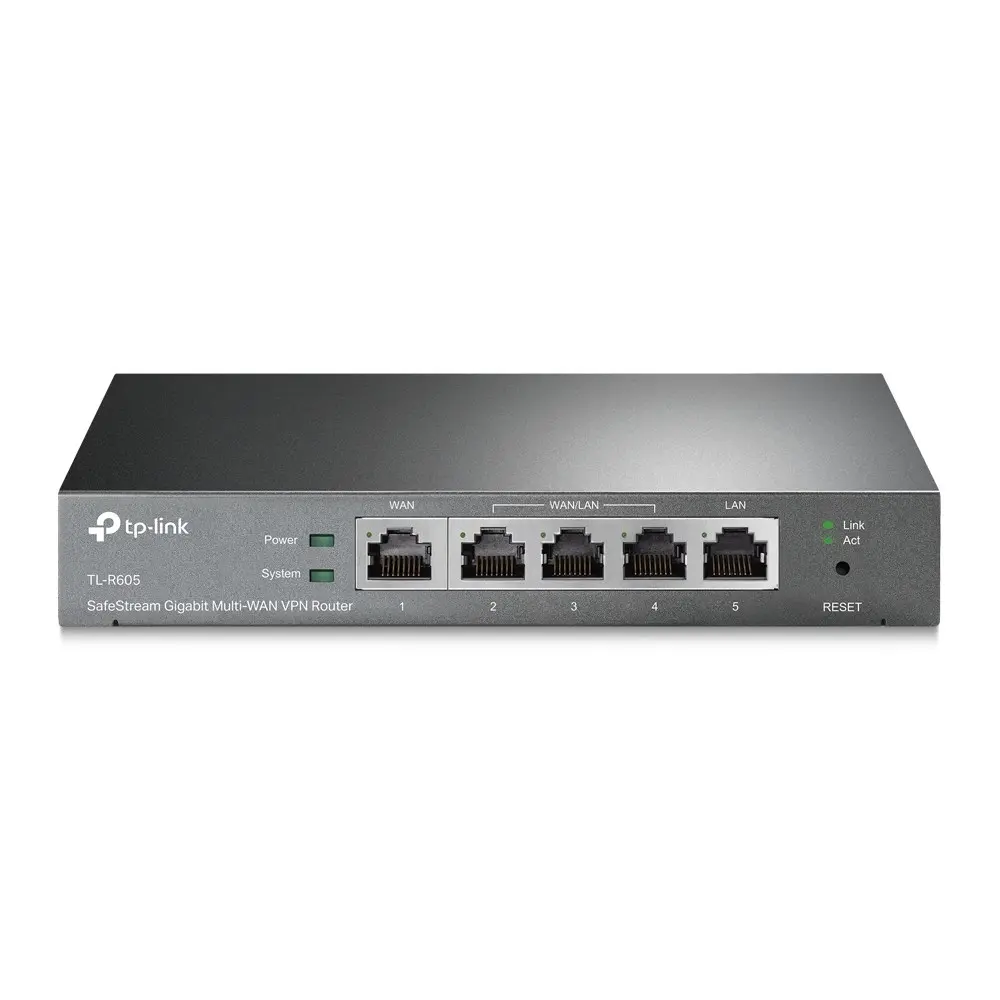
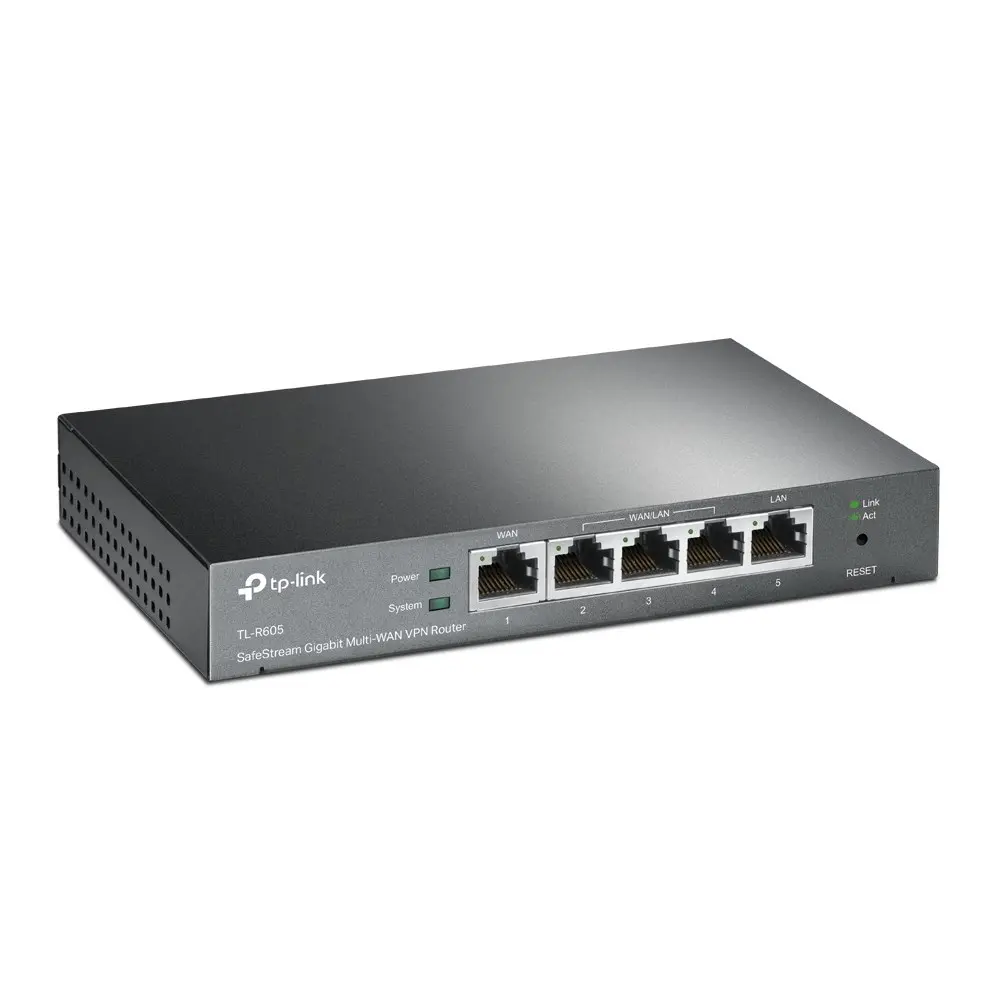
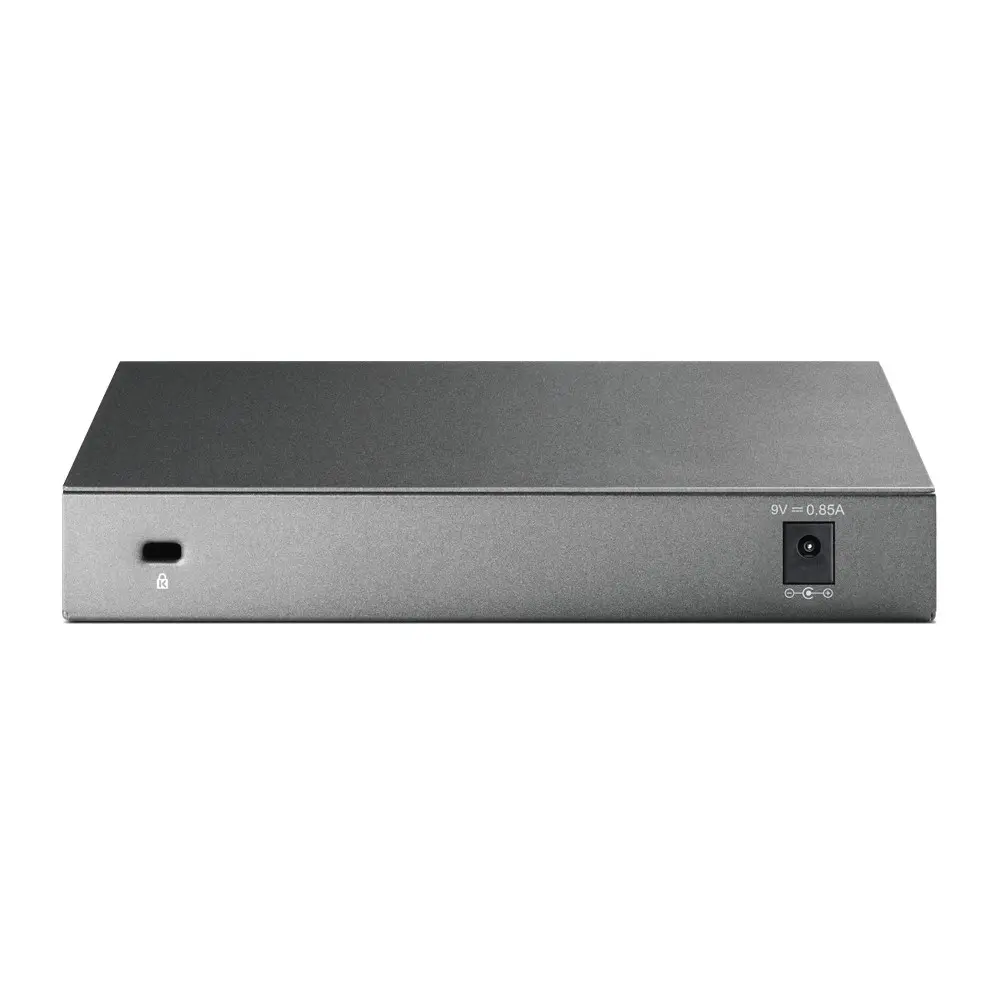
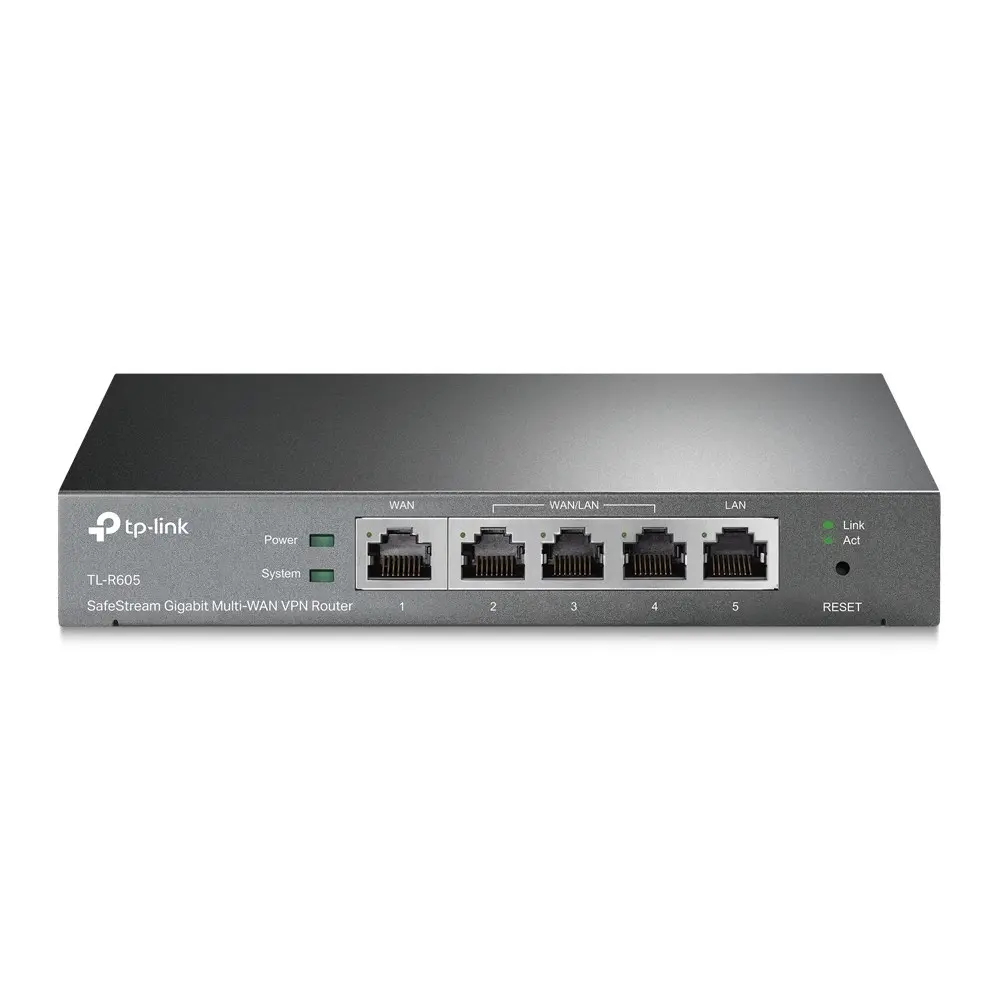
header-product TP-Link SafeStream Gigabit Multi-WAN VPN Router with 4 Ethernet Ports and 128 MB Flash Memory
79.49 €

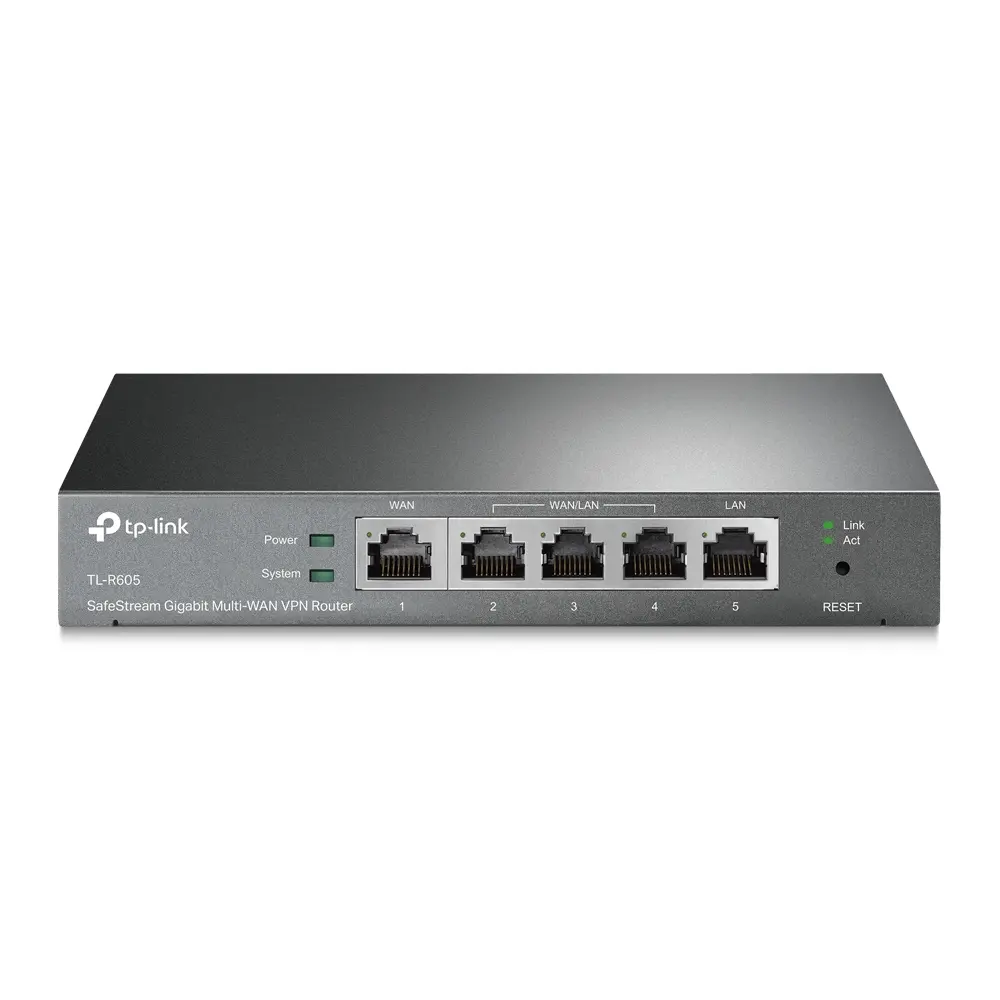
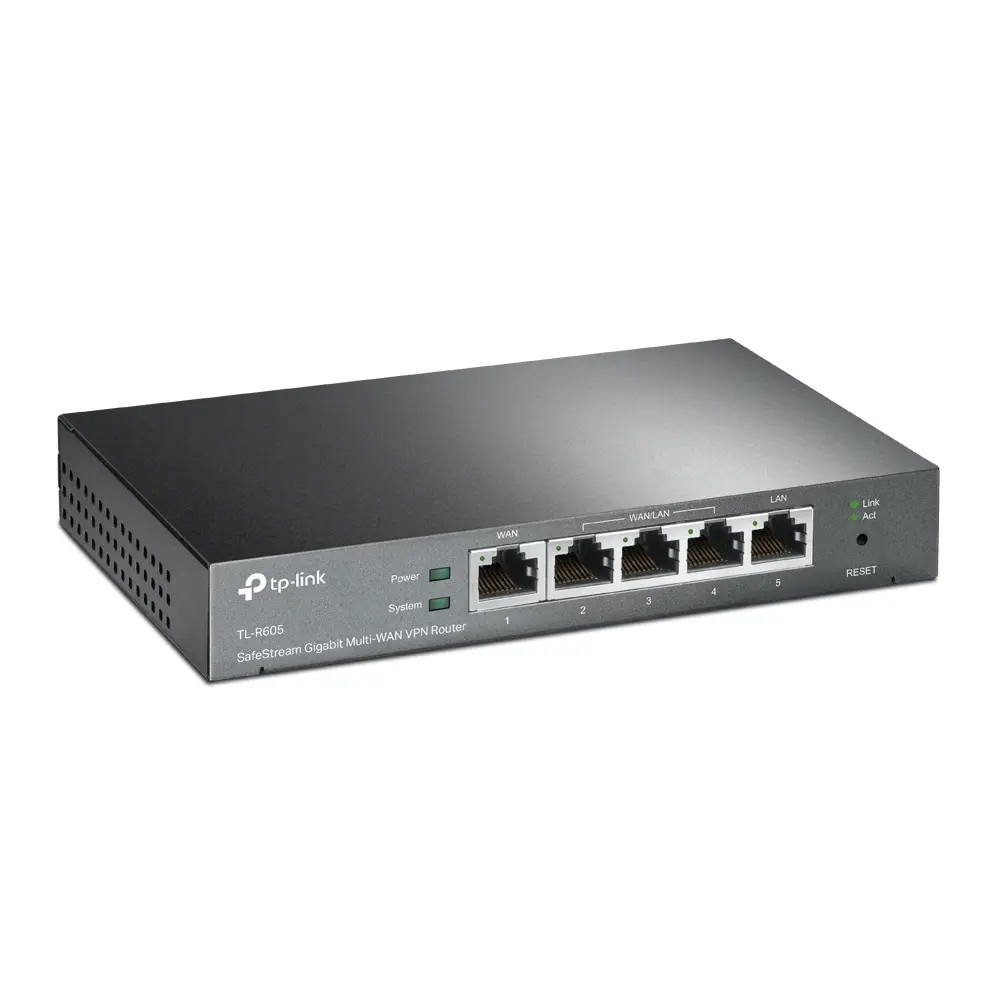
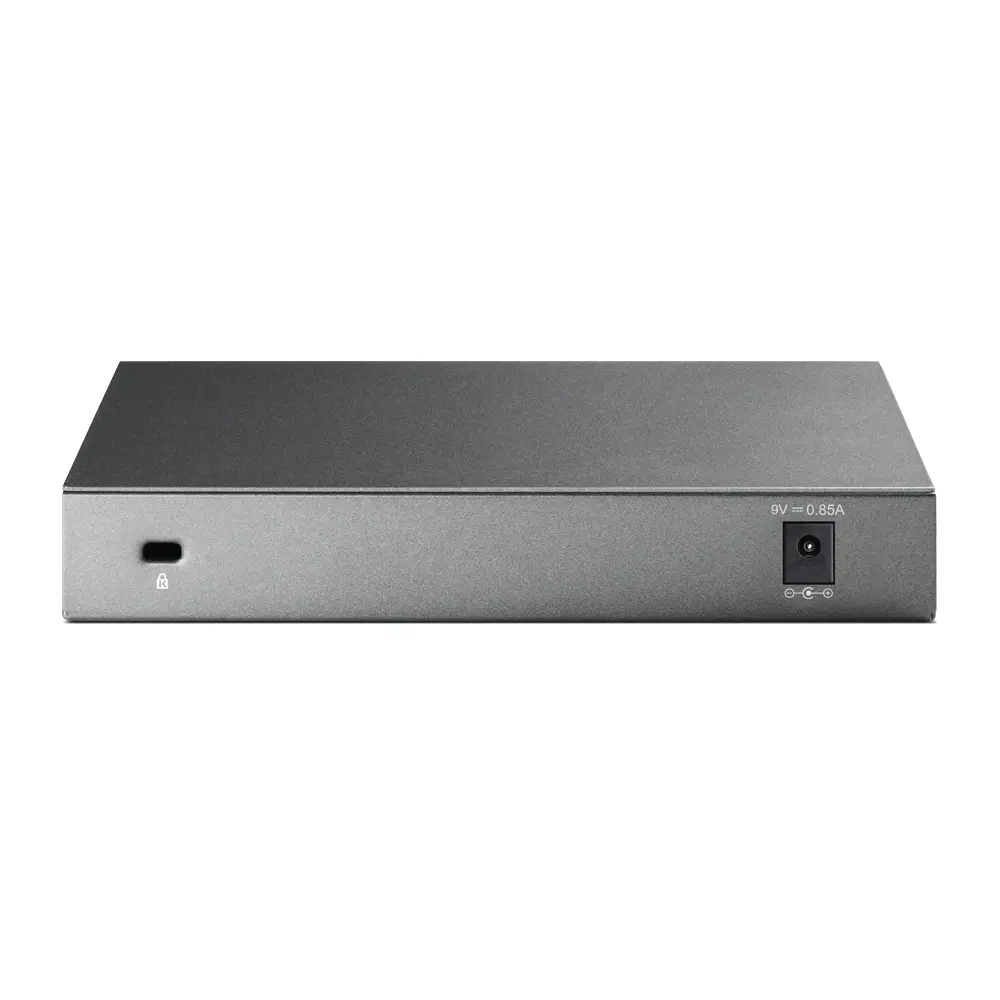
TP-Link SafeStream Gigabit Multi-WAN VPN Router with 4 Ethernet Ports and 128 MB Flash Memory

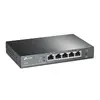
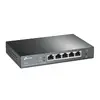
TP-Link SafeStream Gigabit Multi-WAN VPN Router Photo 1
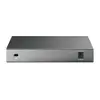
TP-Link SafeStream Gigabit Multi-WAN VPN Router Photo 2
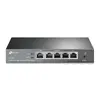
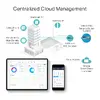
TP-Link SafeStream Gigabit Multi-WAN VPN Router Photo 3
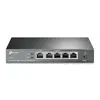
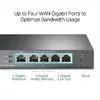
TP-Link SafeStream Gigabit Multi-WAN VPN Router Photo 4
TP-Link SafeStream Gigabit Multi-WAN VPN Router Photo 5
TP-Link SafeStream Gigabit Multi-WAN VPN Router Photo 6
TP-Link SafeStream Gigabit Multi-WAN VPN Router Photo 7
TP-Link SafeStream Gigabit Multi-WAN VPN Router Photo 8
TP-Link SafeStream Gigabit Multi-WAN VPN Router Photo 9
TP-Link SafeStream Gigabit Multi-WAN VPN Router Photo 10
TP-Link SafeStream Gigabit Multi-WAN VPN Router Photo 11
TP-Link SafeStream Gigabit Multi-WAN VPN Router Photo 1
TP-Link SafeStream Gigabit Multi-WAN VPN Router Photo 2
TP-Link SafeStream Gigabit Multi-WAN VPN Router Photo 3
TP-Link SafeStream Gigabit Multi-WAN VPN Router Photo 4
TP-Link SafeStream Gigabit Multi-WAN VPN Router Photo 5
TP-Link SafeStream Gigabit Multi-WAN VPN Router Photo 6
TP-Link SafeStream Gigabit Multi-WAN VPN Router Photo 7
TP-Link SafeStream Gigabit Multi-WAN VPN Router Photo 8
TP-Link SafeStream Gigabit Multi-WAN VPN Router Photo 9
TP-Link SafeStream Gigabit Multi-WAN VPN Router Photo 10
TP-Link SafeStream Gigabit Multi-WAN VPN Router Photo 11

New arrival!

Keep track of price changes You keep track of price changes
Watch the price drop

Leave your address - as soon as the price of the product goes down, you'll know about it right away

You keep track of price changes

TP-Link SafeStream Gigabit Multi-WAN VPN Router with 4 Ethernet Ports and 128 MB Flash Memory

{{email}}
You keep track of price changes

TP-Link SafeStream Gigabit Multi-WAN VPN Router with 4 Ethernet Ports and 128 MB Flash Memory

{{email}}
{{selectedOffer && selectedOffer.price | formatAmount}}

Short description

TP-Link SafeStream Gigabit Multi-WAN VPN Router featuring Gigabit Ethernet interfaces, 4 LAN ports, and advanced NAT and security functionalities. Designed for reliable network management and secure remote connections, it supports various networking standards and features 256 MB of internal memory, 128 MB flash memory, and 3G/4G USB modem compatibility for flexible deployment in professional environments.
Available for order: 30 pcs.
Warranty: 2 Years
SKU: 12701104
Charging device included Charging device included
free shipment

Cheapest delivery:

Unisend LV

Pick-up points

Unisend LV

Cost

1.99 €

Deliver

{{selectedOffer.parcelStationDeliveryString}}

Customer service center
2b. Kengaraga str., Riga, Latvia, LV-1063
21.10.2026 {{selectedOffer.officeDeliveryString}}
free
Courier Delivery Please note that in case of a large parcel additional delivery costs may apply!
26.10.2026 {{selectedOffer.courierDeliveryString}}
From 4.99 € (Weight: 1.85 kg)
Parcel couriers
Unisend LV / Venipak Pickup LV / Venipak Locker LV / DPD Paku skapis / Omniva LV / Latvijas Pasts pakomāts / Latvijas Pasts nodaļa
26.10.2026 {{selectedOffer.parcelStationDeliveryString}}
From 1.99 €
0 credit

pay in 3 equal parts

today

0 €

afterward

3 mth. х 26.5 €

overpayment

0 €

All payment Methods:
Bank transfer, Bank cards on-line, Apple Pay, Google Pay, Installment
36 months installment: from 2.21 euros per month
Together cheaper
{{product.price | formatAmount}}
{{product.title}}
{{productBundle.reference.specialPrice | formatAmount}}
{{productBundle.title}}
{{productBundlePreviousPrice | formatAmount}}
{{productBundleSpecialPrice | formatAmount}}

You saving {{productBundleYouSave | formatAmount}}

Product information

Description

The TP-Link SafeStream Gigabit Multi-WAN VPN Router with 4 Ethernet Ports and 128 MB Flash Memory is a professional-grade networking solution designed for reliable network management and secure remote connections. Featuring Gigabit Ethernet interfaces, 4 LAN ports, and advanced NAT functionality, this router provides high-speed wired connectivity and efficient bandwidth distribution. It integrates seamlessly into professional environments, offering robust security features and flexible deployment options including 3G and 4G USB modem compatibility.

Advantages

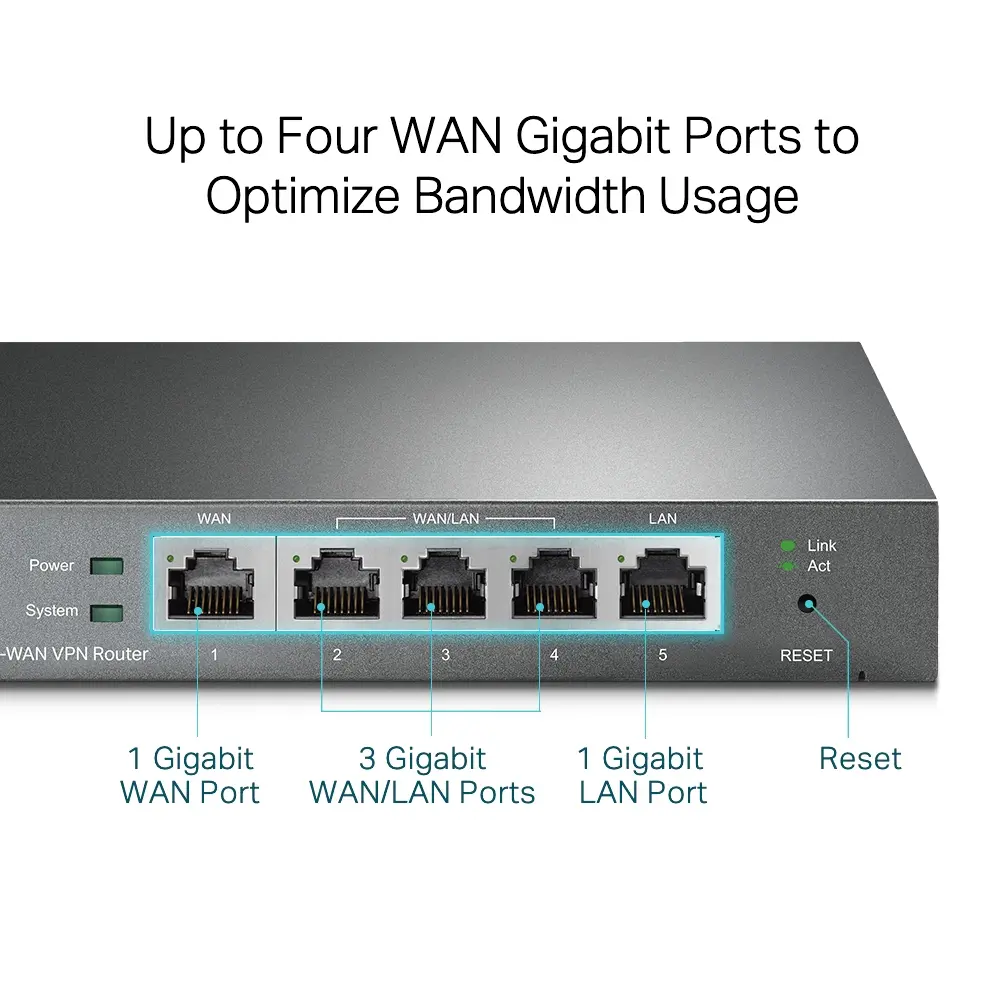
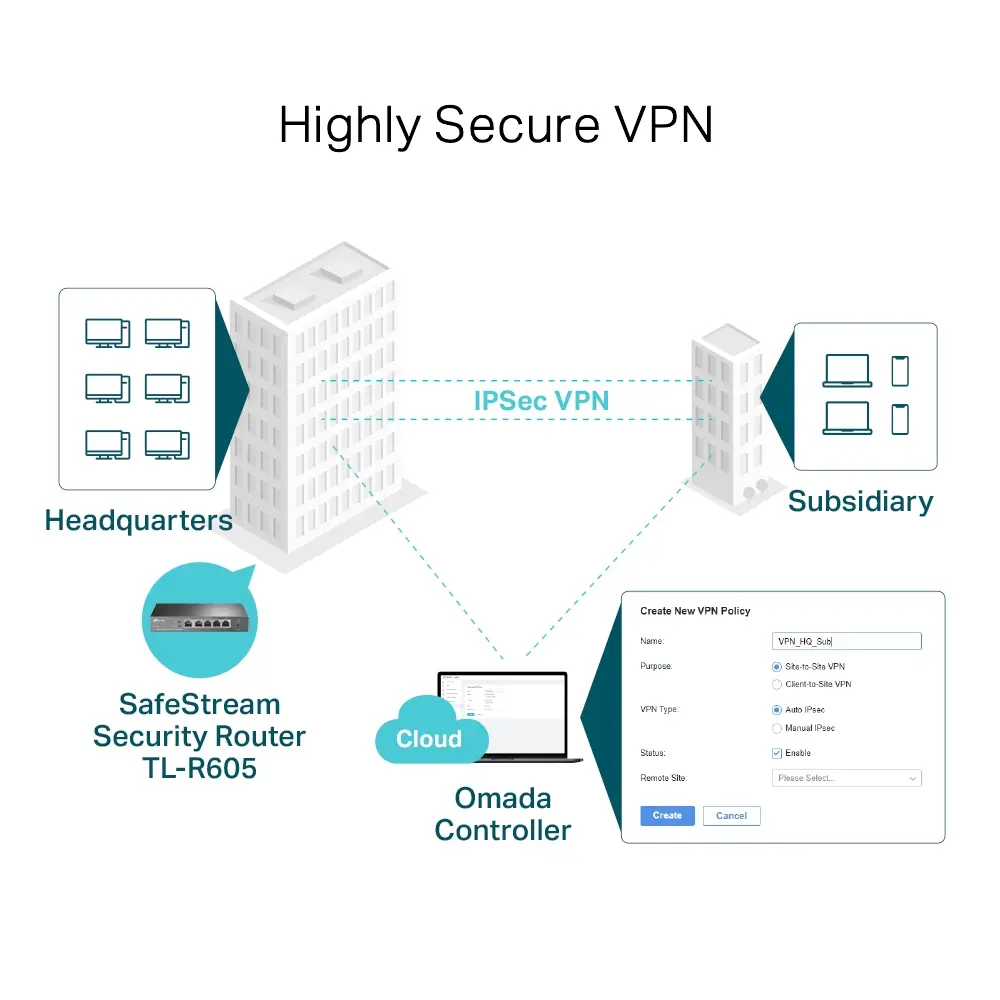
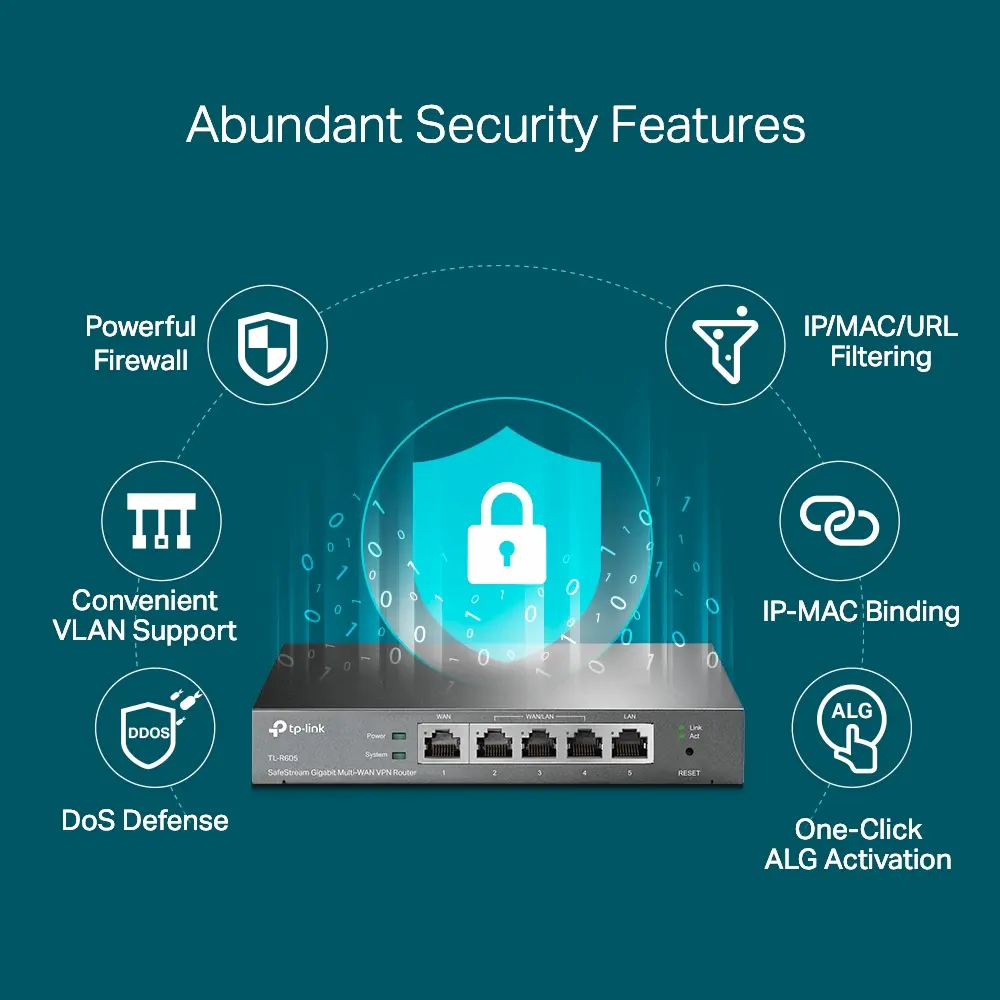
This multi-WAN VPN router delivers exceptional flexibility through its multiple interchangeable ports that can be configured as up to four WAN ports to optimize bandwidth usage via load balancing. It supports highly secure virtual private network connections, including IPsec, OpenVPN, L2TP, and PPTP, ensuring encrypted and reliable site-to-site communication. Additionally, the device features comprehensive security policies such as advanced firewalls, DoS defense, and IP, MAC, and URL filtering to protect sensitive business data.

Suitable for

  • Small to medium business networks requiring reliable multi-WAN internet distribution
  • Secure remote access via VPN for branch offices and remote workers
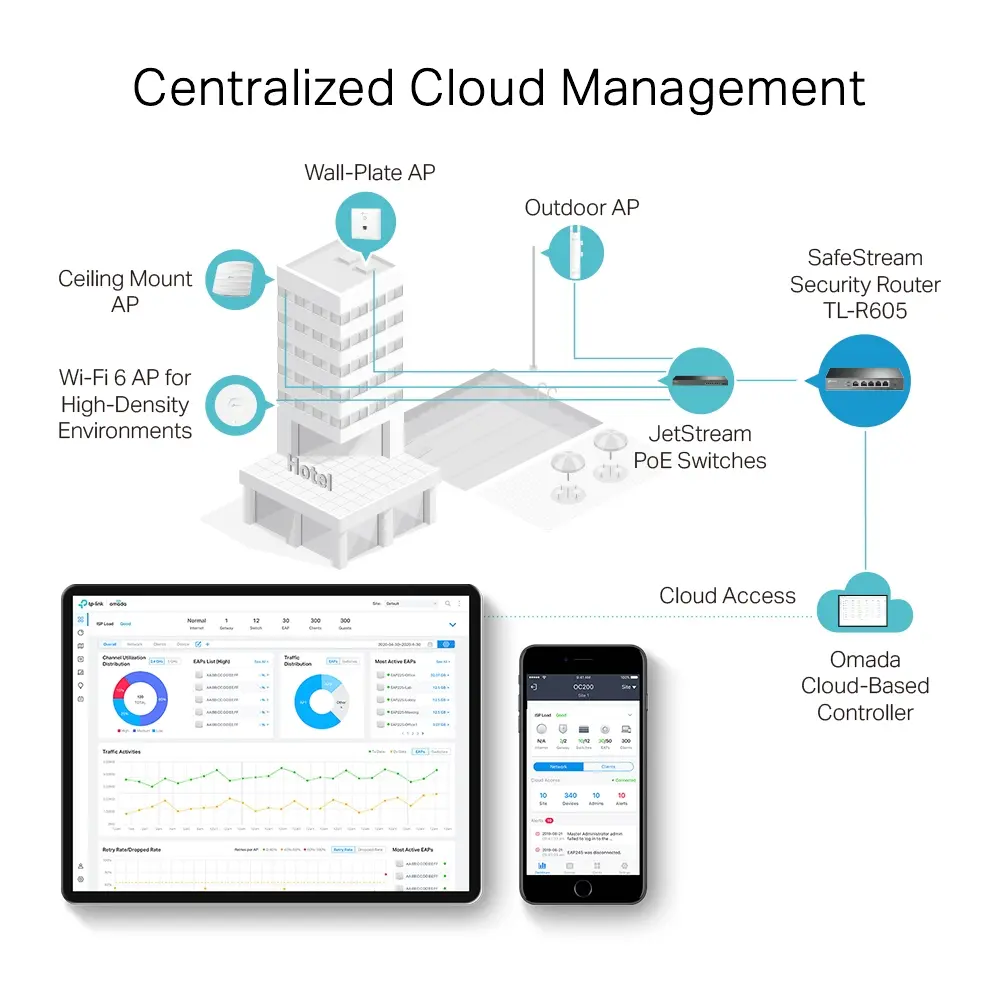
  • Centralized cloud network management utilizing Omada SDN platforms
  • Environments requiring backup internet connectivity via compatible 3G and 4G USB modems

When it may not be suitable

This device may not be suitable for basic home users who do not require advanced VPN tunnels, multi-WAN load balancing, or centralized enterprise management tools. Furthermore, it does not include a built-in DSL modem, meaning it cannot connect directly to a DSL telephone line without a separate modem.

Key specifications

  • 4 Gigabit Ethernet LAN ports
  • 1 Gigabit WAN port and 3 interchangeable Gigabit WAN or LAN ports
  • 128 MB flash memory and 256 MB internal memory
  • Supports up to 20 IPsec, 16 OpenVPN, 16 L2TP, and 16 PPTP VPN connections
  • Compatible with 3G and 4G USB modems
  • Networking standards include IEEE 802.1Q, IEEE 802.3, IEEE 802.3ab, IEEE 802.3u, and IEEE 802.3x
  • Black plastic casing with DC power source

How to use

Connect the router to your power source using the provided DC adapter and link your broadband modems or internet sources to the WAN ports using Ethernet cables. Connect your local network switches or computers to the remaining LAN ports. Initial setup and configuration can be performed via a web browser using the web-based management interface or remotely through the mobile application by following the on-screen configuration instructions.

What to consider before purchase

  • Verify whether your current internet service requires a DSL modem, as this router lacks a built-in DSL interface
  • Assess your bandwidth management needs to determine if multi-WAN load balancing will benefit your network setup
  • Ensure compatibility with your existing network infrastructure and management preferences

Usage recommendations

For optimal performance and security, ensure the device firmware is regularly updated and configure robust firewall rules alongside VPN settings according to your organization network requirements.

Specifications

Ethernet LAN (RJ-45) ports: Number of Ethernet LAN (RJ-45) ports (connecting interfaces) in the device. Ethernet LAN (RJ-45) ports allow a computer to connect to the ethernet.
4
3G/4G USB modem compatibility:
Yes
SIM card slot: Whether the device features a SIM card slot.
No
DSL WAN: Whether or not the product features a DSL WAN (Wide Area Network) connection option.
No
Product colour: The colour e.g. red, blue, green, black, white.
Black
Power source type: What the power source is.
DC
All features
Gigabit Ethernet (copper) ports quantity:
4
VLAN support: A Virtual Local Area Network (VLAN) consists of a group of computers and switches that can be physically distributed over different networks and buildings, but form one LAN on a logical level.
Yes
Ethernet interface type:
Gigabit Ethernet
ARP attack prevention:
Yes
ICMP attack prevention:
Yes
SFP WAN:
No

Logistics data

Harmonized System (HS) code:
85176990

Other features

Input current:
1

System requirements

Linux operating systems supported: 8 RT. Linux (9.4, 9.5), Red Hat Enterprise Linux 5.0 (supported with a pre-built package); SUSE Linux (10.3, 11.0, 11, 11.1, 11.2), Fedora (9, 9.0, 10, 10.0, 11.0, 11, 12, 12.0), Ubuntu (8.04, 8.04.1, 8.04.2, 8.10, 9.04, 9.10, 10.04), Debian (5.0, 5.0.1, 5.0.2, 5.0.3)
Y
Windows operating systems supported: Windows vesions wich can be used with the device.
Windows 7, Windows XP, Windows Vista, Windows 98SE, Windows 8.1, Windows 8, Windows 10

Operational conditions

Storage relative humidity (H-H):
5 - 90
Operating relative humidity (H-H):
10 - 90
Storage temperature (T-T): The minimum and maximum temperatures at which the product can be safely stored.
-40 - 70
Operating temperature (T-T): The minimum and maximum temperatures at which the product can be safely operated.
0 - 40

Features

DHCP server: A server is a system which that responds to requests across a computer network to provide, or help to provide, a network service. DCHP servers uses the DCHP (Dynamic Host Configuration Protocol), which is a standardized networking protocol used by servers on an IP network to allocate IP addresses to computers. The purpose of DHCP is to automate the IP address configuration of a computer without a network administrator. IP addresses are typically selected from a range of assigned IP addresses stored in a database on the server and issued to a computer which requests a new IP address. An IP address is assigned to a computer for a set interval, after which, the computer must renew the IP address or acquire a new one.
Yes
Universal Plug and Play (UPnP):
Yes
Mac operating systems supported: Mac operating systems e.g. OS X can be used with the device.
MacOS
NAT functionality:
One-to-One NAT5 Multi-Net NAT Virtual Server Port Triggering5 NAT-DMZ FTP/H.323/SIP/IPSec/PPTP ALG, UPnP
Flash memory:
128 MB
Internal memory: The amount of memory, usually measured in bytes (e.g. MB, GB), which is installed in the system's hardware.
256 MB

Certificates

Certification:
CE, FCC, RoHS

Packaging content

Quick installation guide:
Yes
Cables included:
LAN (RJ-45)
AC adapter included:
Yes

Design

Reset button:
Yes
LED indicators:
LAN, Power, Status, WAN
Product colour: The colour e.g. red, blue, green, black, white.
Black

Security

Network address translation (NAT):
Yes
DMZ support:
Yes
System event log:
Yes
URL filtering:
Yes
DoS attack prevention:
Yes
Access Control List (ACL):
Yes
Firewall:
Yes

Management features

Web-based management: Using a website/web application to manage something.
Yes

Ports & interfaces

DC-in jack: The socket/plug where the DC electricity supply connects to the device.
Yes
Ethernet WAN:
Yes
Ethernet LAN (RJ-45) ports: Number of Ethernet LAN (RJ-45) ports (connecting interfaces) in the device. Ethernet LAN (RJ-45) ports allow a computer to connect to the ethernet.
4

Network

VPN tunnels quantity:
20
Static route:
Yes
Policy-based routing:
Yes
Cabling technology: Type of cable technology performance.
10/100/1000Base-T(X)
Ethernet LAN data rates: The different speed levels of the Ethernet LAN connection.
1000, 100, 10

Wireless LAN features

Security algorithms: Security algorithms are used to provide authentication, cipher key generation, integrity and radio link privacy to users on mobile networks. The security algorithms supported are the ones that can be used with this product.
FTPES, SIPS
Networking standards: The way in which the network is working, e.g. IEEE 802.11a, IEEE 802.11b, IEEE 802.11g.
IEEE 802.1Q, IEEE 802.3, IEEE 802.3ab, IEEE 802.3u, IEEE 802.3x

Weight & dimensions

Height: The measurement of the product from head to foot or from base to top.
25 mm
Depth: The distance from the front to the back of something.
101 mm
Width: The measurement or extent of something from side to side.
158 mm

WAN connection

3G/4G USB modem compatibility:
Yes
SIM card slot: Whether the device features a SIM card slot.
No
DSL WAN: Whether or not the product features a DSL WAN (Wide Area Network) connection option.
No

Power

Output current:
1 A
Output voltage:
12
Power source type: What the power source is.
DC

Similar products

{{product.title}}
Show details Hide details

{{highlightedFeature.featureTitle}}:

{{getProductFeatureValueById(product, highlightedFeature.featureId)}}

{{product.price | formatAmount}}
Might be useful
{{product.manufacturerName}}
{{product.categoryName}}
{{product.title}}
{{product.specialPrice}}
{{product.price}}

Customer reviews

Customer questions

FAQ

How much does the TP-Link SafeStream Gigabit Multi-WAN VPN Router cost, and is it available for purchase?

The price is 79.49 € (valid at the time of publication and already includes all taxes). The item is available for order — 30 pcs. are in stock, and you can place your purchase right now with delivery across Latvia and Europe or choose pickup at the Riga collection point. We offer favorable purchase terms, including the option to split the payment into convenient monthly installments. Availability and price are updated in real time, so we recommend placing your order in advance.

If I order this product today, when will I receive my order?

If you place your order today, delivery will be as fast and convenient as possible. You will be able to pick up your order on 21.10.2026 at the Riga pickup point or choose delivery across Latvia and Europe. We carefully inspect every purchase and pack it securely for safe transportation.

What payment options are available?

AiO.lv offers several payment methods: Bank transfer, Bank cards on-line, Apple Pay, Google Pay, Installment. All transactions are 100% secure and encrypted.

Can TP-Link SafeStream Gigabit Multi-WAN VPN Router be purchased with a lease?

Yes, the purchase is available both on credit and with an interest-free installment plan. We work with leading banks and leasing companies in Latvia, allowing you to make your purchase on convenient terms — with a minimal down payment and a repayment period from 3 to 36 months. You can apply for credit or installments for the TP-Link SafeStream Gigabit Multi-WAN VPN Router online, and the application process is as simple as possible:
  • Select the product on the website and add it to your cart;
  • When placing your order, choose the payment method “Installments”;
  • Fill in the required details for the lending partner;
  • Receive a decision within a few minutes.
For more information about available payment options, interest-free installment terms, and credit conditions in Latvia, please visit the Payment page.

Can this product be purchased for a company (with VAT)?

Yes. AiO.lv works with legal entities in Latvia and across Europe. The product price already includes VAT. For certain product categories, as well as for companies from other EU countries with a valid VAT number, a 0% VAT rate may apply. We issue the invoice immediately after the order is placed, support electronic BIS invoices, and automatically generate all necessary accounting documents. You can complete the purchase for a company online — simply select the company profile and choose bank transfer as the payment method during checkout.

What is the warranty period?

All TP-LINK products come with an official 2 Years warranty. It covers all manufacturing defects and malfunctions that may occur during use. The warranty is valid at all authorized TP-LINK service centers and through AiO.lv

Can the product be returned after purchase?

Yes, you can return the product within 14 days of purchase if you bought it as a consumer (not a legal entity). Returns are possible without giving any reason — the main condition is that the product retains its original appearance and full set of accessories. We will make the process as simple and convenient as possible: just contact our customer support team, and we will help you arrange the return.

Where should I contact for warranty service?

For warranty-related questions you can contact the AiO.lv (SIA VSPRO) customer support team. We will assist with consultation, warranty claim processing, and coordination with certified service centers.

How can I tell if this product suits my needs?

When making a choice, we recommend paying attention to the key features: ethernet lan (rj-45) ports, 3g/4g usb modem compatibility, sim card slot, dsl wan, product colour, power source type, compatibility with your devices or usage conditions, material quality, functionality, and warranty terms. These characteristics will help you determine how well the model meets your needs.

Where can I download the instructions for TP-Link SafeStream Gigabit Multi-WAN VPN Router?

You can download the instructions in PDF format from the “Instructions” section on the product description page. The file contains complete information about installation, setup, and usage.

warranty
14-Day Return Policy We are confident in our quality, but if the purchase doesn’t fit — you have 14 days to return the product with peace of mind.
shipping
Fast Delivery Get your orders as quickly as possible — right to your door, parcel lockers, or pickup points across Latvia and the EU.
payment
Secure Payment Pay the way you prefer: cash, VISA, MasterCard, Apple Pay, Google Pay, bank transfer, or 0% installment plan.
warranty
Quality Since 2008 AiO.lv has been on the market for over 18 years and has earned trust — with more than 6000 genuine positive reviews on Google.