
A curated selection of maximum value offers!
In cart {{totalProductsCount}} item(s)
Your cart is empty
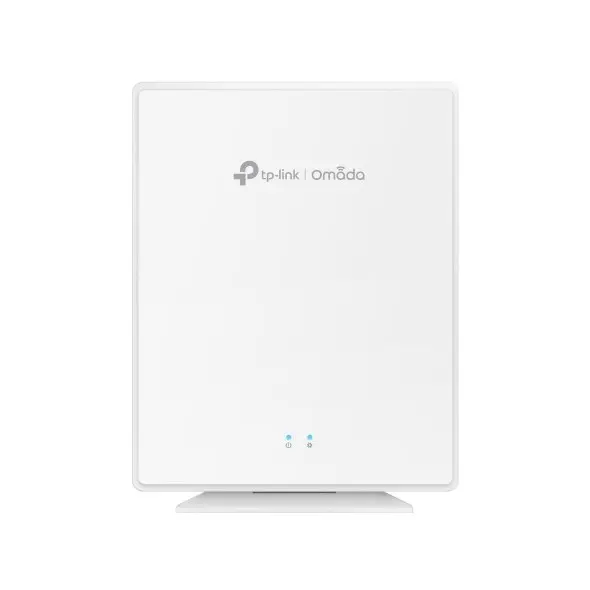
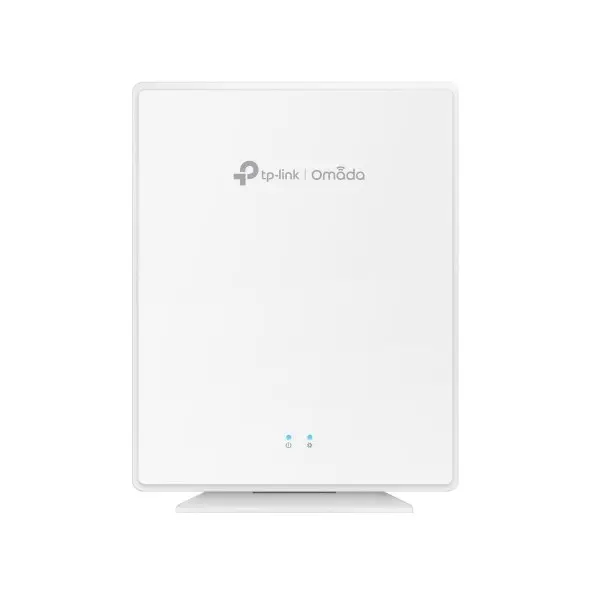
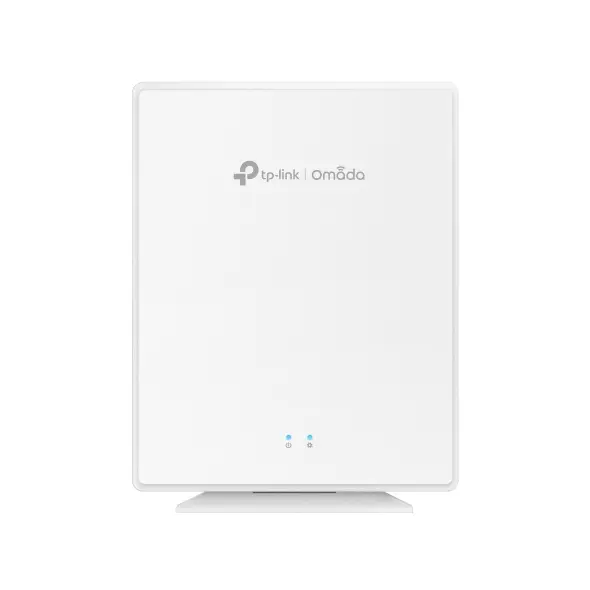
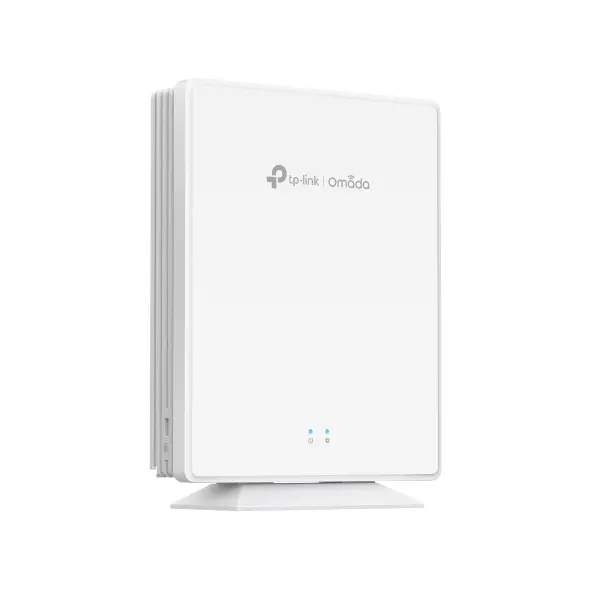
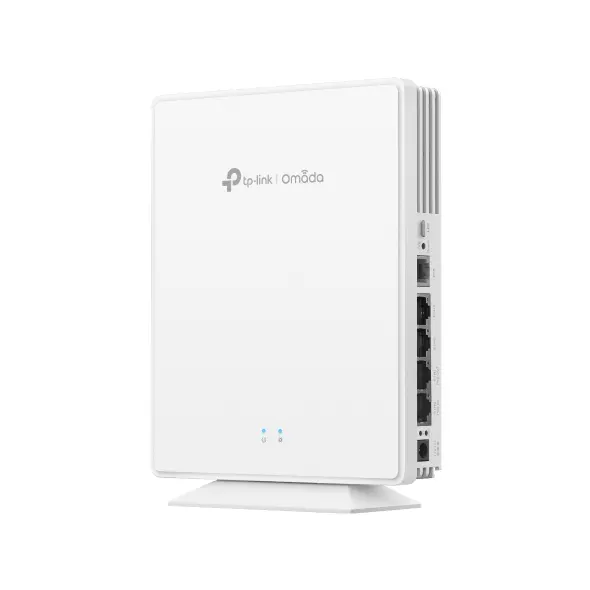
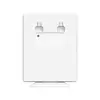
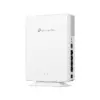
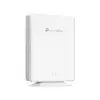
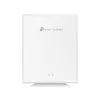
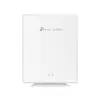
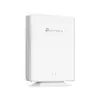
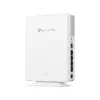
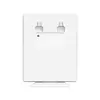
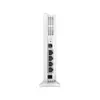
TP-LINK Omada EAP650-DESKTOP Wireless Access Point 2976 Mbit/s White Power over Ethernet PoE
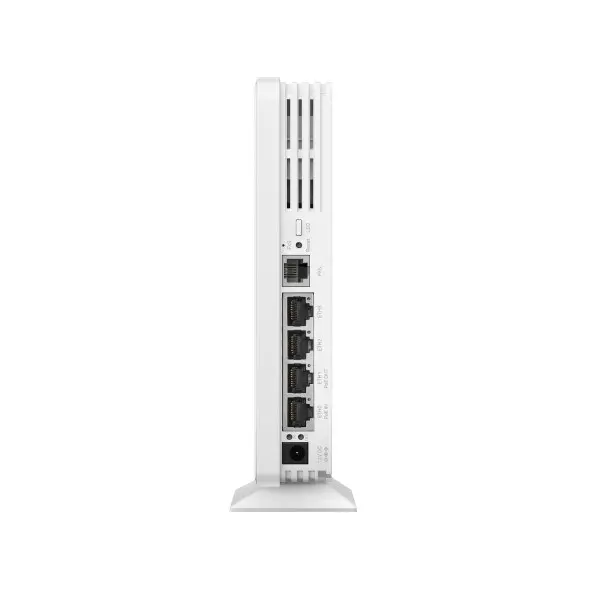
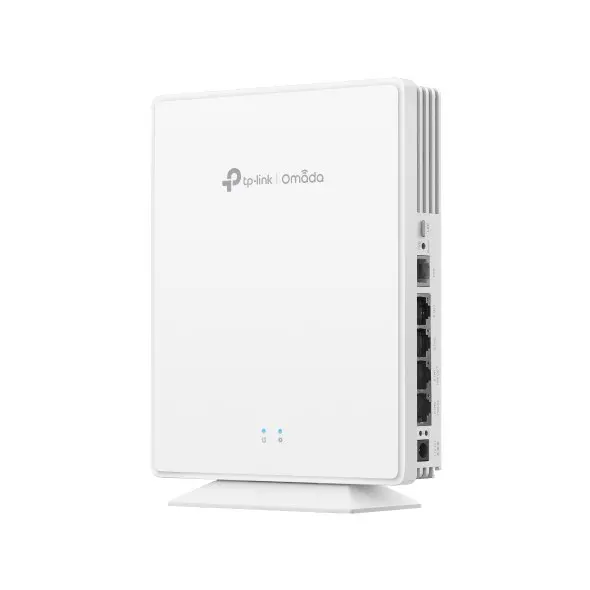
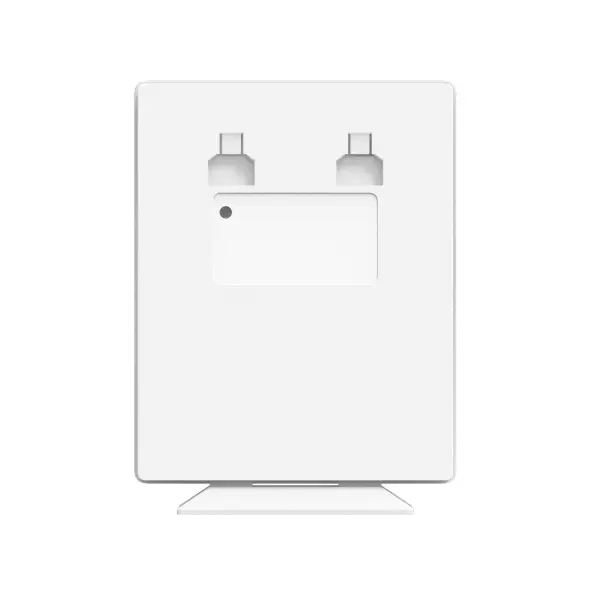
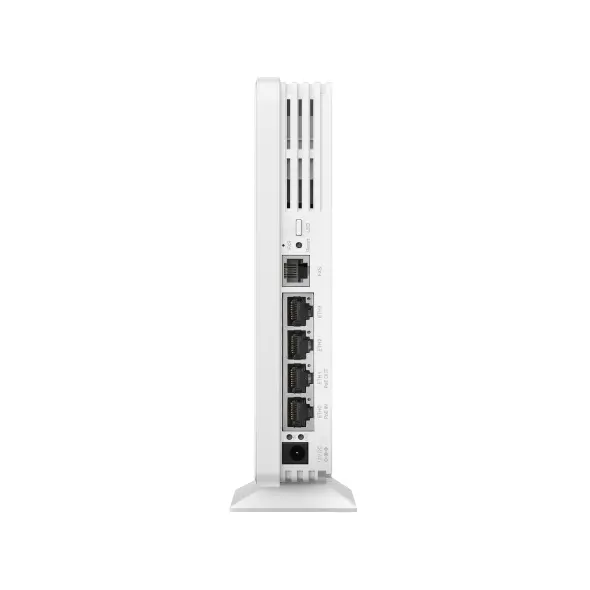
The TP-LINK Omada EAP650-DESKTOP Wireless Access Point delivers high-speed and reliable networking performance with a maximum data transfer rate of 2976 Mbit/s. Designed for modern environments, this white desktop device supports both 2.4 GHz and 5 GHz frequency bands to handle multiple connected devices efficiently. Equipped with internal antennas and four Ethernet LAN ports, it provides versatile connectivity options alongside Power over Ethernet support for streamlined installation.
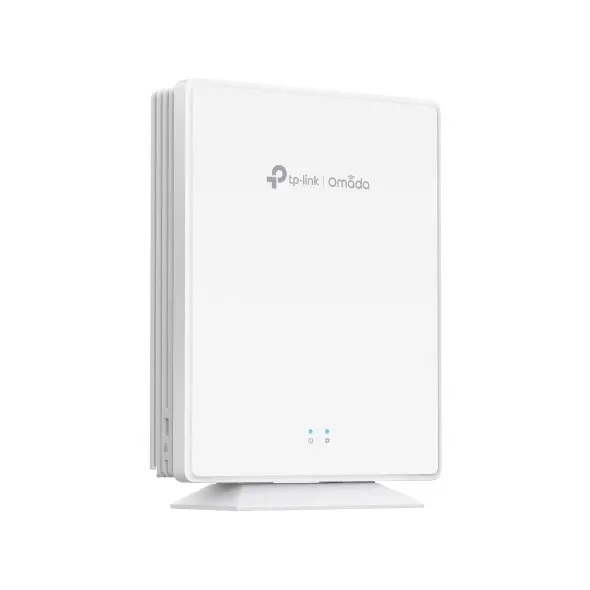
This access point combines fast dual-band Wi-Fi capabilities with multiple Gigabit ports, allowing wired and wireless devices to connect simultaneously with minimal latency. Its compact desktop design enables simple placement on tables or desks without complex mounting procedures, while advanced security algorithms protect network data against unauthorized access. Integration with centralised management platforms helps administrators monitor and configure the network with ease.
This device may not be ideal for large industrial warehouses or multi-story outdoor areas that require weather-resistant equipment or specialized long-range external antennas. Additionally, locations lacking PoE infrastructure or standard power outlets nearby might require extra planning for deployment.
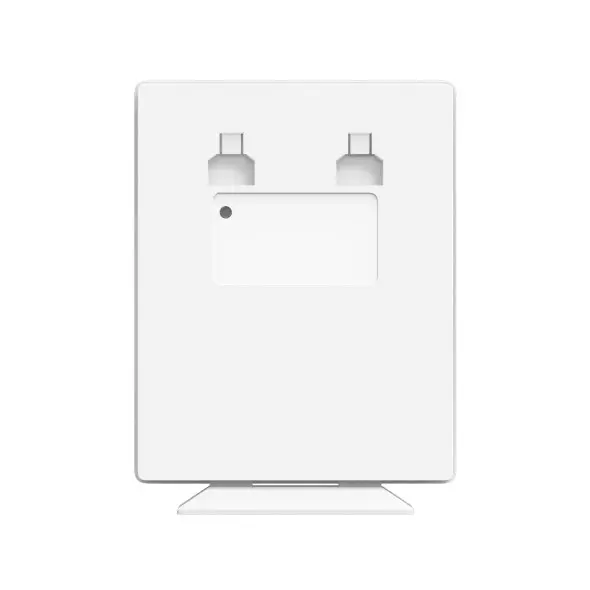
Place the device on a flat surface such as a table or desk within range of an Ethernet connection. Connect the access point to a compatible network switch or router using an Ethernet cable. Power the device using either a standard DC power adapter or a Power over Ethernet connection. Access the network management interface to complete the initial setup, configure wireless SSIDs, and apply preferred security settings.
Usage recommendation: Position the wireless access point in a central location away from large metal objects and thick walls to ensure maximum signal propagation and consistent data transfer speeds across all connected devices.
{{highlightedFeature.featureTitle}}:
{{getProductFeatureValueById(product, highlightedFeature.featureId)}}
The TP-LINK Omada EAP650-DESKTOP wireless access point is compared with alternative TP-Link models, including identical desktop variants, as well as ceiling and wall-mounted alternatives such as the EAP653, EAP660HD, and EAP610. While all compared devices share support for 2.4 GHz and 5 GHz frequency bands, security encryption protocols, and Power over Ethernet, they differ significantly in physical placement, Ethernet port counts, and maximum transmission speeds.
⚙️ The table below compares key specifications such as maximum data transfer rate, Ethernet LAN ports, supported placement types, and Power over Ethernet capability.
| Specification | TP-LINK Omada EAP650-DESKTOP | TP-Link Omada EAP650-DESKTOP (Alt) | TP-Link Omada EAP650-DESKTOP AX3000 | Wireless Access Point TP-Link Omada EAP653 UR | Access Point TP-Link Omada AX3600 | Access Point TP-Link Omada AX1800 | Practical implication |
|---|---|---|---|---|---|---|---|
| Max data transfer rate | 2976 Mbit/s | 2976 Mbit/s | 2976 Mbit/s | 2976 Mbit/s | 2402 Mbit/s | 1775 Mbit/s | The EAP650 series and EAP653 offer higher wireless speeds than the AX3600 and AX1800 alternatives. |
| Ethernet LAN ports | 4 | 4 | 4 | 1 | 1 | 1 | The desktop version includes four ports to function like a mini switch, whereas alternatives feature only a single port. |
| Placement | Table | Table | Table | Wall, Ceiling | Ceiling | Ceiling, Wall | Desktop placement is ideal for tabletops, while ceiling and wall units are suited for overhead structural mounting. |
| Power over Ethernet | Yes | Yes | Yes | Yes | Yes | Yes | All compared models support PoE for simplified cable management during deployment. |
◎ The table below evaluates which product is most suitable for different user needs and deployment scenarios.
| Use case | Recommended product | Why |
|---|---|---|
| Tabletop deployment with wired devices | TP-LINK Omada EAP650-DESKTOP | Four built-in Ethernet ports allow direct connection of wired network devices right from the desktop. |
| Overhead room coverage | Wireless Access Point TP-Link Omada EAP653 UR | Designed for wall or ceiling mounting to provide unobstructed wireless coverage across the room. |
| High-density network environments | Access Point TP-Link Omada AX3600 | Higher throughput capabilities support demanding professional scenarios. |
The TP-LINK Omada EAP650-DESKTOP differs from ceiling-mounted alternatives by offering a convenient tabletop housing and four Ethernet LAN ports, making it the preferred choice for workspaces where both high-speed Wi-Fi and direct wired connections are needed locally.
