Save time and money with our discounts!
In cart {{totalProductsCount}} item(s)
Your cart is empty
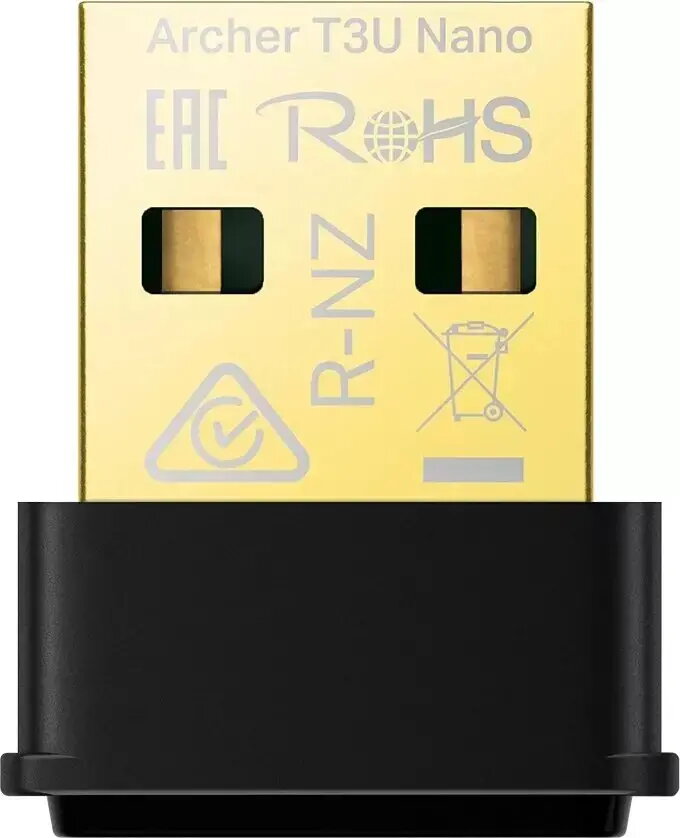
USB Wi‑Fi Adapter TP‑LINK Archer T1300U Nano — external Wi‑Fi dongle, 802.11 a/b/g
TP‑LINK Archer T1300U Nano is a compact external USB Wi‑Fi adapter that enables wireless connectivity for desktop and laptop computers. Supporting legacy wireless standards 802.11a, 802.11b and 802.11g, this small form‑factor dongle provides a straightforward way to add or restore basic Wi‑Fi access where built‑in wireless is absent or malfunctioning. Its plug‑and‑play USB design and minimal footprint make it convenient for travel and tight workspace setups.
The USB Wi‑Fi adapter offers simple installation through a USB interface and occupies minimal space on a computer. By supporting multiple legacy standards it ensures compatibility with older access points and networks. The device's portability and low profile design reduce the risk of damage during transport and make it suitable for use on both stationary and mobile computers.
Insert the TP‑LINK Archer T1300U Nano into an available USB port on the computer. If required by the operating system, install drivers provided by the manufacturer or via the system's device driver utility. After installation, use the operating system's network manager to scan for available Wi‑Fi networks, select the desired SSID and enter the network security key if needed. Position the adapter in a USB port with minimal obstruction to achieve more stable signal reception.
For stable connections, use the adapter with access points operating on compatible 802.11a/b/g modes and avoid physical obstructions or metal surfaces near the USB port. When using the adapter on a laptop, prefer a side or front USB port to reduce interference. Keep device drivers updated to maintain security and connectivity.
{{highlightedFeature.featureTitle}}:
{{getProductFeatureValueById(product, highlightedFeature.featureId)}}
{{ productComparisonGenerationError }}