{{ totalProductsCount }}

In cart {{totalProductsCount}} item(s)

Total:
{{sum | formatAmount}}

Your cart is empty

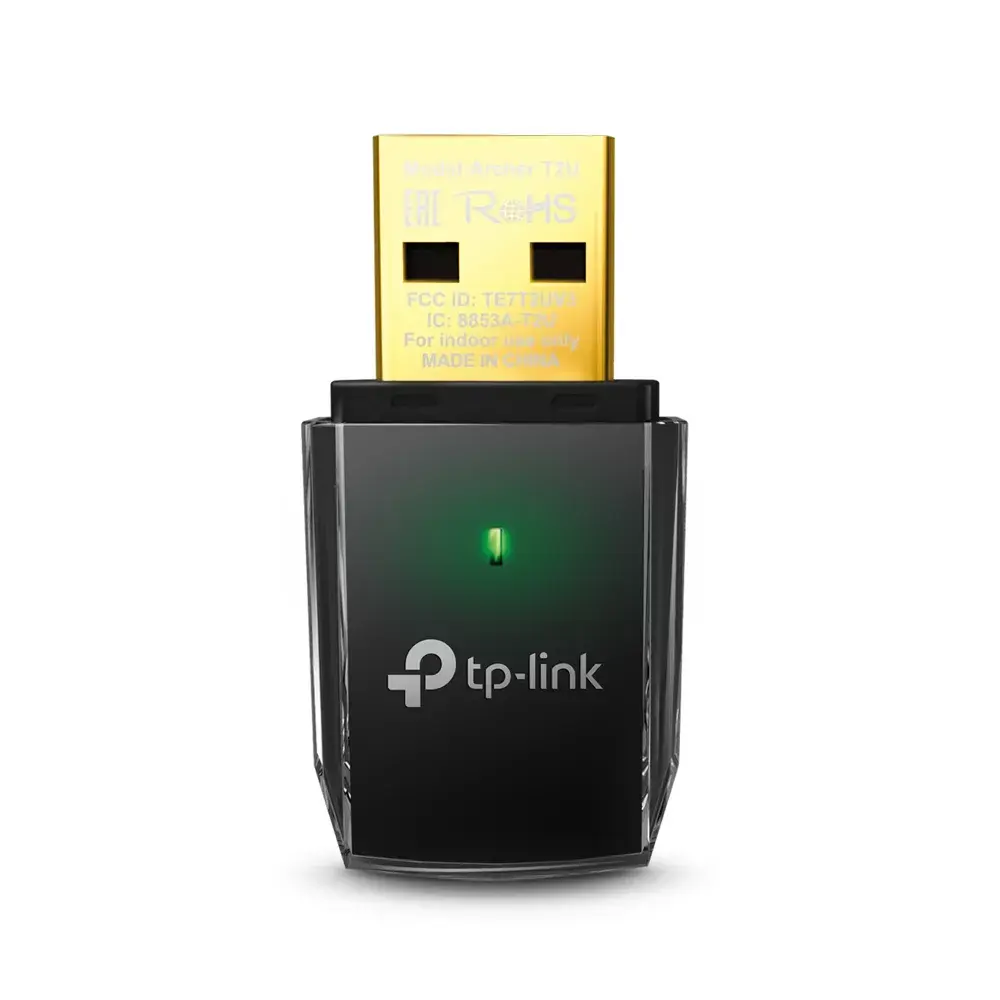
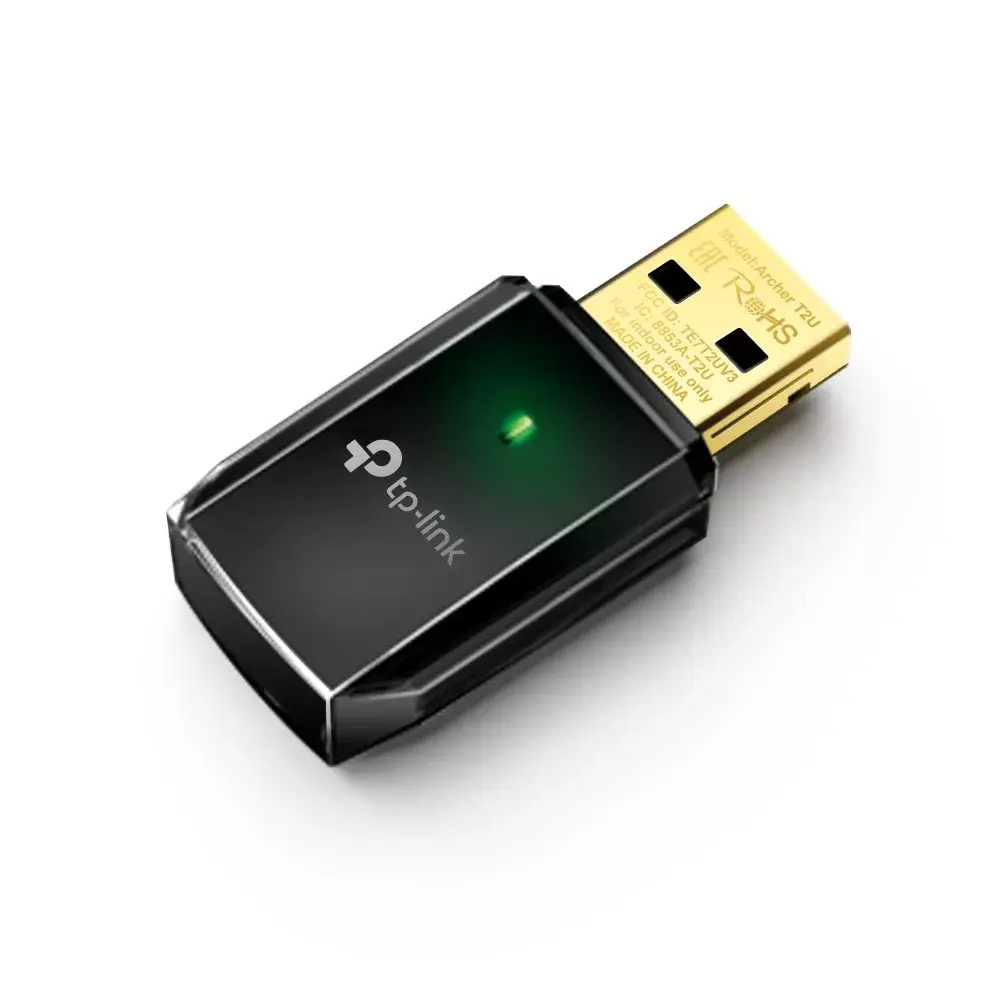
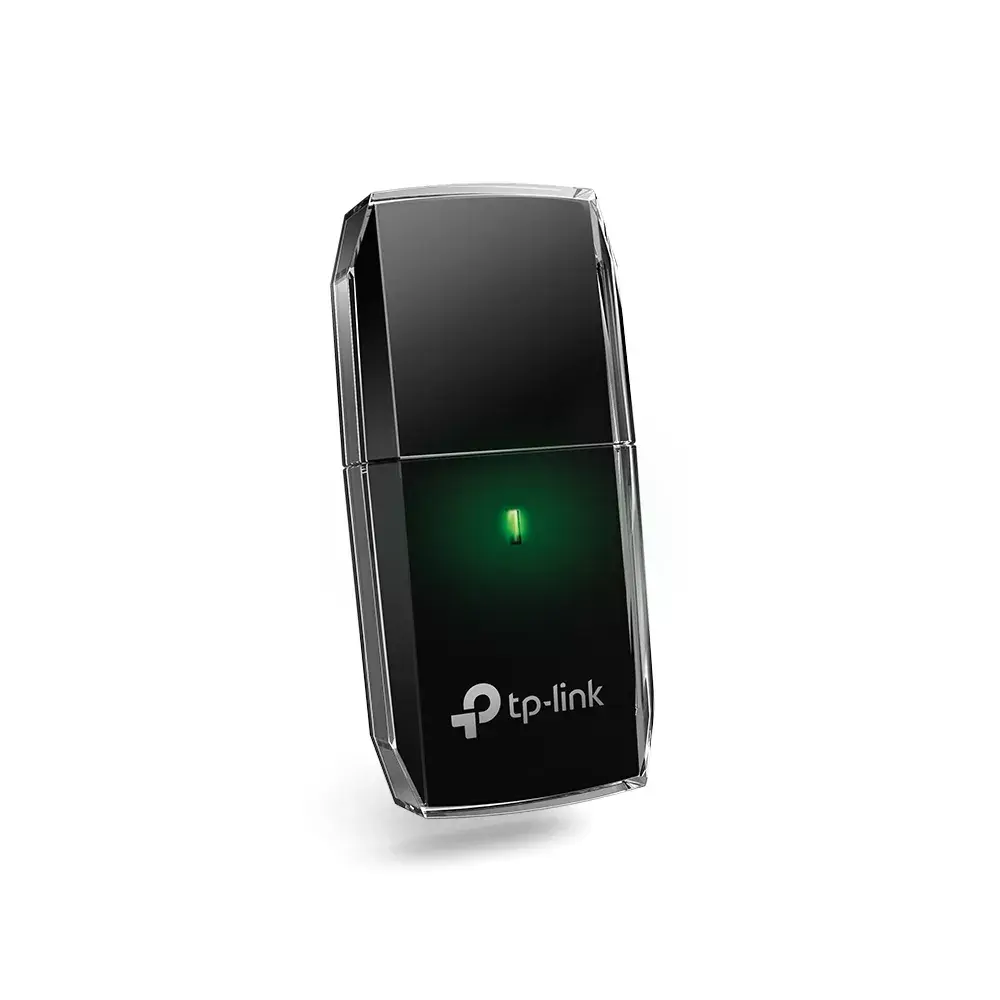
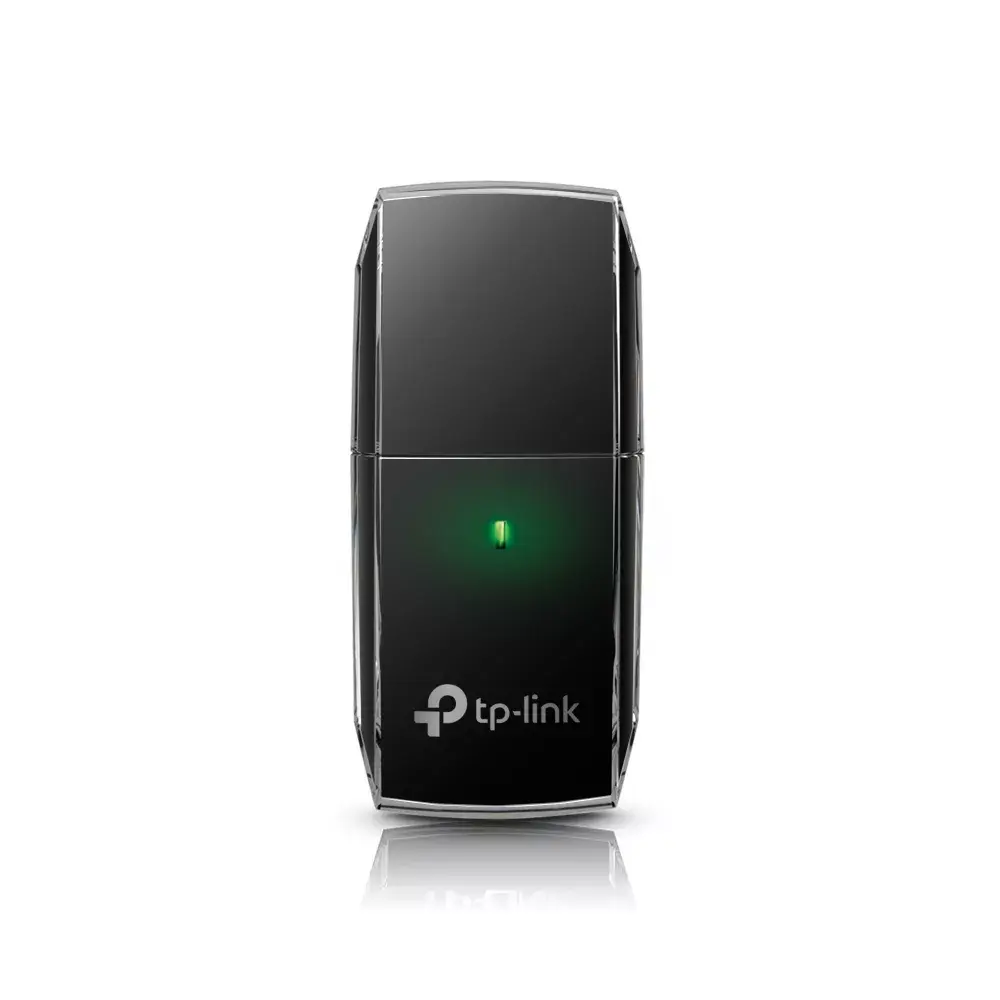
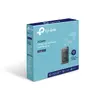
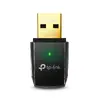
header-product TP-Link Archer T2U Wireless USB Adapter WLAN 600 Mbit/s Dual-Band Wi-Fi 5 Black
12.99 €

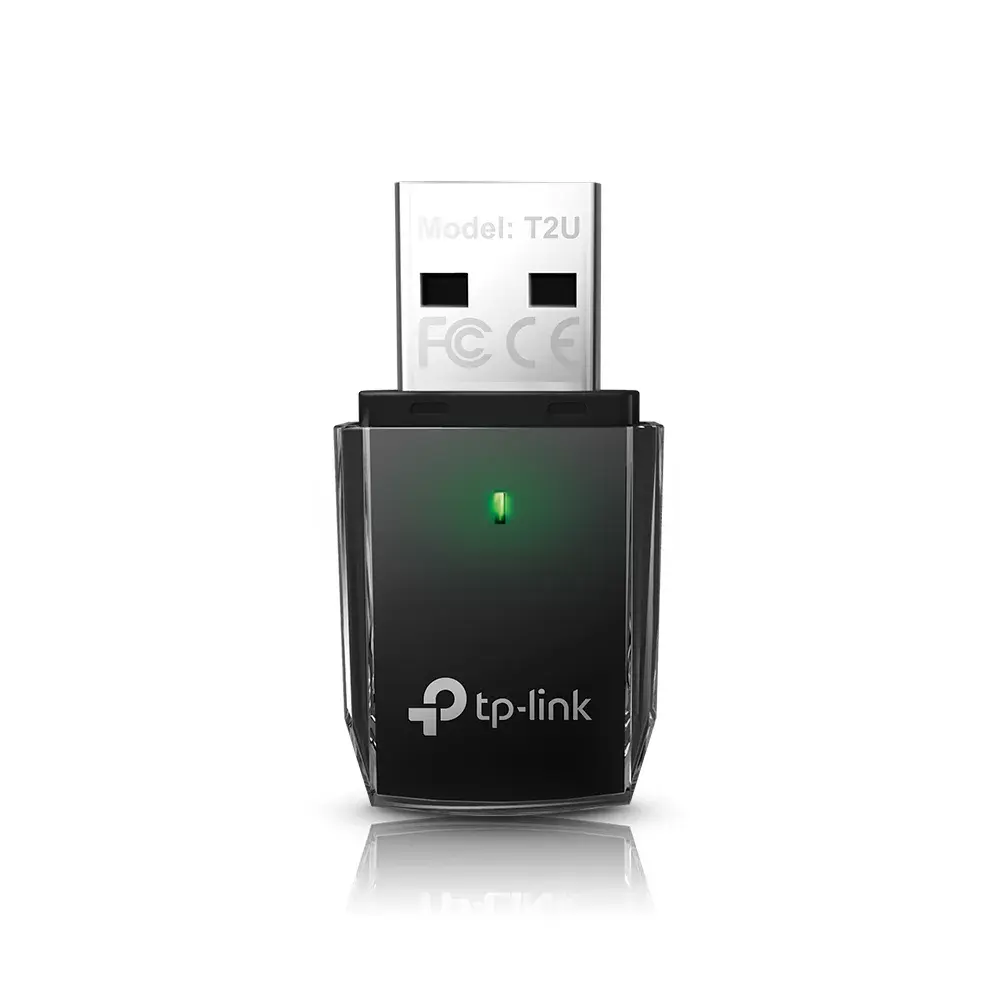
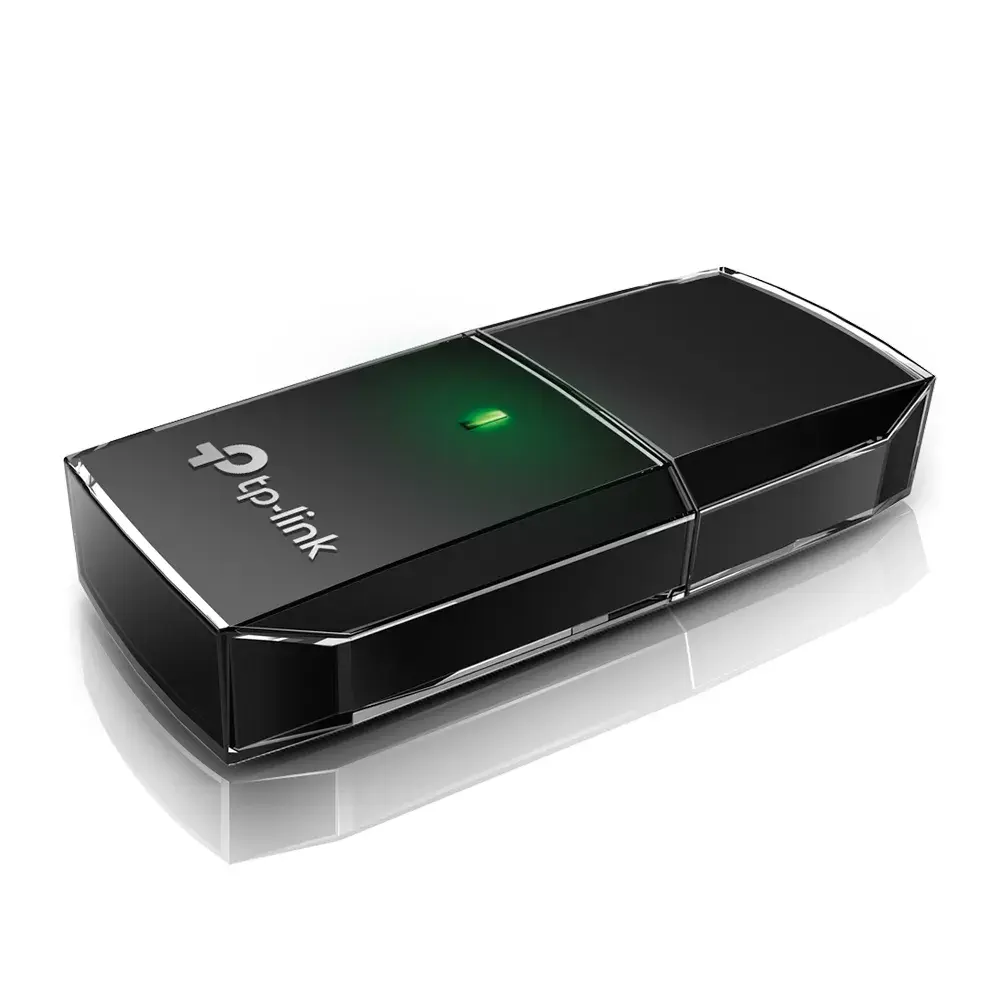
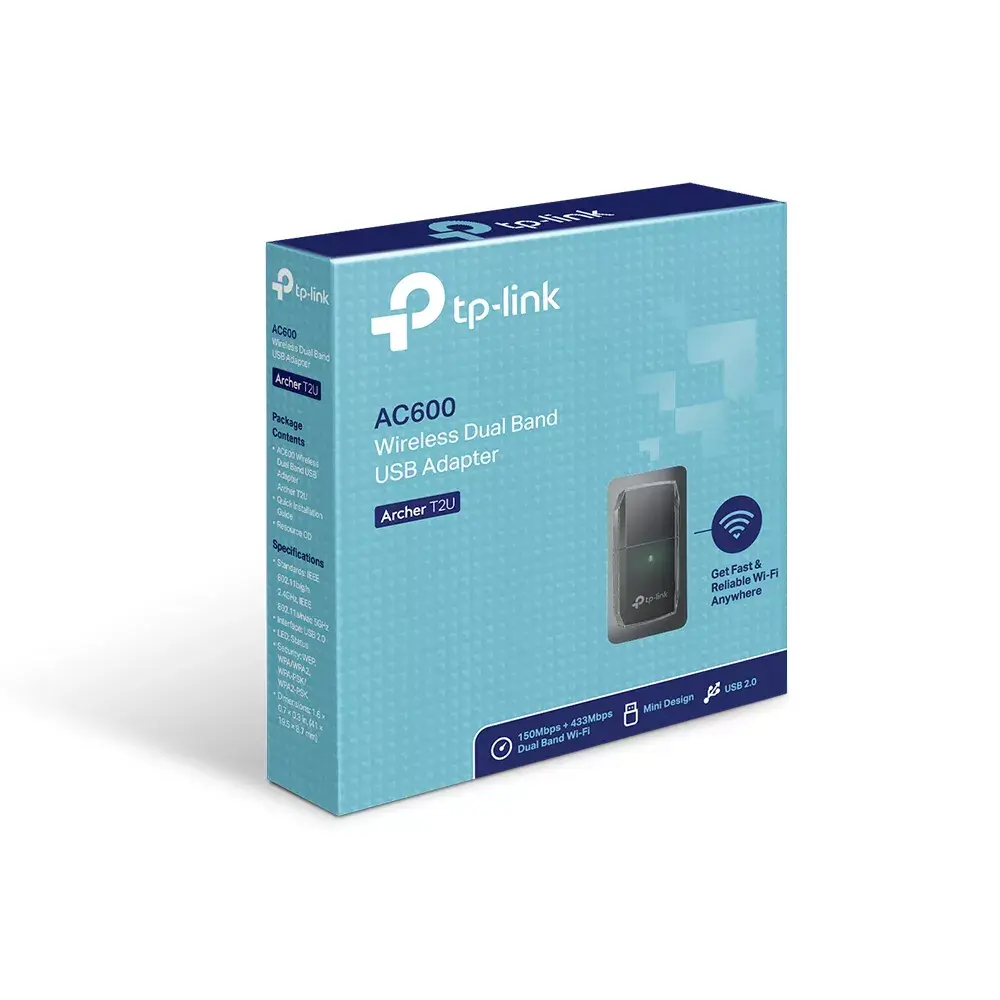
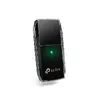
TP-Link Archer T2U Wireless USB Adapter WLAN 600 Mbit/s Dual-Band Wi-Fi 5 Black

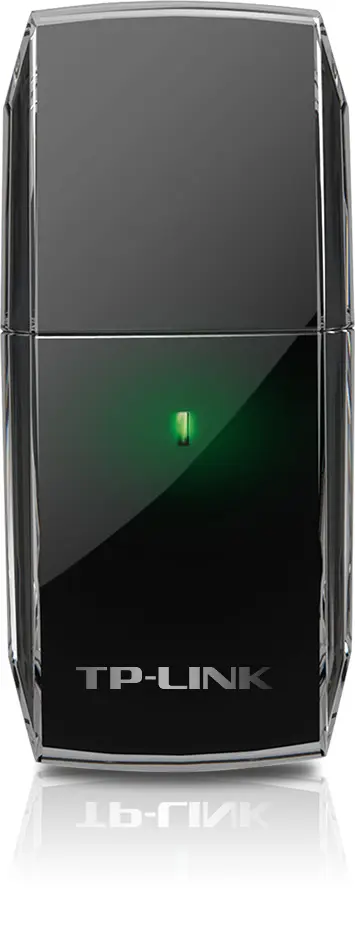
TP-Link Archer T2U Wireless USB Adapter Photo 1
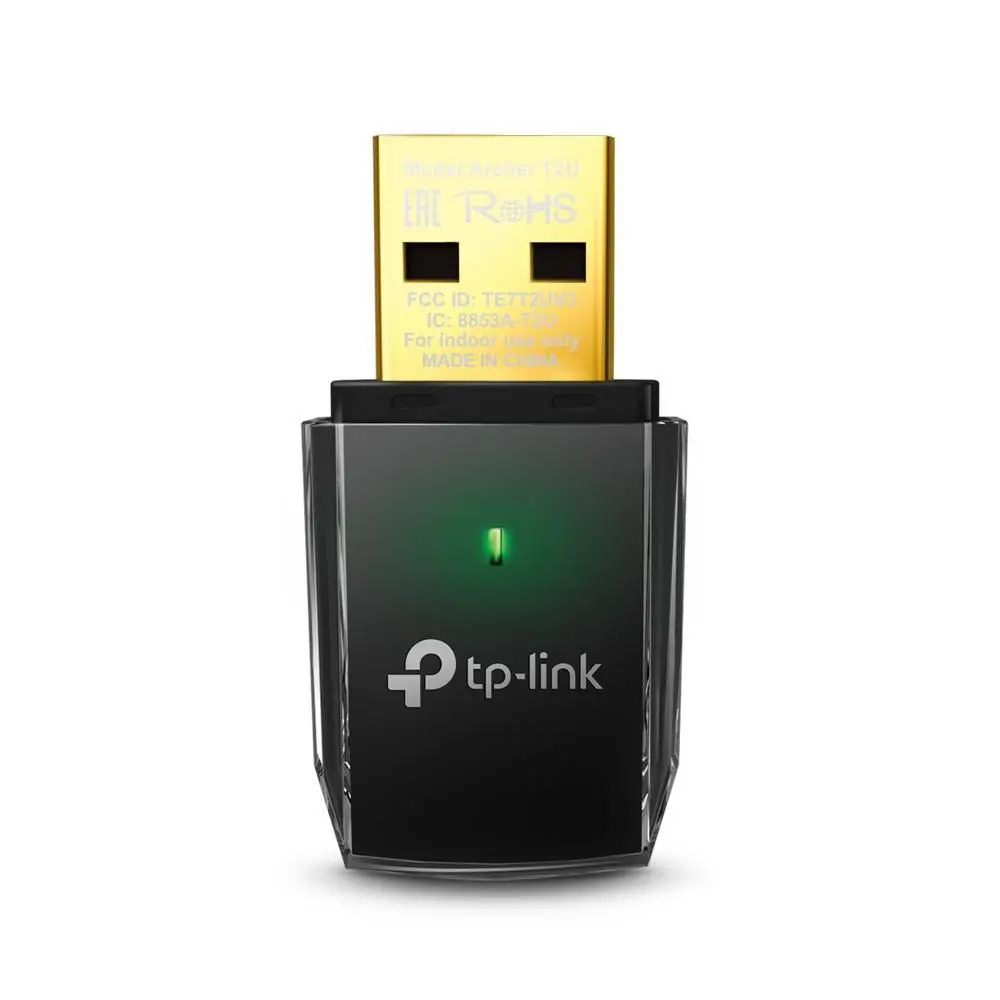
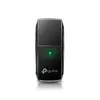
TP-Link Archer T2U Wireless USB Adapter Photo 2
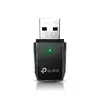
TP-Link Archer T2U Wireless USB Adapter Photo 3
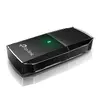
TP-Link Archer T2U Wireless USB Adapter Photo 4
TP-Link Archer T2U Wireless USB Adapter Photo 5
TP-Link Archer T2U Wireless USB Adapter Photo 6
TP-Link Archer T2U Wireless USB Adapter Photo 7
TP-Link Archer T2U Wireless USB Adapter Photo 8
TP-Link Archer T2U Wireless USB Adapter Photo 9
TP-Link Archer T2U Wireless USB Adapter Photo 10
TP-Link Archer T2U Wireless USB Adapter Photo 11
TP-Link Archer T2U Wireless USB Adapter Photo 1
TP-Link Archer T2U Wireless USB Adapter Photo 2
TP-Link Archer T2U Wireless USB Adapter Photo 3
TP-Link Archer T2U Wireless USB Adapter Photo 4
TP-Link Archer T2U Wireless USB Adapter Photo 5
TP-Link Archer T2U Wireless USB Adapter Photo 6
TP-Link Archer T2U Wireless USB Adapter Photo 7
TP-Link Archer T2U Wireless USB Adapter Photo 8
TP-Link Archer T2U Wireless USB Adapter Photo 9
TP-Link Archer T2U Wireless USB Adapter Photo 10
TP-Link Archer T2U Wireless USB Adapter Photo 11
Keep track of price changes You keep track of price changes
Watch the price drop

Leave your address - as soon as the price of the product goes down, you'll know about it right away

You keep track of price changes

TP-Link Archer T2U Wireless USB Adapter WLAN 600 Mbit/s Dual-Band Wi-Fi 5 Black

{{email}}
You keep track of price changes

TP-Link Archer T2U Wireless USB Adapter WLAN 600 Mbit/s Dual-Band Wi-Fi 5 Black

{{email}}
{{selectedOffer && selectedOffer.price | formatAmount}}

Short description

TP-Link Archer T2U wireless USB adapter delivering up to 600 Mbit/s data transfer rates with dual-band Wi-Fi 5 technology. Designed for connecting desktop computers and laptops to wireless networks utilizing 2.4 GHz and 5 GHz frequency bands. Features a compact black design and supports standard IEEE networking protocols for reliable internet connectivity.
Available at price 12.99 €: 200 pcs.
Total available for order: 803 pcs.
Warranty: 3 Years
SKU: 4145893
free shipment

Cheapest delivery:

Unisend LV

Pick-up points

Unisend LV

Cost

1.99 €

Deliver

{{selectedOffer.parcelStationDeliveryString}}

Customer service center
2b. Kengaraga str., Riga, Latvia, LV-1063
Friday {{selectedOffer.officeDeliveryString}}
free
Courier Delivery Please note that in case of a large parcel additional delivery costs may apply!
28.10.2026 {{selectedOffer.courierDeliveryString}}
From 4.99 € (Weight: 0.09 kg)
Parcel couriers
Unisend LV / Venipak Pickup LV / Venipak Locker LV / DPD Paku skapis / Omniva LV / Latvijas Pasts pakomāts / Latvijas Pasts nodaļa
28.10.2026 {{selectedOffer.parcelStationDeliveryString}}
From 1.99 €
payment
Payment Methods:
Bank transfer, Bank cards on-line, Apple Pay, Google Pay
Together cheaper
{{product.price | formatAmount}}
{{product.title}}
{{productBundle.reference.specialPrice | formatAmount}}
{{productBundle.title}}
{{productBundlePreviousPrice | formatAmount}}
{{productBundleSpecialPrice | formatAmount}}

You saving {{productBundleYouSave | formatAmount}}

Product information

Description

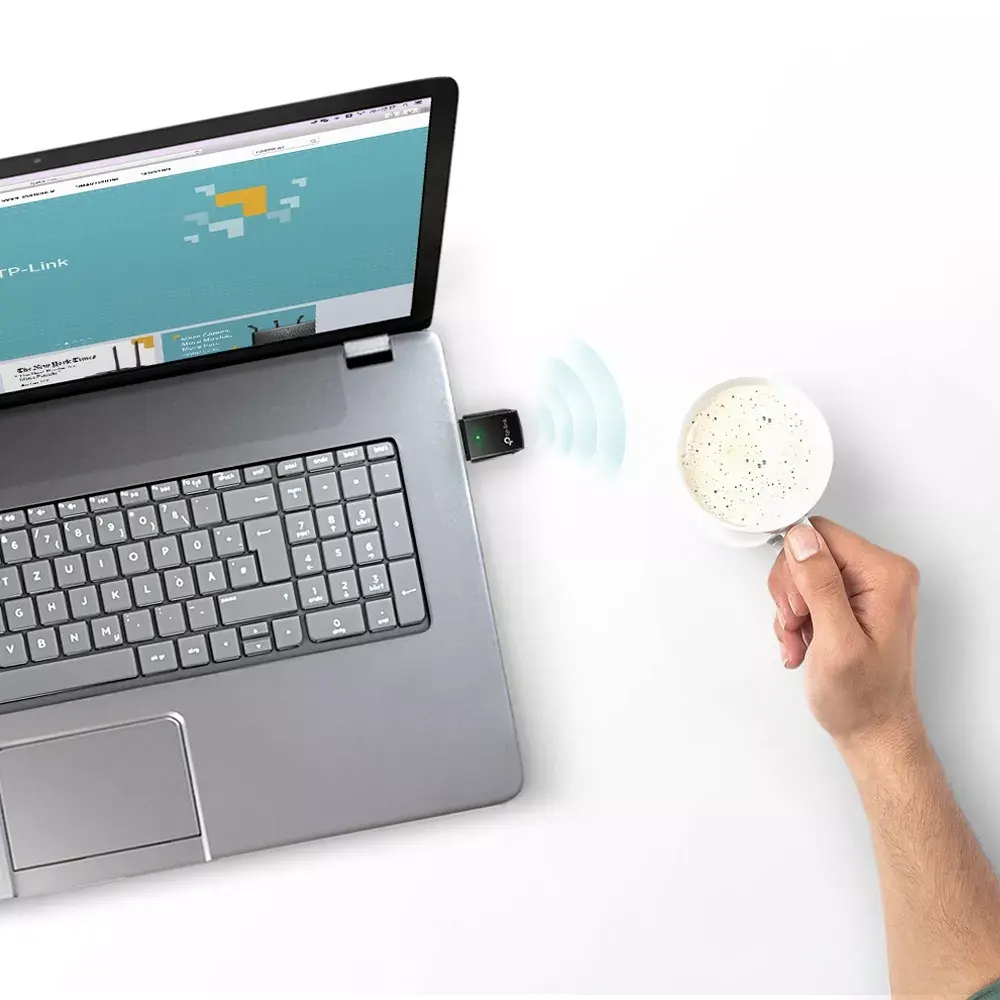
The TP-Link Archer T2U Wireless USB Adapter WLAN 600 Mbit/s Dual-Band Wi-Fi 5 Black is a compact networking device designed to connect desktop computers and laptops to wireless networks efficiently. Utilizing dual-band Wi-Fi 5 technology, this adapter provides dependable internet connectivity across both 2.4 GHz and 5 GHz frequency bands. It features a sleek miniature design with a durable black finish, making it straightforward to transport and use on the go.

Advantages

This wireless USB adapter incorporates 802.11ac technology, delivering transfer rates up to three times faster than traditional wireless N speeds. This allows users to easily upgrade older laptops and desktop systems to modern Wi-Fi standards without requiring hardware replacements. The selectable dual-band functionality ensures users can utilize the 433 Mbps speed on the 5 GHz band for high-bandwidth tasks or the 150 Mbps speed on the 2.4 GHz band for standard web browsing. Additionally, the compact form factor ensures the device does not obstruct adjacent USB ports, and the Soft AP function allows the adapter to act as a Wi-Fi hotspot.

Suitable for

  • Connecting desktop computers and laptops to wireless networks
  • HD video streaming over the 5 GHz frequency band
  • Lag-free online gaming and video conferencing
  • Everyday web browsing and checking emails with legacy devices
  • Creating a temporary Wi-Fi hotspot using the Soft AP function

When it may not be suitable

This wireless adapter may not be suitable for users requiring multi-gigabit throughput or enterprise-grade long-range connections, as it is built for standard consumer networking needs. Furthermore, computers lacking an available USB port or operating systems without driver compatibility may not be able to utilize this device effectively.

Key specifications

  • Connectivity technology: Wireless
  • Interface: WLAN
  • Host interface: USB
  • Maximum data transfer rate: 600 Mbit/s
  • Networking standards: IEEE 802.11a, IEEE 802.11ac, IEEE 802.11b, IEEE 802.11g, IEEE 802.11n, IEEE 802.3ac
  • Product colour: Black
  • Frequency bands: 2.4 GHz and 5 GHz

How to use

To use the TP-Link Archer T2U wireless USB adapter, insert the device into an available USB port on your computer. Install the necessary drivers using the provided installation utility or download them from the official support website. Once the drivers are successfully installed, open your operating system network settings, select your preferred wireless network, and enter the network security key to establish an internet connection.

What to consider before purchase

  • Verify that your computer has an available USB port for adapter connection
  • Check operating system compatibility for driver installation
  • Evaluate your networking requirements to determine if dual-band Wi-Fi 5 speeds meet your usage needs

For optimal performance, connect the wireless USB adapter directly to a computer port rather than an unpowered USB hub, and ensure the device operates within a reasonable distance from your wireless router to maintain a stable signal.

Specifications

Connectivity technology: The technology that enables connectivity of the device, e.g. wired or wireless.
Wireless
Interface: Interface ports to connect pieces of equipment. USB (Universal Serial Bus) has become the most popular wired interface to connect peripherals. USB 2.0 supports speeds up to 480 Mbit/s (USB 1: 12 Mbit/s). The interface FireWire is also known as the IEEE 1394 standard. Enhanced IDE (EIDE)is sometimes referred to as Fast ATA, Fast IDE or ATA-2.
WLAN
Host interface: Interface that enables a host controller to communicate with a driver.
USB
Maximum data transfer rate: The maximum speed with which data can be transmitted from one device to another.
600 Mbit/s
Networking standards: The way in which the network is working, e.g. IEEE 802.11a, IEEE 802.11b, IEEE 802.11g.
IEEE 802.11a, IEEE 802.11ac, IEEE 802.11b, IEEE 802.11g, IEEE 802.11n, IEEE 802.3ac
Product colour: The colour e.g. red, blue, green, black, white.
Black
All features
Wi-Fi standards: The type of wireless local area network (LAN). It can be ad-hoc, where units in a network communicate peer-to-peer, or Infrastructure, where units communicate with each other via an access point A LAN interconnects computers in a small area e.g. home, school or office.
802.11a, 802.11b, 802.11g, Wi-Fi 4 (802.11n), Wi-Fi 5 (802.11ac)
Component for: What this product is used as a part of (component for).
PC/Laptop
Operating modes:
Infrastructure mode
Resource CD:
Yes
Harmonized System (HS) code:
85176990
Antenna direction type:
Omni-directional
Transmitting power (FCC):
20
Transmitting power (CE):
20
Sustainability compliance:
Yes
Sustainability certificates:
CE, Federal Communications Commission (FCC), RoHS
Antenna design:
Internal

Ports & interfaces

Connectivity technology: The technology that enables connectivity of the device, e.g. wired or wireless.
Wireless
Interface: Interface ports to connect pieces of equipment. USB (Universal Serial Bus) has become the most popular wired interface to connect peripherals. USB 2.0 supports speeds up to 480 Mbit/s (USB 1: 12 Mbit/s). The interface FireWire is also known as the IEEE 1394 standard. Enhanced IDE (EIDE)is sometimes referred to as Fast ATA, Fast IDE or ATA-2.
WLAN
Host interface: Interface that enables a host controller to communicate with a driver.
USB
Internal: The product is built in.
No
USB version: Universal Serial Bus (USB) is an industry standard developed in the mid-1990s that defines the interface used for connection, communication and power supply between computers and electronic devices. Every new version - for example 1.1, 2.0, 3.0 - is much faster than the previous one.
2.0

Bandwidth

Maximum data transfer rate: The maximum speed with which data can be transmitted from one device to another.
600 Mbit/s

Network

Networking standards: The way in which the network is working, e.g. IEEE 802.11a, IEEE 802.11b, IEEE 802.11g.
IEEE 802.11a, IEEE 802.11ac, IEEE 802.11b, IEEE 802.11g, IEEE 802.11n, IEEE 802.3ac
Modulation: Modulation is the process of varying one or more properties of a periodic waveform, called the carrier signal (High Frequency Signal), with a modulating signal which typically contains information to be transmitted. The aim of digital modulation is to transfer a digital bit stream over an analog bandpass channel, for example over the public switched telephone network (where a bandpass filter limits the frequency range to between 300 and 3400 Hz), or over a limited radio frequency band. The aim of analog modulation is to transfer an analog baseband (or lowpass) signal, for example an audio signal or TV signal, over an analog bandpass channel at a different frequency, for example over a limited radio frequency band or a cable TV network channel.
16-QAM, 64-QAM, 256-QAM, CCK, DBPSK, DQPSK, OFDM

Wireless LAN features

Wi-Fi: Popular technology that allows an electronic device to exchange data or connect to the internet wirelessly using radio waves.
Yes
Wi-Fi band: The frequency bands the product features.
Dual-band (2.4 GHz / 5 GHz)
Top Wi-Fi standard: Connection of this device is done via Wi-Fi in a high standard.
Wi-Fi 5 (802.11ac)
WLAN data transfer rates supported:
11, 54, 150, 433, 600

Antenna

Antenna:
Yes
Frequency range:
2.4 - 5

Performance

Security algorithms: Security algorithms are used to provide authentication, cipher key generation, integrity and radio link privacy to users on mobile networks. The security algorithms supported are the ones that can be used with this product.
64-bit WEP, 128-bit WEP, 802.1x RADIUS, WPA, WPA2, WPA2-AES, WPA2-PSK, WPA2-TKIP, WPS
Windows operating systems supported: Windows vesions wich can be used with the device.
Windows 10, Windows 10 Education, Windows 10 Education x64, Windows 10 Enterprise, Windows 10 Enterprise x64, Windows 10 Home, Windows 10 Home x64, Windows 10 IOT Core, Windows 10 IoT Enterprise, Windows 10 Pro, Windows 10 Pro x64, Windows 10 x64, Windows 7, Windows 7 Enterprise, Windows 7 Enterprise x64, Windows 7 Home Basic, Windows 7 Home Basic x64, Windows 7 Home Premium, Windows 7 Home Premium x64, Windows 7 Professional, Windows 7 Professional x64, Windows 7 Starter, Windows 7 Starter x64, Windows 7 Ultimate, Windows 7 Ultimate x64, Windows 7 x64, Windows 8, Windows 8 Enterprise, Windows 8 Enterprise x64, Windows 8 Pro, Windows 8 Pro x64, Windows 8 x64, Windows 8.1, Windows 8.1 Enterprise, Windows 8.1 Enterprise x64, Windows 8.1 Pro, Windows 8.1 Pro x64, Windows 8.1 x64, Windows XP, Windows XP Home, Windows XP Home x64, Windows XP Professional, Windows XP Professional x64
Mac operating systems supported: Mac operating systems e.g. OS X can be used with the device.
Mac OS X 10.10 Yosemite, Mac OS X 10.11 El Capitan, Mac OS X 10.12 Sierra, Mac OS X 10.13 High Sierra, Mac OS X 10.7 Lion, Mac OS X 10.7.5 Lion, Mac OS X 10.8 Mountain Lion, Mac OS X 10.9 Mavericks
Linux operating systems supported: 8 RT. Linux (9.4, 9.5), Red Hat Enterprise Linux 5.0 (supported with a pre-built package); SUSE Linux (10.3, 11.0, 11, 11.1, 11.2), Fedora (9, 9.0, 10, 10.0, 11.0, 11, 12, 12.0), Ubuntu (8.04, 8.04.1, 8.04.2, 8.10, 9.04, 9.10, 10.04), Debian (5.0, 5.0.1, 5.0.2, 5.0.3)
Yes

Design

LED indicators:
Status
Product colour: The colour e.g. red, blue, green, black, white.
Black

Weight & dimensions

Package weight: Weight of the packaged product.
90 g
Height: The measurement of the product from head to foot or from base to top.
8.7 mm
Width: The measurement or extent of something from side to side.
41 mm
Depth: The distance from the front to the back of something.
19.5 mm
Package depth: The distance from the front to the back of the packaging.
128 mm
Package height: The distance from the top to the bottom of the packaging.
30 mm
Package width: The distance from one side of the packaging to the other.
138 mm

Operational conditions

Operating relative humidity (H-H):
10 - 90
Storage temperature (T-T): The minimum and maximum temperatures at which the product can be safely stored.
-40 - 70
Operating temperature (T-T): The minimum and maximum temperatures at which the product can be safely operated.
0 - 40
Storage relative humidity (H-H):
5 - 90

Packaging content

Quick installation guide:
Yes

Similar products

{{product.title}}
Show details Hide details

{{highlightedFeature.featureTitle}}:

{{getProductFeatureValueById(product, highlightedFeature.featureId)}}

{{product.price | formatAmount}}

Product comparison

The wireless USB adapter TP-Link Archer T2U Wireless USB Adapter WLAN 600 Mbit/s Dual-Band Wi-Fi 5 Black is compared against several alternative products within the network adapter category. All of them share the purpose of connecting desktop computers and laptops to wireless networks via a USB interface, supporting dual-band Wi-Fi across 2.4 GHz and 5 GHz frequencies. The primary differences lie in their maximum data transfer rates, supported IEEE standards, and physical design variations.

⚙️ Below is a comparison of key characteristics such as data transfer rates, networking standards, host interfaces, and physical design features for the selected adapters.

SpecificationTP-Link Archer T2UTP-Link Archer T2U V3TP-Link Archer T2U PlusTP-LINK Archer T2U (48319)TP-Link Archer T3U PlusTP-Link Archer T4UPractical significance
Maximum data rate600 Mbit/s433 Mbit/s600 Mbit/s600 Mbit/s867 Mbit/s867 Mbit/sHigher speeds offered by T3U Plus and T4U are better suited for heavy file transfers and HD streaming.
Wi-Fi Bands2.4 GHz / 5 GHz2.4 GHz / 5 GHz2.4 GHz / 5 GHz2.4 GHz / 5 GHz2.4 GHz / 5 GHz2.4 GHz / 5 GHzDual-band support across all models ensures flexible connection options and reduced interference.
Host interfaceUSBUSBUSBUSBUSBUSBUniversal USB connectivity allows easy plug-and-play setup with desktops and laptops.

◎ The suitability table below evaluates which product is best tailored for specific user needs, ranging from regular web browsing to demanding online activities.

Use caseRecommended productWhy
Everyday web browsingTP-Link Archer T2UProvides reliable and sufficient speed for daily internet tasks and communication.
Heavy downloading and gamingTP-Link Archer T3U Plus or TP-Link Archer T4UDeliver faster data rates up to 867 Mbit/s for intensive bandwidth requirements.
Mobile laptop useTP-Link Archer T2U or TP-Link Archer T2U V3Compact size makes them convenient to plug in and carry around with a laptop.
TP-Link Archer T2U Wireless USB Adapter WLAN 600 Mbit/s Dual-Band Wi-Fi 5 Black differs from the alternatives by offering a well-rounded 600 Mbit/s transfer speed in a compact form factor. It is most suitable for users seeking a dependable dual-band Wi-Fi connection for everyday computing tasks without paying for higher-tier speeds they may not need. You might prefer alternative models if your daily workflow involves heavy file downloads or intensive media streaming.
Might be useful
{{product.manufacturerName}}
{{product.categoryName}}
{{product.title}}
{{product.specialPrice}}
{{product.price}}
Stock data
Warehouse Stock Delivery to the store Store Price
EU2 200 Friday Best delivery
12.99 €
WH166 221 03.11.2026
12.99 €
WH115 4 03.11.2026
13.49 €
Show all offers Hide
Available only for legal entities
Warehouse Stock Delivery to the store Store Price
EU6 3 03.11.2026
17.99 €
EU6 3 Friday Best delivery
17.99 €
WH345 1 03.11.2026
20.49 €
12.99 €
Stock: 200
Delivery Date: Friday Best delivery
Warehouse: EU2
12.99 €
Stock: 221
Delivery Date: 03.11.2026
Warehouse: WH166
13.49 €
Stock: 4
Delivery Date: 03.11.2026
Warehouse: WH115
13.49 €
Stock: 30
Delivery Date: 29.10.2026
Warehouse: EU1
13.99 €
Stock: 20
Delivery Date: 03.11.2026
Warehouse: EU85
16.49 €
Stock: 1
Delivery Date: 27.10.2026
Warehouse: BT34
18.49 €
Stock: 100
Delivery Date: 03.11.2026
Warehouse: WH94
20.99 €
Stock: 2
Delivery Date: 02.11.2026
Warehouse: EU57
20.99 €
Stock: 218
Delivery Date: 11.11.2026
Warehouse: EU58
Available only for legal entities
17.99 €
Stock: 3
Delivery Date: 03.11.2026
Warehouse: EU6
17.99 €
Stock: 3
Delivery Date: Friday Best delivery
Warehouse: EU6
20.49 €
Stock: 1
Delivery Date: 03.11.2026
Warehouse: WH345

Customer reviews

Customer questions

FAQ

How much does the TP-Link Archer T2U Wireless USB Adapter cost, and is it available for purchase?

The price is 12.99 € (valid at the time of publication and already includes all taxes). The item is available for order — 803 pcs. are in stock, and you can place your purchase right now with delivery across Latvia and Europe or choose pickup at the Riga collection point. We offer favorable purchase terms, including the option to split the payment into convenient monthly installments. Availability and price are updated in real time, so we recommend placing your order in advance.

If I order this product today, when will I receive my order?

If you place your order today, delivery will be as fast and convenient as possible. You will be able to pick up your order on Friday at the Riga pickup point or choose delivery across Latvia and Europe. We carefully inspect every purchase and pack it securely for safe transportation.

What payment options are available?

AiO.lv offers several payment methods: Bank transfer, Bank cards on-line, Apple Pay, Google Pay. All transactions are 100% secure and encrypted.

Can this product be purchased for a company (with VAT)?

Yes. AiO.lv works with legal entities in Latvia and across Europe. The product price already includes VAT. For certain product categories, as well as for companies from other EU countries with a valid VAT number, a 0% VAT rate may apply. We issue the invoice immediately after the order is placed, support electronic BIS invoices, and automatically generate all necessary accounting documents. You can complete the purchase for a company online — simply select the company profile and choose bank transfer as the payment method during checkout.

What is the warranty period?

All TP-LINK products come with an official 2 Years warranty. It covers all manufacturing defects and malfunctions that may occur during use. The warranty is valid at all authorized TP-LINK service centers and through AiO.lv

Can the product be returned after purchase?

Yes, you can return the product within 14 days of purchase if you bought it as a consumer (not a legal entity). Returns are possible without giving any reason — the main condition is that the product retains its original appearance and full set of accessories. We will make the process as simple and convenient as possible: just contact our customer support team, and we will help you arrange the return.

Where should I contact for warranty service?

For warranty-related questions you can contact the AiO.lv (SIA VSPRO) customer support team. We will assist with consultation, warranty claim processing, and coordination with certified service centers.

How can I tell if this product suits my needs?

When making a choice, we recommend paying attention to the key features: connectivity technology, interface, host interface, maximum data transfer rate, networking standards, product colour, compatibility with your devices or usage conditions, material quality, functionality, and warranty terms. These characteristics will help you determine how well the model meets your needs.

Where can I download the instructions for TP-Link Archer T2U Wireless USB Adapter?

You can download the instructions in PDF format from the “Instructions” section on the product description page. The file contains complete information about installation, setup, and usage.
warranty
14-Day Return Policy We are confident in our quality, but if the purchase doesn’t fit — you have 14 days to return the product with peace of mind.
shipping
Fast Delivery Get your orders as quickly as possible — right to your door, parcel lockers, or pickup points across Latvia and the EU.
payment
Secure Payment Pay the way you prefer: cash, VISA, MasterCard, Apple Pay, Google Pay, bank transfer, or 0% installment plan.
warranty
Quality Since 2008 AiO.lv has been on the market for over 18 years and has earned trust — with more than 6000 genuine positive reviews on Google.