Leave your address - as soon as the price of the product goes down, you'll know about it right away
Wi‑Fi 6 USB Adapter TP‑LINK Archer TX23U — AX1800, 802.11ax, MU‑MIMO
In cart {{totalProductsCount}} item(s)
Your cart is empty
Wi‑Fi 6 USB Adapter TP‑LINK Archer TX23U — AX1800, 802.11ax, MU‑MIMO
Leave your address - as soon as the price of the product goes down, you'll know about it right away
Wi‑Fi 6 USB Adapter TP‑LINK Archer TX23U — AX1800, 802.11ax, MU‑MIMO
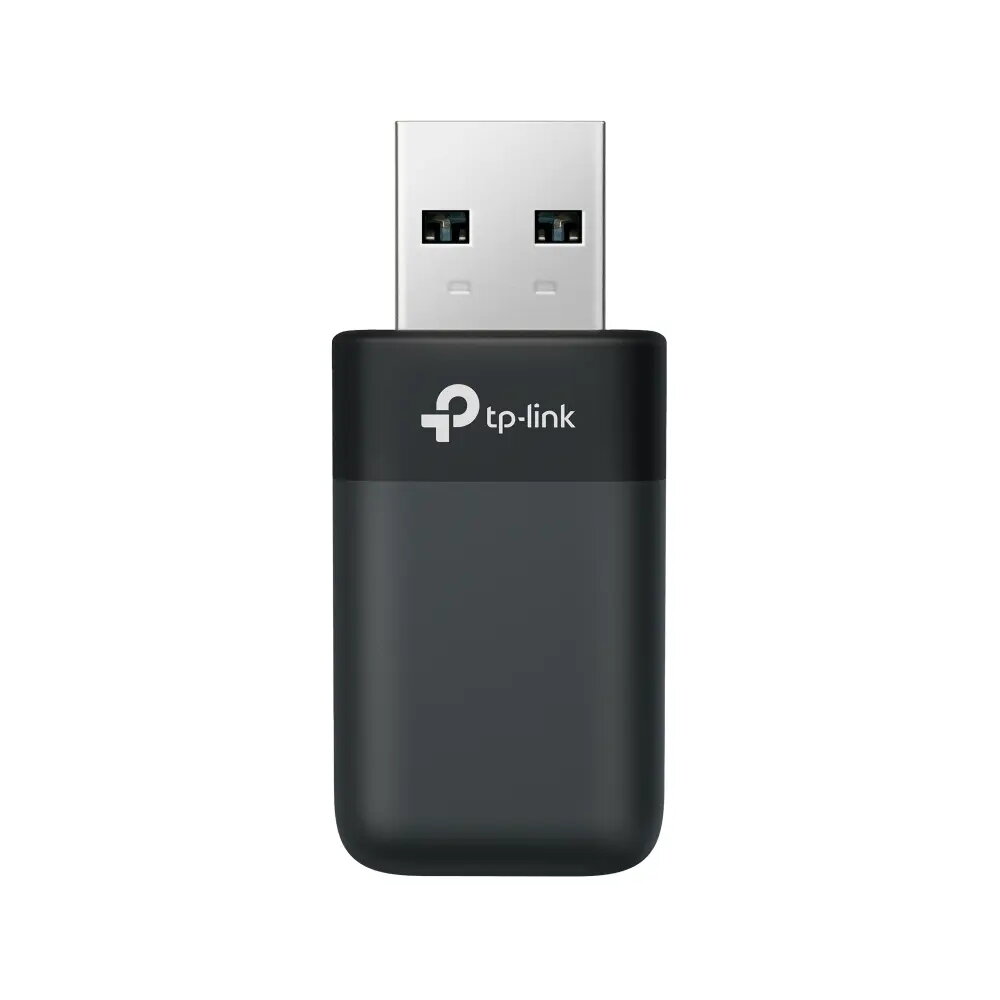
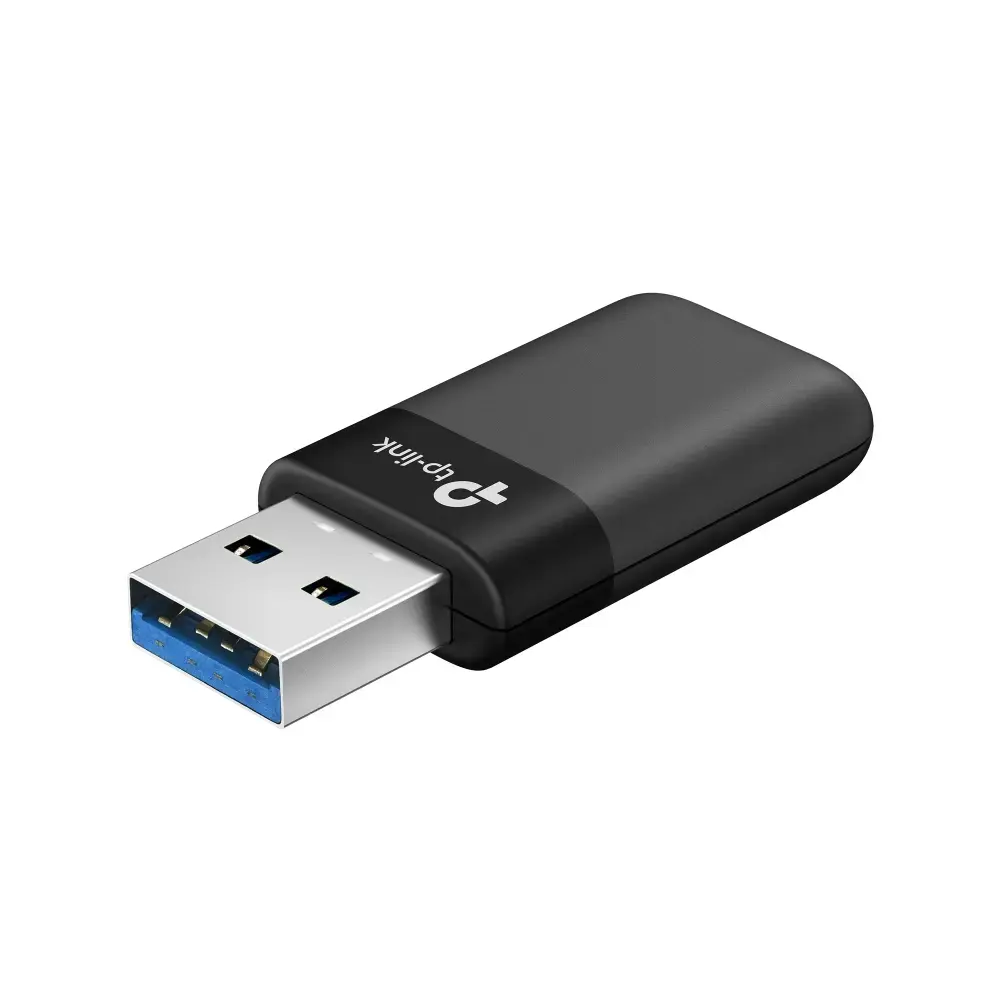
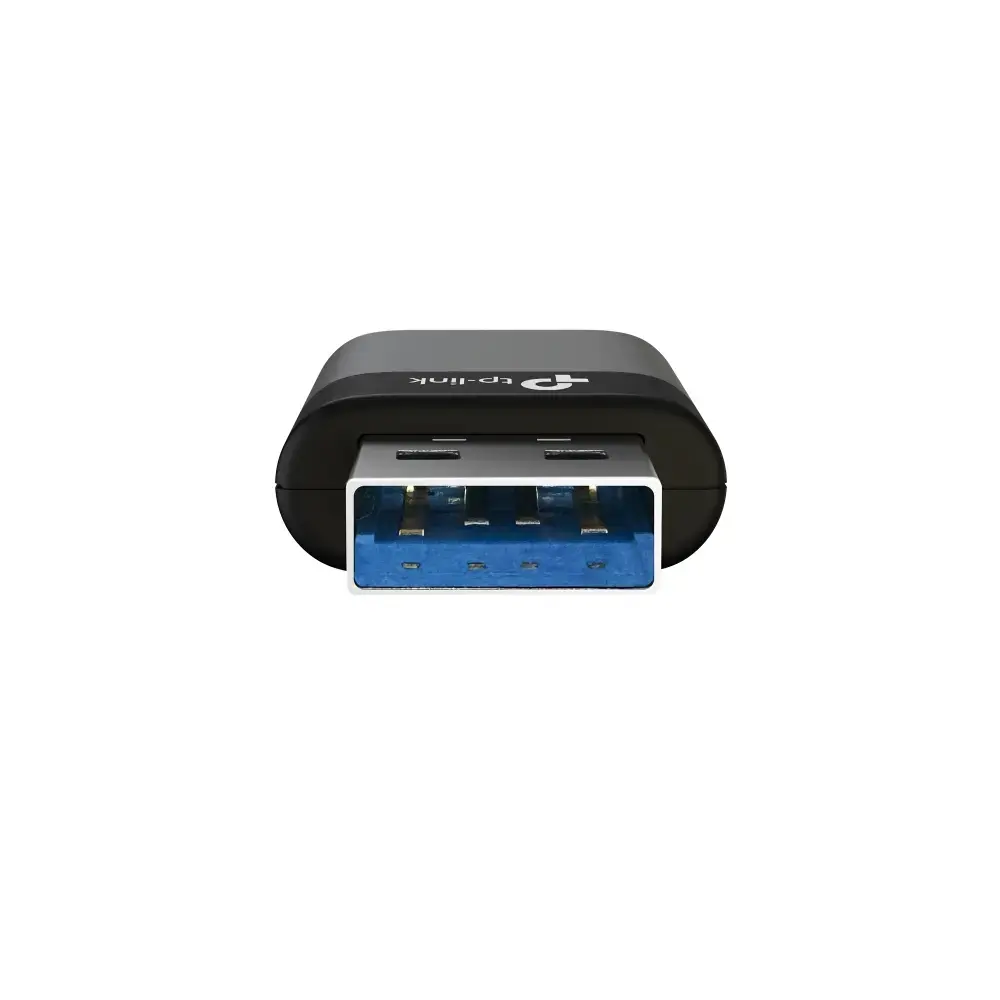
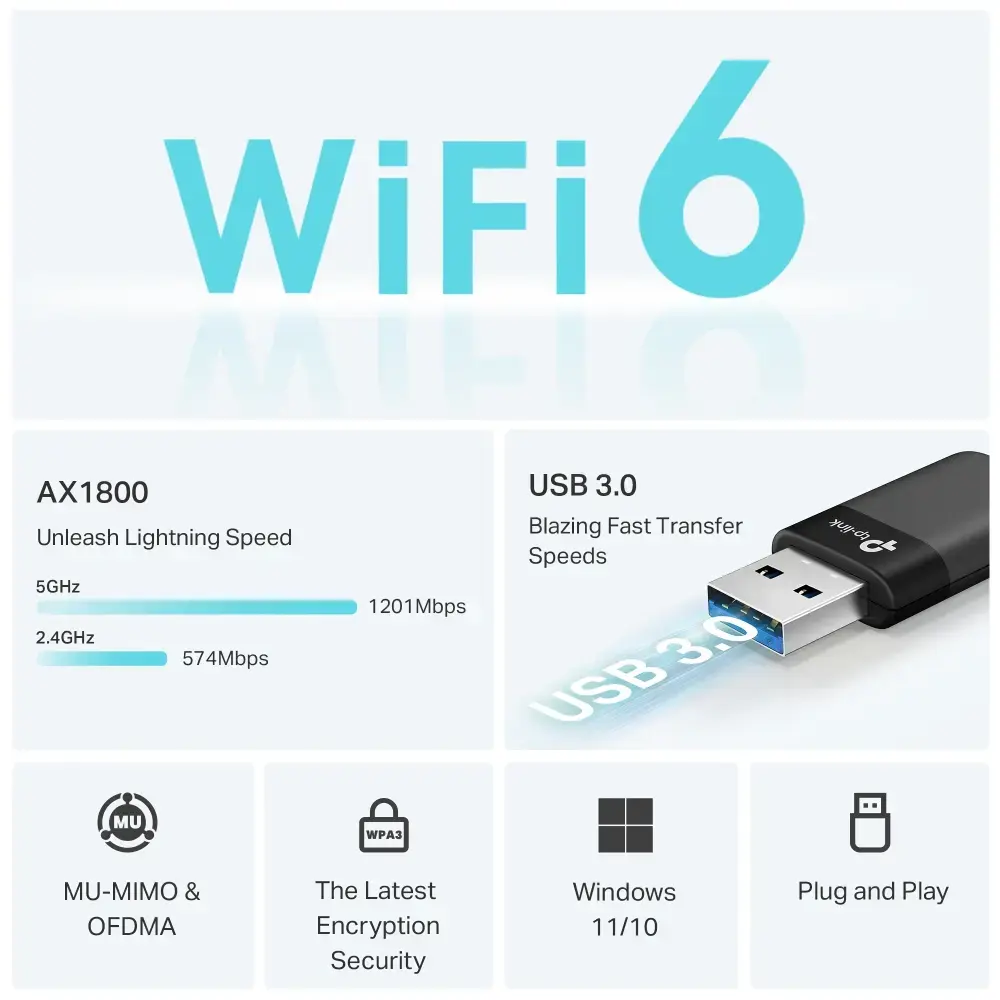
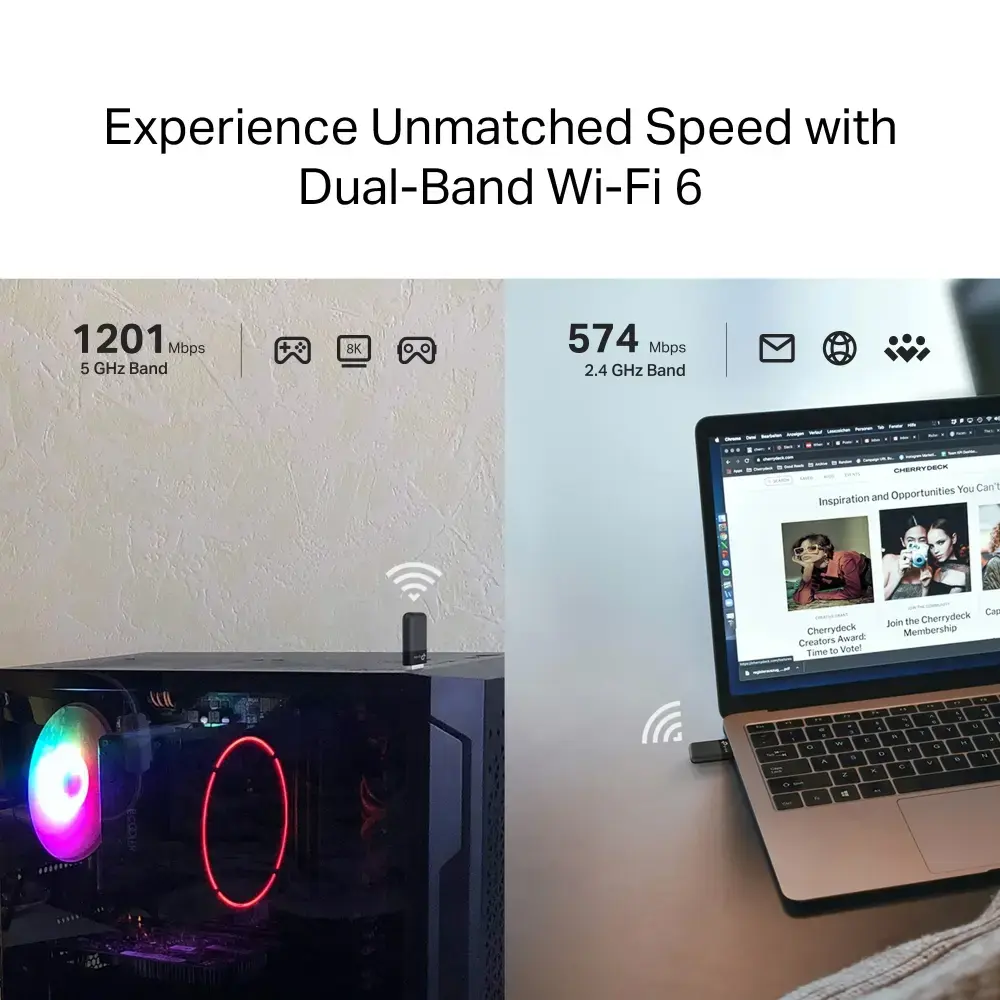
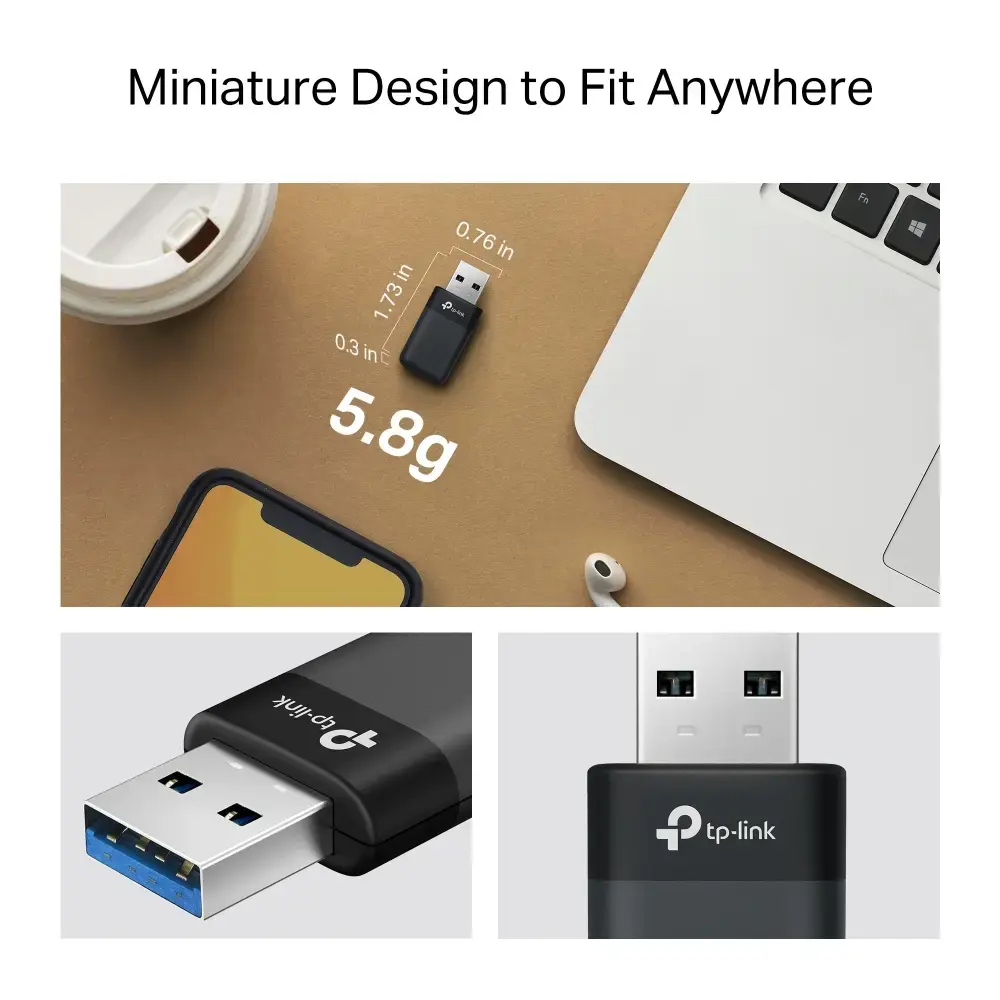
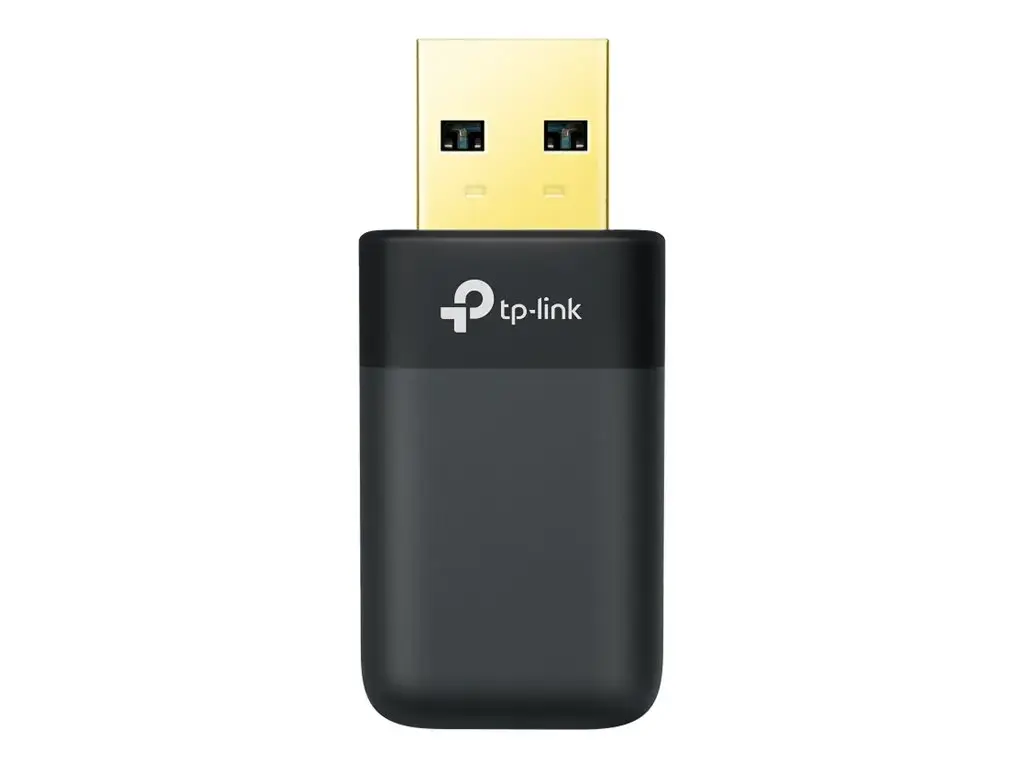
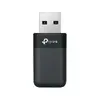
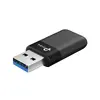
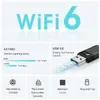
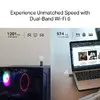
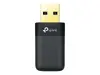
TP‑LINK Archer TX23U is an AX1800 Mini Wi‑Fi 6 USB adapter that adds dual‑band 802.11ax wireless connectivity to desktop PCs and laptops via a USB port. It supports MU‑MIMO and legacy 802.11a/b/g/n/ac standards to improve throughput, reduce latency and handle multiple devices more effectively for tasks such as streaming, gaming and remote work. The adapter is compact and lightweight and is supplied with a 36‑month warranty.
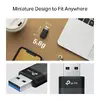
The Archer TX23U brings Wi‑Fi 6 performance to devices lacking modern wireless interfaces, offering faster data rates, better multi‑device handling through MU‑MIMO, and improved latency compared with older Wi‑Fi standards. Its compact USB form factor makes it easy to install and carry with a laptop.
The adapter is a compact USB device with minimal onboard antennas, so it may not match the range or raw signal strength of larger external adapters or internal PCIe cards with advanced antennas. If your priority is maximum wireless range or you need PoE support, this USB adapter will not meet those requirements.
Plug the Archer TX23U into an available USB port on your PC or laptop. Install the required drivers if the operating system does not automatically recognize the adapter — drivers are available from the TP‑LINK website. After installation, connect to your Wi‑Fi network using the system network manager and choose the appropriate 2.4 GHz or 5 GHz SSID for your router.
Place the adapter in a USB port with minimal obstruction and, if possible, use a USB port on the side or rear of a laptop/PC that faces toward the router to improve signal reception. Update firmware and drivers from the TP‑LINK site to ensure compatibility and optimal performance.
{{highlightedFeature.featureTitle}}:
{{getProductFeatureValueById(product, highlightedFeature.featureId)}}
| Warehouse | Stock | Delivery to the store | Store Price | |
| BT5 | 4 | Tuesday Best delivery | 24.49 € Best price | |
| WH353 | 4 | 02.07.2026 | 33.49 € |
|
24.49 €
Stock:
4
Delivery Date:
Tuesday
Best delivery
Warehouse: BT5
|
|
33.49 €
Stock:
4
Delivery Date:
02.07.2026
Warehouse: WH353
|