

JBL speakers and headphones for pure and deep sound!
In cart {{totalProductsCount}} item(s)
Your cart is empty
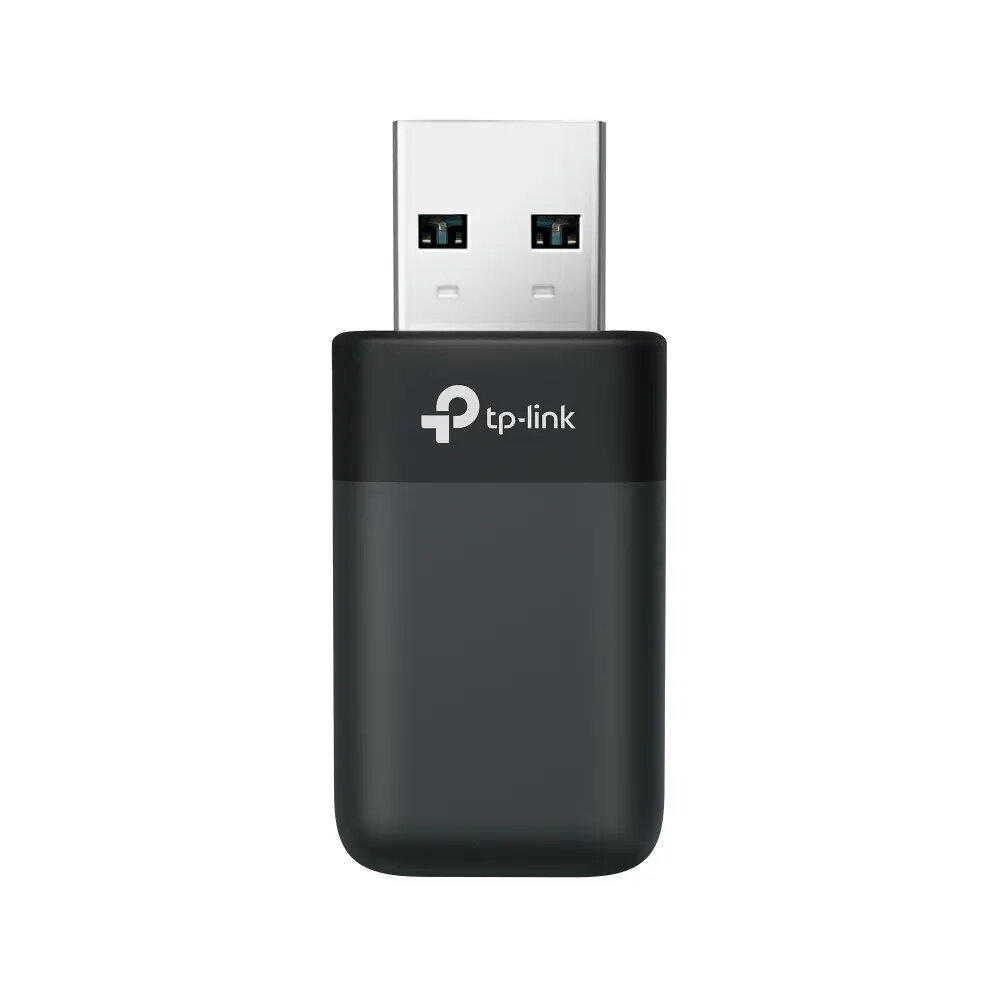
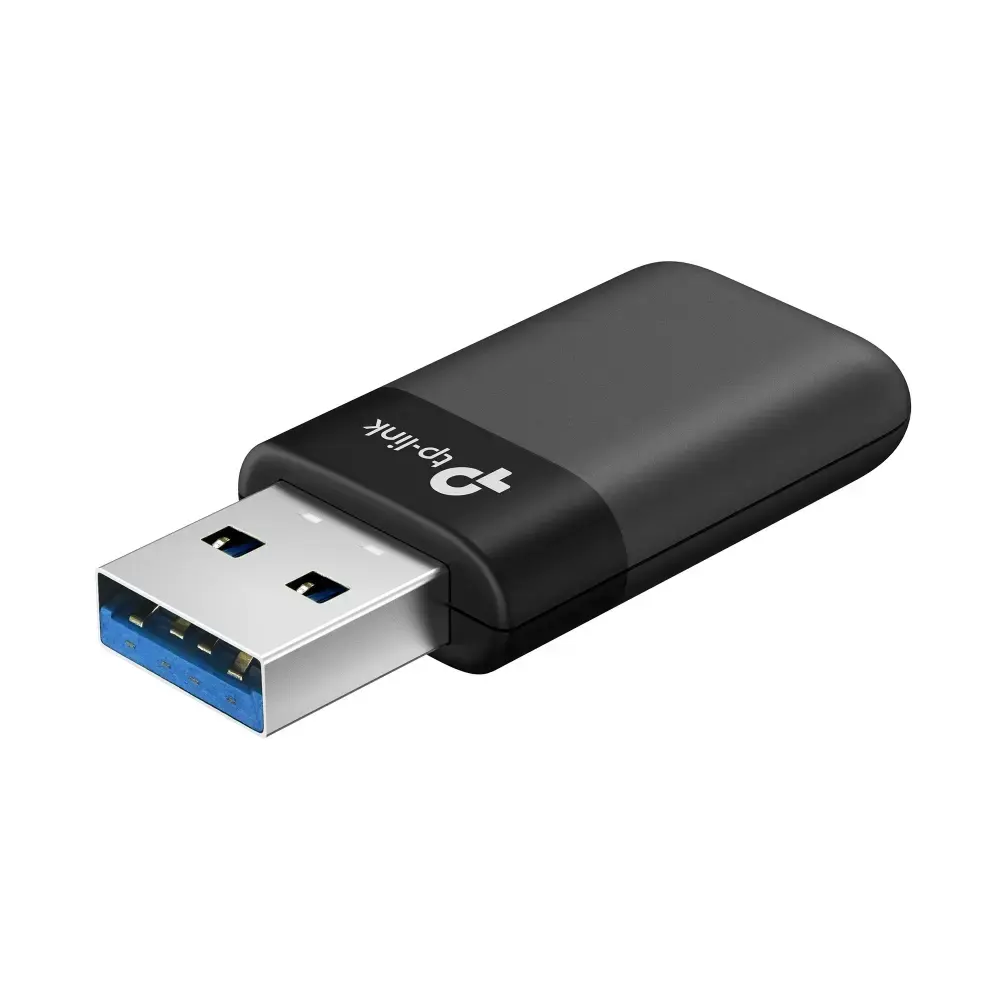
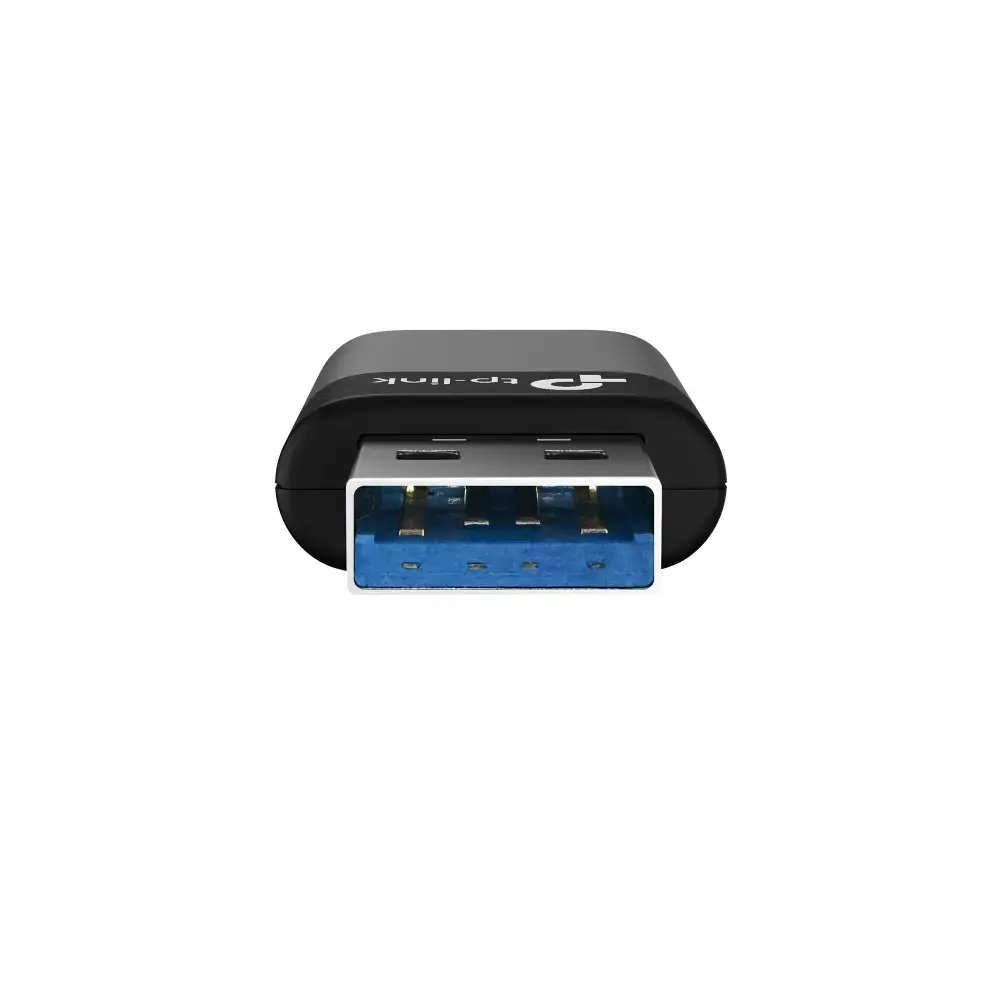
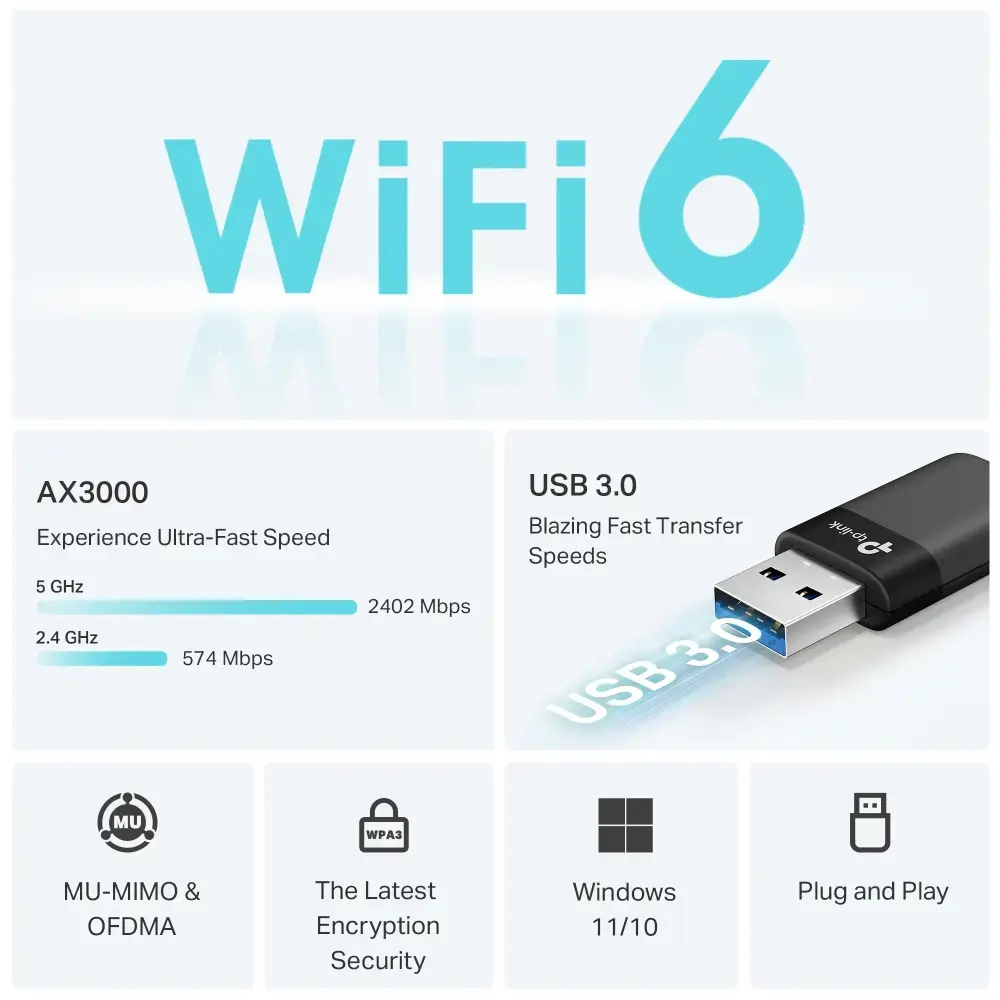
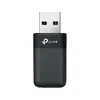
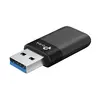
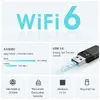
TP-LINK Archer TX50U AX3000 Dual Band Wi-Fi 6 Wireless USB Adapter, 802.11ax, 2.4 GHz and 5 GHz
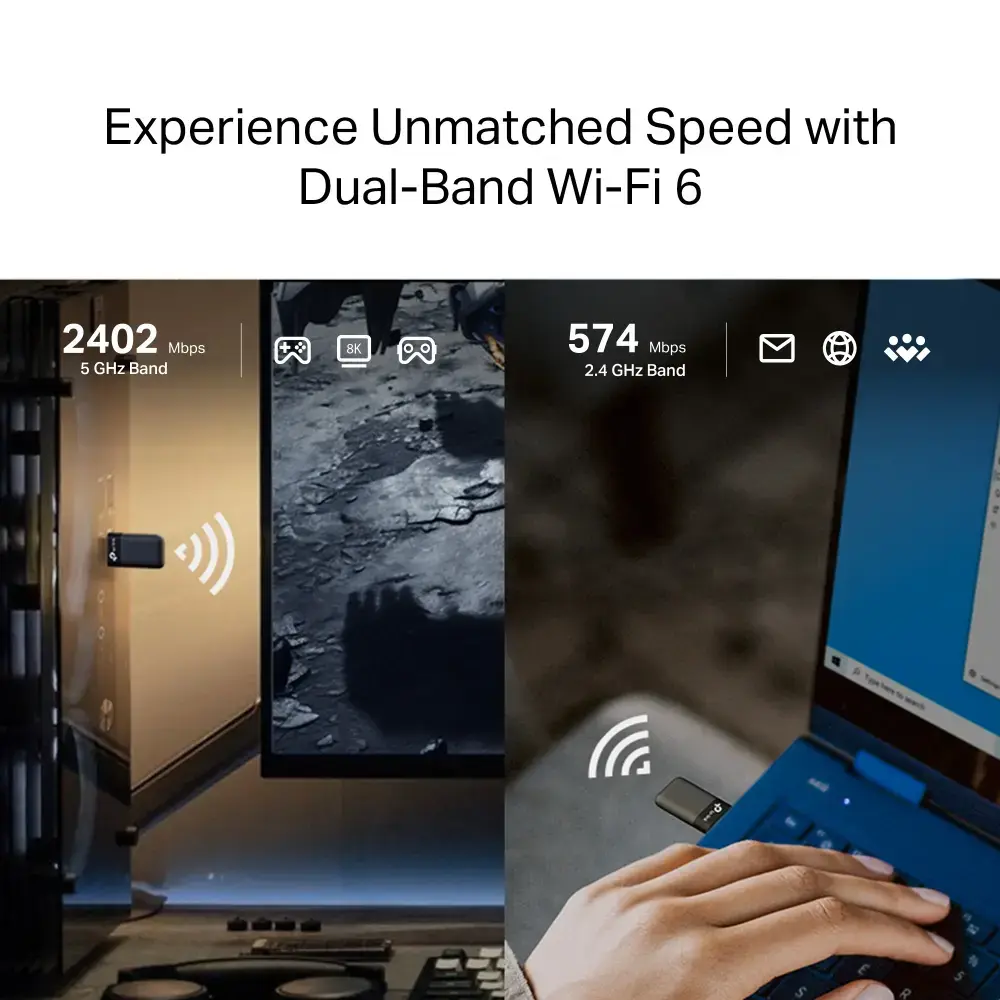
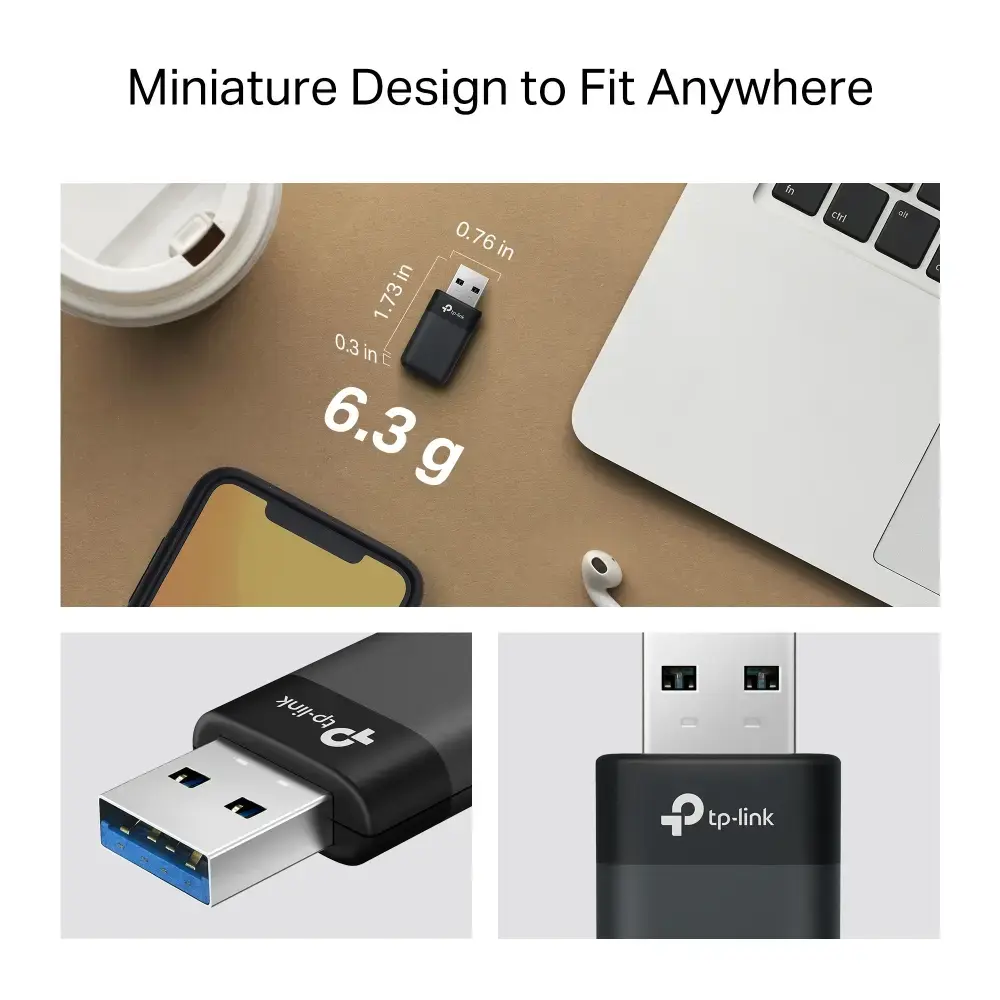
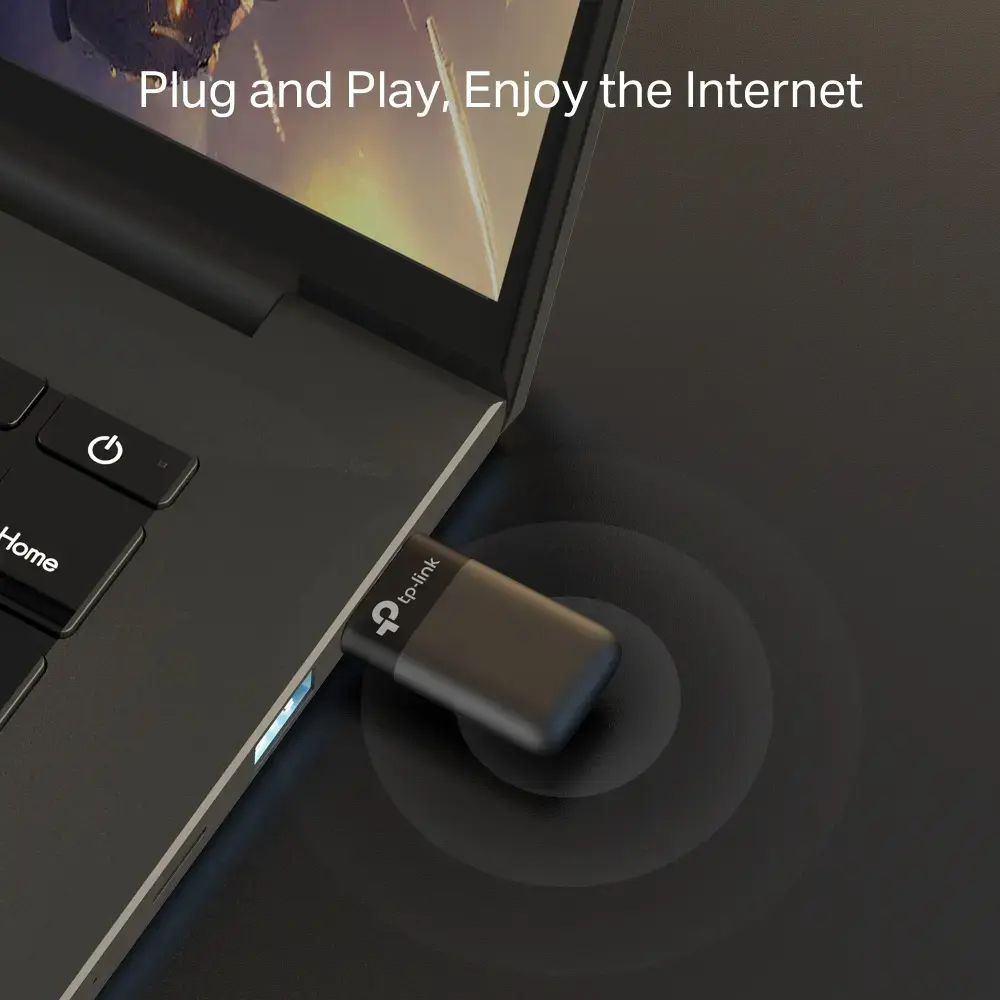
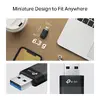
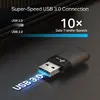
The TP-LINK Archer TX50U is a high-performance AX3000 dual-band Wi-Fi 6 wireless USB adapter designed to bring modern connectivity to your desktop or laptop. By utilizing the 802.11ax standard, this adapter provides faster data transfer rates and improved network efficiency compared to older wireless technologies. Its compact design and plug-and-play nature make it a straightforward solution for users looking to upgrade their existing hardware to support the latest high-speed wireless networks.
This wireless adapter offers significant improvements in network speed and stability by leveraging the advanced capabilities of Wi-Fi 6. The dual-band functionality allows for flexible connection options across both 2.4 GHz and 5 GHz frequencies, ensuring compatibility with a wide range of routers and environments. Its internal antenna design maintains a sleek, unobtrusive profile, making it an excellent choice for portable setups or crowded workspaces where external antennas might be inconvenient.
This adapter may not be the ideal choice for users requiring specialized features like MU-MIMO for high-density traffic management or those needing Power over Ethernet capabilities. Additionally, users with very specific high-performance requirements for professional-grade server environments might find the internal antenna design less effective than models featuring high-gain external antennas.
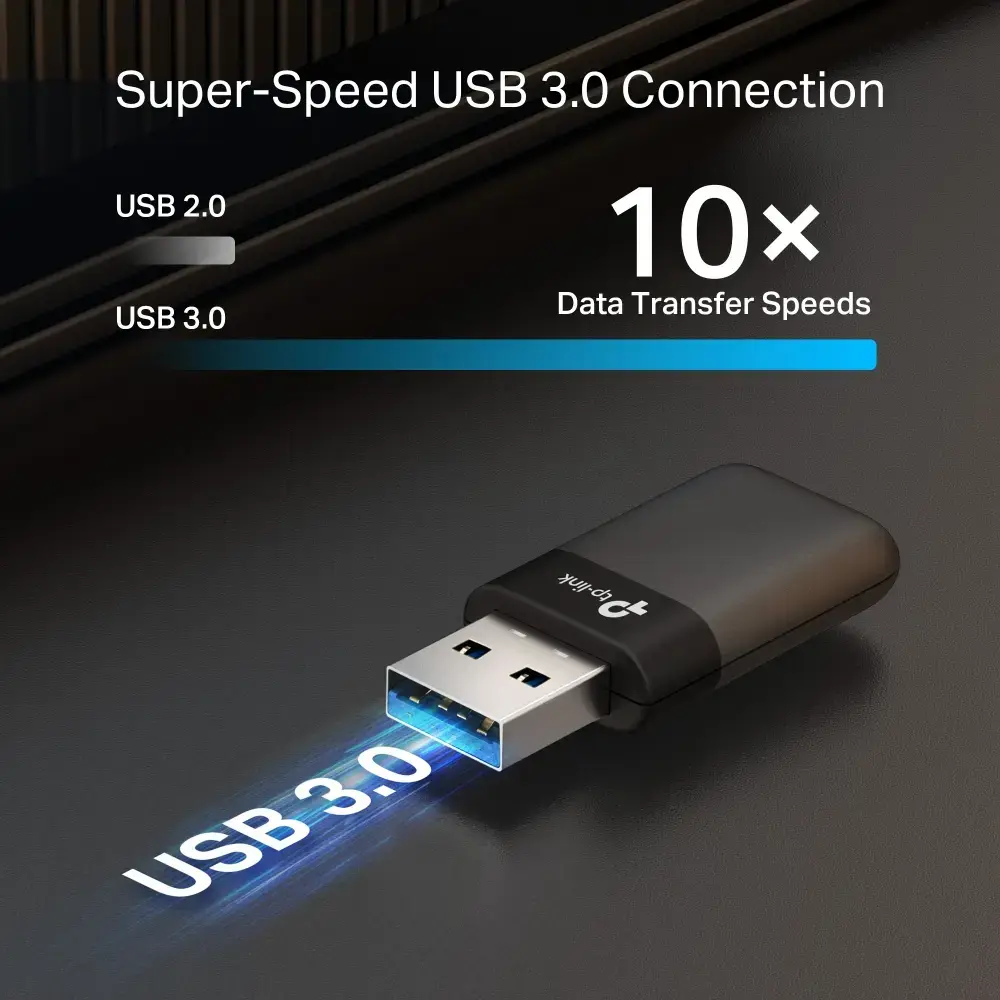
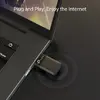
To use the TP-LINK Archer TX50U, simply insert the device into an available USB port on your computer. The operating system should detect the hardware, though you may need to install the appropriate drivers provided by the manufacturer to ensure full functionality and optimal performance. Once installed, select your preferred wireless network from your computer's network settings and enter the password to establish a connection.
For the best performance, ensure the adapter is plugged into a USB port that is not obstructed by other devices or metal objects, as this can interfere with the internal antenna's signal reception.
{{highlightedFeature.featureTitle}}:
{{getProductFeatureValueById(product, highlightedFeature.featureId)}}
{{ productComparisonGenerationError }}
