



JBL speakers and headphones for pure and deep sound!
In cart {{totalProductsCount}} item(s)
Your cart is empty
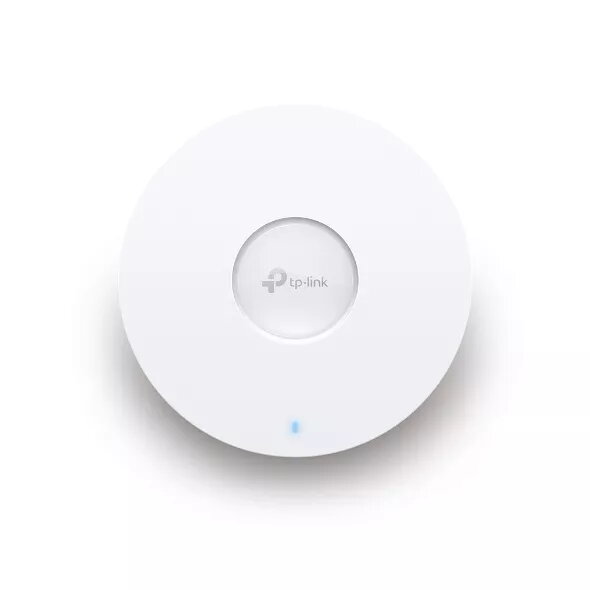
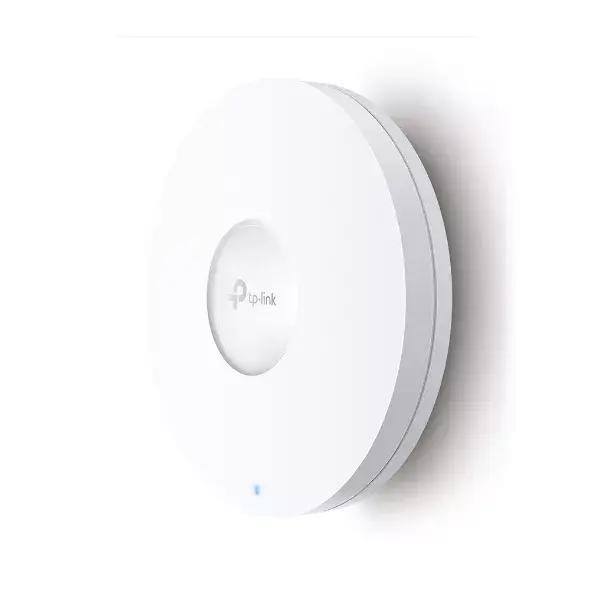
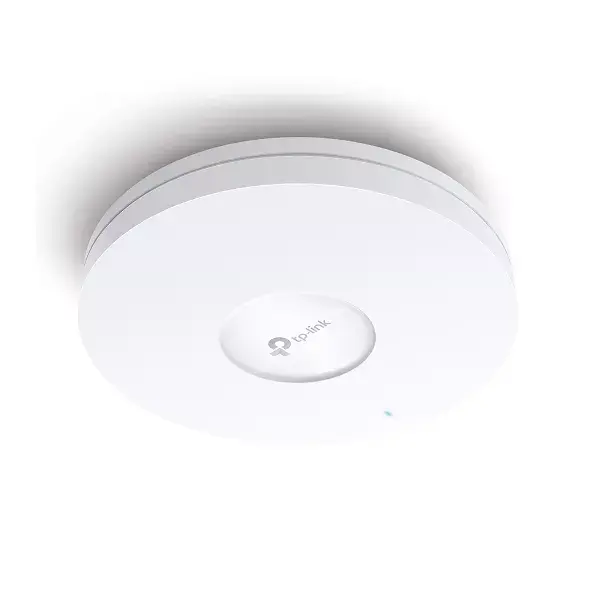
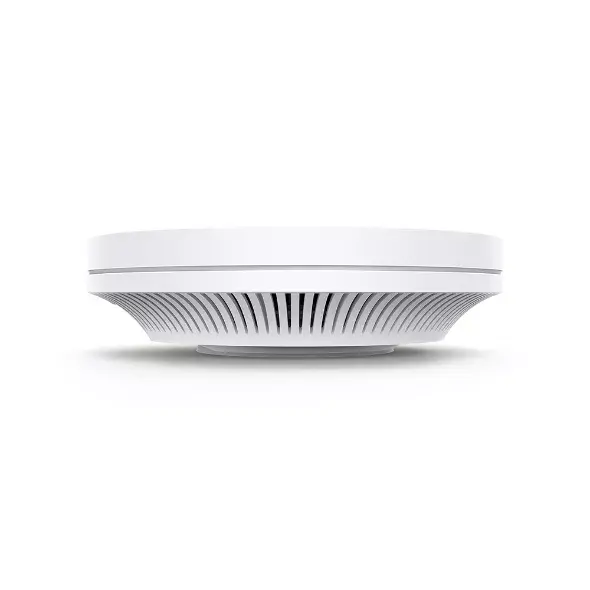
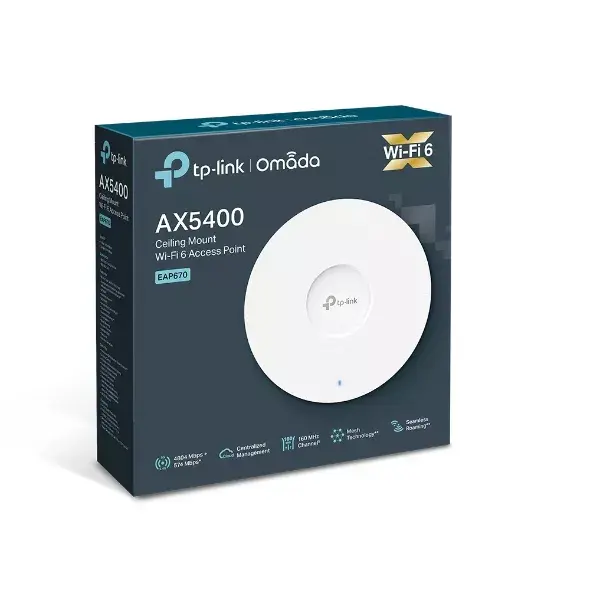
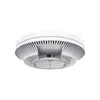
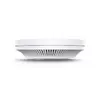
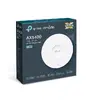
Ceiling Mount WiFi 6 Access Point TP-Link Omada EAP670 — AX5400, Dual-band 2.4/5 GHz, 6 Antennas, PoE
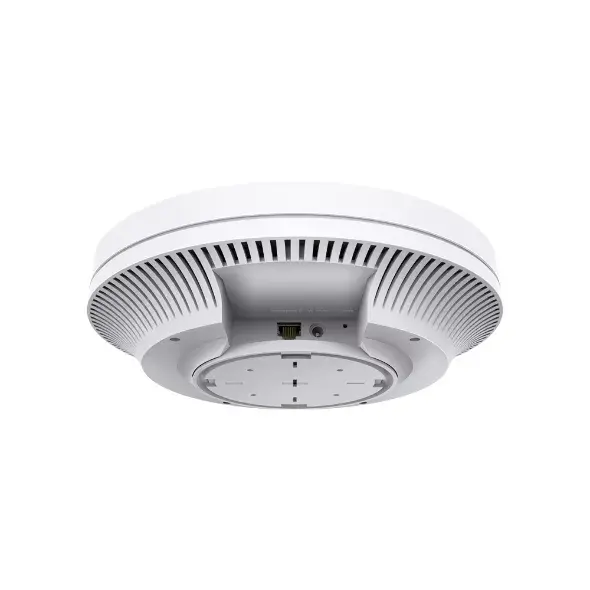
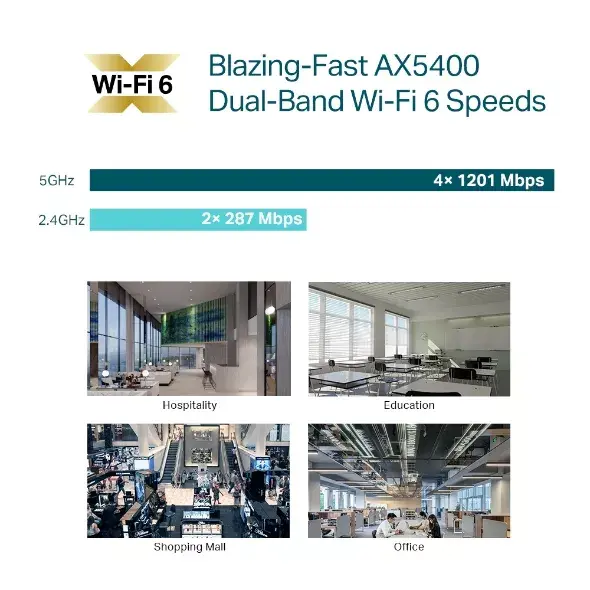
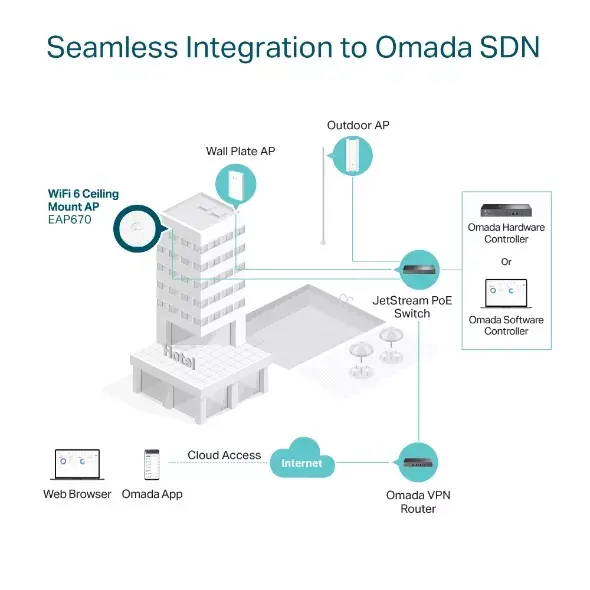
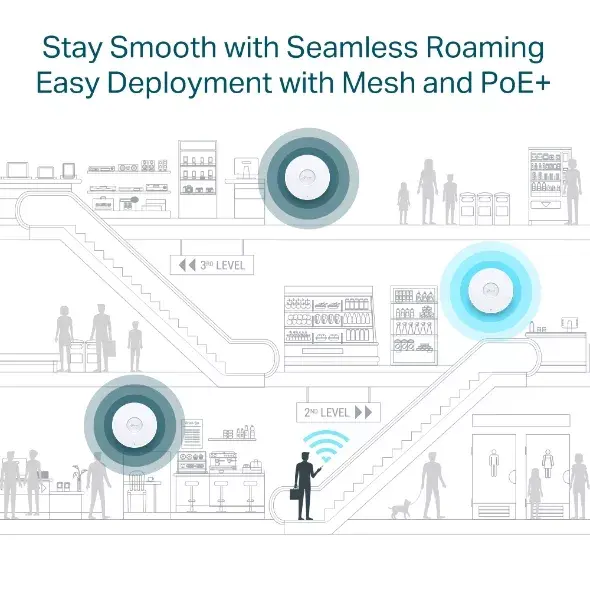
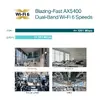
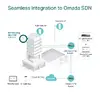
TP-Link Omada AX5400 Ceiling Mount WiFi 6 Access Point delivers business-grade wireless connectivity with combined AX5400 throughput (4804 Mbps on 5 GHz and 574 Mbps on 2.4 GHz) and a clean white ceiling design suitable for offices and public spaces. It supports Wi‑Fi 6 features to increase network capacity and reduce latency, includes a 2.5 Gbps Ethernet port for higher wired throughput, and can be powered via DC adapter or 802.3at PoE+. The access point integrates with the Omada SDN platform for centralized local or cloud management and supports Omada Mesh and seamless roaming for flexible deployments.
The AX5400 combines high wireless throughput and Wi‑Fi 6 efficiency to serve more simultaneous clients with lower latency. A 2.5GE port increases wired backhaul capacity, while PoE+ and included DC power provide flexible installation options. Centralized Omada cloud/local management simplifies configuration and monitoring across multiple devices. Built-in features such as HE160 channel support, automatic channel selection and power adjustment, Omada Mesh, and fast roaming help maintain stable performance in dense or distributed business environments.
This ceiling mount AP is designed for business and enterprise environments; it may be oversized for very small homes or single-room setups where simpler consumer routers suffice. Environments that cannot provide PoE+ and where running a DC adapter is impractical may find installation options limited.
Mount the AP on a standard ceiling plate or bracket and connect it to your network switch using the 2.5 Gbps Ethernet port. Power the unit via PoE+ from a compatible switch or use the supplied DC adapter. Adopt the device into the Omada SDN controller or Omada Cloud to configure SSIDs, security settings, RF optimization (auto channel and power), and user access. For extended coverage, enable Omada Mesh and configure roaming settings to allow clients to move between APs seamlessly.
Place APs centrally in coverage areas, maintain recommended spacing between units to reduce co‑channel interference, enable auto channel selection and power adjustment in dense deployments, and use the 2.5GE port for uplink to core switches to maximize throughput.
{{highlightedFeature.featureTitle}}:
{{getProductFeatureValueById(product, highlightedFeature.featureId)}}
{{ productComparisonGenerationError }}