
Powerful EcoFlow stations for energy anywhere!
In cart {{totalProductsCount}} item(s)
Your cart is empty
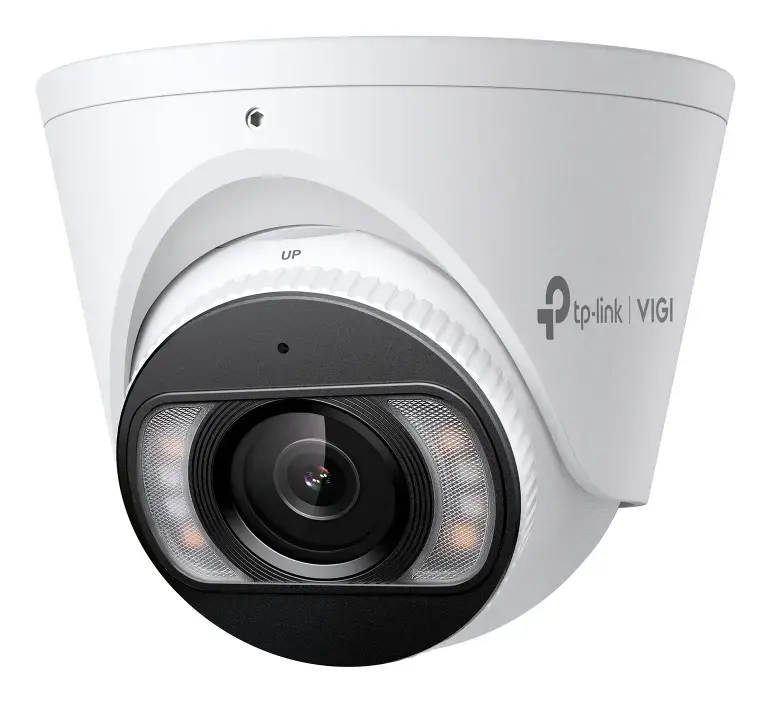
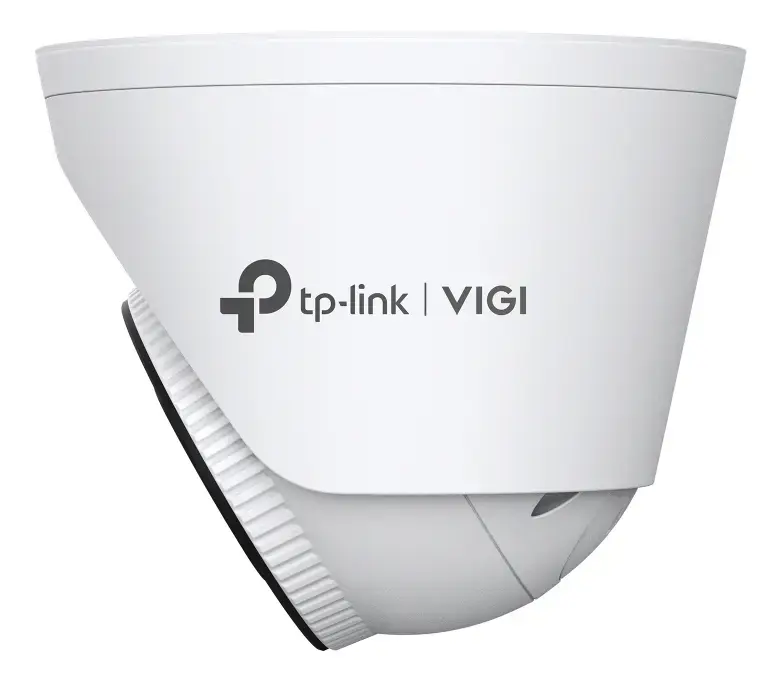
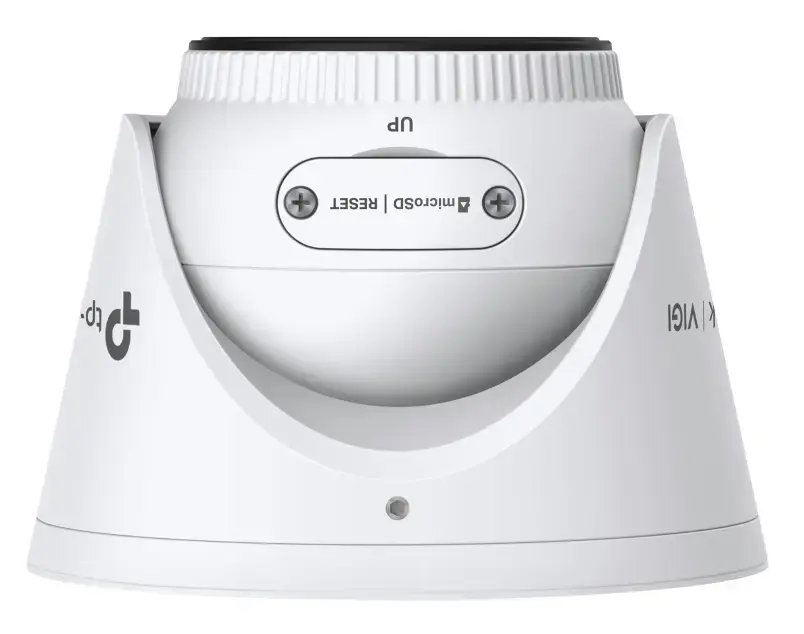
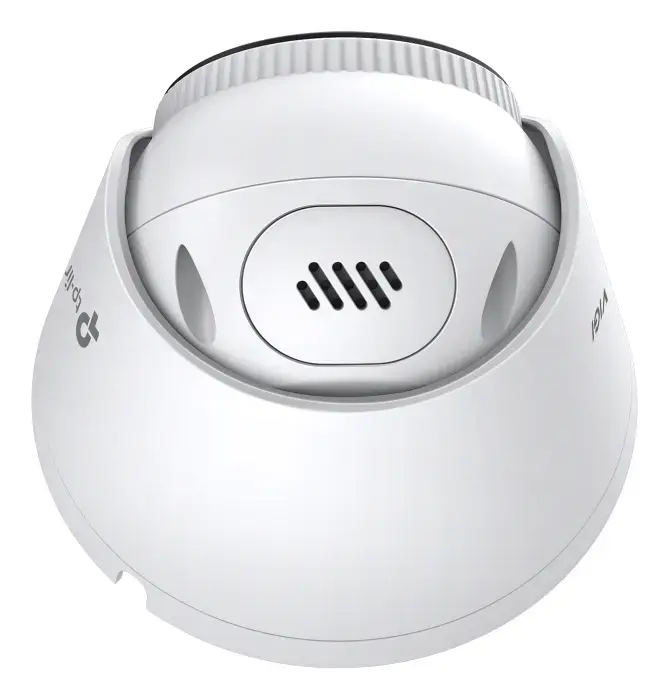
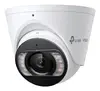
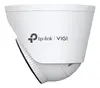
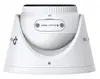
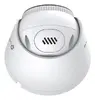
TP-Link VIGI S485 8MP 4K Turret IP Security Camera, Wired, Outdoor, 2.8mm Lens
The TP-Link VIGI S485 is a high-performance 8MP 4K turret IP security camera engineered for robust outdoor surveillance. This wired network camera captures ultra-high-definition video, ensuring that every detail is recorded with precision. Equipped with a 2.8mm lens, it offers a wide horizontal field of view of 111.4 degrees, making it an ideal choice for monitoring large areas such as parking lots, building perimeters, and open outdoor spaces. Its durable design and advanced imaging sensors provide reliable performance in diverse environmental conditions.
This camera excels by providing exceptional image clarity through its 4K resolution and advanced video enhancement technologies, including True WDR and 3D DNR, which balance lighting and reduce noise for a crisp picture. The integration of smart detection features allows for accurate human and vehicle classification, significantly reducing false alarms. With its IP67-rated housing, the camera is fully protected against dust and water, ensuring longevity in harsh weather. Furthermore, the use of H.265+ compression technology optimizes storage and bandwidth usage without compromising video quality, making it a highly efficient solution for professional security systems.
This camera may not be suitable for indoor environments where a smaller, more discreet form factor is required, or for locations where a motorized zoom lens is necessary to capture distant objects with high magnification. Additionally, it requires a wired network connection, which may not be feasible in areas where cabling cannot be installed.
To use the TP-Link VIGI S485, mount the camera securely to a ceiling or wall using the provided hardware. Connect the device to your network using an Ethernet cable, ensuring the use of a PoE switch or a 12V DC power supply. Once powered, access the camera's interface via the VIGI management software or mobile app to configure network settings, detection zones, and recording schedules. Ensure the lens is focused on the target area and that the camera is positioned to avoid direct glare from light sources.
For optimal performance, regularly clean the camera lens with a soft, non-abrasive cloth to maintain image clarity and ensure that firmware is updated periodically to benefit from the latest security enhancements and feature improvements.
{{highlightedFeature.featureTitle}}:
{{getProductFeatureValueById(product, highlightedFeature.featureId)}}
{{ productComparisonGenerationError }}
