
Save time and money with our discounts!
In cart {{totalProductsCount}} item(s)
Your cart is empty
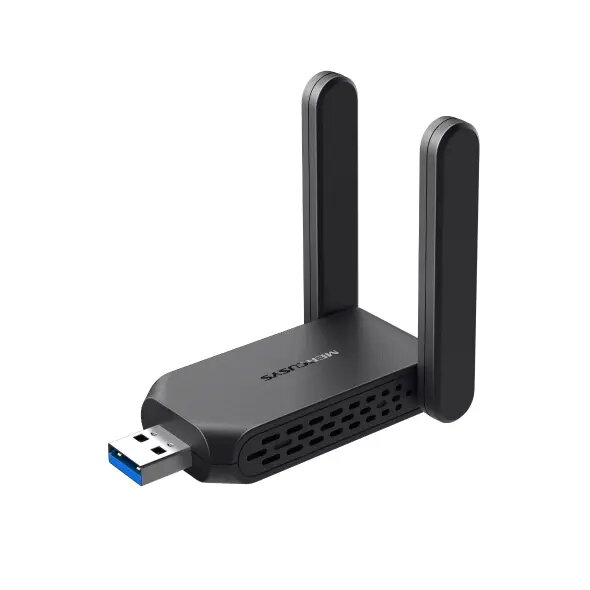
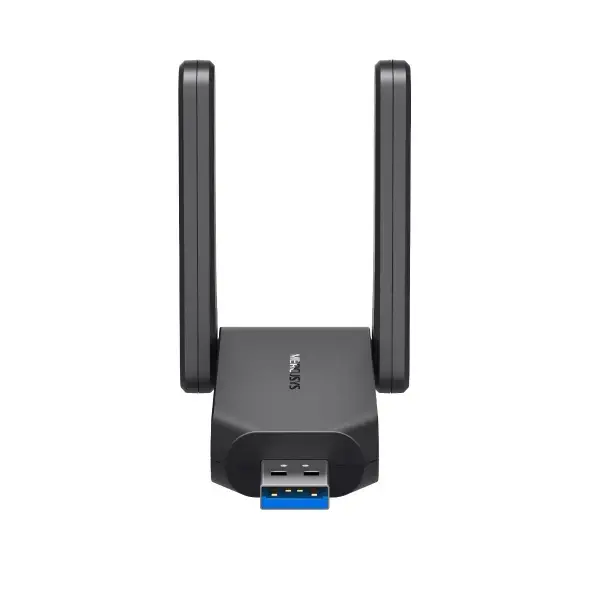
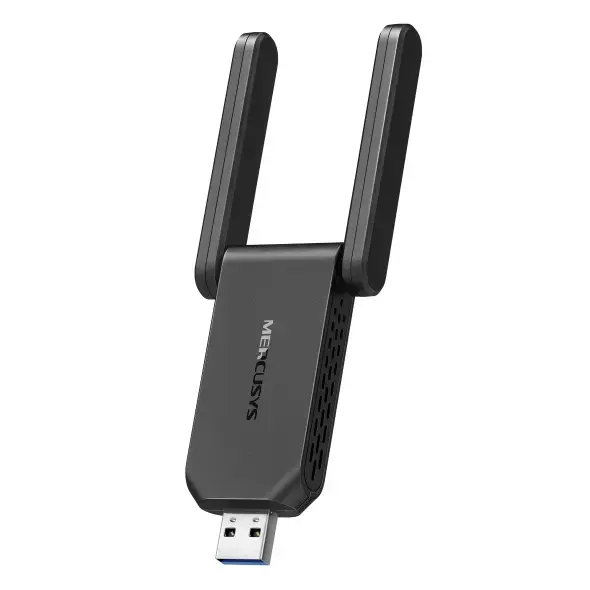
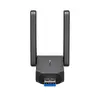
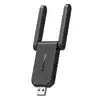
TP-Link MA32H Wireless Dual Band USB Adapter WLAN 867 Mbit/s Black
The TP-Link MA32H is a high-performance internal wireless dual-band USB adapter designed to upgrade the network capabilities of desktop computers and laptops. Featuring support for wired and wireless connectivity along with WLAN interface standards, this adapter delivers a maximum data transfer rate of 867 Mbit/s. Finished in a sleek black color, it integrates effortlessly into your existing computer setup while providing fast and reliable network connectivity across dual frequency bands.
This wireless adapter utilizes advanced dual-band technology to distribute network traffic efficiently across both 2.4 GHz and 5 GHz frequency bands, ensuring stable connections for everyday tasks and high-bandwidth applications alike. The inclusion of high-gain antennas extends signal coverage and improves directional precision, allowing for reliable connections over greater distances. Users benefit from straightforward setup procedures thanks to internal driver integration that facilitates simple connection without external optical media. Furthermore, support for modern encryption standards helps safeguard personal information and connected devices against unauthorized access.
This adapter may not be ideal for environments that exclusively rely on older operating systems outside the supported Windows versions, as driver compatibility is required. Additionally, users requiring specialized enterprise-grade network infrastructure components or advanced wired routing capabilities will need dedicated hardware solutions.
To begin using the TP-Link MA32H, insert the device into an available USB port on a compatible computer running a supported operating system. The internal driver installation process will initiate automatically, allowing the system to configure the network hardware without requiring external installation discs or downloads. Once the installation is complete, open your operating system network settings, select your preferred wireless network, enter the security credentials, and establish the connection to start browsing the internet or accessing network resources.
Usage recommendations: Position your computer away from physical obstructions and sources of electromagnetic interference to maintain optimal signal strength and maximize wireless data transfer speeds when utilizing dual-band frequencies.
{{highlightedFeature.featureTitle}}:
{{getProductFeatureValueById(product, highlightedFeature.featureId)}}
{{ productComparisonGenerationError }}
