


Wi‑Fi adapter TP‑LINK Archer BE9300 — PCIe wireless card, Tri‑band 2.4/5/6 GHz, Wi‑Fi 7 (802.11be), up to 9300 Mbps, black
Short description


Cheapest delivery:
Unisend LV

Esto — pay in 6 equal parts
Product information
Description
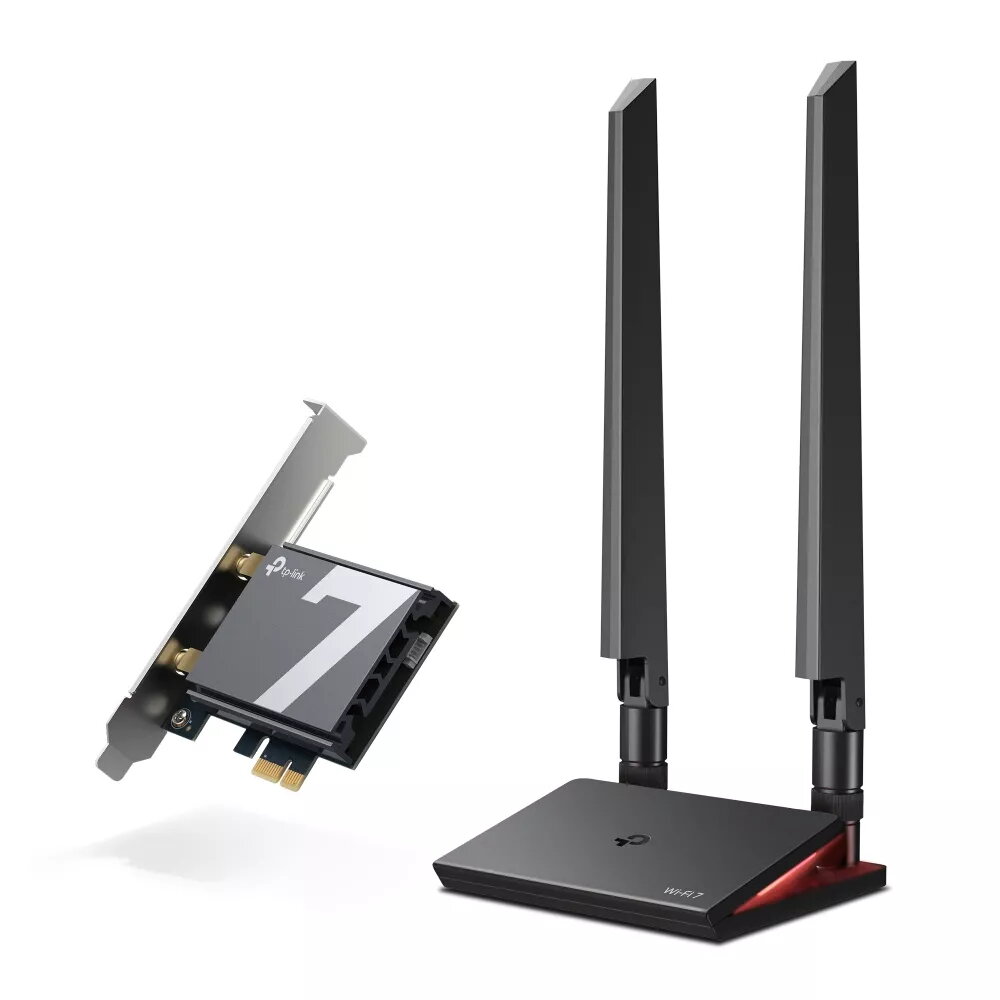
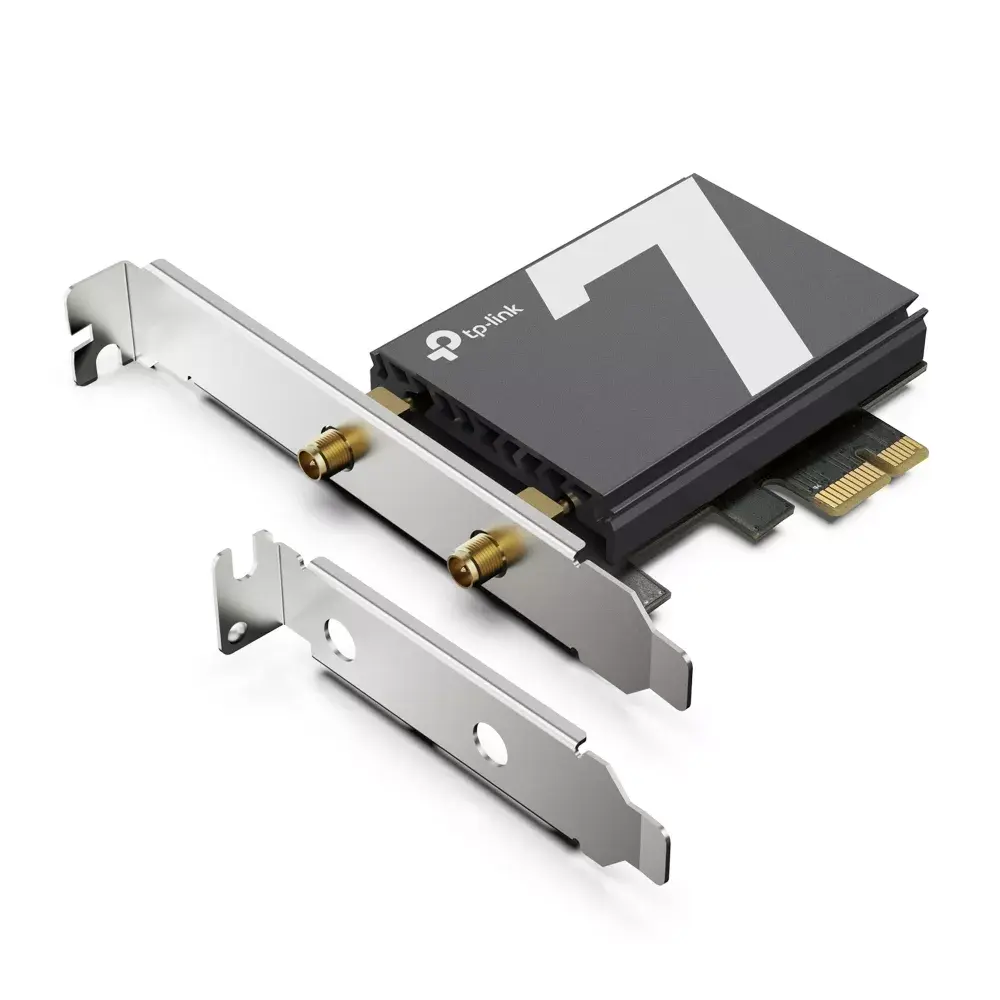
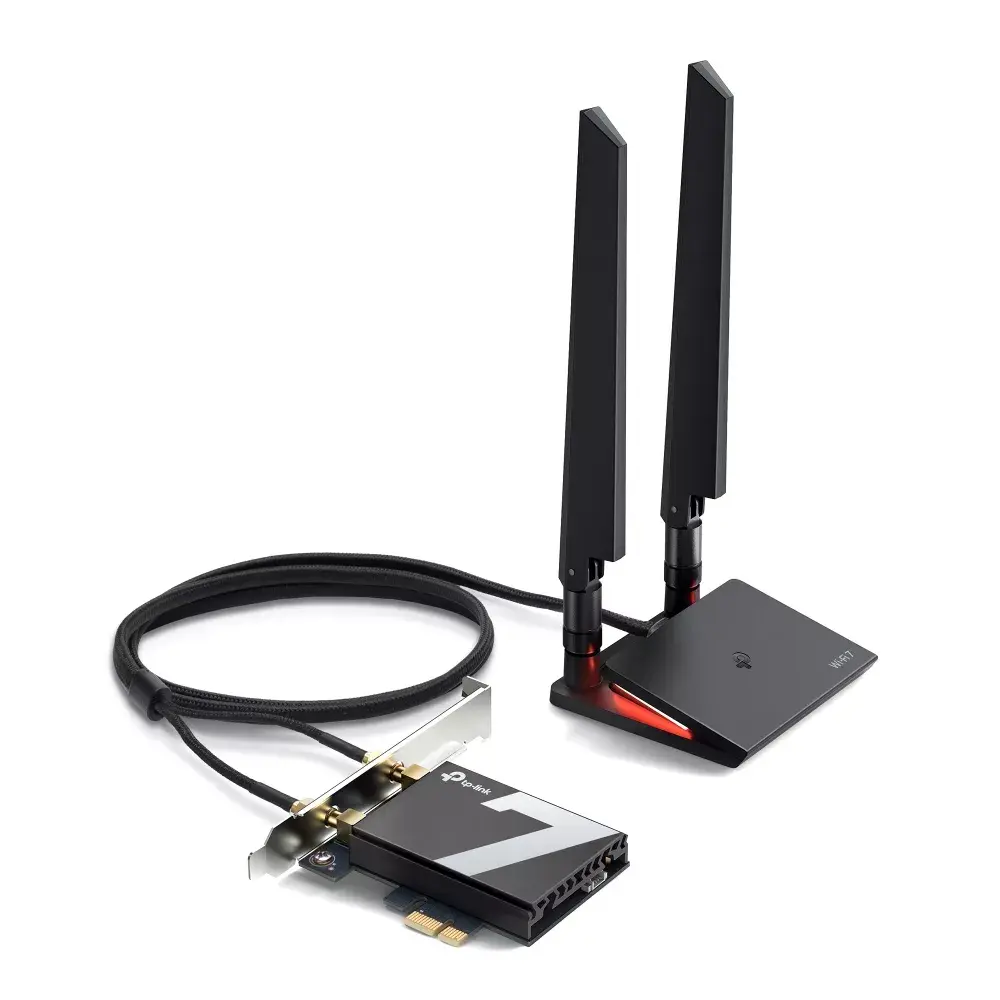
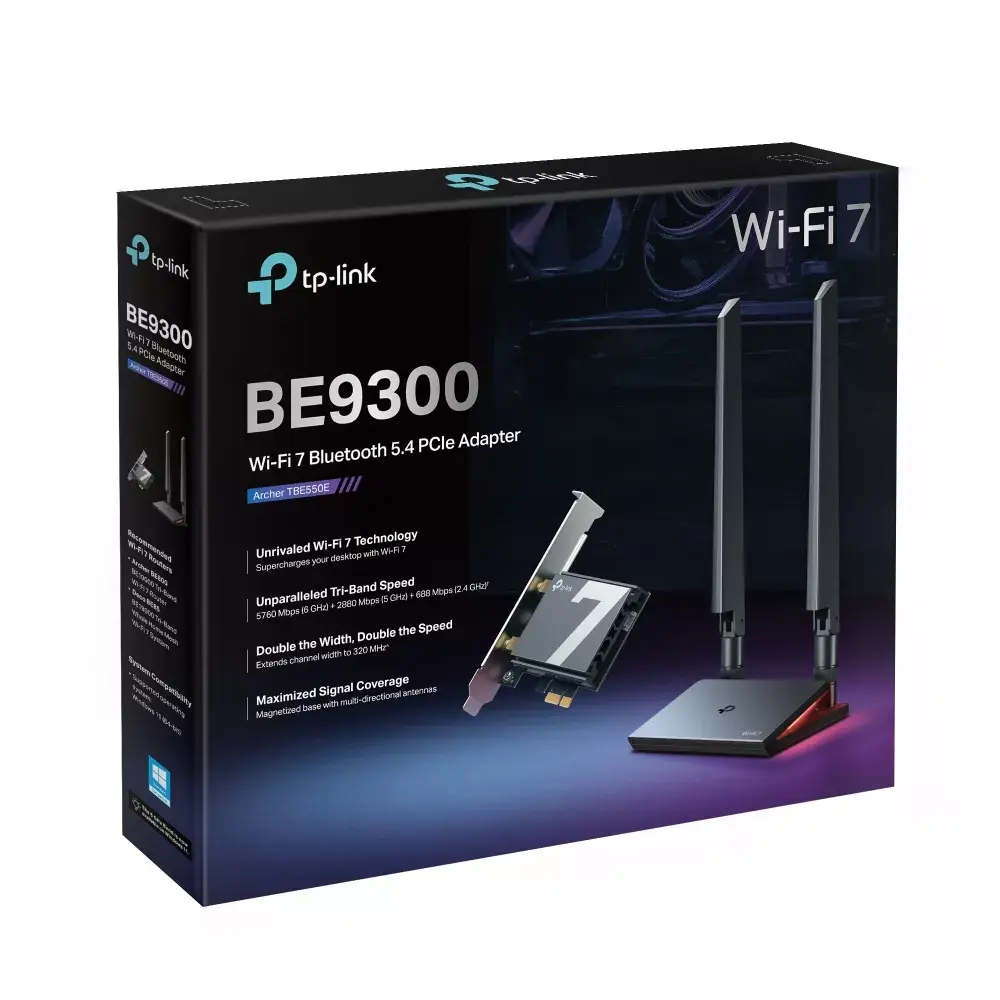
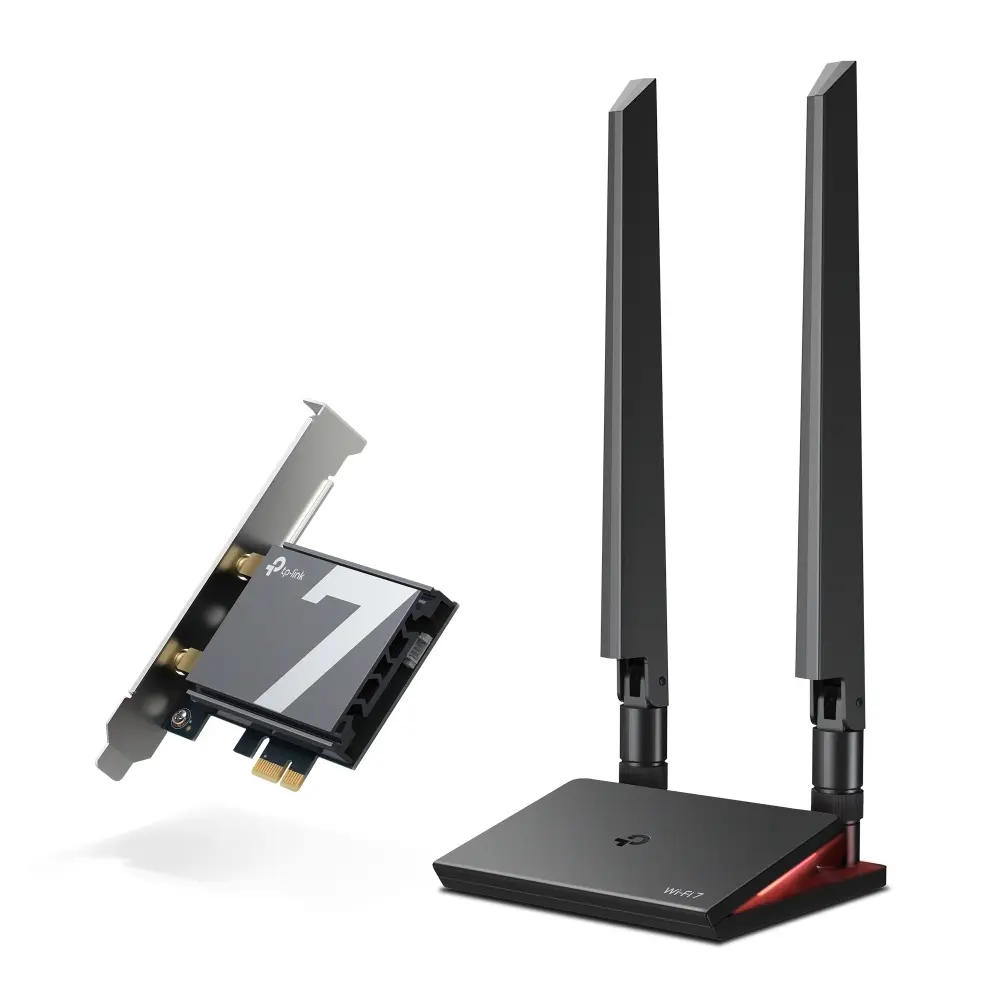
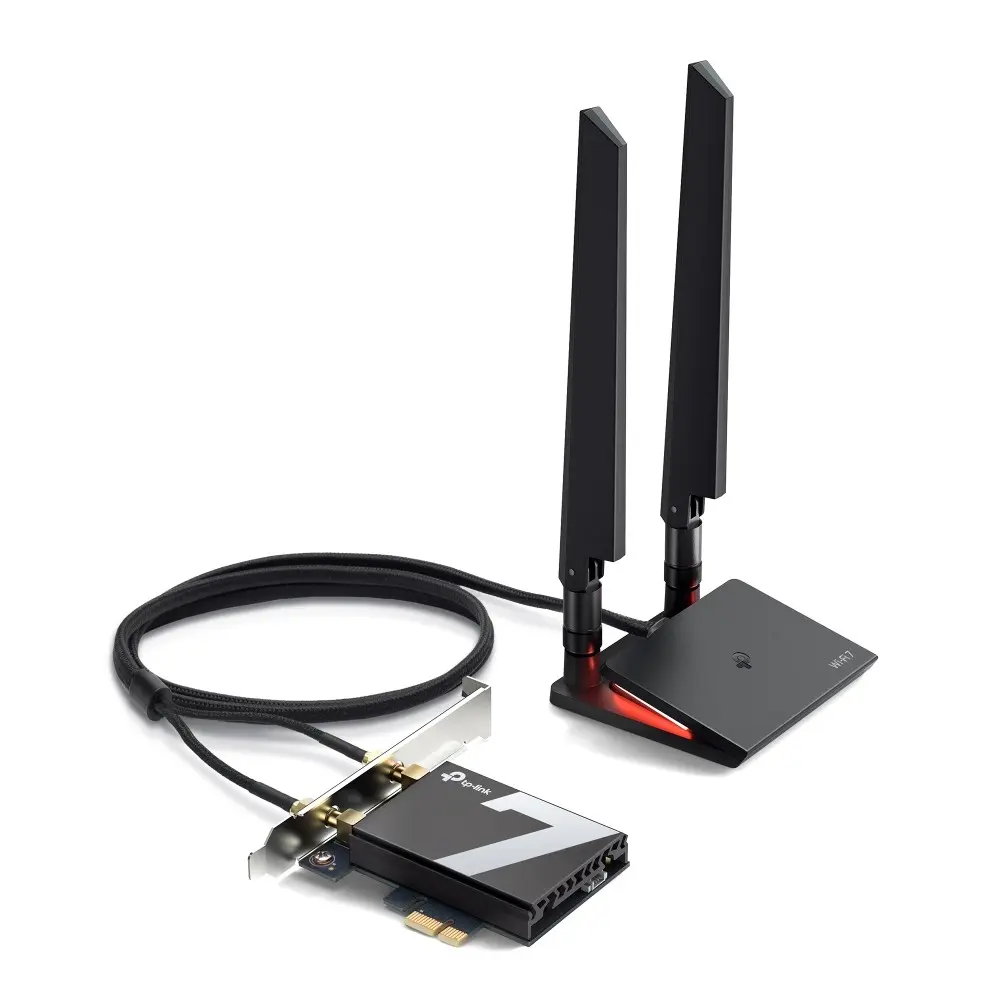
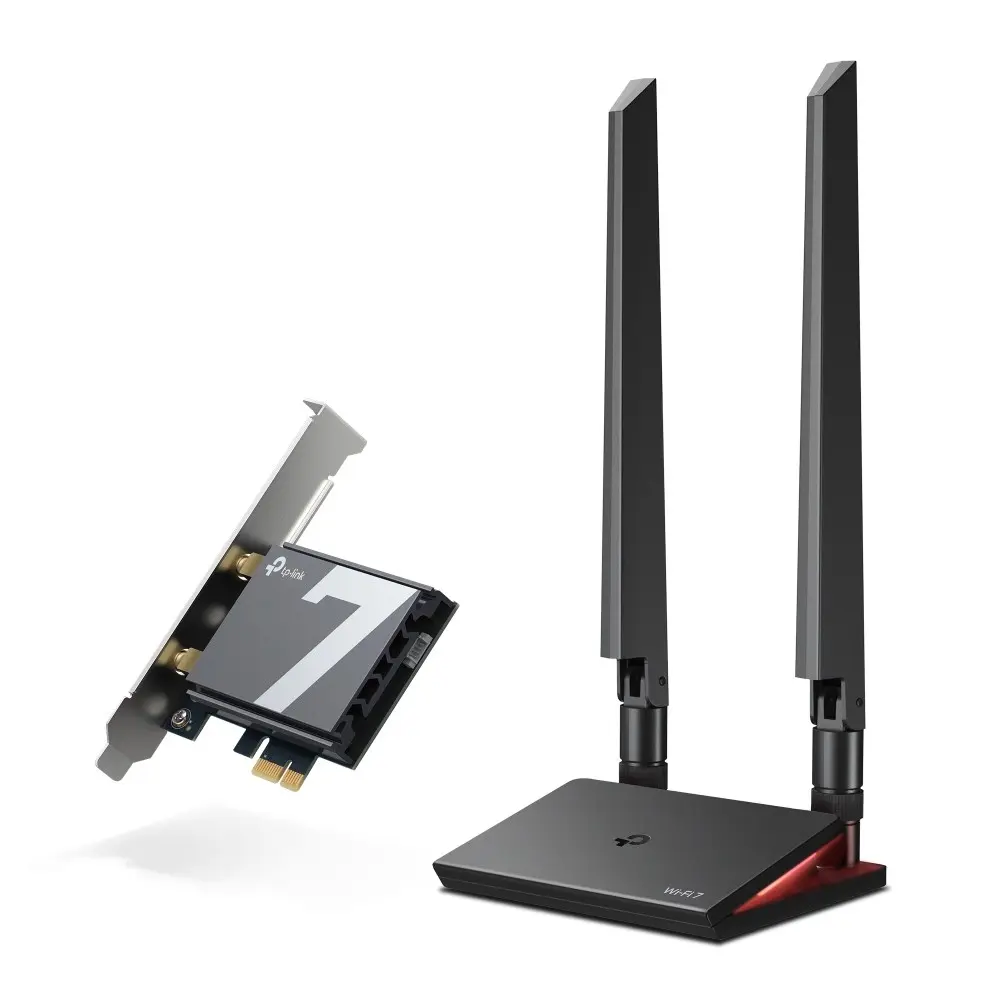
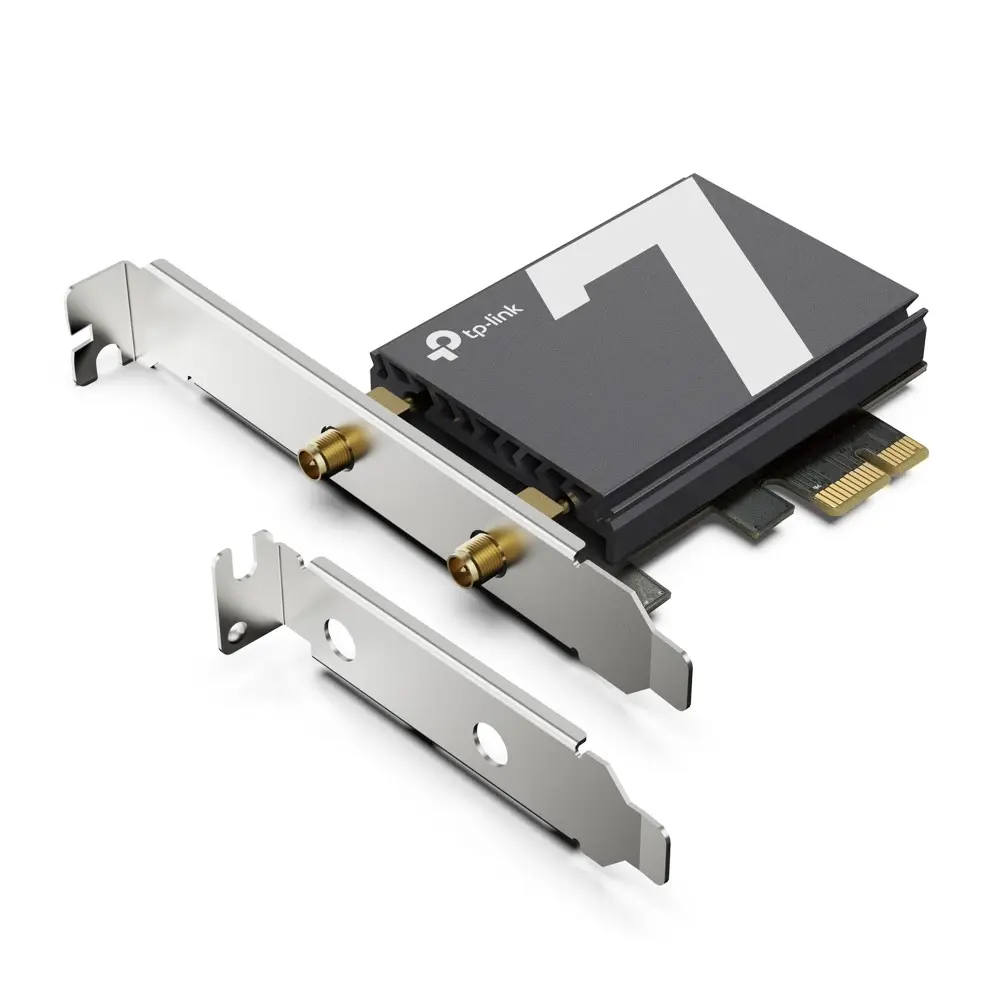
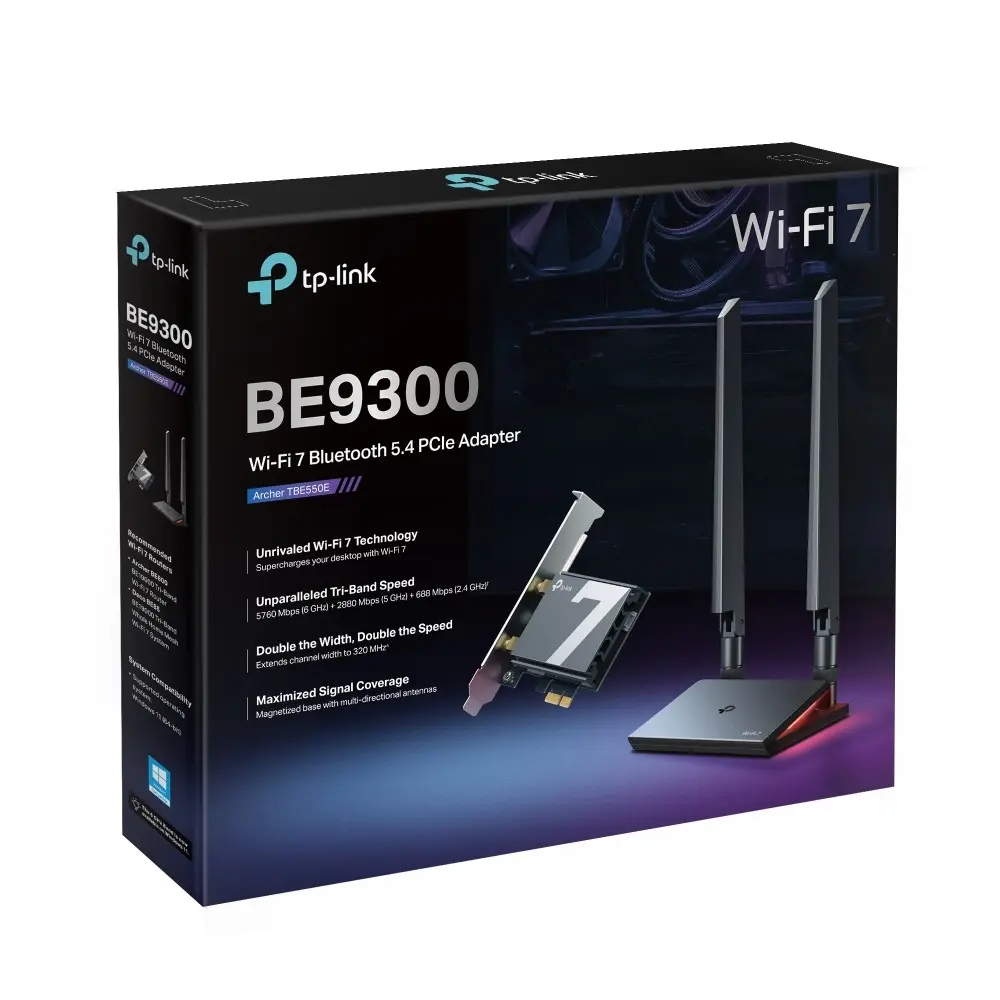
BE9300 Wi-Fi 7 Bluetooth 5.4 PCIe Adapter provides desktop computers with next-generation wireless connectivity. This PCIe card supports Wi-Fi 7 and Bluetooth 5.4, enabling higher throughput, broader channel utilization in the 6 GHz band, and reliable device pairing for peripherals. The adapter includes an external antenna base with magnetized feet and LED indicators for intuitive status feedback, plus a USB drive for offline driver installation.
Advantages
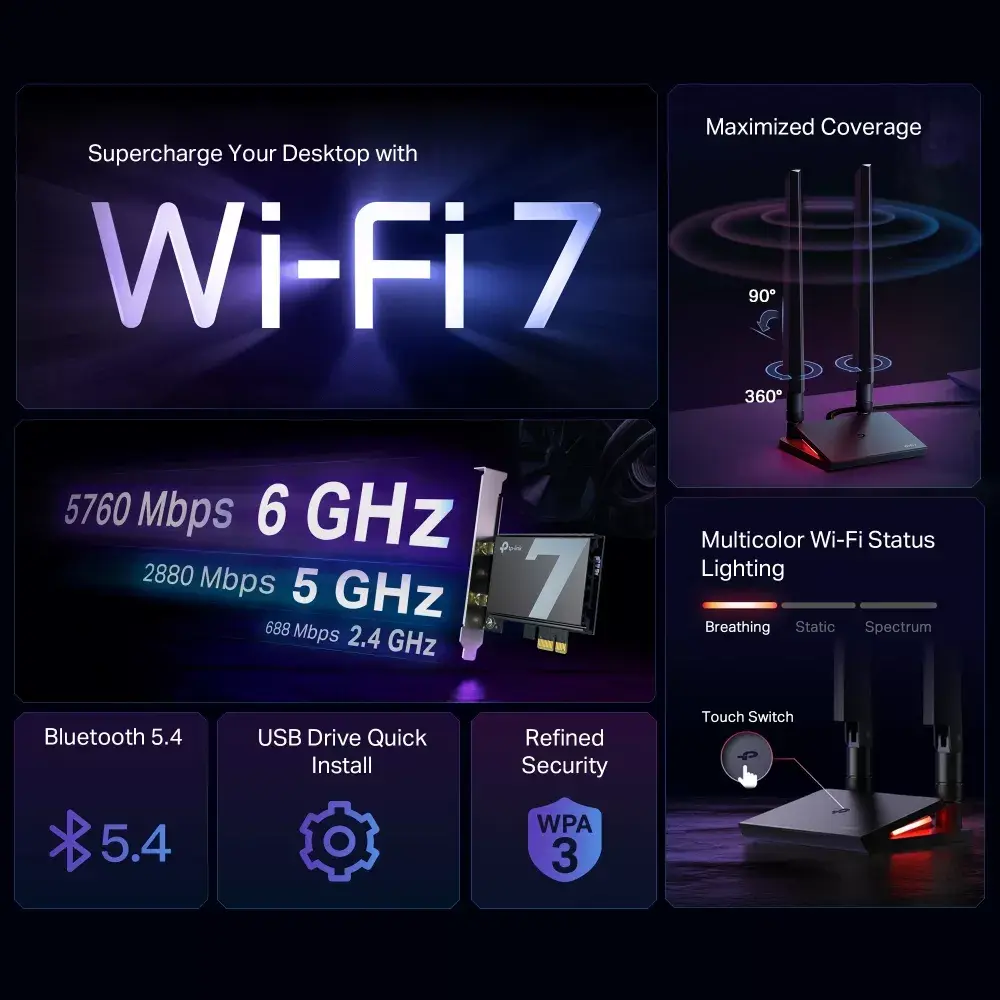
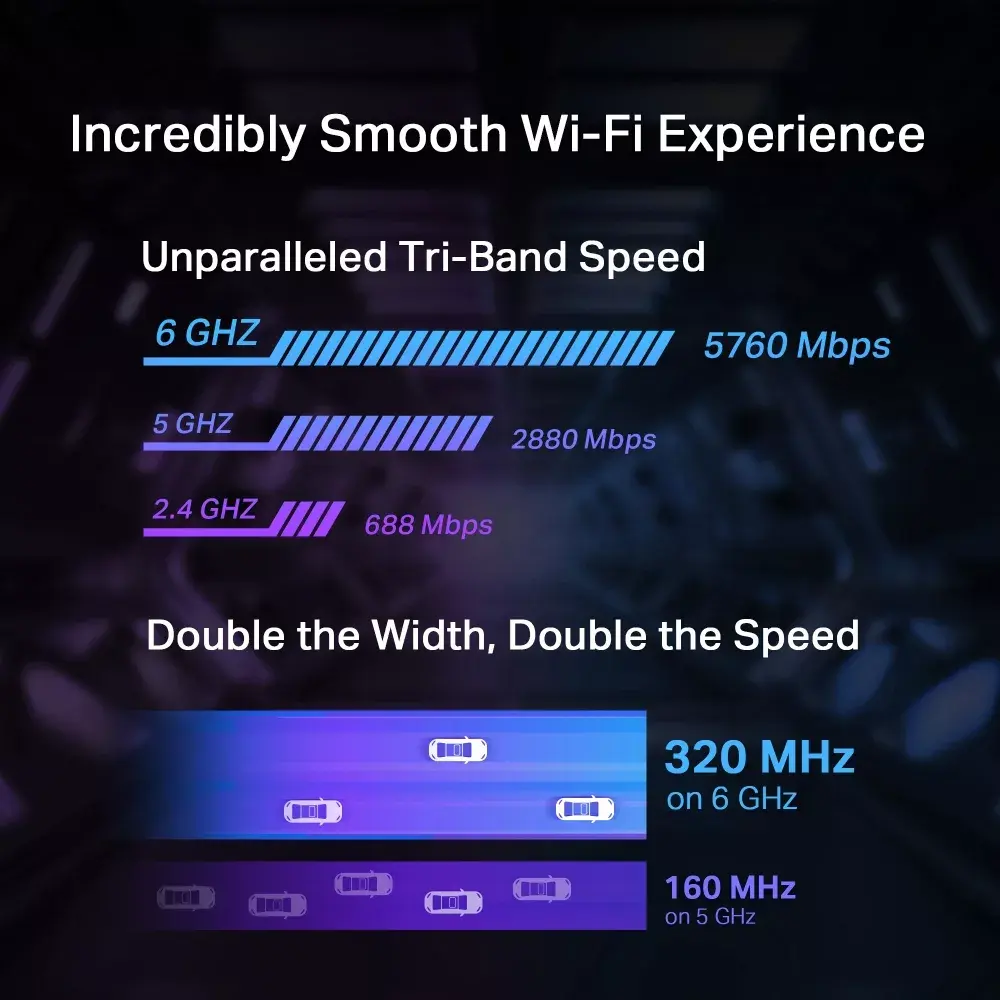
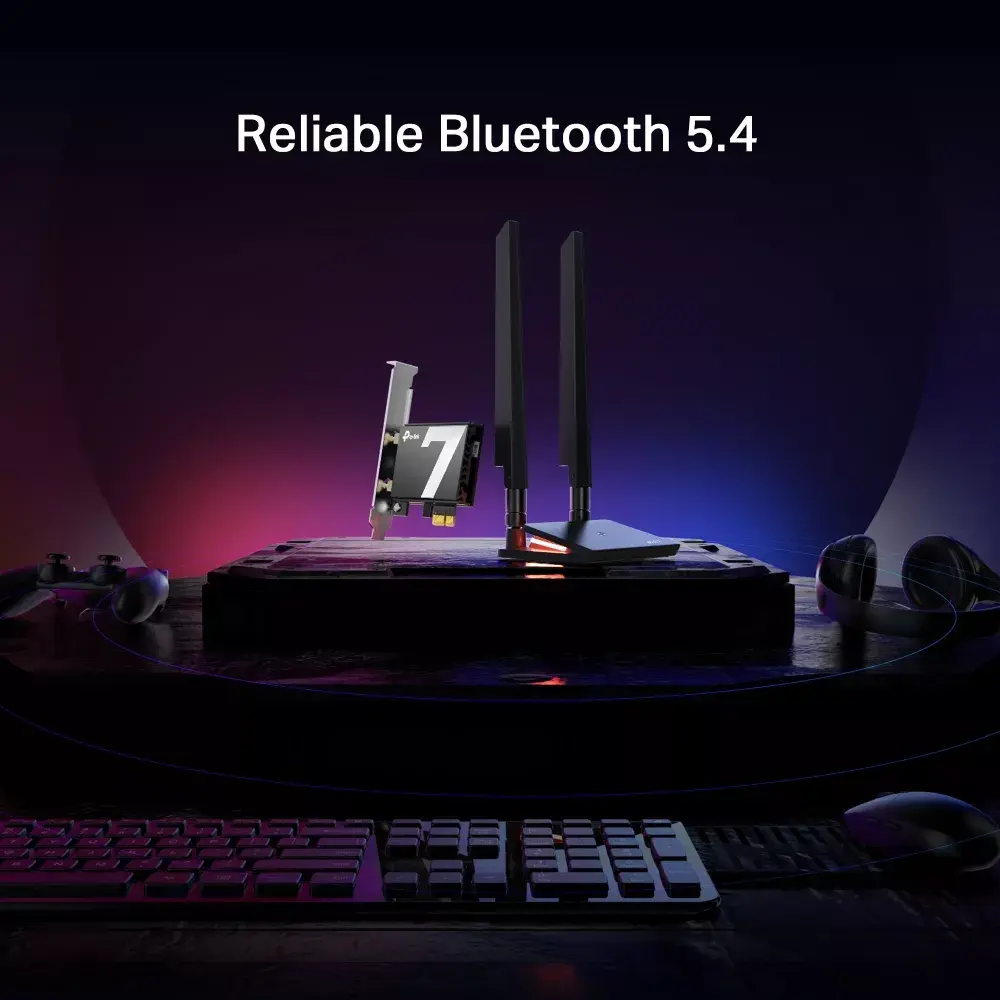
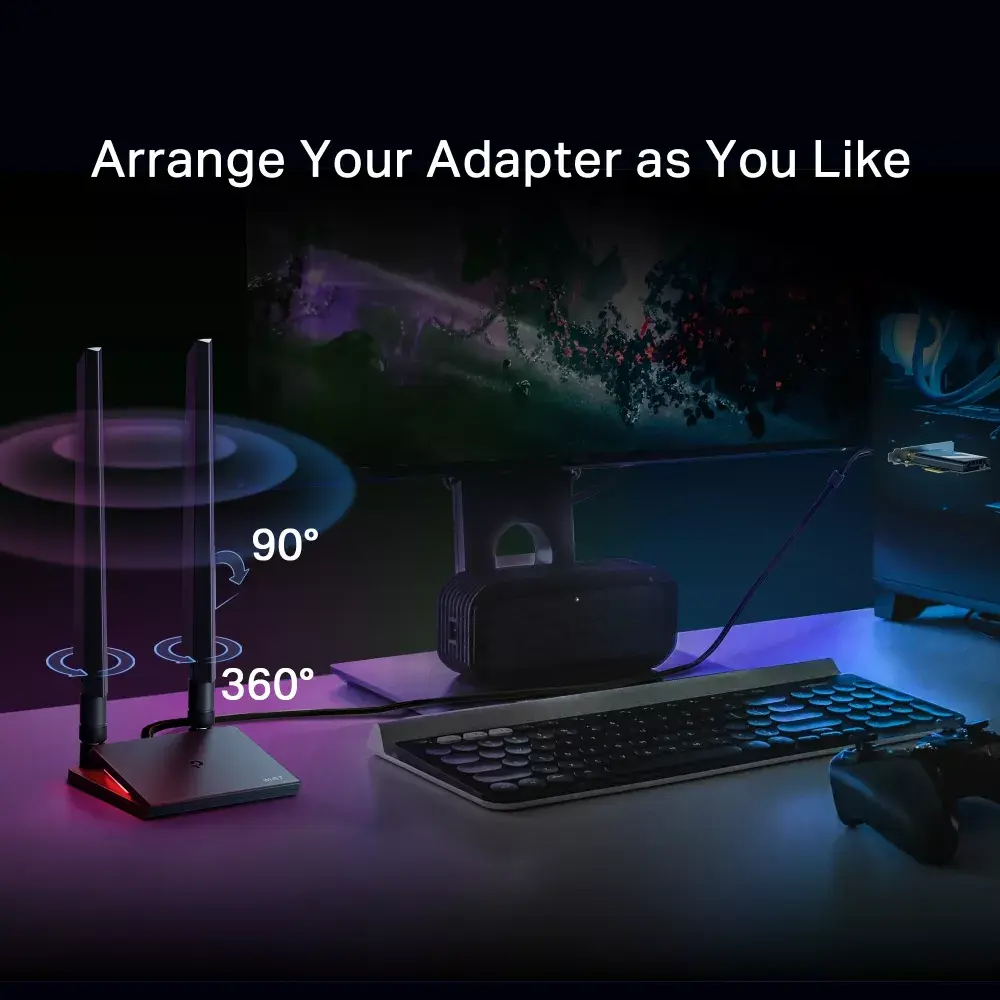
Wi-Fi 7 support allows wider channels and increased multi-stream throughput for faster wireless data transfer. The magnetized multi-directional antenna base helps achieve optimal signal placement and improved coverage. Integrated Bluetooth 5.4 ensures stable connections with controllers, headphones, keyboards and other accessories. On-device LED lighting provides an easy way to monitor network status, while the included USB drive simplifies installation without an active network connection.
Key specifications
- Model: BE9300 Wi-Fi 7 Bluetooth 5.4 PCIe Adapter
- Wi‑Fi standard: Wi‑Fi 7 (supports 6 GHz band)
- Bluetooth: Bluetooth 5.4
- Antennas: two multi‑directional high‑performance antennas with magnetized base
- Installation: PCIe card for desktop; drivers provided on included USB drive
- Security: WPA3 support
- LED indicators: base lighting with touch switch for status display
How to use
Install the BE9300 adapter into an available PCIe slot on your desktop motherboard, secure the card and connect the antenna cable(s) to the external antenna base. Position the magnetized antenna base on a metal or other suitable surface to maximize reception. Power on the computer and install drivers from the included USB drive if there is no network connection. After driver installation, pair Bluetooth devices through the operating system settings and connect to a Wi‑Fi network using standard network controls.
Recommendations
For best performance place the antenna base in an elevated position with minimal obstructions and ensure your router supports 6 GHz and Wi‑Fi 7 features. Keep firmware and drivers up to date and use WPA3 where available for improved security.
Features
- Connectivity technology:
- Wireless
- Interface:
- WLAN / Bluetooth
- Host interface:
- PCI Express
- Maximum data transfer rate:
- 9300 Mbit/s
- Networking standards:
- IEEE 802.11ax, IEEE 802.11a, IEEE 802.11ac, IEEE 802.11b, IEEE 802.11n, IEEE 802.11g, IEEE 802.11be
- Product colour:
- Black

Product comparison
The Wi‑Fi adapter TP‑LINK Archer BE9300 is compared with several wireless network cards and adapters from the same brand: TP-Link Archer TBE553E BE9300, TP-Link BE6500, TP-LINK Archer TXE73E, TP-Link Archer TBE552E, and TP-Link Archer TBE400UH. All these products are designed to provide wireless and Bluetooth connectivity to desktop computers and laptops. The main differences between them lie in the maximum data transfer rate, the generation of supported Wi-Fi standards (Wi-Fi 7 or Wi-Fi 6E), and the connection interface (PCI Express versus USB).
⚙️ The table below compares characteristics such as interface type, supported wireless networking standards, frequency bands, and maximum data transfer rates.
| Parameter | TP‑LINK Archer BE9300 | TP-Link Archer TBE553E BE9300 | TP-Link BE6500 | TP-LINK Archer TXE73E | TP-Link Archer TBE552E | TP-Link Archer TBE400UH | Practical significance |
|---|---|---|---|---|---|---|---|
| Interface | PCI Express | PCI Express | PCI Express | PCI Express | PCI Express | USB | PCIe models install internally inside a desktop PC, while the USB version allows flexible connection to any computer or laptop. |
| Wi-Fi standard | Wi-Fi 7 (802.11be) | Wi-Fi 7 (802.11be) | Wi-Fi 7 (802.11be) | Wi-Fi 6E (802.11ax) | Wi-Fi 7 (802.11be) | Wi-Fi 7 (802.11be) | Wi-Fi 7 offers higher throughput and lower latency compared to Wi-Fi 6E. |
| Maximum data rate | 9300 Mbit/s | 9300 Mbit/s | 2880 Mbit/s | Not specified | 5760 Mbit/s | 2882 Mbit/s | Higher data transfer rate in the BE9300 model delivers better performance for heavy gaming and high-resolution streaming. |
| Frequency bands | 2.4 / 5 / 6 GHz | 2.4 / 5 / 6 GHz | 2.4 / 5 / 6 GHz | 2.4 / 5 / 6 GHz | 2.4 / 5 / 6 GHz | 2.4 / 5 / 6 GHz | Tri-band support allows utilizing the less congested 6 GHz band for a stable connection. |
◎ The table below evaluates product suitability for various user needs and usage scenarios.
| Use case | Recommended product | Why |
|---|---|---|
| Maximum performance for gaming and streaming | TP‑LINK Archer BE9300 | Highest speed among alternatives (up to 9300 Mbit/s) and advanced Wi-Fi 7 support for heavy workloads. |
| External and flexible connectivity without opening the PC | TP-Link Archer TBE400UH | The only model featuring a USB host interface for plug-and-play convenience. |
| Basic upgrade to Wi-Fi 7 with moderate speed requirements | TP-Link BE6500 or TBE552E | Provides Wi-Fi 7 technology at lower maximum speeds suitable for standard home tasks. |
| Compatibility with older Wi-Fi 6E routers | TP-LINK Archer TXE73E | Suitable if existing network equipment supports only Wi-Fi 6E instead of Wi-Fi 7. |
TP‑LINK Archer BE9300 stands out with its top-tier data transfer rate of up to 9300 Mbit/s, PCI Express interface, and cutting-edge Wi-Fi 7 support. It is the ideal choice for users seeking uncompromised speed for demanding network tasks on a desktop PC. Alternatives may be preferred if you specifically require a USB connection or have more modest speed requirements.
Stock data
| Warehouse | Stock | Delivery to the store | Store Price | |
| WH349 | 9 | 08.12.2026 | 70.99 € | Add to cart |
| WH174 | 2 | 08.12.2026 | 89.99 € | Add to cart |
| WH94 | 23 | 08.12.2026 | 94.99 € | Add to cart |
- 70.99 €Stock: 9Delivery Date: 08.12.2026Warehouse: WH349Add to cart
- 89.99 €Stock: 2Delivery Date: 08.12.2026Warehouse: WH174Add to cart
- 94.99 €Stock: 23Delivery Date: 08.12.2026Warehouse: WH94Add to cart
- 96.99 €Stock: 3Delivery Date: 08.12.2026Warehouse: WH354Add to cart
- 100.49 €Stock: 32Delivery Date: FridayWarehouse: EU2Add to cart
- 100.99 €Stock: 12Delivery Date: 03.12.2026Warehouse: EU1Add to cart
- 102.49 €Stock: 20Delivery Date: 08.12.2026Warehouse: EU85Add to cart
| Warehouse | Stock | Delivery to the store | Store Price | |
| WH345 | 12 | 08.12.2026 | 123.49 € | Add to cart |
- 123.49 €Stock: 12Delivery Date: 08.12.2026Warehouse: WH345Add to cart
Customer reviews
Customer questions
How much does the Wi‑Fi adapter TP‑LINK Archer BE9300 cost, and is it available for purchase?
If I order this product today, when will I receive my order?
What payment options are available?
Can Wi‑Fi adapter TP‑LINK Archer BE9300 be purchased with a lease?
- Select the product on the website and add it to your cart;
- When placing your order, choose the payment method “Installments”;
- Fill in the required details for the lending partner;
- Receive a decision within a few minutes.


