
Hurry and order now – up to 50% off!
In cart {{totalProductsCount}} item(s)
Your cart is empty
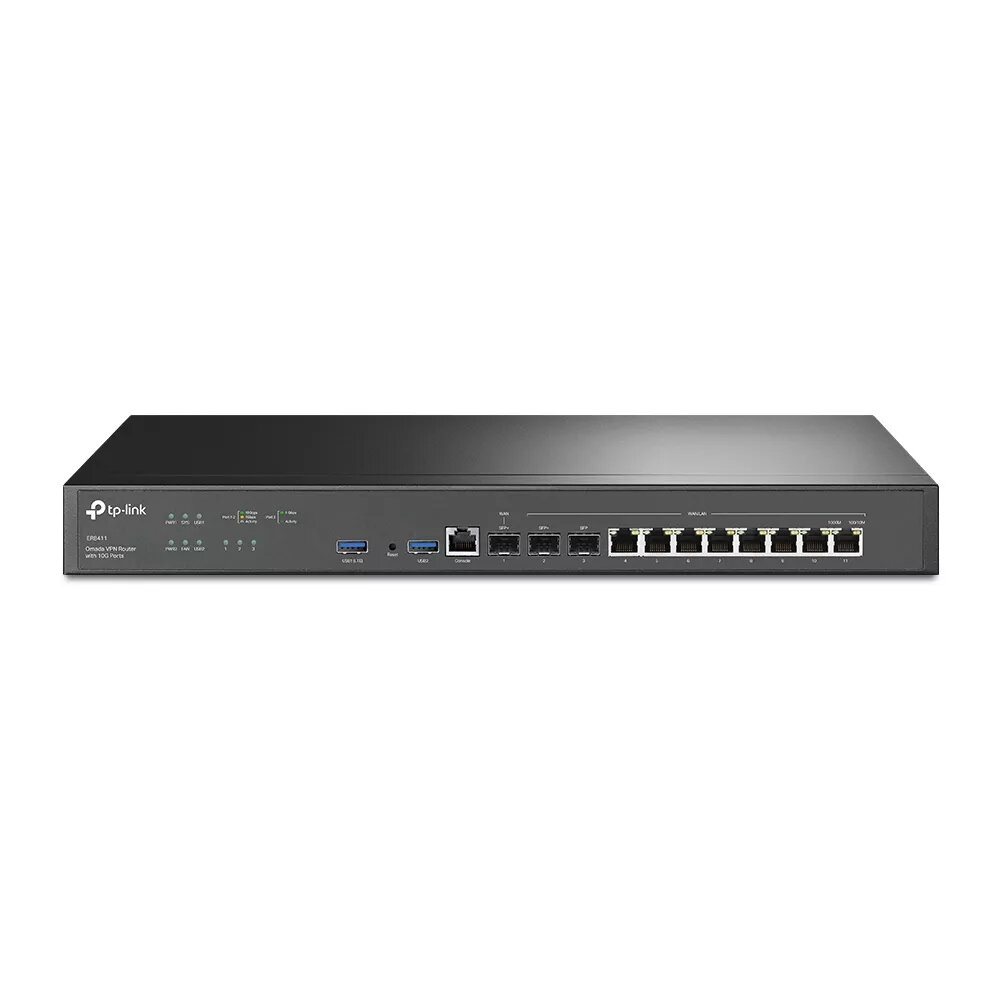
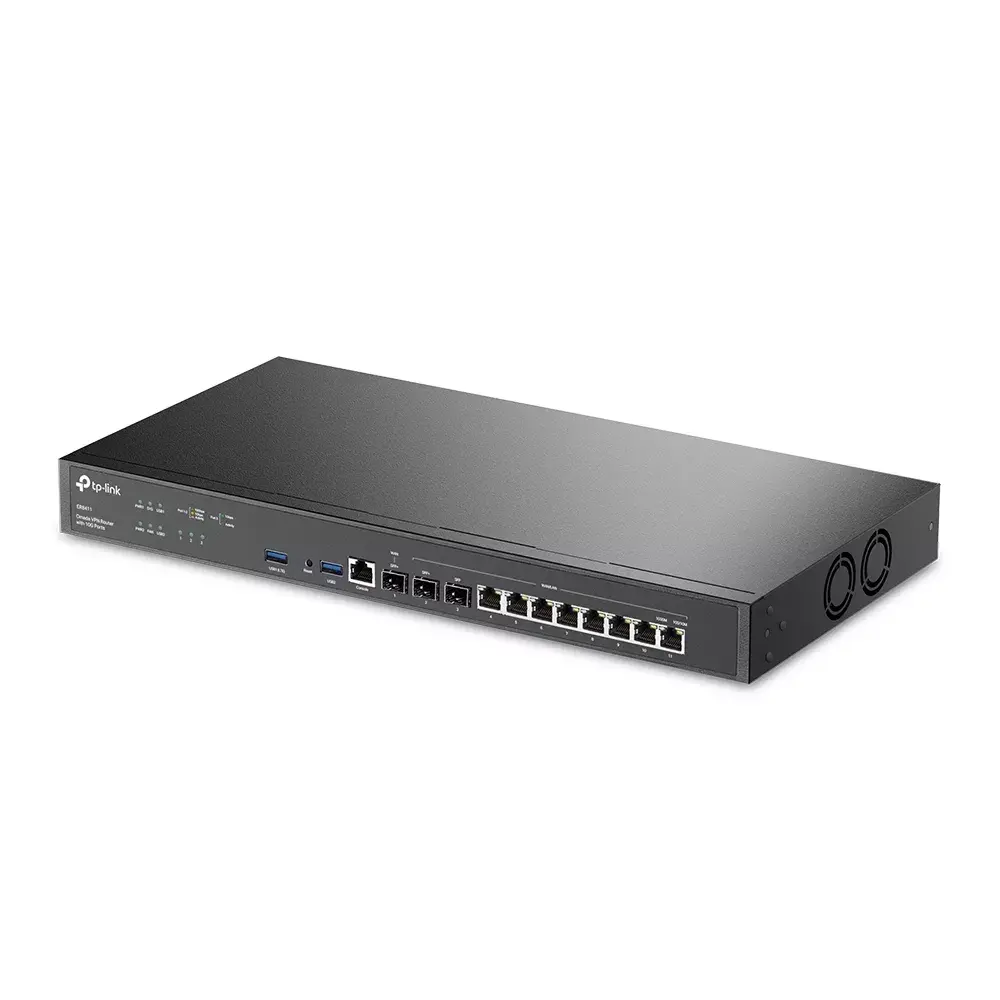
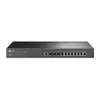
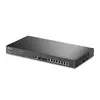
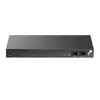
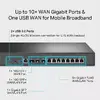
TP-Link Omada TL-ER8411 VPN Router with 10G Ports and 8 Ethernet LAN Ports
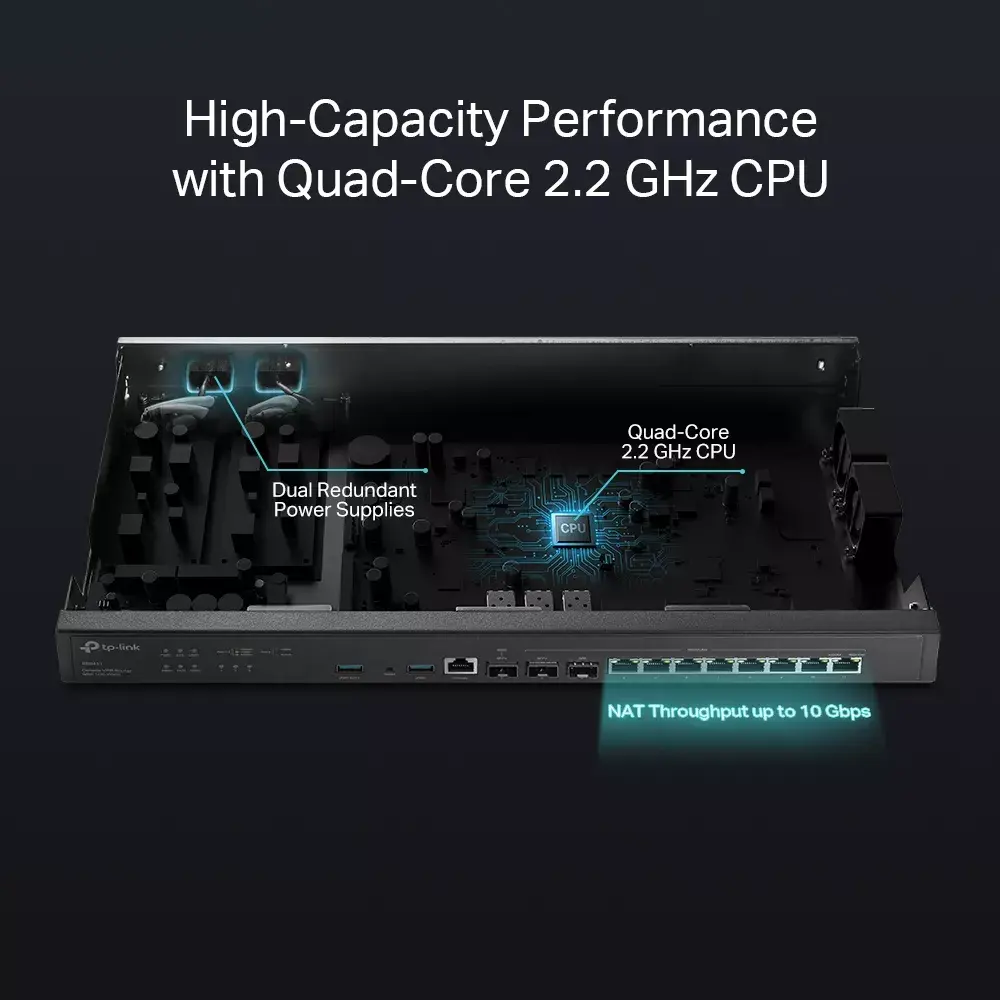
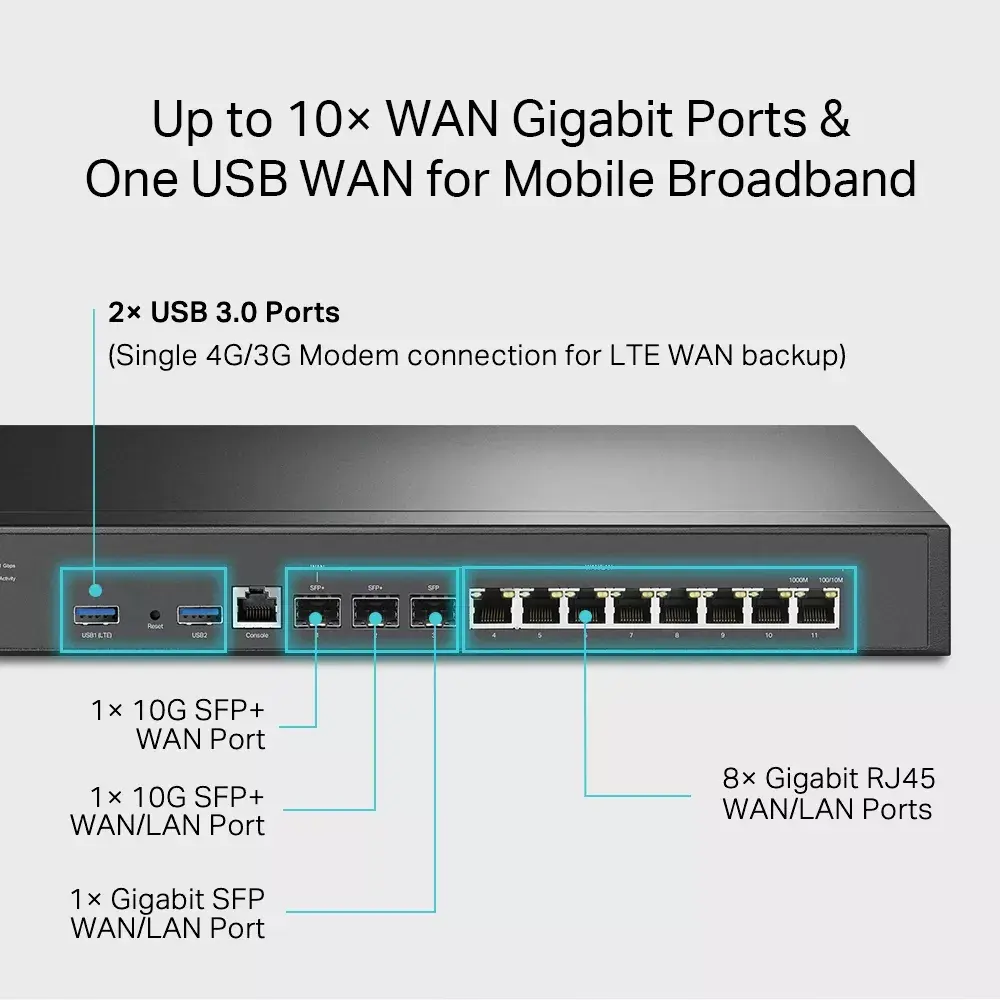
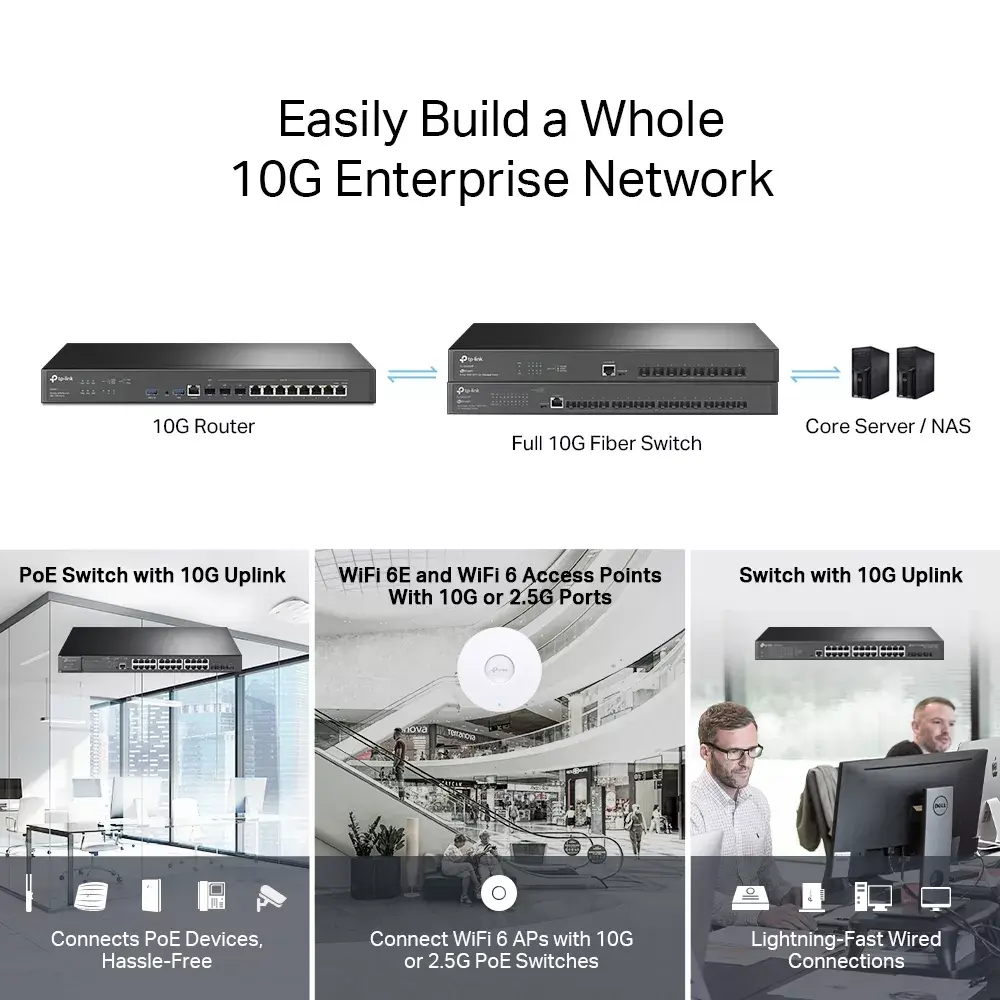
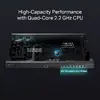
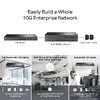
The TP-Link Omada TL-ER8411 is a high-performance enterprise VPN router designed to provide robust, high-speed network connectivity for demanding business environments. Equipped with a powerful quad-core 2.2 GHz processor, 4GB of DDR4 memory, and 256MB of flash storage, this device ensures efficient traffic management and reliable performance for large-scale deployments. It features advanced 10G SFP+ ports and multiple WAN options, making it an ideal gateway for offices, schools, and hotels requiring lightning-fast data transmission and seamless integration into the Omada SDN platform.
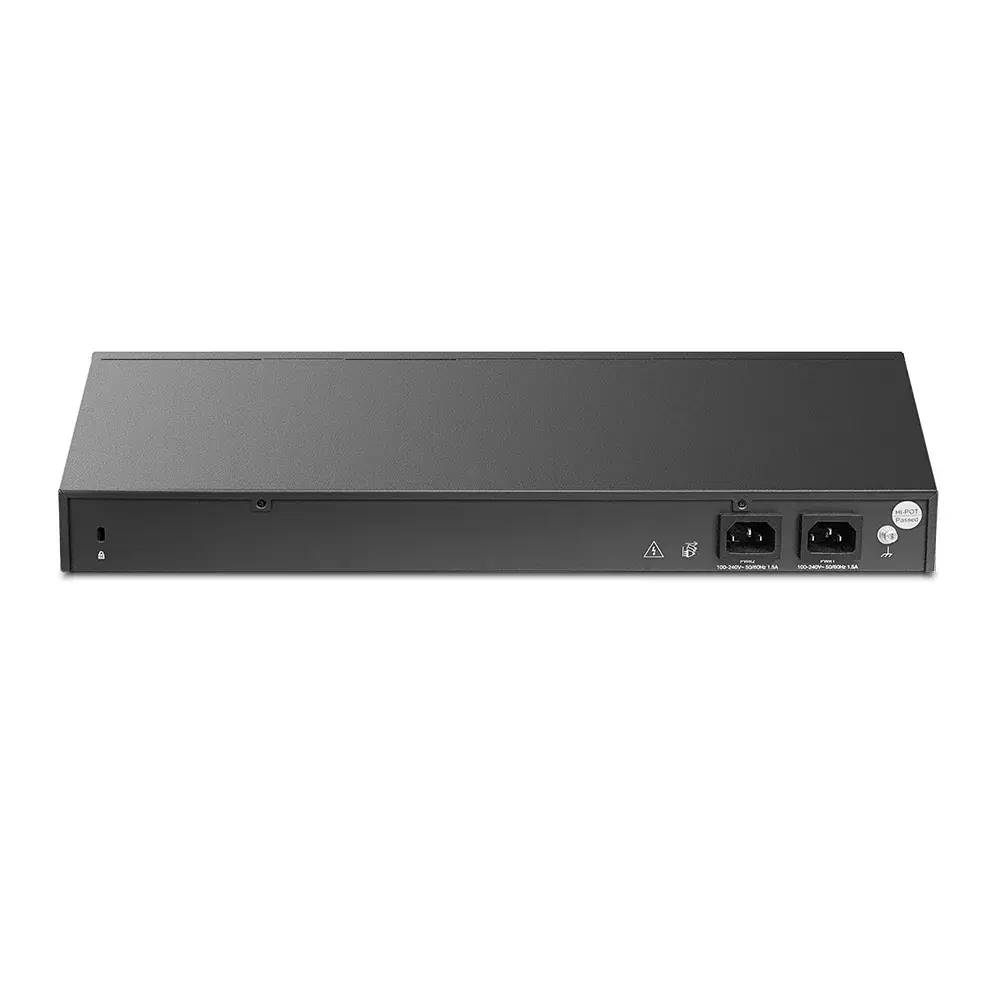
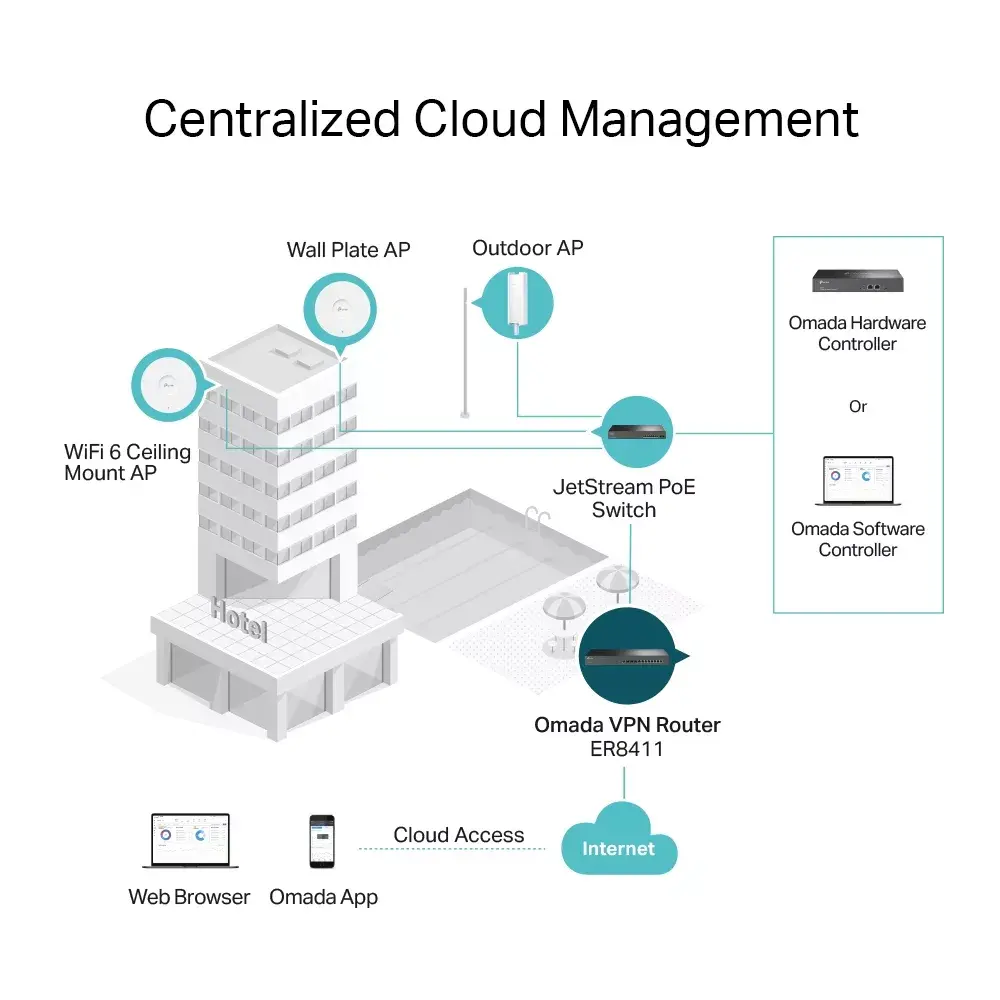
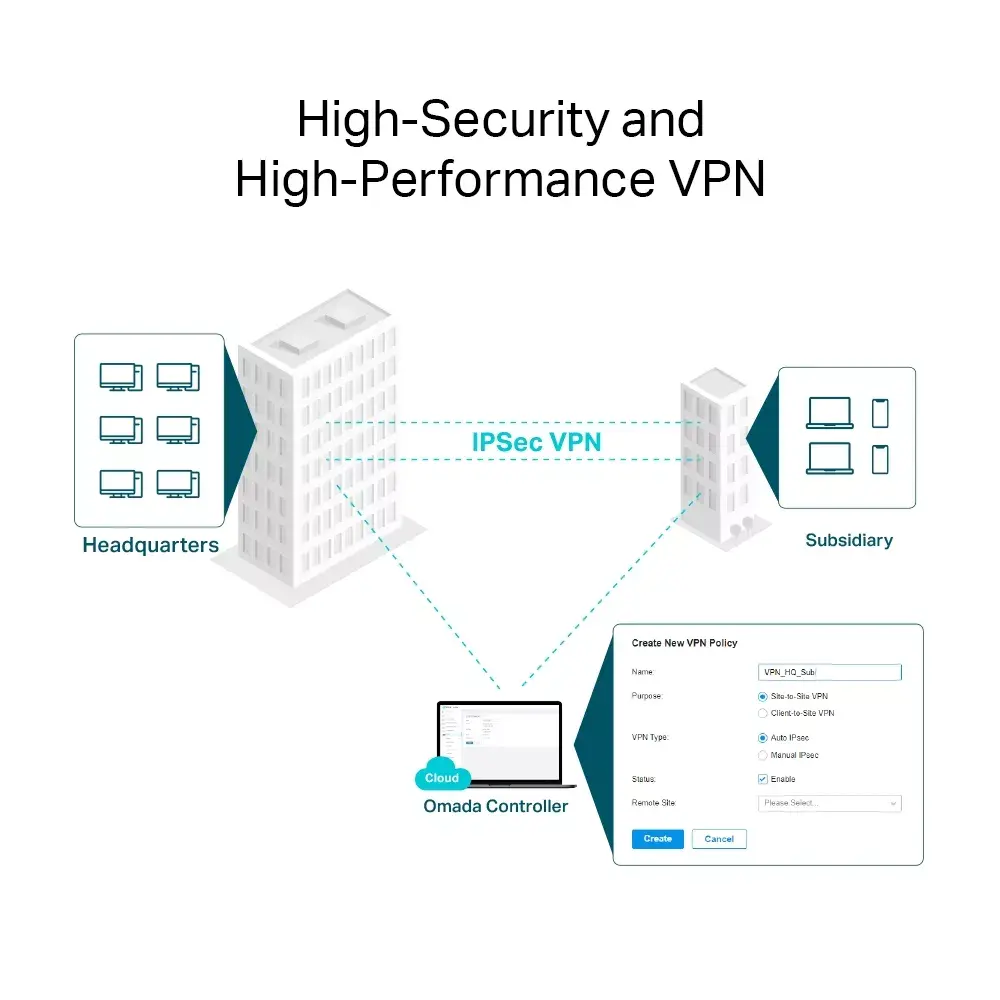
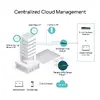
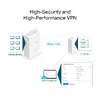
This router offers exceptional scalability and reliability through its dual redundant power supply design, ensuring continuous operation for critical business infrastructure. The inclusion of 10G SFP+ ports allows for high-bandwidth aggregation, while the multi-WAN load balancing capability optimizes internet utilization across various broadband lines. Security is a primary focus, with enterprise-grade VPN support, a powerful firewall, and automated DoS defense mechanisms that protect the network from external threats and unauthorized access. Furthermore, the centralized cloud management provided by the Omada SDN platform simplifies network administration, allowing for the unified control of routers, switches, and access points from a single interface.
The TP-Link Omada TL-ER8411 is designed for professional and enterprise-level networking and may be overkill for small home offices or residential use where standard consumer routers are sufficient. Its advanced features and complex configuration options may also present a steep learning curve for users without prior experience in network administration.
To begin using the router, connect your primary internet sources to the designated WAN ports and your local network devices to the 8 Ethernet LAN ports. Access the web-based management interface or the Omada SDN controller to configure your network settings, including WAN load balancing, VLAN segments, and security policies. For remote access, set up the desired VPN protocols through the configuration menu, utilizing the one-click auto IPSec feature for simplified deployment. Ensure the device is connected to a stable power source, ideally utilizing both redundant power inputs for maximum reliability.
For optimal performance and security, it is recommended to keep the firmware updated to the latest version provided by the manufacturer. Always utilize the dual power supply feature in critical environments to prevent downtime, and regularly audit your firewall and VPN settings to ensure they meet current security standards.
{{highlightedFeature.featureTitle}}:
{{getProductFeatureValueById(product, highlightedFeature.featureId)}}
{{ productComparisonGenerationError }}
