


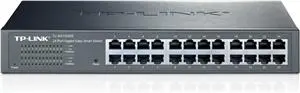
Managed Switch TP-Link TL-SG1024DE 24-Port Gigabit Easy Smart Switch


Short description


Cheapest delivery:
Unisend LV

Esto — pay in 6 equal parts
Product information
Description
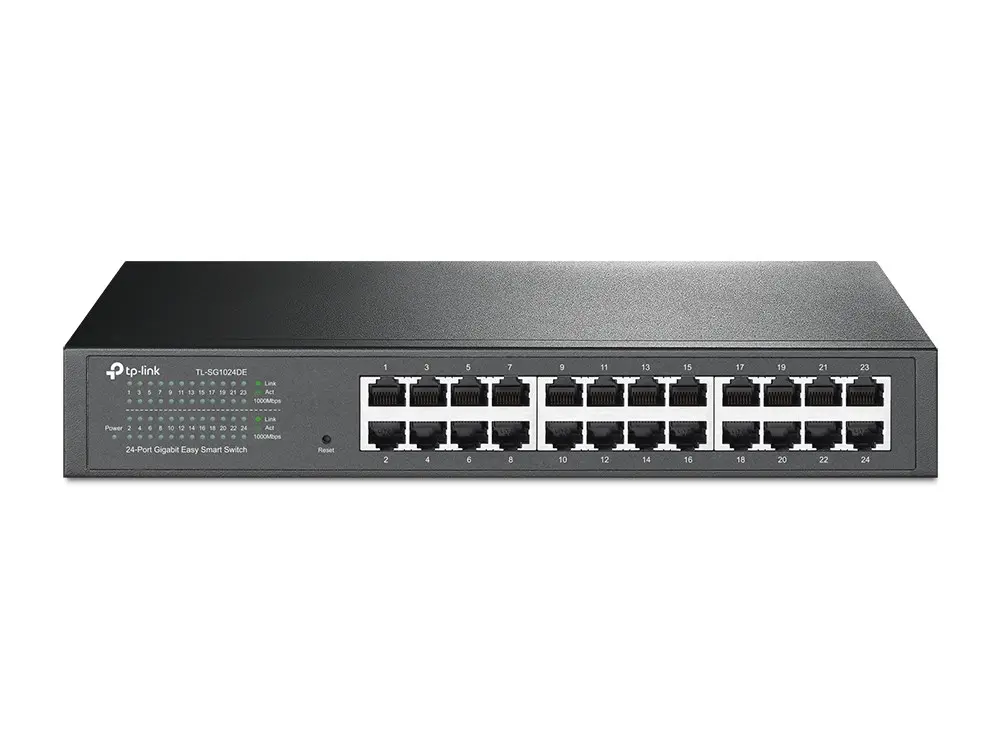
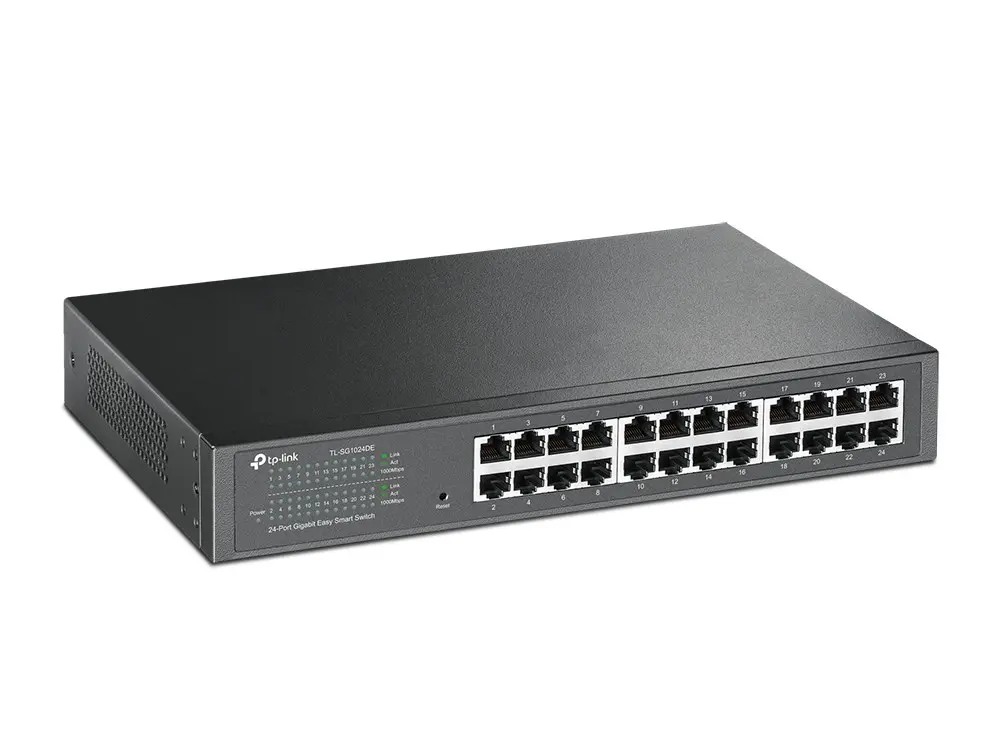
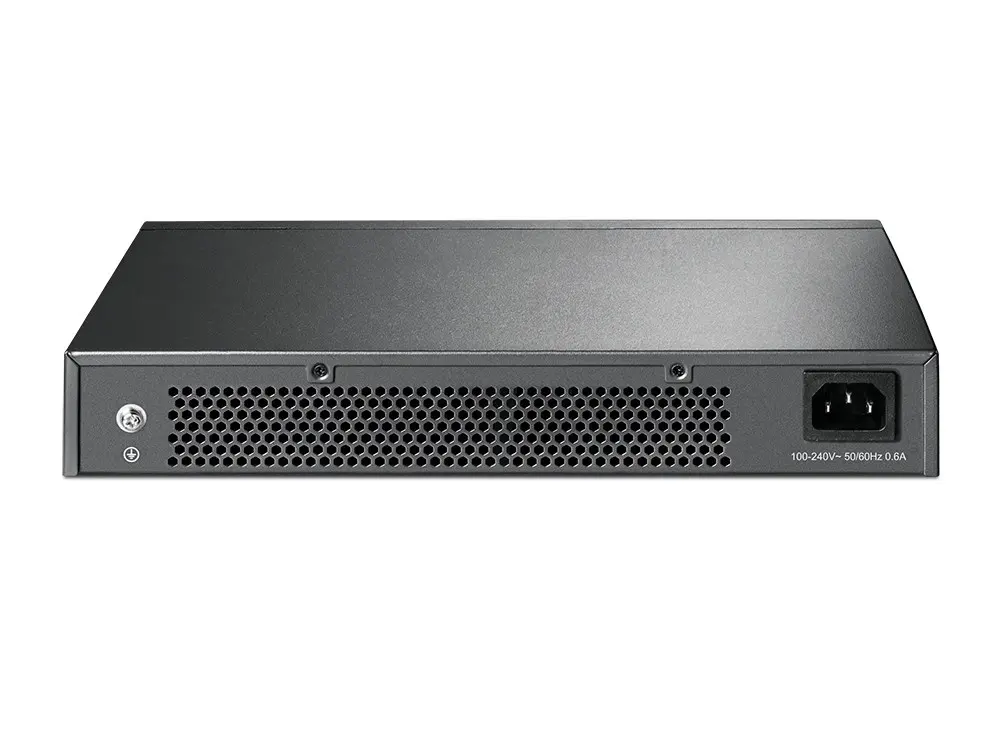
The TP-Link TL-SG1024DE 24-Port Gigabit Easy Smart Switch is a managed Gigabit Ethernet switch designed for small and medium business networks that need simple, effective network management. It provides 24 Gigabit RJ-45 ports with auto MDI/MDI-X and auto-negotiation, a switching capacity of 48 Gbit/s and a MAC address table that handles typical office and departmental traffic. The switch is 1U rack-mountable and also compact enough for desktop use.
Advantages
TL-SG1024DE delivers traffic monitoring and diagnostic capabilities such as Port Mirroring, Loop Prevention and Cable Diagnostics, while offering QoS controls (port-based and 802.1P) and flexible VLAN options (port-based, 802.1Q and MTU VLAN) to prioritise latency-sensitive services and segment network traffic. Energy-efficient features reduce power consumption by adjusting power per link status and cable length and by powering down idle ports. The device supports standard IEEE protocols for compatibility and provides dynamic LEDs for status and basic fault diagnosis.
Suitable for
- Small and medium business networks requiring simple managed switching
- Office departments or meeting rooms needing QoS for voice and video
- Server rooms and rack installations where a 1U, 24-port switch is needed
- Environments where power efficiency and basic port diagnostics are beneficial
Key specifications
- Brand: TP-LINK, Model: TL-SG1024DE
- Ports: 24 x Gigabit Ethernet (10/100/1000) RJ-45
- Switching capacity: 48 Gbit/s
- Switch type: Managed (Easy Smart)
- VLAN: Port-based, 802.1Q (tag-based), MTU VLAN
- QoS: Port priority and 802.1P priority
- Monitoring & diagnostics: Port Mirroring, Loop Prevention, Cable Diagnostics
- Standards: IEEE 802.3, 802.3u, 802.3ab, 802.3x, 802.1p, 802.1Q
- Form factor: 1U rack-mountable, desktop-capable
- Colour: Black
How to use
Install the TL-SG1024DE in a rack or on a desktop and connect devices to the Gigabit RJ-45 ports. The switch supports auto-negotiation and auto MDI/MDI-X so standard straight-through cables can be used for most connections. Configure management features and VLANs using the device’s Easy Smart management interface according to your network plan. Use Port Mirroring and Cable Diagnostics to monitor traffic and troubleshoot links; set port-based or 802.1P QoS to prioritise voice and video traffic.
Usage recommendations
Place the switch in a ventilated rack space and ensure firmware is kept up to date. For optimal energy savings, allow the switch to manage idle ports and rely on its cable-length power adjustments; plan VLANs and QoS policies before deployment to avoid service interruptions during configuration.
Features
- Power supply included:
- Yes
- Power source:
- AC
- Rack mounting:
- Yes
- Switching capacity:
- 48 Gbit/s
- MAC address table:
- 8000 entries
- 10G support:
- No
- Basic switching RJ-45 Ethernet ports type:
- Gigabit Ethernet (10/100/1000)
- Basic switching RJ-45 Ethernet ports quantity:
- 24
- Switch type:
- Managed
- Networking standards:
- IEEE 802.3, IEEE 802.3x, IEEE 802.3u, IEEE 802.3ab, IEEE 802.1p, IEEE 802.1Q
Instructions

Product comparison
The Managed Switch TP-Link TL-SG1024DE 24-Port Gigabit Easy Smart Switch is compared against several similar alternatives from the same brand: the identical variant Managed Switch TP-Link TL-SG1024DE, unmanaged gigabit counterparts Unmanaged Switch TP-Link TL-SG1024 24-Port Gigabit Ethernet and Network Switch TP-Link TL-SG1024D 24-Port Gigabit Desktop Rackmount, the budget-friendly Fast Ethernet option Unmanaged Switch TP-Link TL-SF1024 24-Port 10/100Mbps Rackmount, and the direct functional equivalent TP-Link TL-SG1024DE Managed L2 Gigabit Ethernet Network Switch with 24 RJ-45 Ports Black Rack Mountable. All reviewed products share a 1U rack-mountable form factor, an 8000-entry MAC address table, and AC power support. The main differences lie in switch management types (managed L2 versus unmanaged), port speeds (Gigabit versus Fast Ethernet), and supported networking standards.
⚙️ The specifications comparison table below contrasts switch types, switching capacity, port types and quantities, and mounting capabilities to evaluate the technical baseline of each product.
| Parameter | Managed Switch TP-Link TL-SG1024DE... | Managed Switch TP-Link TL-SG1024DE | Unmanaged Switch TP-Link TL-SG1024... | Unmanaged Switch TP-Link TL-SF1024... | TP-Link TL-SG1024DE Managed L2... | Network Switch TP-Link TL-SG1024D... |
|---|---|---|---|---|---|---|
| Switch type | Managed | Managed | Unmanaged | Unmanaged | Managed | Unmanaged |
| Port type | Gigabit Ethernet | Gigabit Ethernet | Gigabit Ethernet | Fast Ethernet | Gigabit Ethernet | Gigabit Ethernet |
| Switching capacity | 48 Gbit/s | 48 Gbit/s | 48 Gbit/s | 4.8 Gbit/s | 48 Gbit/s | 48 Gbit/s |
| Rack mounting | Yes | Yes | Yes | Yes | Yes | Yes |
◎ The suitability and use cases table below evaluates which device best matches different user needs and deployment scenarios.
| Use case | Recommended product | Why |
|---|---|---|
| Managed gigabit networking | Managed Switch TP-Link TL-SG1024DE... | Offers L2 management features alongside gigabit speeds on all ports for controlled network environments. |
| Simple plug-and-play setup | Unmanaged Switch TL-SG1024 | Best suited for straightforward high-speed connectivity without the need for manual switch configuration. |
| Basic low-speed connectivity | Unmanaged Switch TL-SF1024 | Ideal for simple setups where maximum gigabit speeds are not required. |
The primary advantage of the Managed Switch TP-Link TL-SG1024DE 24-Port Gigabit Easy Smart Switch is its combination of full Gigabit speeds and L2 management capabilities within a standard rack-mountable design. It is most suitable for growing business environments requiring traffic control and configuration options, whereas unmanaged models are preferable for simple plug-and-play installations.
Stock data
| Warehouse | Stock | Delivery to the store | Store Price | |
| EU86 | 24 | 07.12.2026 | 100.49 € | Add to cart |
| BT19 | 4 | Tuesday | Fast shipping 111.99 € | Add to cart |
| BT5 | 3 | Wednesday | Fast shipping 114.99 € | Add to cart |
- 100.49 €Stock: 24Delivery Date: 07.12.2026Warehouse: EU86Add to cart
- Fast shipping111.99 €Stock: 4Delivery Date: TuesdayWarehouse: BT19Add to cart
- Fast shipping114.99 €Stock: 3Delivery Date: WednesdayWarehouse: BT5Add to cart
- 117.49 €Stock: 59Delivery Date: ThursdayWarehouse: EU2Add to cart
- 120.49 €Stock: 30Delivery Date: 02.12.2026Warehouse: EU1Add to cart
- 126.49 €Stock: 20Delivery Date: 07.12.2026Warehouse: EU85Add to cart
- 126.99 €Stock: 30Delivery Date: 15.12.2026Warehouse: EU58Add to cart
| Warehouse | Stock | Delivery to the store | Store Price | |
| WH332 | 17 | 07.12.2026 | 118.49 € | Add to cart |
| EU9 | 1 | 07.12.2026 | 125.49 € | Add to cart |
| WH109 | 2 | 21.12.2026 | 127.49 € | Add to cart |
- 118.49 €Stock: 17Delivery Date: 07.12.2026Warehouse: WH332Add to cart
- 125.49 €Stock: 1Delivery Date: 07.12.2026Warehouse: EU9Add to cart
- 127.49 €Stock: 2Delivery Date: 21.12.2026Warehouse: WH109Add to cart
Customer reviews
Customer questions
How much does the Managed Switch TP-Link TL-SG1024DE cost, and is it available for purchase?
If I order this product today, when will I receive my order?
What payment options are available?
Can Managed Switch TP-Link TL-SG1024DE be purchased with a lease?
- Select the product on the website and add it to your cart;
- When placing your order, choose the payment method “Installments”;
- Fill in the required details for the lending partner;
- Receive a decision within a few minutes.


