Leave your address - as soon as the price of the product goes down, you'll know about it right away
Tabletop router TP-Link TL-WR850N Single-band 2.4 GHz Wi-Fi 4
In cart {{totalProductsCount}} item(s)
Your cart is empty
Tabletop router TP-Link TL-WR850N Single-band 2.4 GHz Wi-Fi 4
Leave your address - as soon as the price of the product goes down, you'll know about it right away
Tabletop router TP-Link TL-WR850N Single-band 2.4 GHz Wi-Fi 4
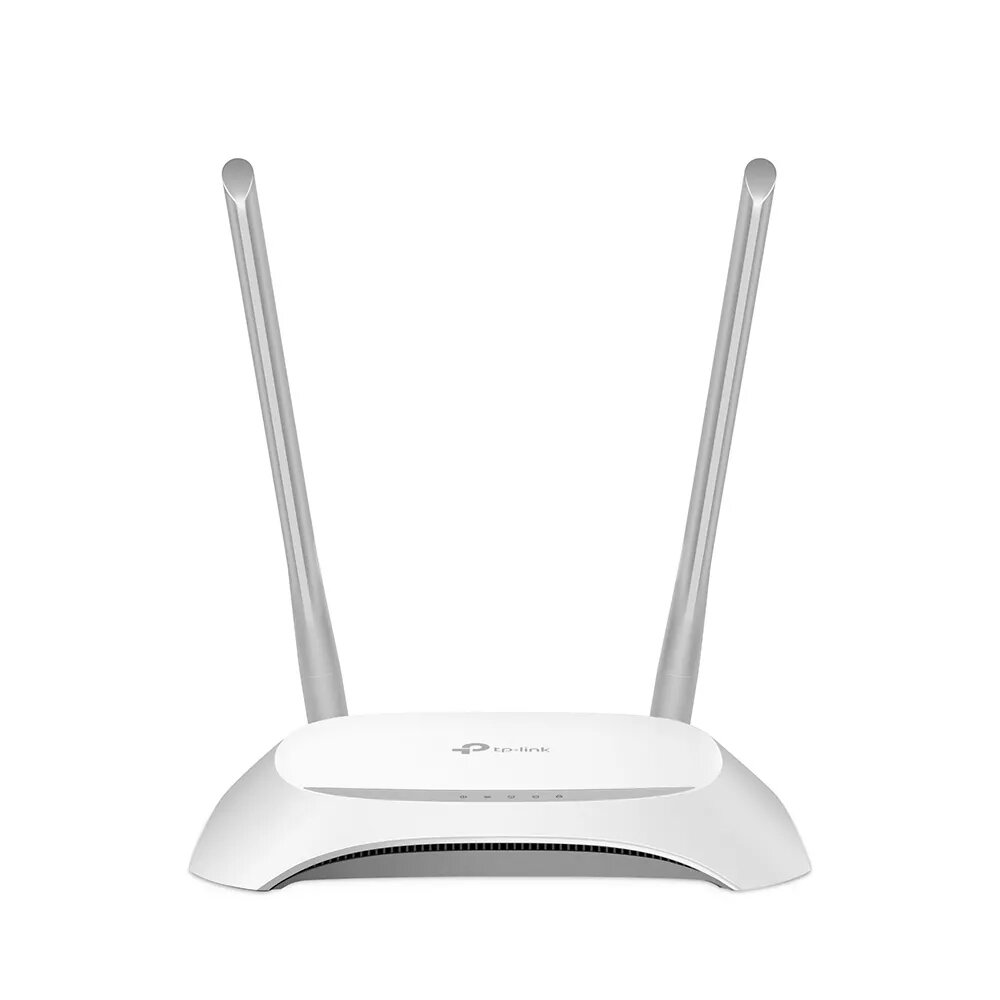
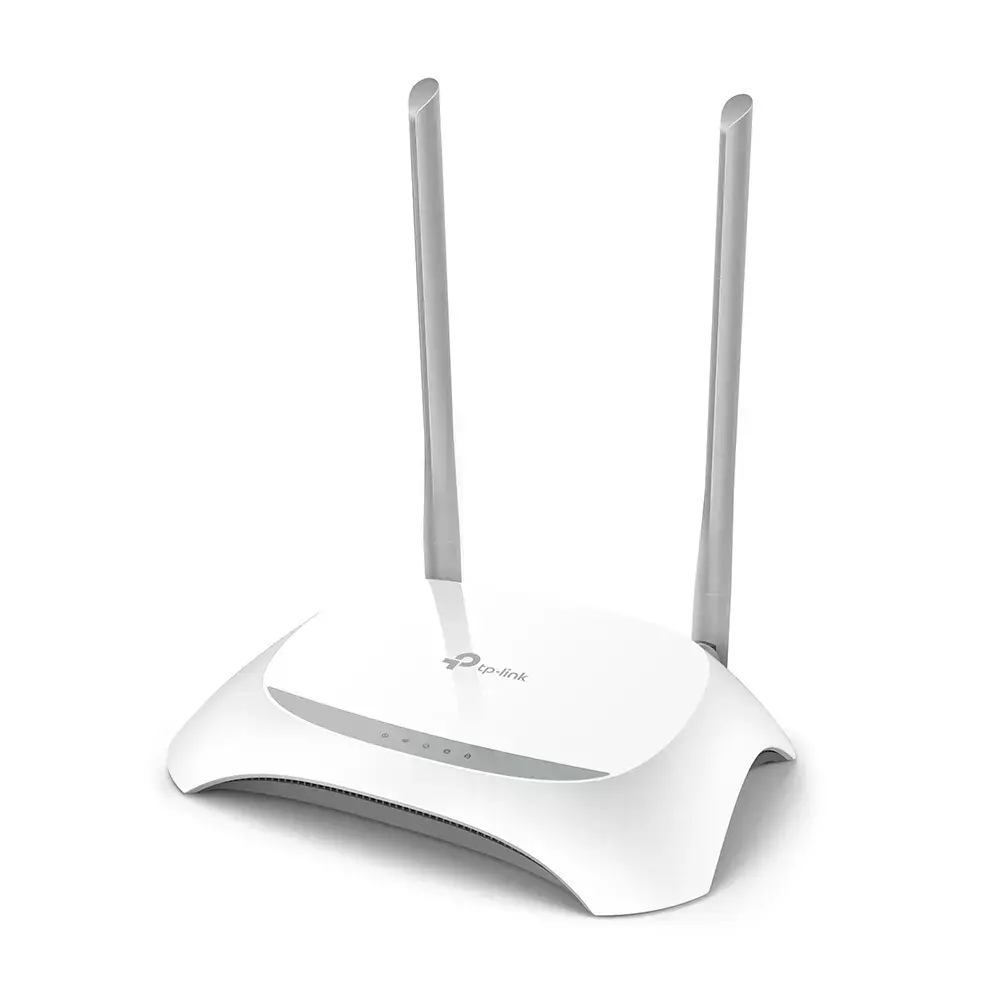
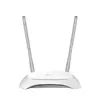
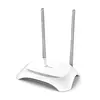
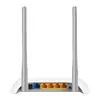
The TP-Link TL-WR850N is a tabletop router that provides single-band 2.4 GHz wireless connectivity based on the Wi-Fi 4 (802.11n) standard. Designed for home and small office use, it delivers a maximum WLAN data transfer rate of up to 300 Mbit/s and includes four Fast Ethernet LAN ports for wired devices. The compact grey-and-white enclosure houses two external antennas and simple LED indicators for Power, WLAN and LAN status, enabling straightforward installation and monitoring. The device supports both IPv4 and IPv6 protocols and implements common security algorithms such as WPA2 and WPA-PSK to protect local networks.
The TL-WR850N combines basic wireless performance with wired connectivity through four Fast Ethernet ports, making it suitable for mixed network environments. Its support for Wi-Fi 4 (802.11n) at 2.4 GHz provides broad coverage and compatibility with many legacy and current client devices. Built-in security features including WPA2 and WPA-PSK help maintain connection integrity, while compact dimensions and clear LED indicators simplify placement and everyday management.
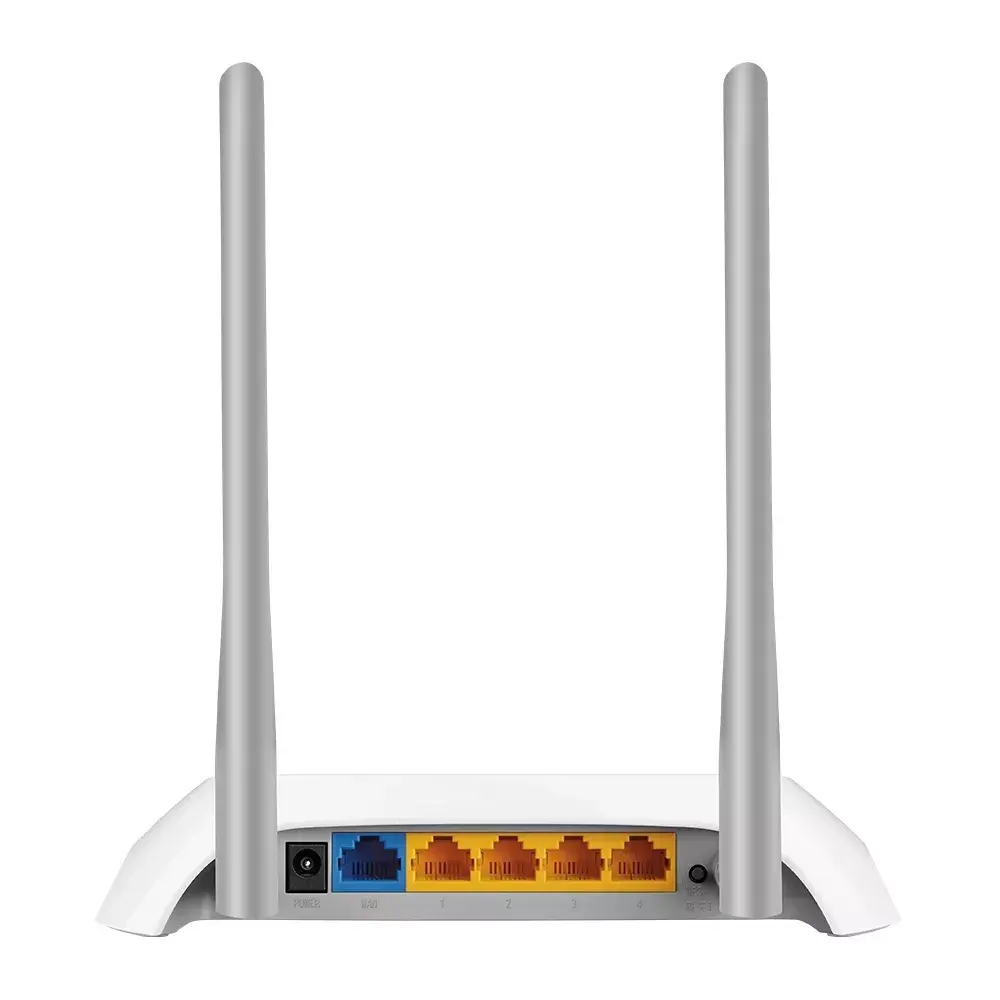
Place the router in a central location for best 2.4 GHz coverage and connect the WAN port to your modem via Ethernet. Power on the device and check the LED indicators for Power and WLAN status. Connect wired devices to any of the four Fast Ethernet LAN ports, or join wireless devices to the SSID broadcast by the TL-WR850N using the Wi-Fi password configured during setup. Access the router’s web-based configuration interface through a browser to set the network name (SSID), security settings, and any DHCP or IPv6 options required by your network provider.
For stable performance, keep the router away from large metal objects and other sources of 2.4 GHz interference such as cordless phones and microwave ovens. Use WPA2 encryption and a strong passphrase to secure the wireless network. If multiple high-bandwidth devices are required, consider placing bandwidth-heavy devices on wired connections to reduce wireless congestion.
{{highlightedFeature.featureTitle}}:
{{getProductFeatureValueById(product, highlightedFeature.featureId)}}
| Warehouse | Stock | Delivery to the store | Store Price | |
| EU85 | 20 | 01.07.2026 Best delivery | 20.49 € Best price | |
| WH353 | 23 | 03.07.2026 | 22.49 € |
|
20.49 €
Stock:
20
Delivery Date:
01.07.2026
Best delivery
Warehouse: EU85
|
|
22.49 €
Stock:
23
Delivery Date:
03.07.2026
Warehouse: WH353
|