Dreame vacuums for fast and efficient cleaning!
In cart {{totalProductsCount}} item(s)
Your cart is empty
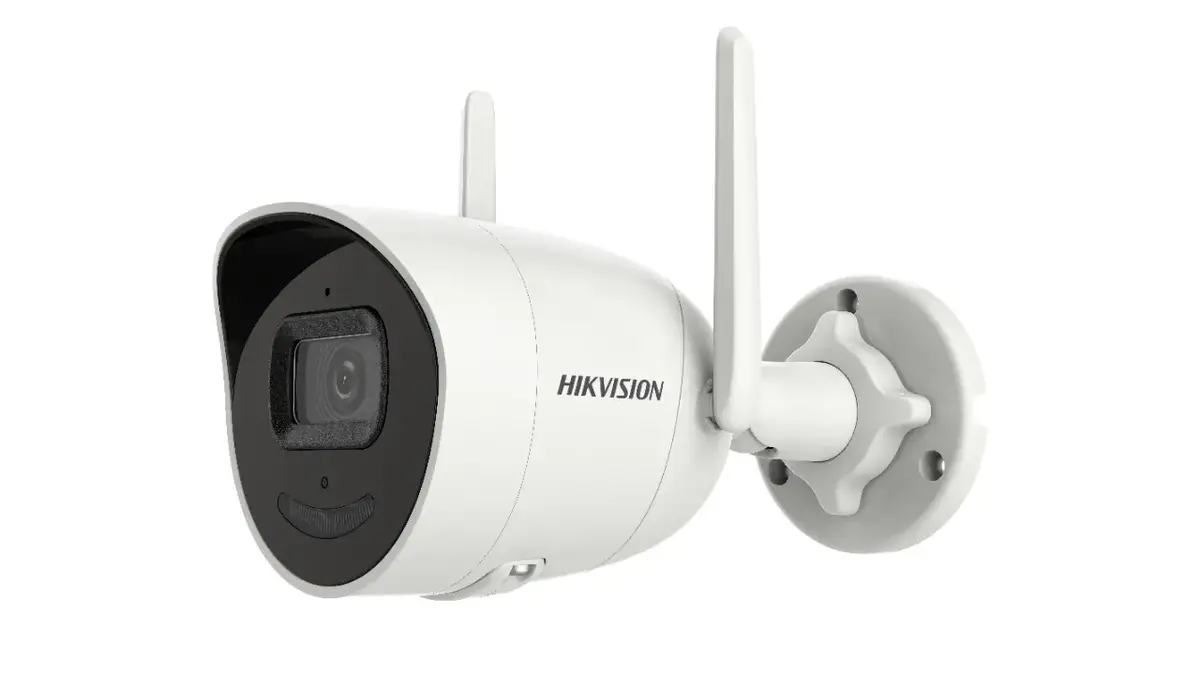
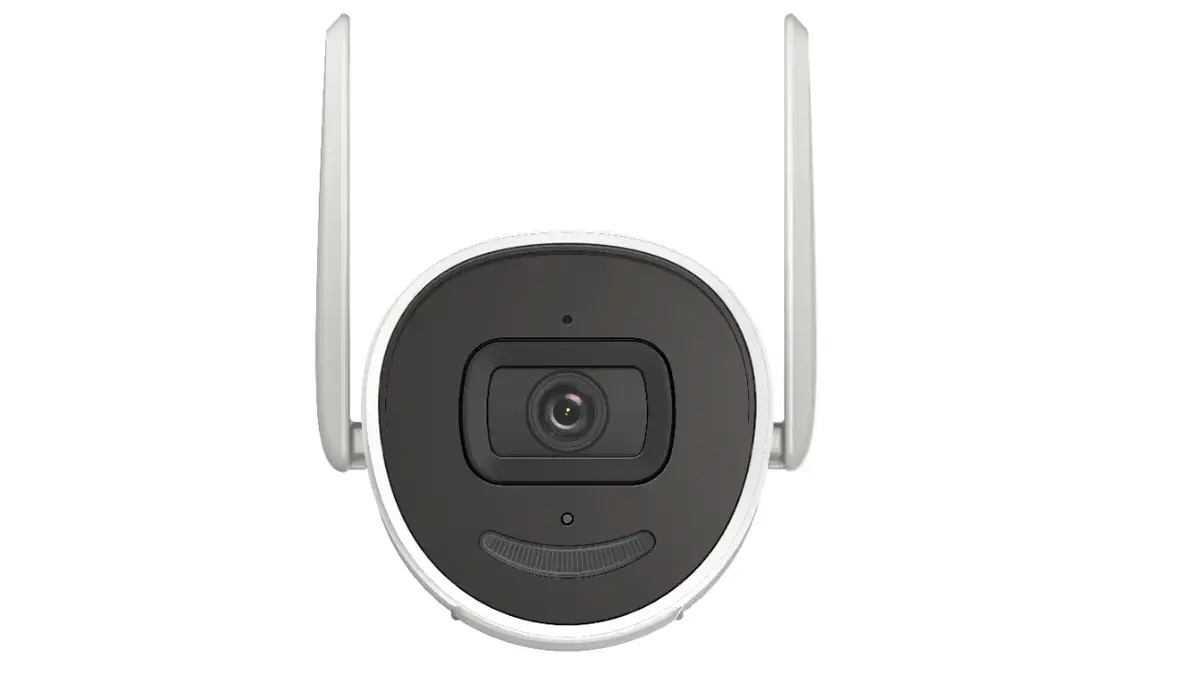
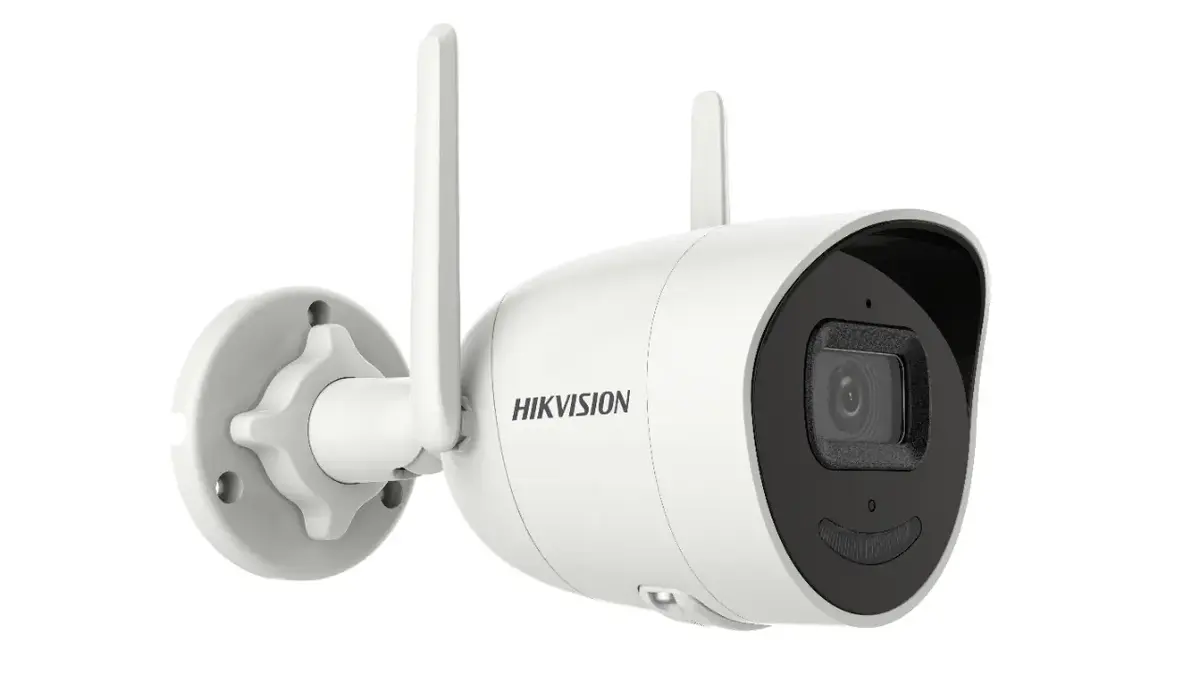
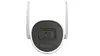
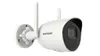
Triton Hikvision DS-2CV2041G2-IDW(E) 4 MP Bullet IP Security Camera with Wi-Fi and Audio
The Triton Hikvision DS-2CV2041G2-IDW(E) is a high-performance 4 MP bullet IP security camera engineered for reliable indoor surveillance. This versatile device combines advanced imaging technology with flexible connectivity options, supporting both wired Ethernet and wireless Wi-Fi integration. Designed with a durable bullet form factor, it is suitable for wall or ceiling mounting, providing a clear 95° horizontal field of view to cover significant areas of your home or professional space.
This security camera offers exceptional image clarity with its 4 MP resolution, ensuring that details are captured with precision. The inclusion of built-in Wi-Fi with dual antennas simplifies the installation process by eliminating the need for extensive cabling while maintaining a stable connection. Furthermore, the camera features two-way audio capabilities, allowing for real-time communication through the integrated microphone and speaker. With efficient H.265 video compression, it optimizes storage usage on the local microSD card, while the IP66-rated housing ensures protection against dust and moisture.
This camera may not be suitable for large-scale outdoor enterprise projects that require long-range optical zoom or advanced thermal imaging capabilities. Additionally, while it supports wireless connectivity, it is primarily designed for indoor use, and its performance may be limited in environments with significant physical obstructions that interfere with Wi-Fi signals.
To use the camera, mount it securely to a wall or ceiling using the provided hardware. Connect the device to your local network via an Ethernet cable or configure the Wi-Fi settings through the Hikvision software interface. Insert a compatible microSD card into the designated slot to enable local video recording. Once powered on, use the associated mobile or desktop application to view live feeds, manage motion detection alerts, and utilize the two-way audio feature.
For optimal performance, place the camera in a location with minimal physical obstructions to ensure a stable Wi-Fi connection and clear audio capture. Regularly check for firmware updates through the manufacturer's software to maintain security and functionality.
{{highlightedFeature.featureTitle}}:
{{getProductFeatureValueById(product, highlightedFeature.featureId)}}
{{ productComparisonGenerationError }}