
Dreame vacuums for fast and efficient cleaning!
In cart {{totalProductsCount}} item(s)
Your cart is empty
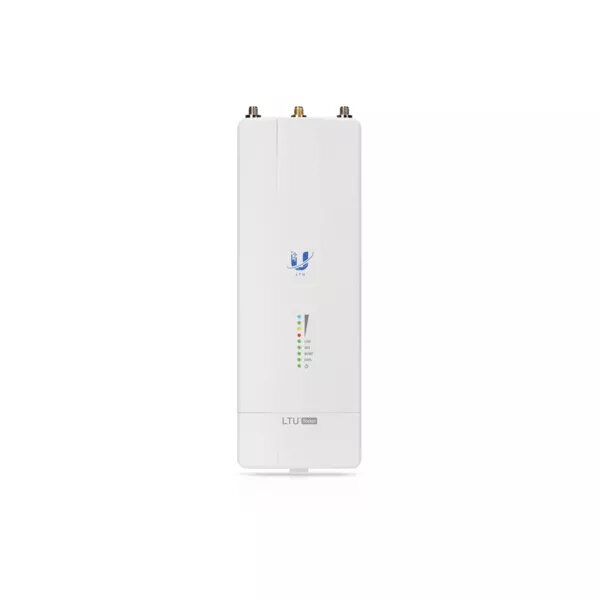
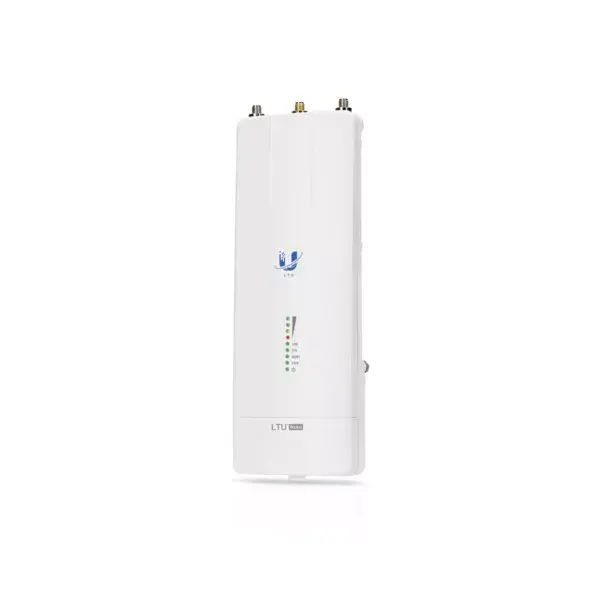
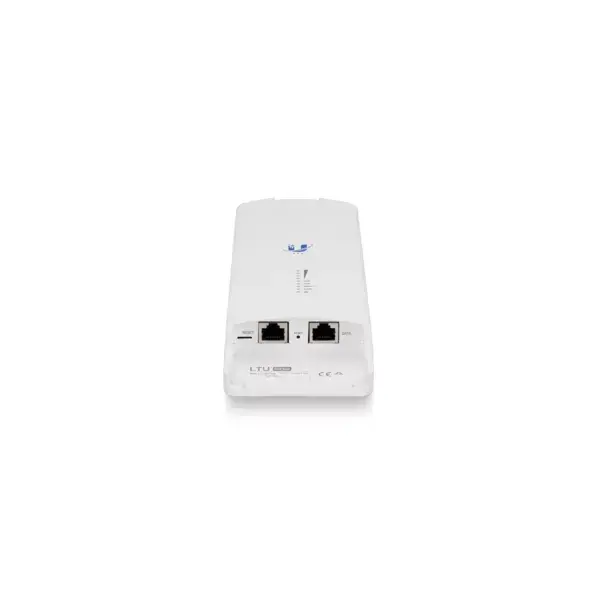
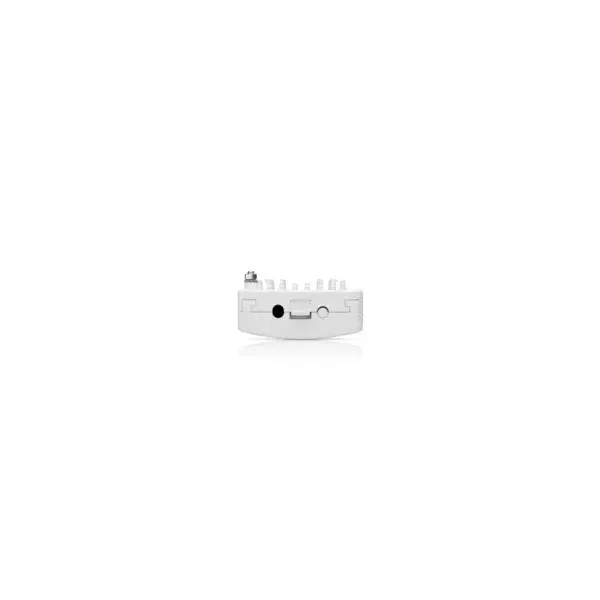
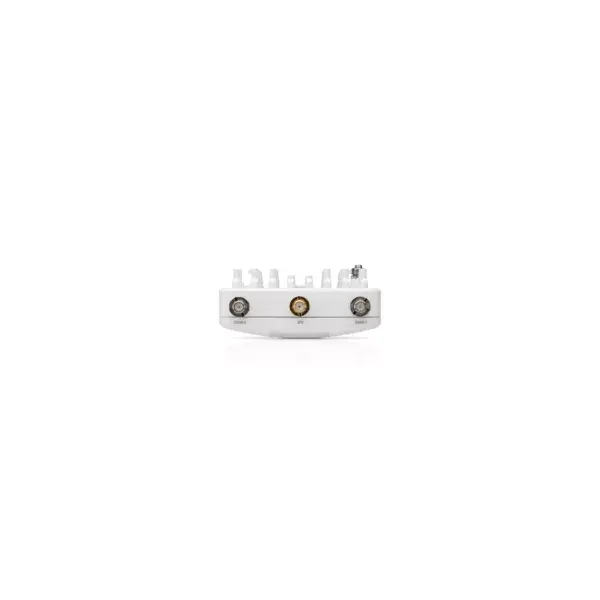
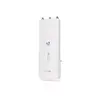
Wireless Device Ubiquiti LTU Rocket 5 GHz Wi-Fi Standard
The Ubiquiti LTU Rocket 5 GHz Wi-Fi Standard is a Point-to-MultiPoint (PtMP) base station radio designed for outdoor wireless networks. Using Ubiquiti’s LTU technology, the LTU Rocket delivers a maximum data transfer rate of 675.84 Mbit/s on the 5 GHz band, supports flexible channel widths (10/20/30/40/50 MHz), and offers independent TX and RX channel frequency configuration to help avoid local interference. The unit is compact, white, and consumes up to 15 W of power while providing Gigabit Ethernet connectivity for backhaul or subscriber aggregation.
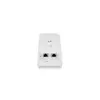
The LTU Rocket combines LTU proprietary RF filtering and 2+ Mpps packet processing to provide consistent throughput and low-latency performance in PtMP deployments. GPS sync capability enables coordinated timing across multiple radios, reducing mutual interference in dense deployments. A custom co-processor provides headroom for future firmware improvements and feature upgrades. The device supports standard WPA2-PSK security and a single Gigabit-capable Ethernet port for easy integration into existing networks.
The LTU Rocket is optimized for PtMP outdoor deployments and may not be the best choice for indoor Wi‑Fi coverage or for single-client point-to-point links where a dedicated PTP radio would be preferable. It also relies on WPA2-PSK for security; environments requiring enterprise-grade authentication (RADIUS, 802.1X) should verify compatibility with their access control systems or consider additional infrastructure.
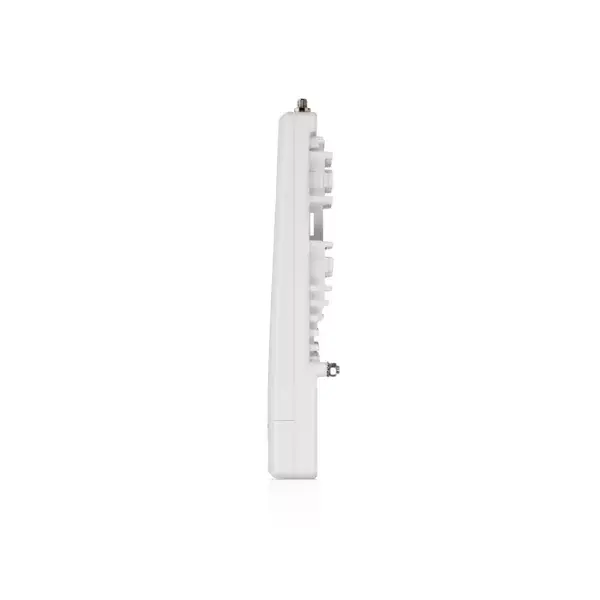
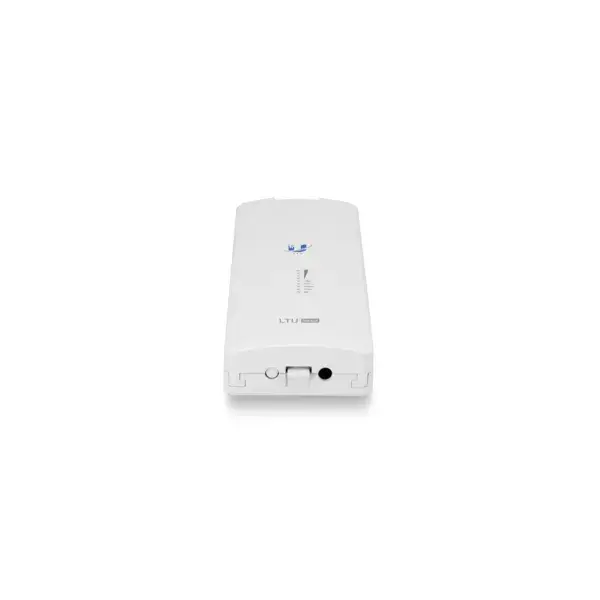
Install the LTU Rocket at a clear outdoor location with line-of-sight to subscriber stations when possible, and mount it according to the manufacturer’s mechanical and grounding instructions. Connect the device to power and to the network via the RJ-45 Ethernet port, and configure radio parameters using the Ubiquiti management interface. Choose channel widths and independent TX/RX frequencies to minimize interference, enable GPS sync if deploying multiple radios, and apply WPA2-PSK keys to secure wireless links. Use firmware updates to apply any co-processor-driven feature improvements as they become available.
For reliable PtMP performance, place the LTU Rocket with clear line-of-sight to subscribers, plan channel widths and independent TX/RX frequencies to avoid interference, and enable GPS sync when operating multiple base stations in proximity. Keep device firmware up to date to leverage improvements provided by the co-processor.
{{highlightedFeature.featureTitle}}:
{{getProductFeatureValueById(product, highlightedFeature.featureId)}}
{{ productComparisonGenerationError }}