Powerful EcoFlow stations for energy anywhere!
In cart {{totalProductsCount}} item(s)
Your cart is empty
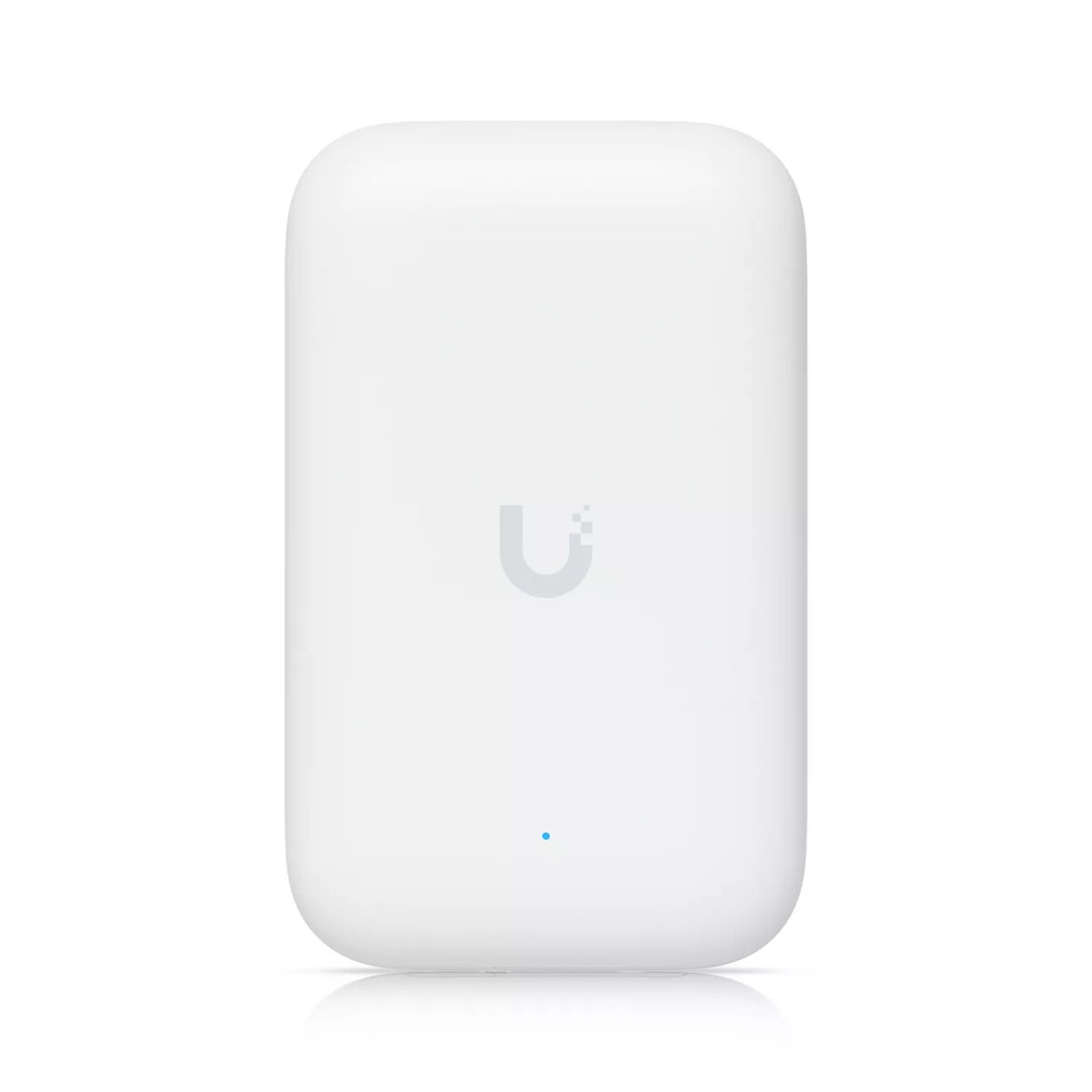
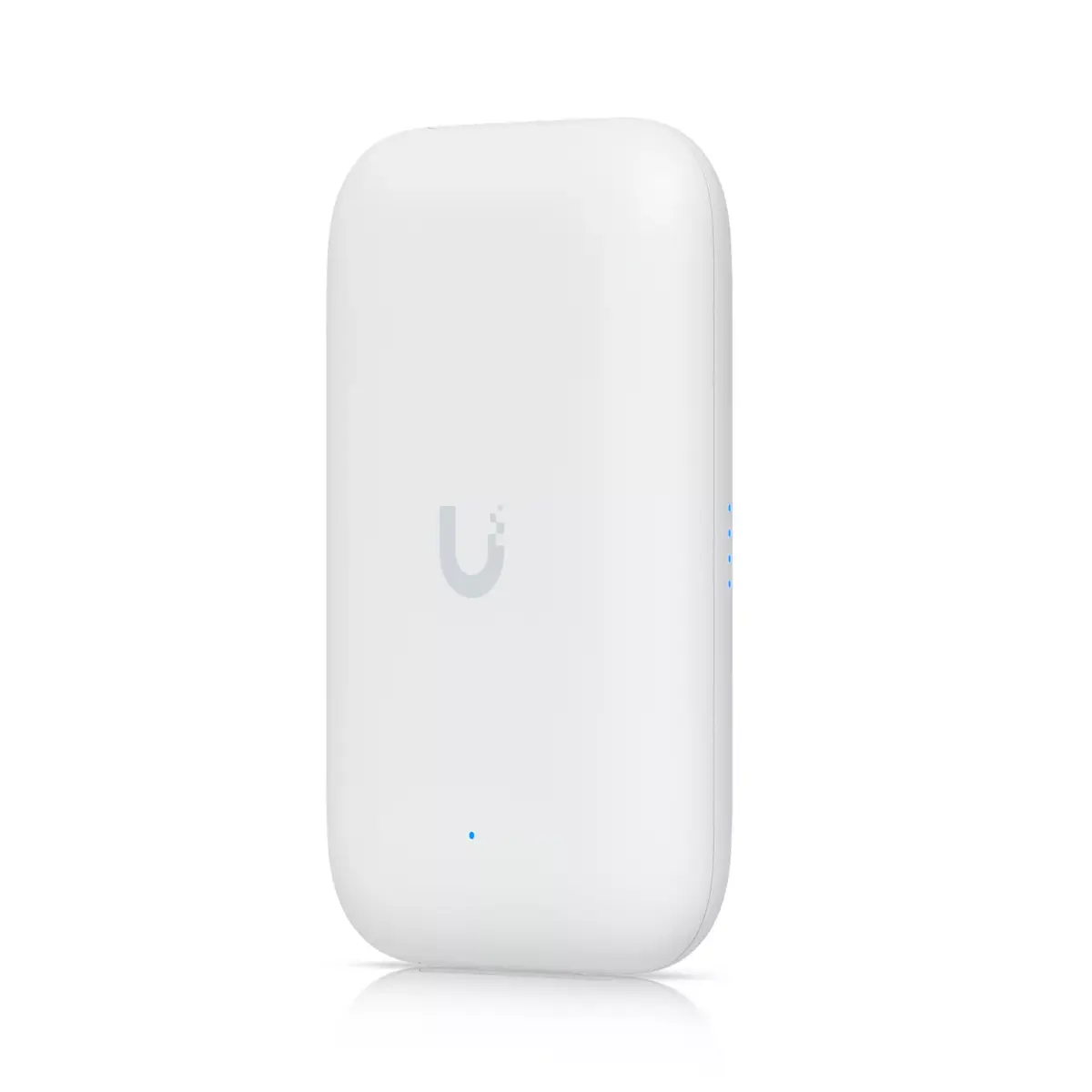
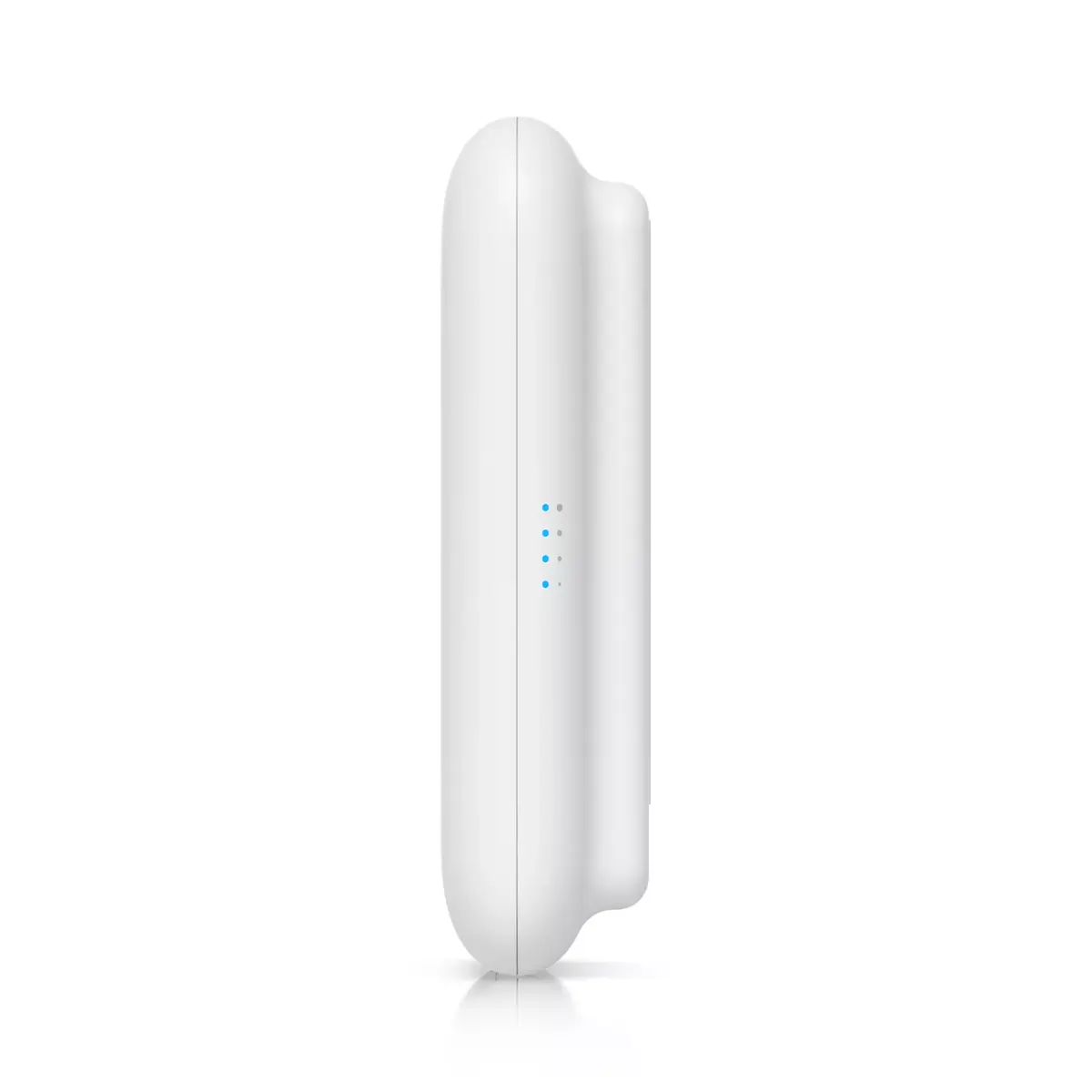
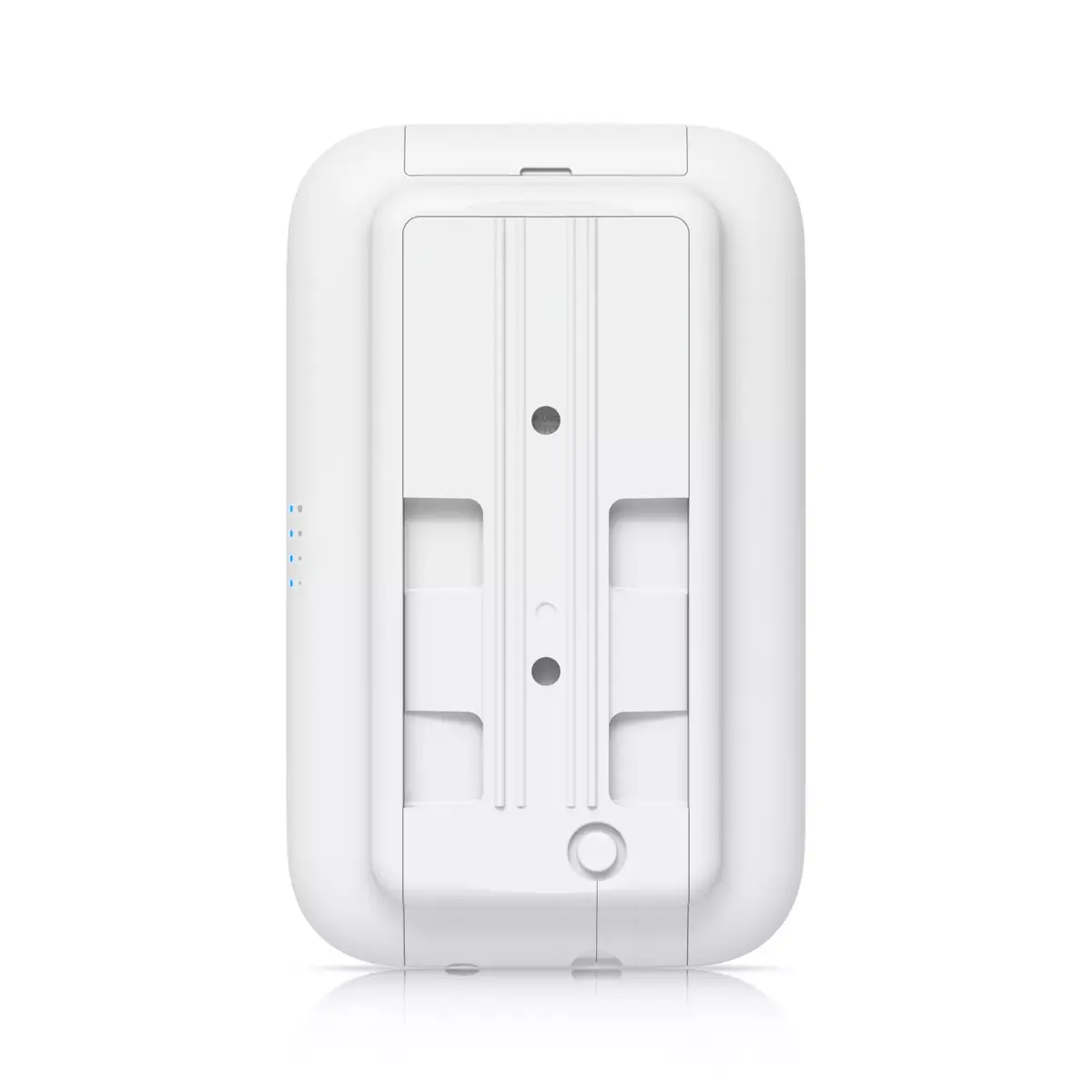
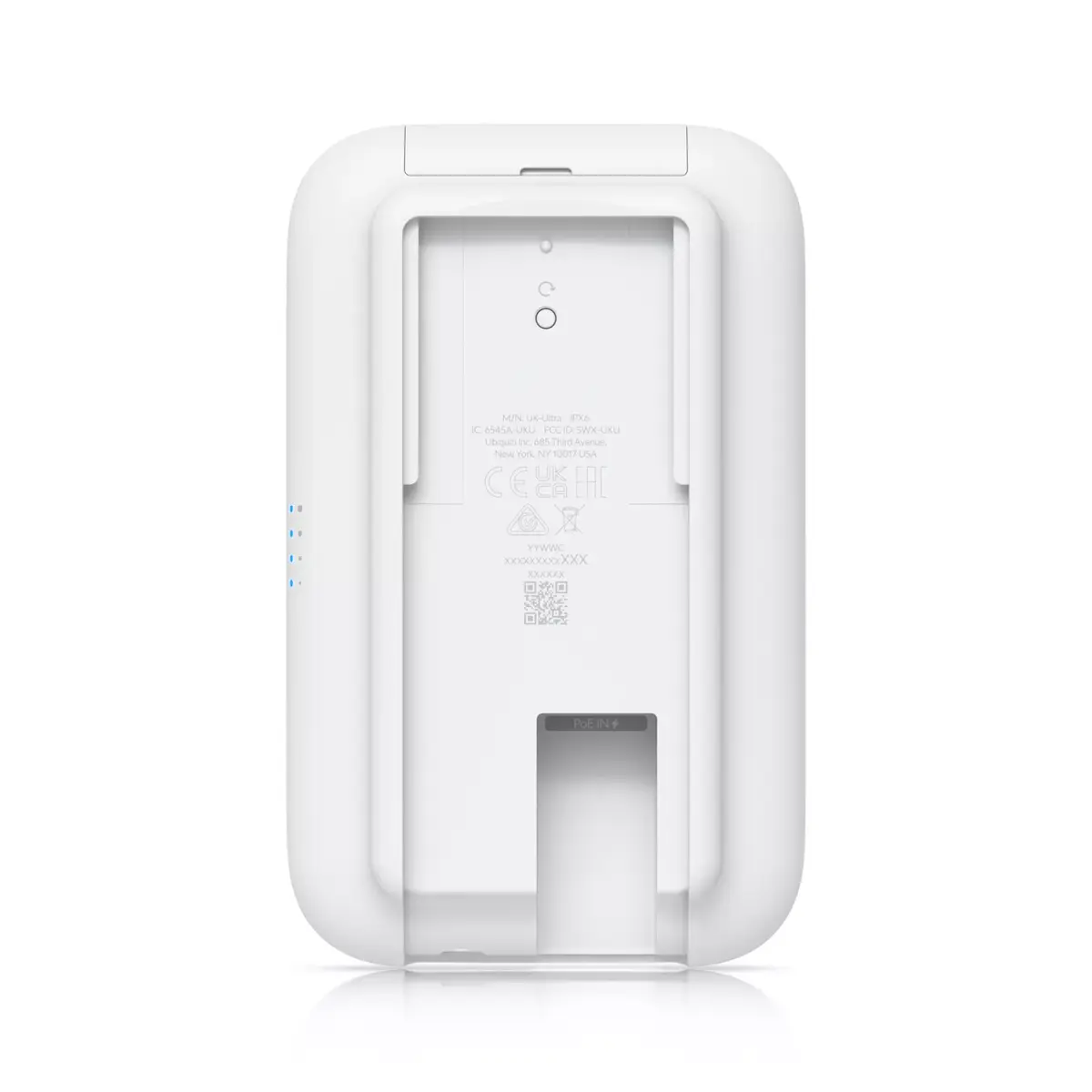
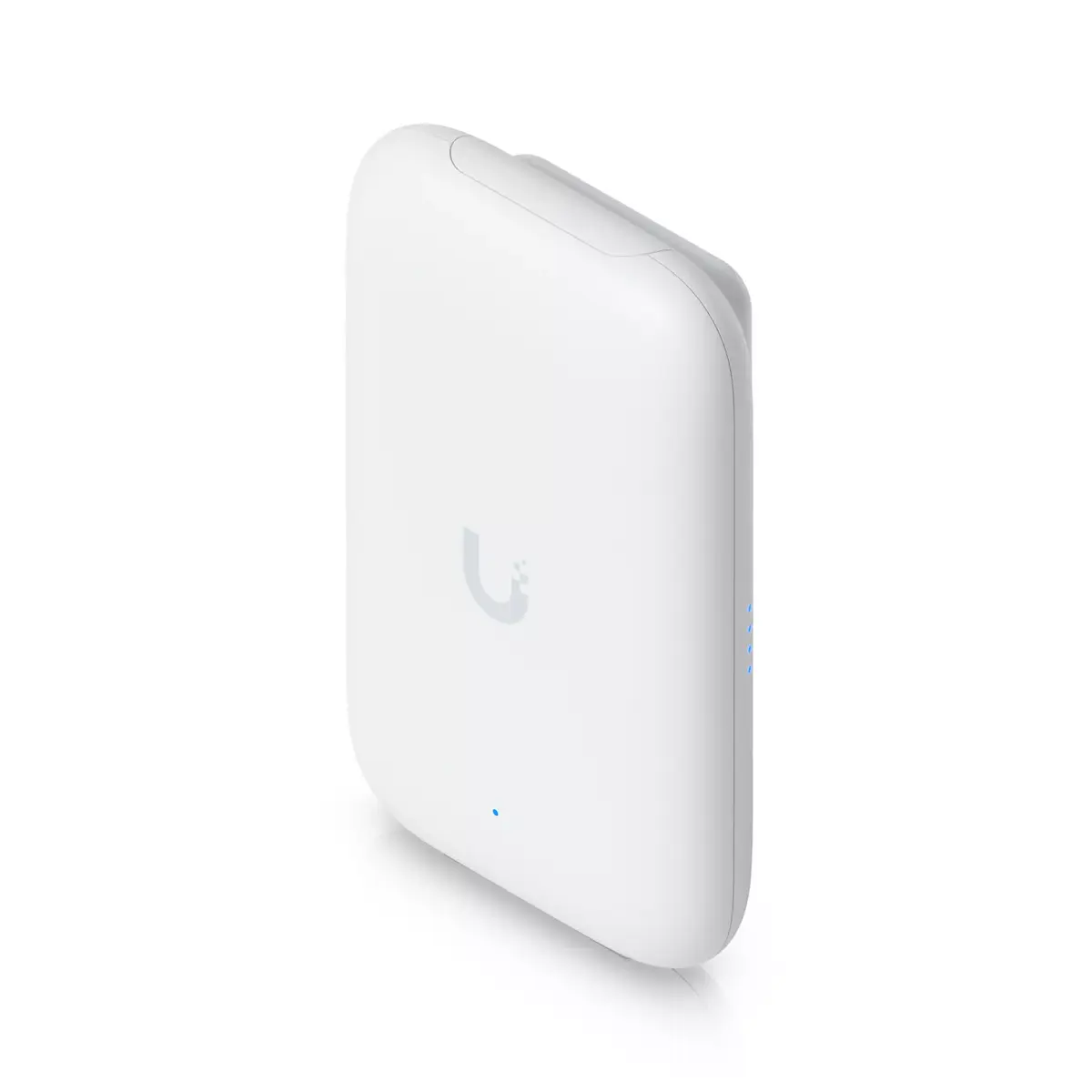
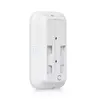
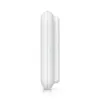
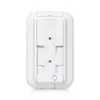
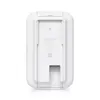
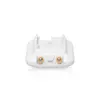
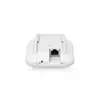
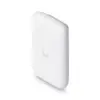
Ubiquiti Swiss Army Knife Ultra Wireless Access Point 866.7 Mbit/s PoE
The Ubiquiti Swiss Army Knife Ultra is a high-performance wireless access point designed for both indoor and outdoor environments. This compact device supports dual-band connectivity across 2.4 GHz and 5 GHz frequencies, delivering a maximum data transfer rate of 866.7 Mbit/s. Engineered for versatility, it features a durable white housing and supports Power over Ethernet (PoE) for simplified installation. With its support for modern networking standards and advanced security protocols like WPA3, it provides a reliable and secure wireless network solution for various professional applications.
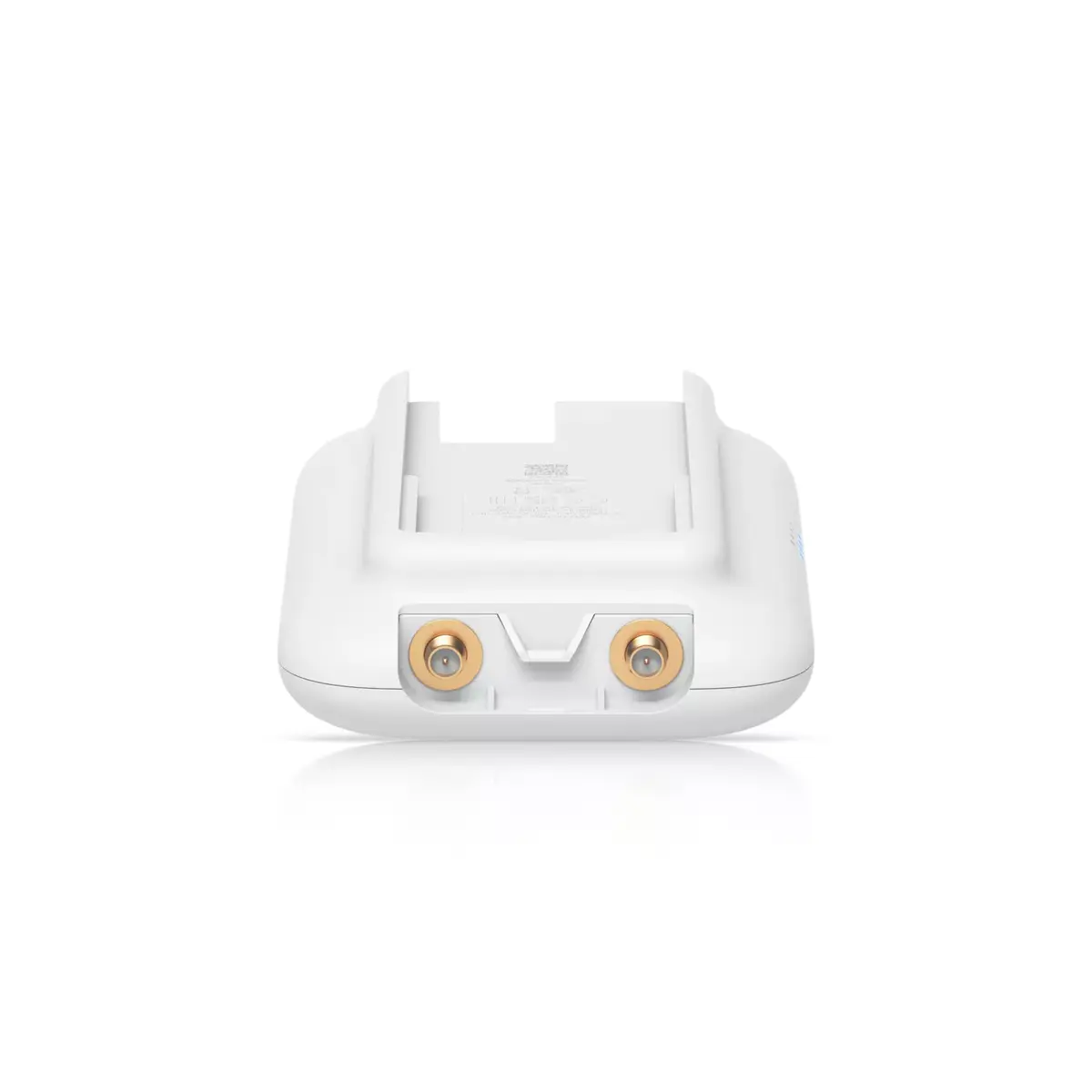
The primary advantage of this access point is its exceptional flexibility, as it is specifically designed to function effectively in both indoor and outdoor settings. Its compact form factor allows for discreet placement, while the support for external antennas ensures extended range and signal coverage where needed. The integration of Power over Ethernet technology streamlines the deployment process by combining data and power delivery into a single cable. Furthermore, the device maintains high security standards, ensuring that your network remains protected against unauthorized access while delivering consistent high-speed performance.
This device may not be suitable for high-density environments that require massive multi-user throughput, such as large stadiums or crowded public venues, where a higher-capacity enterprise access point would be necessary. Additionally, it is not intended for long-range point-to-point bridging over several kilometers without appropriate external antenna configurations.
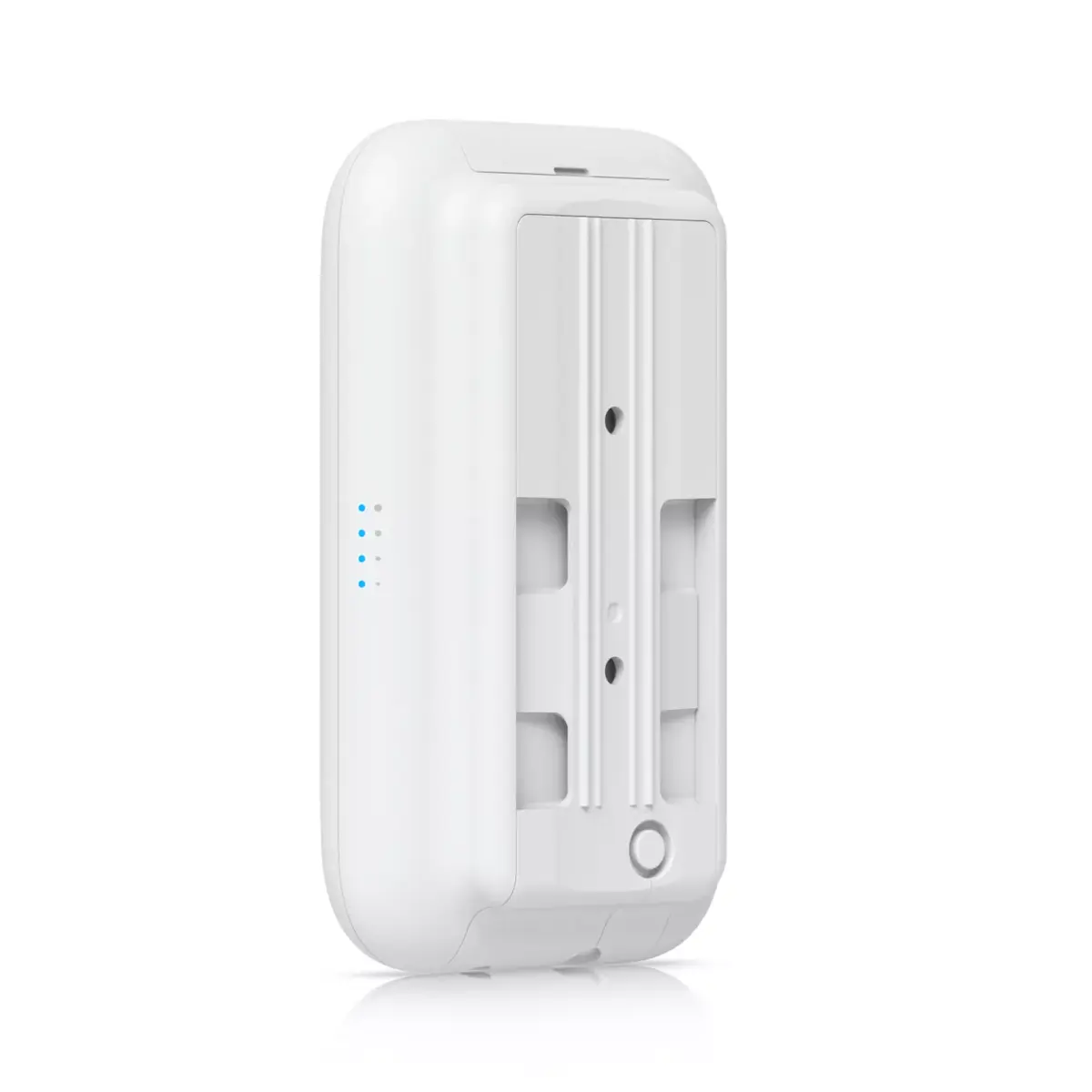
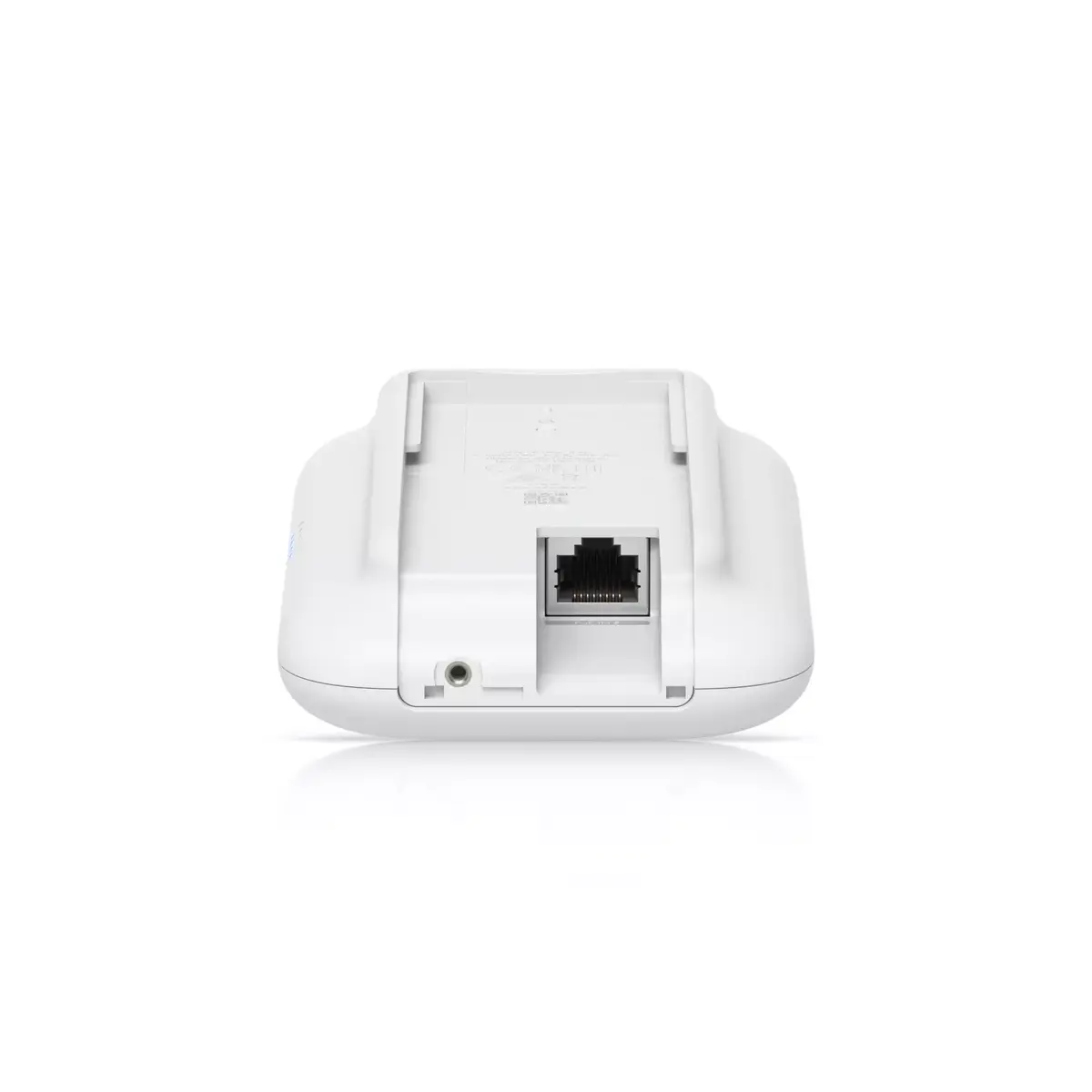
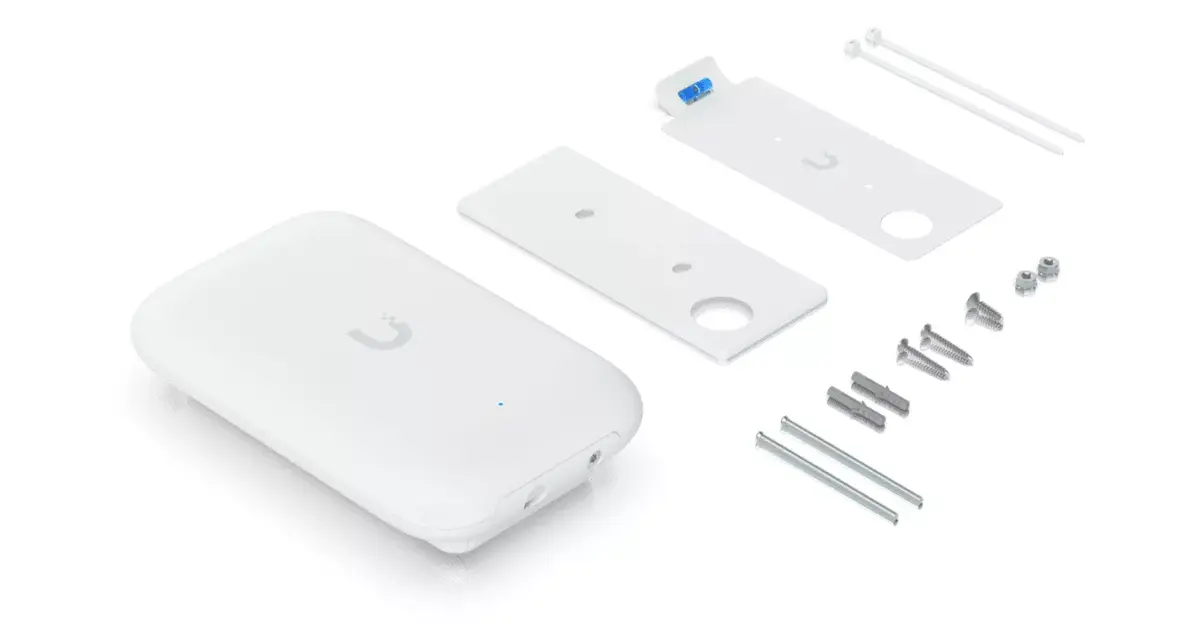
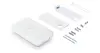
To begin using the Ubiquiti Swiss Army Knife Ultra, mount the device in your desired location using the provided mounting hardware. Connect a Cat5e or higher Ethernet cable from your PoE-capable switch or injector to the Gigabit Ethernet port on the device. Once powered, configure the access point through the Ubiquiti network management software to integrate it into your existing network infrastructure. Ensure the device is positioned away from large metal obstructions to maximize signal propagation.
For optimal performance, always update the device firmware to the latest version via the management interface and perform a site survey to determine the best placement for balanced coverage.
{{highlightedFeature.featureTitle}}:
{{getProductFeatureValueById(product, highlightedFeature.featureId)}}
{{ productComparisonGenerationError }}