Filters you can trust. Pure water every day.
In cart {{totalProductsCount}} item(s)
Your cart is empty
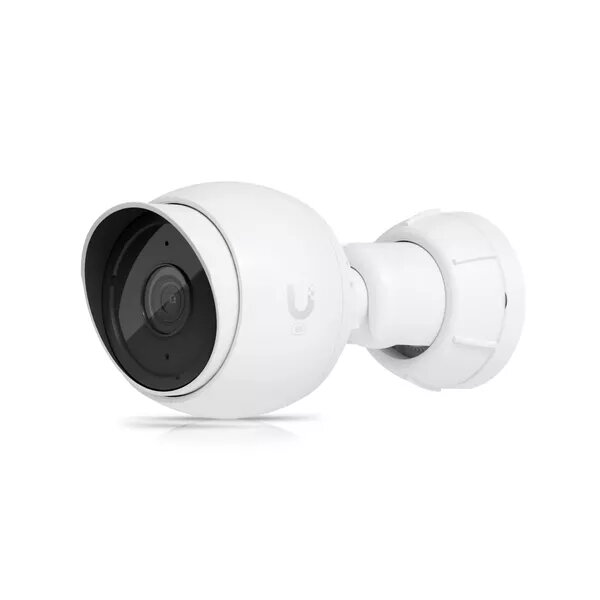
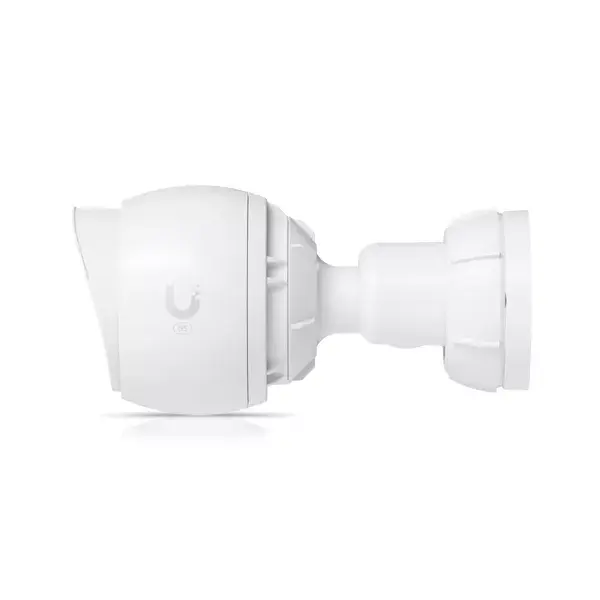
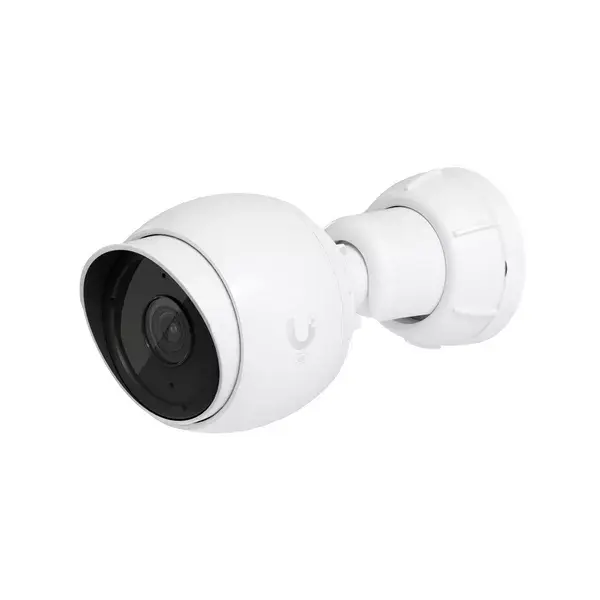
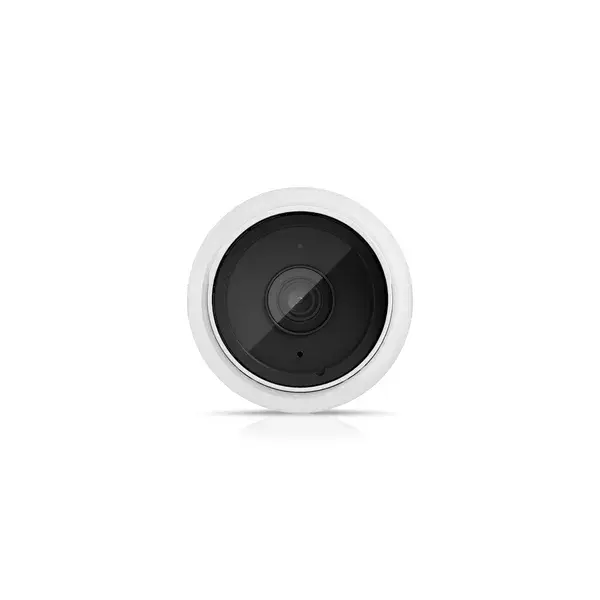
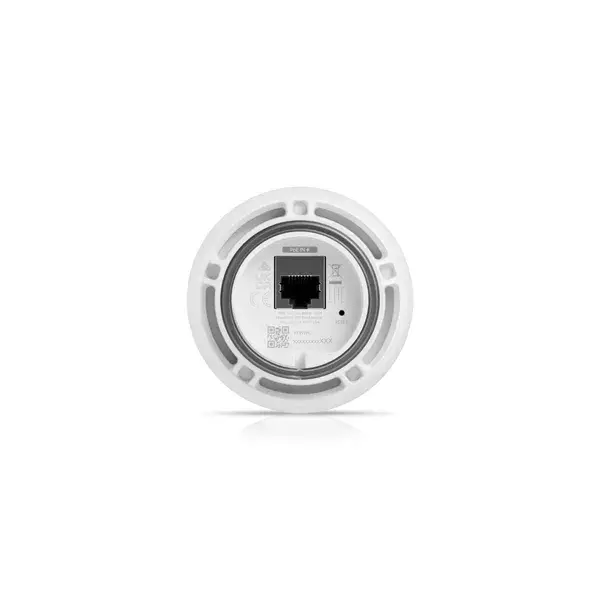
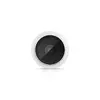
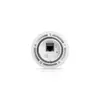
Surveillance Camera Ubiquiti G5 Bullet 2688 x 1512 pixels
The Ubiquiti G5 Bullet is a next-generation indoor/outdoor 2K HD PoE surveillance camera featuring a 2688 x 1512 pixel CMOS sensor. Designed for wired deployment, the camera delivers detailed daytime images and uses IR LEDs for improved night vision. With a horizontal viewing angle of 84.4° and a vertical angle of 45.4°, the G5 Bullet provides broad coverage for wall or pole mounting in black or white finishes. The camera is driven by an ARM Cortex-A7 processor and supports 30 fps frame rate for smooth video capture.
The Ubiquiti G5 Bullet combines high-resolution imaging with a compact, lightweight form factor (0.225 kg) and PoE-ready wired connectivity. Its IR illumination extends usable surveillance hours into low-light conditions while the wide horizontal and vertical viewing angles reduce the number of devices needed to cover a scene. The camera’s wall and pole mounting options make it adaptable to different installation environments and the availability in black or white allows easier visual integration with building exteriors or interiors.
The G5 Bullet requires wired network connectivity and does not include Wi‑Fi capability, so it is not appropriate where wireless-only installations are required. It is a fixed camera with a defined viewing angle and is not a pan/tilt/zoom unit; applications needing remote PTZ control or variable zoom should consider dedicated PTZ models.
Mount the camera on a suitable wall or pole using the supplied mounting hardware, orienting it to cover the intended field of view within the horizontal and vertical angles. Connect the camera to a PoE-enabled network switch or PoE injector for power and network access, then configure device settings through the Ubiquiti management interface or compatible network video recorder. Verify night performance and adjust mounting height and angle as needed to minimise glare and maximise scene coverage.
For stable operation and best image quality, use a PoE switch rated to provide sufficient power, position the camera to avoid direct light sources in the frame, and perform periodic cleaning of the lens when used outdoors. Regularly update firmware through the official Ubiquiti interface to maintain security and compatibility.
{{highlightedFeature.featureTitle}}:
{{getProductFeatureValueById(product, highlightedFeature.featureId)}}
{{ productComparisonGenerationError }}