Leave your address - as soon as the price of the product goes down, you'll know about it right away
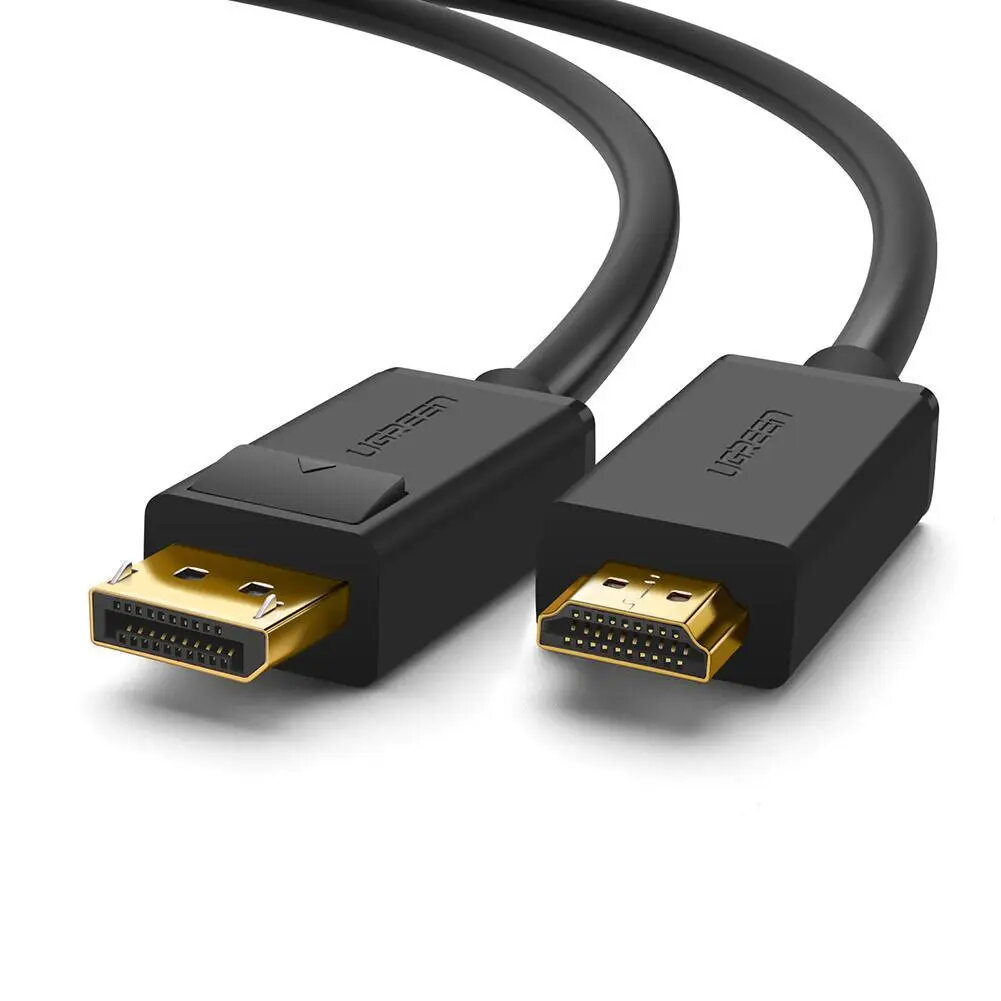
Video cable adapter UGREEN 10238 — DisplayPort to HDMI, 1 m, Black
In cart {{totalProductsCount}} item(s)
Your cart is empty
Video cable adapter UGREEN 10238 — DisplayPort to HDMI, 1 m, Black
Leave your address - as soon as the price of the product goes down, you'll know about it right away
Video cable adapter UGREEN 10238 — DisplayPort to HDMI, 1 m, Black
UGREEN 10238 is a 1 m DisplayPort-to-HDMI video cable adapter designed to connect DisplayPort-equipped computers or laptops to HDMI monitors, TVs or projectors. The cable features a DisplayPort male connector on one end and an HDMI male connector on the other, delivering digital audio and video over a single one-meter link. It supports mirror and extend display modes, allowing you to duplicate your screen or add a second monitor for an expanded desktop.
The adapter transmits high-definition video and audio from a DP source to an HDMI display, maintaining audio‑video sync for consistent playback. The cable uses gold-plated connectors and tinned copper conductors with shielding to reduce interference and provide reliable signal transfer. Its one-meter length offers a compact connection between a computer and nearby displays while the straight male connectors make it compatible with standard DP and HDMI ports.
Connect the DisplayPort male end to the DP output on your computer or laptop and insert the HDMI male end into the HDMI input of your monitor, TV or projector. Power on both devices and select the appropriate HDMI input on the display. Configure display settings on the source device to choose mirror or extend mode and adjust resolution and refresh rate as needed. The adapter is plug-and-play on most systems that support DisplayPort output to HDMI displays.
For stable performance, keep cable runs short and avoid sharp bends. Ensure the source device is set to output over DisplayPort and verify the display supports the chosen resolution and refresh rate. Use the adapter with displays located within one metre of the source for optimal signal integrity.
{{highlightedFeature.featureTitle}}:
{{getProductFeatureValueById(product, highlightedFeature.featureId)}}