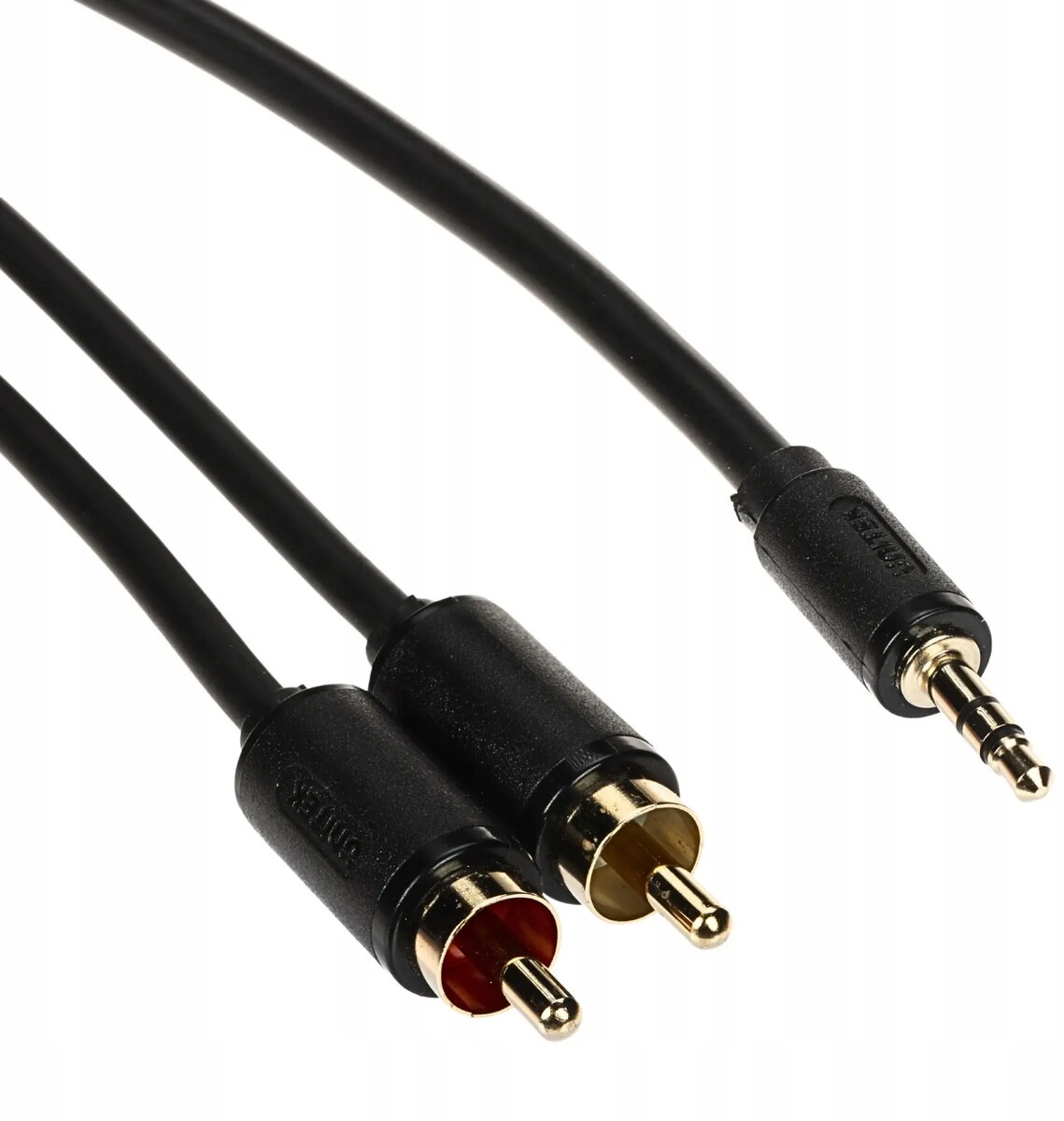
The audio cable Audio cable Unitek C19022BK03 — 2× RCA (Cinch) to 3.5 mm TRS jack, 3 m is compared with alternative models from the same Unitek product line: Audio cable Unitek C19026BK01 — 2× RCA (CINCH) to 3.5 mm TRS jack, 20 m, Audio cable Unitek C19021BK03 — 2× RCA (Cinch) to 3.5 mm TRS jack, 1.5 m, Audio cable Unitek C19027BK01 — 2× RCA (CINCH) to 3.5 mm TRS jack, 25 m, Audio cable Unitek C19025BK01 — 2× RCA (Cinch) to 3.5 mm TRS jack, 15 m, and Audio cable Unitek C19024BK01 — 2× RCA (Cinch) to 3.5mm TRS jack, 10 m. All these products share the same core design as analog stereo audio cables featuring dual RCA connectors on one end and a 3.5 mm TRS jack on the other. The primary practical difference among them is cable length, which dictates the physical distance between connected audio equipment.
⚙️ The specifications comparison table below outlines the connector types, intended application, compatibility, and cable length to highlight the technical similarities and differences across the range.
| Parameter | Audio cable Unitek C19022BK03 — 2× RCA (Cinch) to 3.5 mm TRS jack, 3 m | Audio cable Unitek C19026BK01 — 2× RCA (CINCH) to 3.5 mm TRS jack, 20 m | Audio cable Unitek C19021BK03 — 2× RCA (Cinch) to 3.5 mm TRS jack, 1.5 m | Audio cable Unitek C19027BK01 — 2× RCA (CINCH) to 3.5 mm TRS jack, 25 m | Audio cable Unitek C19025BK01 — 2× RCA (Cinch) to 3.5 mm TRS jack, 15 m | Audio cable Unitek C19024BK01 — 2× RCA (Cinch) to 3.5mm TRS jack, 10 m | Practical significance |
|---|
| Connector type | 2× RCA (Cinch) to 3.5 mm TRS jack | 2× RCA (Cinch) to 3.5 mm TRS jack | 2× RCA (Cinch) to 3.5 mm TRS jack | 2× RCA (Cinch) to 3.5 mm TRS jack | 2× RCA (Cinch) to 3.5 mm TRS jack | 2× RCA (Cinch) to 3.5 mm TRS jack | All cables feature identical interface configurations and deliver the exact same stereo analog audio signal transmission quality. |
| Brand | Unitek | Unitek | Unitek | Unitek | Unitek | Unitek | A consistent manufacturer ensures uniform build quality and dependable performance standards across every option. |
| Cable length | 3 m | 20 m | 1.5 m | 25 m | 15 m | 10 m | Length is the primary decision factor: 3 m suits standard room setups, shorter lengths prevent desktop clutter, and long versions (10–25 m) accommodate extended room layouts and professional runs. |
◎ The suitability table below evaluates which product version fits specific user requirements and usage scenarios based on operational distance.
| Use case | Recommended product | Why |
|---|
| Connecting a phone or laptop to speakers on a desk | Audio cable Unitek C19021BK03 — 2× RCA (Cinch) to 3.5 mm TRS jack, 1.5 m | The compact 1.5-meter length prevents messy wire loops and clutter on a workspace. |
| Home audio setups, multimedia use, and car stereos | Audio cable Unitek C19022BK03 — 2× RCA (Cinch) to 3.5 mm TRS jack, 3 m | The 3-meter length offers an ideal balance for positioning source devices and sound systems within a standard room without excess slack. |
| Medium-distance audio routing across a larger room | Audio cable Unitek C19024BK01 — 2× RCA (Cinch) to 3.5mm TRS jack, 10 m | The 10-meter reach bridges components separated by significant distances. |
| Long-reach presentations, studio patching, and extended AV installations | Audio cable Unitek C19027BK01 — 2× RCA (CINCH) to 3.5 mm TRS jack, 25 m | The maximum 25-meter length provides a reliable single-run analog connection where shorter cables fall short. |
The audio cable Audio cable Unitek C19022BK03 — 2× RCA (Cinch) to 3.5 mm TRS jack, 3 m differs from alternative models by offering a practical 3-meter length that avoids the clutter of long-reach options while providing more flexibility than ultra-short desktop versions. This model is most suitable for everyday home audio setups, connecting portable devices to speakers or amplifiers within a standard room. A buyer should prefer this option when looking for a well-balanced, clutter-free analog connection for standard room layouts without excess cable length.