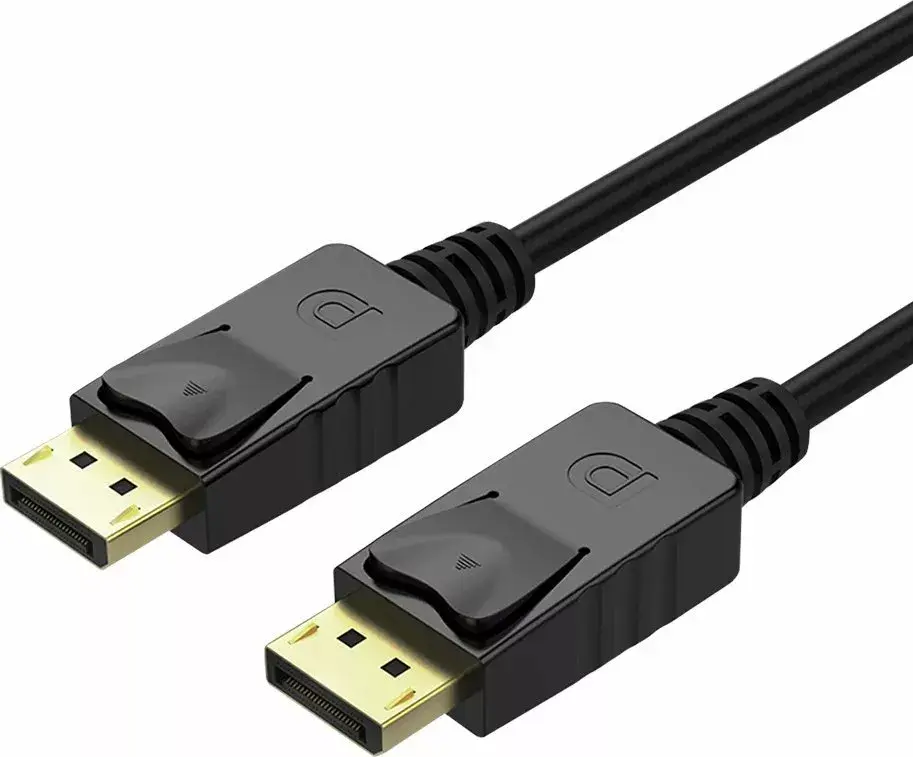
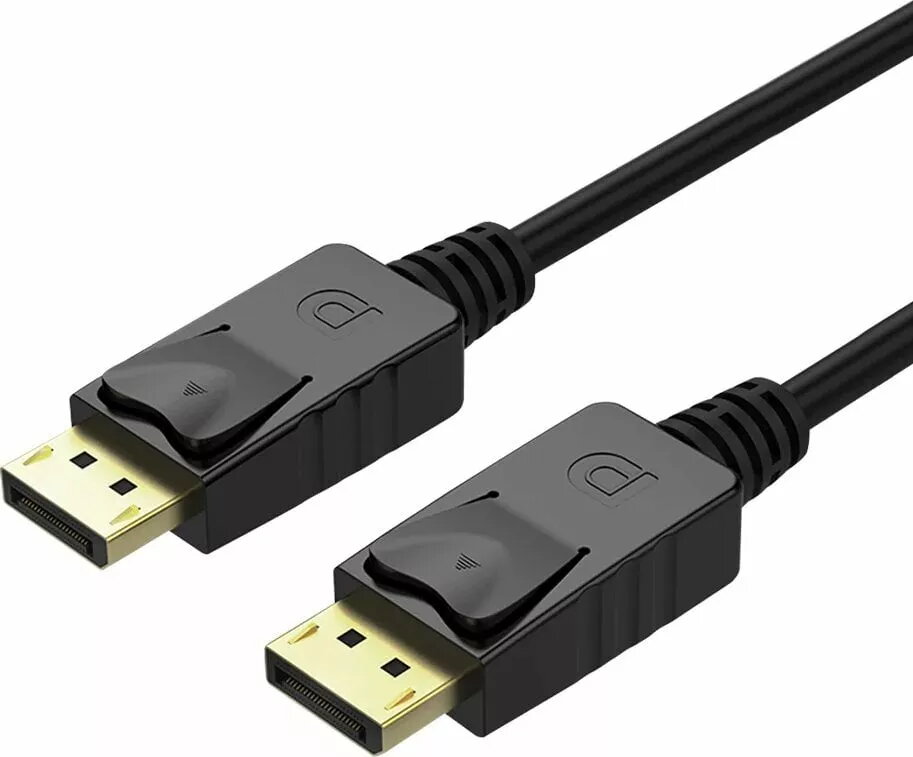
The Unitek DisplayPort Cable DP-MM-5M19A/L is a high-performance digital video cable measuring 5 meters in length, engineered to provide a stable and reliable connection between your computer and display devices. This cable is designed to support high-resolution video and audio transmission, ensuring that your multimedia content is delivered with clarity and precision. Its robust construction makes it a dependable choice for maintaining signal integrity over longer distances, suitable for both professional and personal computing environments.
Advantages
This DisplayPort cable offers significant benefits for users requiring a long-reach connection without compromising on signal quality. The 5-meter length provides flexibility in arranging your workspace, allowing for comfortable placement of monitors away from the host computer. The high-quality materials used in its construction minimize interference and signal loss, which is essential for maintaining consistent performance during intensive tasks such as graphic design, video editing, or high-definition gaming. The secure locking mechanism inherent to the DisplayPort interface ensures that the cable remains firmly connected, preventing accidental disconnections during operation.
Suitable for
- Connecting desktop computers to high-resolution monitors
- Professional workstations and graphic design setups
- Gaming environments requiring reliable video transmission
- Home office configurations with extended cable routing needs
When it may not be suitable
This cable may not be the optimal choice for users requiring extremely short cable runs where excess length could lead to cable clutter. Additionally, it is not intended for use with devices that do not feature a standard DisplayPort interface, such as those relying exclusively on HDMI or USB-C connections without an appropriate adapter.
Key specifications
- Cable length: 5.0 meters
- Interface type: DisplayPort male to male
- Signal type: Digital video and audio
- Compatibility: Standard DisplayPort enabled devices
How to use
To use the cable, simply insert one end of the DisplayPort connector into the output port of your computer or graphics card and the other end into the input port of your monitor. Ensure that the connectors are fully seated until you hear or feel the locking mechanism engage. Once connected, power on your devices and select the appropriate input source on your monitor settings to establish the video signal. If the display does not appear immediately, verify that the cable is securely attached at both ends and that the correct input channel is selected on your display device.
What to consider before purchase
- Verify that both your computer and monitor are equipped with DisplayPort interfaces
- Measure the required distance between your devices to ensure 5 meters is sufficient
- Check your monitor's resolution requirements to ensure compatibility with standard DisplayPort specifications
Usage recommendations
For optimal performance, avoid bending the cable at sharp angles or placing heavy objects on it, as this can damage the internal wiring. Keep the cable away from high-heat sources and ensure that the connectors are kept clean and free of dust to maintain a stable connection over time.