


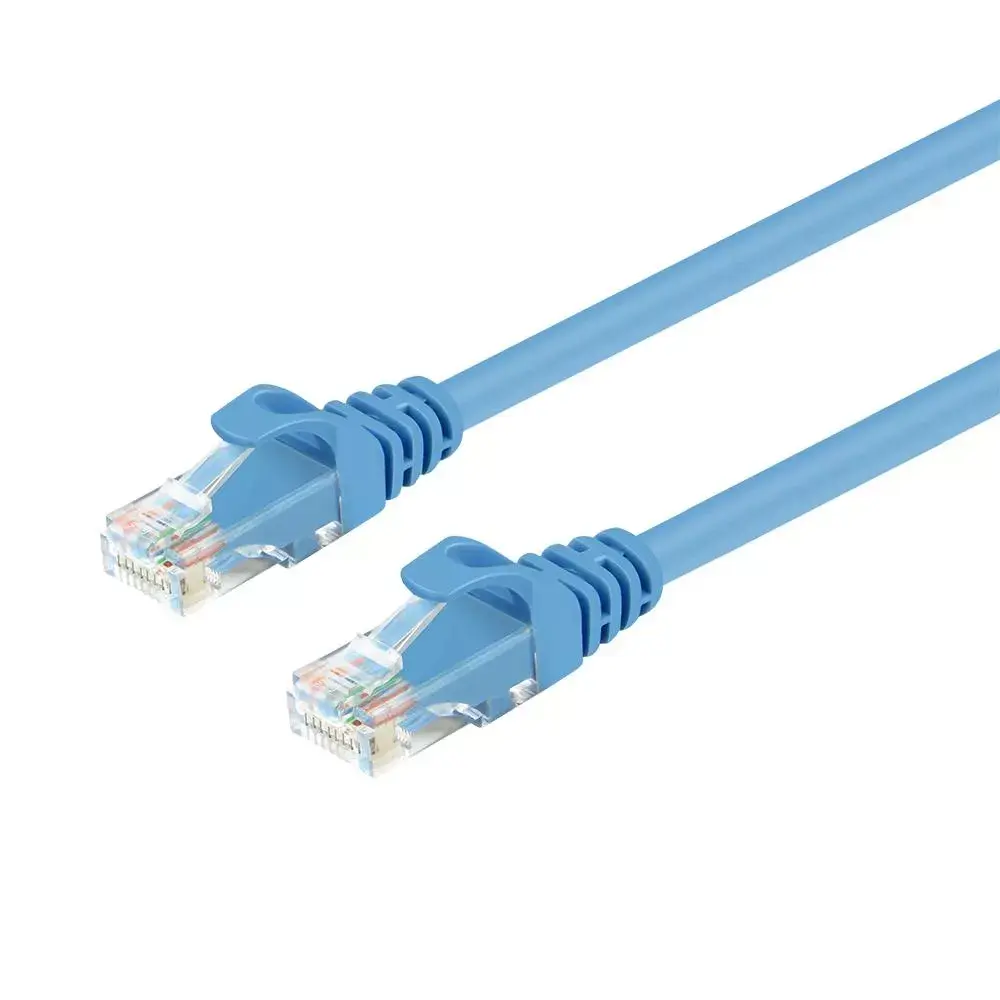
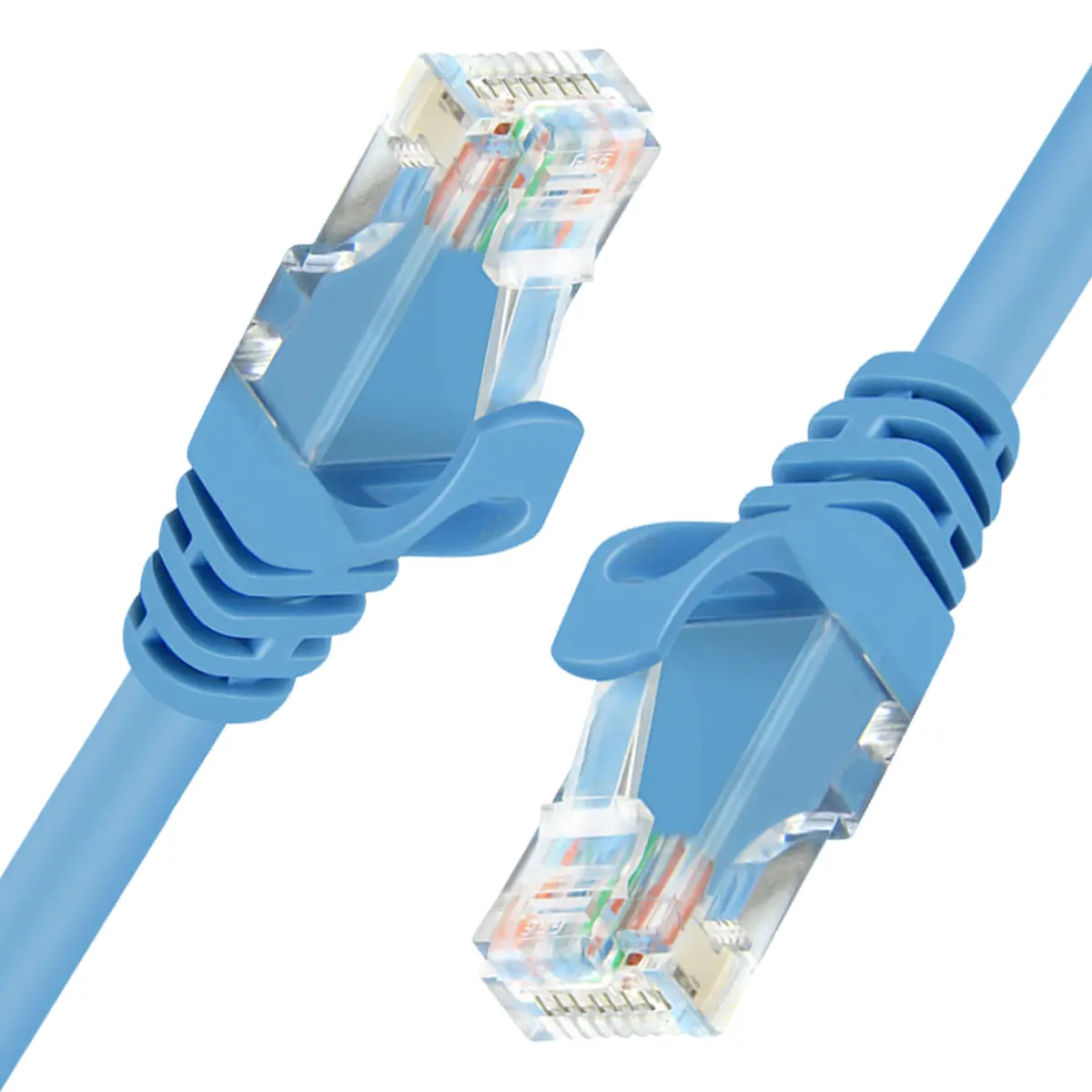
Unitek Y-C814ABL Cat6 U/UTP Networking Cable RJ-45 Male to Male 15 m Blue
Short description

Cheapest delivery:
Unisend LV
Product information
Description
The Unitek Y-C814ABL Cat6 U/UTP Networking Cable RJ-45 Male to Male 15 m Blue is a reliable network cable designed for setting up stable local area networks in homes and offices. With a generous length of 15 meters, this Ethernet cable allows for flexible placement of network devices across larger rooms or between different areas of a building. It features standard RJ-45 male connectors on both ends and utilizes Cat6 standards to support efficient and consistent data transmission for everyday networking needs.
Advantages
This networking cable offers dependable performance for standard local area network connections, supporting the Cat6 standard to maintain steady data rates over a 15-meter distance. The inclusion of RJ-45 male connectors on both ends ensures broad compatibility with a wide range of networking hardware such as routers, switches, and computers. The blue outer jacket makes it easy to identify and manage among other cables in a busy wiring setup, helping to keep workspace installations organized.
Suitable for
- Connecting desktop computers and laptops to routers or network switches
- Linking network-attached storage devices and printers within an office network
- Extending wired internet connections across larger rooms or between adjacent office spaces
- Setting up temporary or permanent local area network connections in residential and commercial environments
When it may not be suitable, this cable might not meet the requirements of enterprise-grade data centers that demand specialized shielded cables to combat severe electromagnetic interference. Additionally, the 15-meter length may be longer than necessary for simple desktop setups, potentially resulting in excess cable management if used over very short distances.
Key specifications
- Cable standard: Cat6
- Cable shielding: U/UTP (UTP)
- Cable length: 15 m
- Connector 1: RJ-45 male
- Connector 2: RJ-45 male
- Color: Blue
To use the cable, simply plug one of the RJ-45 male connectors into the Ethernet port of your network source device, such as a router or network switch. Route the cable carefully along walls, baseboards, or through cable channels to avoid tripping hazards and excessive physical strain. Finally, insert the remaining RJ-45 connector into the Ethernet port of your target device, such as a computer or network printer, ensuring the connectors click securely into place.
What to consider before purchase
- Verify that a 15-meter length is appropriate for the distance between your networked devices
- Check that your devices are equipped with standard RJ-45 Ethernet ports
- Assess whether U/UTP shielding is sufficient for your specific environmental conditions regarding electromagnetic interference
Usage recommendations: Avoid tightly bending or kinking the cable during installation to maintain optimal signal integrity and prevent internal wire damage. Ensure that connectors are fully inserted and clicked into place to prevent intermittent network disconnections.
Features
- Connector 1 gender:
- Male
- Connector 2 gender:
- Male
- Connector 2:
- RJ-45
- Connector 1:
- RJ-45
- Cable shielding:
- U/UTP (UTP)
- Cable standard:
- Cat6
- Cable length:
- 15 m


