
Powerful EcoFlow stations for energy anywhere!
In cart {{totalProductsCount}} item(s)
Your cart is empty
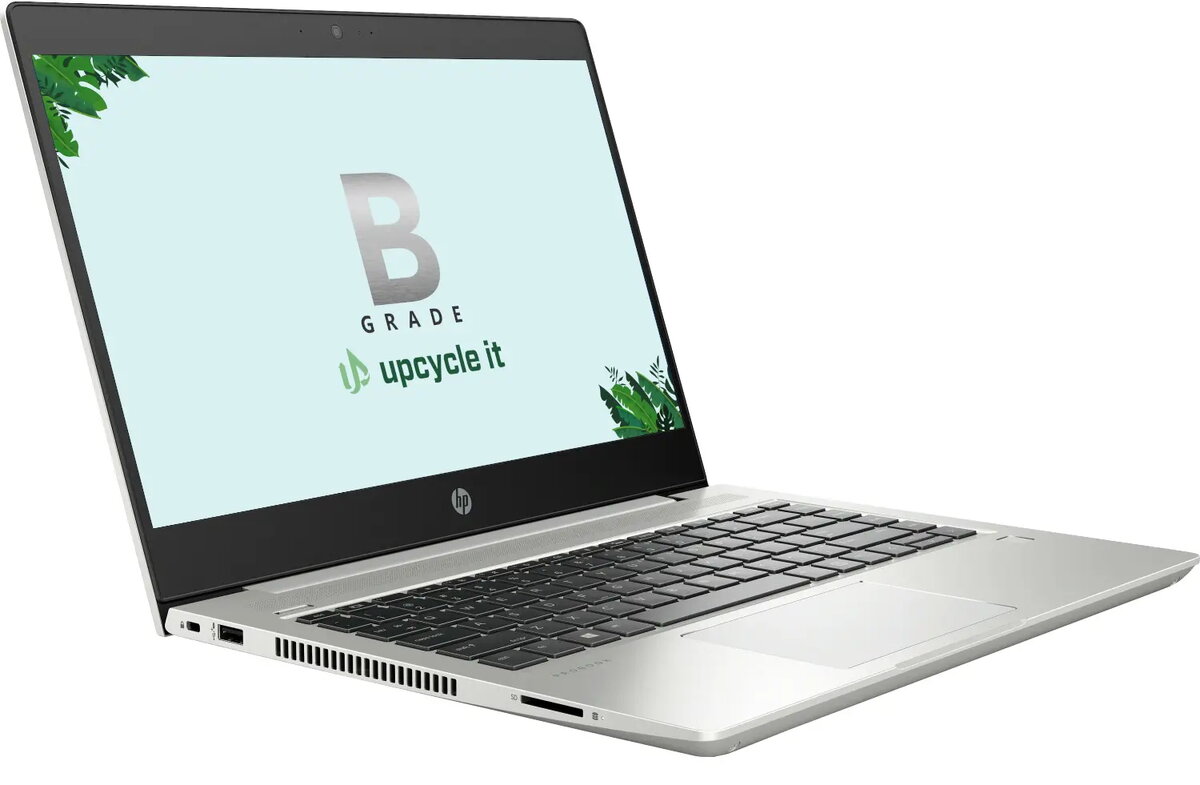
Upcycle IT HP ProBook 440 G7 Laptop, Intel Core i5-10210U, 16GB RAM, 256GB SSD, 14-inch Full HD, Windows 11 Pro, Refurbished Grade B
The Upcycle IT HP ProBook 440 G7 is a professional-grade refurbished laptop designed to provide reliable performance for business and educational environments. This 14-inch device features a compact and durable clamshell design, making it an ideal companion for mobile professionals and students who require a balance of portability and power. Equipped with an Intel Core i5 processor and 16GB of RAM, it handles multitasking and office applications with ease, while the pre-installed Windows 11 Pro operating system ensures a modern and secure computing experience.
Choosing a refurbished HP ProBook 440 G7 offers a cost-effective solution without compromising on essential functionality. The inclusion of a fast 256GB SSD ensures quick boot times and responsive file access, significantly improving daily productivity compared to traditional hard drives. The Full HD display provides crisp visuals, which is beneficial for document editing, video conferencing, and media consumption. Furthermore, the robust build quality of the ProBook series ensures longevity, while the comprehensive connectivity options allow for seamless integration into any workspace.
This laptop is not intended for high-end gaming, professional 3D rendering, or intensive video editing, as the integrated graphics and processor are optimized for productivity rather than heavy graphical workloads. Additionally, users requiring massive local storage for large media libraries may find the 256GB SSD capacity limiting without the use of external storage solutions.
To begin using your HP ProBook 440 G7, simply connect the provided power adapter to the charging port and allow the battery to reach a full charge. Press the power button to initiate the Windows 11 Pro setup process, where you can configure your user account, network settings, and preferences. Once set up, you can connect external peripherals such as mice, keyboards, or monitors using the available ports. The laptop is ready for immediate use for professional or personal tasks.
To maintain optimal performance and battery health, keep the device updated with the latest Windows security patches and avoid blocking the air vents during operation. Regularly back up important data to an external drive or cloud service.
{{highlightedFeature.featureTitle}}:
{{getProductFeatureValueById(product, highlightedFeature.featureId)}}
{{ productComparisonGenerationError }}
