
Filters you can trust. Pure water every day.
In cart {{totalProductsCount}} item(s)
Your cart is empty
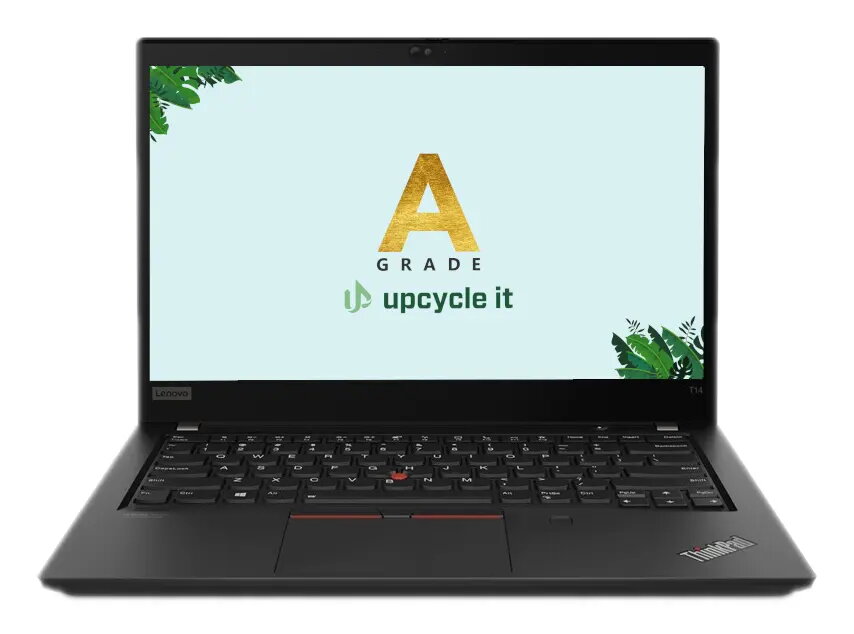
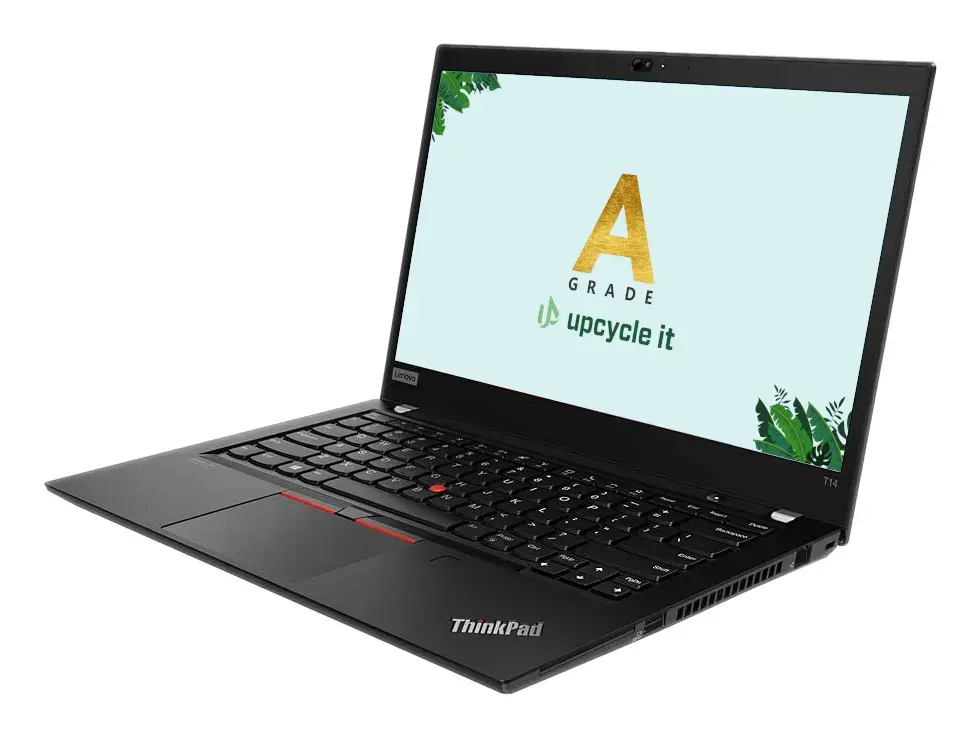
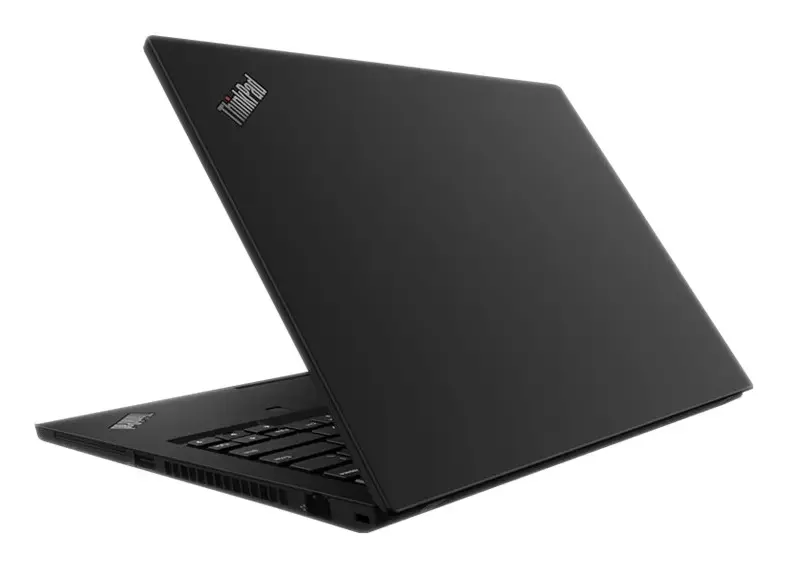
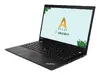
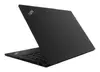
Laptop Upcycle IT Lenovo ThinkPad T14 G1 – Intel Core i7-10510U, 14" Full HD Touch, 24 GB DDR4, 512 GB SSD, NVIDIA GeForce MX330, Windows 11 Pro
Refurbished Upcycle IT Lenovo ThinkPad T14 G1 with an Intel® Core™ i7-10510U processor (1.8 GHz base) offers a 14" Full HD (1920×1080) IPS touchscreen, 24 GB DDR4 RAM and a 512 GB SSD. The laptop includes NVIDIA GeForce MX330 alongside integrated Intel® UHD Graphics and ships with Windows 11 Pro installed. This compact clamshell design is intended for business productivity, multitasking and light creative tasks while remaining portable for travel and remote work.
The ThinkPad T14 G1 combines a powerful quad‑core i7 processor with 24 GB of DDR4 memory and a fast 512 GB SSD to deliver responsive performance for typical office applications, spreadsheets and browser‑heavy workflows. The 14" Full HD IPS touchscreen provides clear visuals and touch interaction, while the dedicated NVIDIA GeForce MX330 assists with light graphics, photo editing and hardware‑accelerated video playback. Windows 11 Pro brings security and management features useful for business environments. As a refurbished A‑grade model from Upcycle IT, it offers a cost‑effective option compared with new units.
This model is not intended for demanding AAA gaming or high‑end 3D rendering workloads; the GeForce MX330 provides only entry‑level discrete graphics performance. It may also be less suitable for users who require the absolute latest CPU generation or extremely high refresh‑rate displays.
Power on the laptop, complete the initial Windows 11 Pro setup and sign in with your Microsoft or local account. Use the touchscreen for direct interaction or connect an external mouse and keyboard if preferred. Store documents on the internal 512 GB SSD and consider using cloud storage or external backups for important data. For basic graphics tasks, rely on the NVIDIA GeForce MX330; adjust power and performance settings in Windows to balance battery life and responsiveness.
For reliable daily productivity, keep the system updated via Windows Update, use an external backup solution for important files, and adjust power plans to extend battery life during travel. For improved thermal performance during sustained workloads, place the laptop on a flat, ventilated surface.
{{highlightedFeature.featureTitle}}:
{{getProductFeatureValueById(product, highlightedFeature.featureId)}}
{{ productComparisonGenerationError }}
