

JBL speakers and headphones for pure and deep sound!
In cart {{totalProductsCount}} item(s)
Your cart is empty
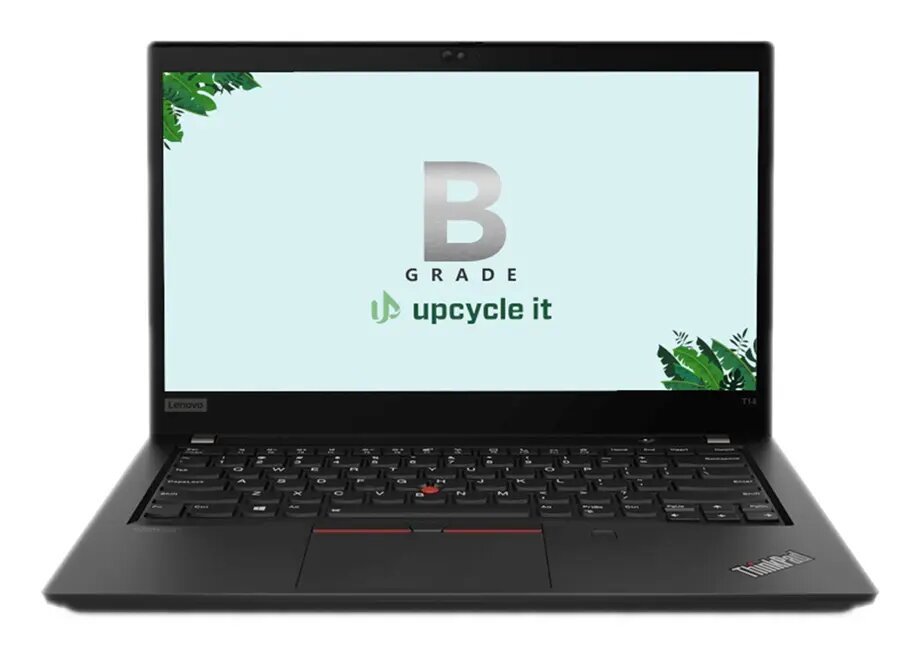
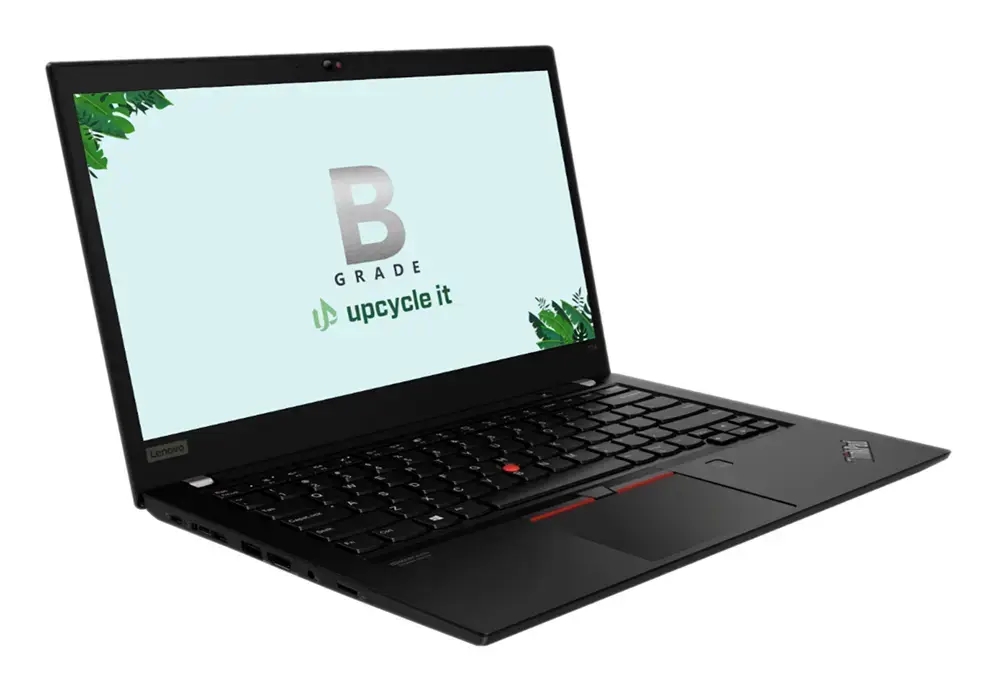
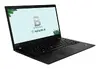
Laptop Upcycle IT Lenovo ThinkPad T14 Gen 2 – Intel Core i5-1135G7, 14" Full HD, 16 GB DDR4, 512 GB SSD, Windows 11 Pro, Intel Iris Xe
Refurbished Upcycle IT Lenovo ThinkPad T14 Gen 2 is a 14" clamshell laptop powered by an Intel® Core™ i5-1135G7 quad-core processor and integrated Intel Iris Xe graphics. The notebook includes a 14" Full HD (1920 x 1080) IPS display, 16 GB DDR4 RAM and a 512 GB SSD, and runs Windows 11 Pro. Its compact design and capable hardware make it suitable for business tasks, remote work and everyday productivity.
The ThinkPad T14 Gen 2 offers a balance of performance and portability, with a modern quad-core i5 CPU and fast SSD for responsive boot and application load times. The 16 GB of DDR4 memory supports smooth multitasking, while the Full HD IPS screen provides clear viewing angles. As a refurbished unit from Upcycle IT, it provides a cost-effective option with a professional operating system (Windows 11 Pro) preinstalled.
This laptop is not designed for demanding gaming or high-end 3D rendering workloads; the integrated Intel Iris Xe graphics are efficient for everyday graphics tasks but do not match discrete GPUs for intensive gaming or professional 3D applications. Very large datasets or compute-heavy simulations may exceed the performance limits of a mobile quad-core i5 and the given memory configuration.
Power on the laptop using the top-row power key and complete the Windows 11 Pro setup or sign in with an existing Microsoft account. Use the built-in keyboard and Precision touchpad for navigation, and connect external monitors or peripherals via available ports if needed. Regularly install Windows updates and driver updates to maintain stability and security, and consider configuring backup to an external drive or cloud service to protect data.
For everyday business use and remote work, keep the system updated, use a reliable backup routine, and connect to a wired network when high network stability is required. For better mobility, consider dimming the screen and enabling power-saving settings to extend battery life.
{{highlightedFeature.featureTitle}}:
{{getProductFeatureValueById(product, highlightedFeature.featureId)}}
{{ productComparisonGenerationError }}
