
Save time and money with our discounts!
In cart {{totalProductsCount}} item(s)
Your cart is empty
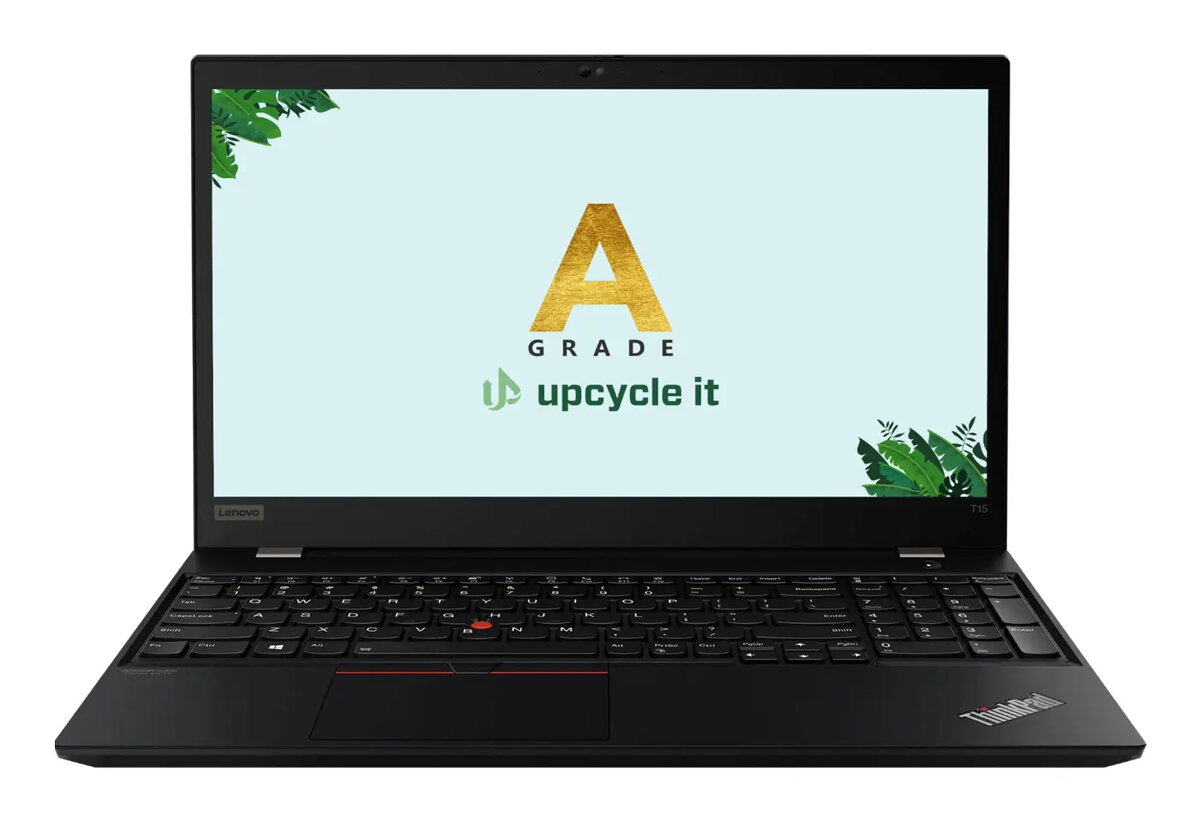
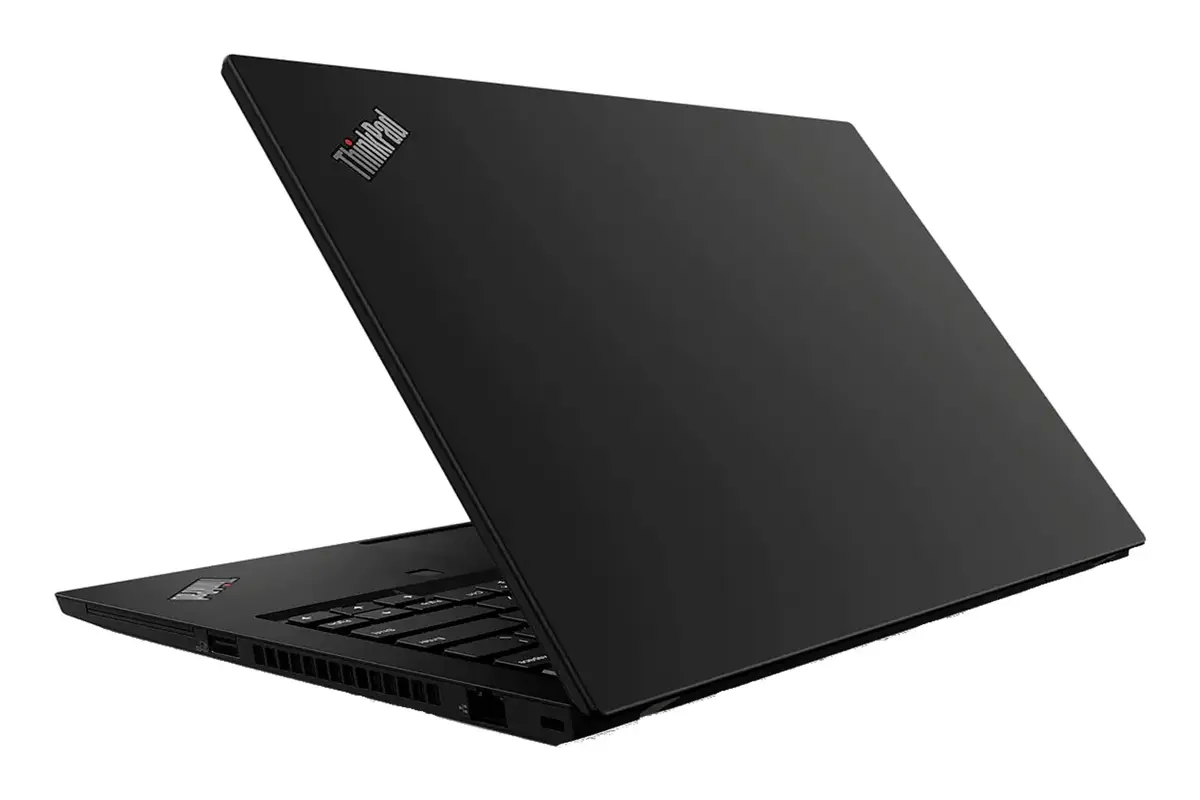
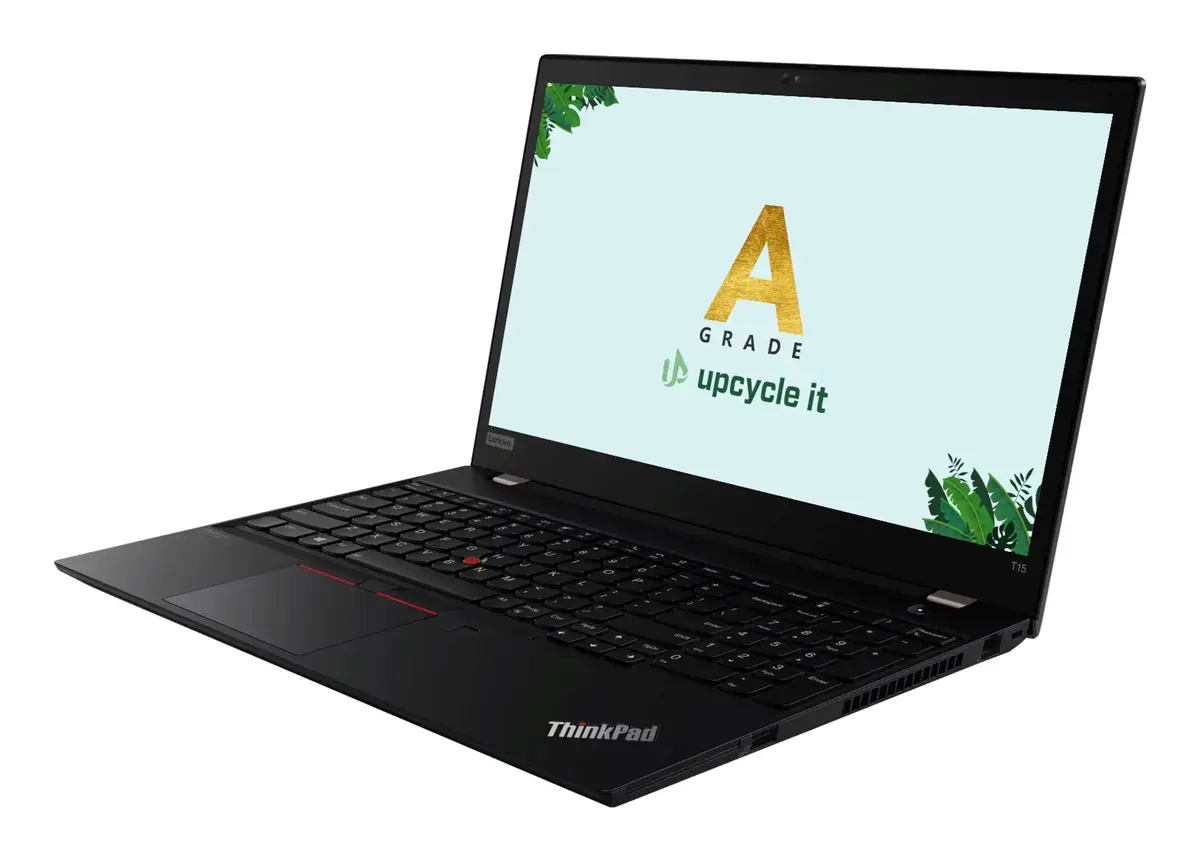
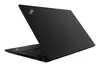
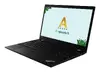
Upcycle IT Lenovo ThinkPad T15 Gen 2 Laptop, Intel Core i7-1185G7, 32GB RAM, 1TB SSD, NVIDIA GeForce MX450, 15.6-inch Full HD, Windows 11 Pro
The Upcycle IT Lenovo ThinkPad T15 Gen 2 is a professional-grade refurbished laptop designed to deliver high performance and reliability for business users. Housed in a durable black chassis, this device combines a powerful Intel Core i7-1185G7 processor with 32GB of RAM and a spacious 1TB SSD, ensuring smooth multitasking and rapid data access. The 15.6-inch Full HD display provides clear visuals, while the inclusion of a dedicated NVIDIA GeForce MX450 graphics card offers enhanced graphical capabilities for demanding office applications and creative tasks.
This laptop offers a significant performance boost for professional environments thanks to its substantial memory capacity and fast solid-state storage. The combination of integrated and discrete graphics provides versatility, allowing the system to handle both standard office productivity and more intensive graphical workloads with ease. Its robust build quality, characteristic of the ThinkPad series, ensures long-term durability, while the pre-installed Windows 11 Pro operating system provides advanced security and management features suitable for corporate or home office use.
This device may not be the ideal choice for users seeking a lightweight, ultra-portable machine for frequent travel, as its 15.6-inch form factor is designed primarily for stationary or semi-stationary use. Additionally, while it features a dedicated graphics card, it is not intended for high-end gaming or professional-grade 3D rendering.
To begin using the laptop, connect the power adapter to the charging port and press the power button located on the chassis. Follow the on-screen instructions provided by the Windows 11 Pro setup wizard to configure your user account, network settings, and preferences. Once the initial setup is complete, you can install your preferred software applications. The device features multiple ports for connecting external peripherals such as monitors, mice, and keyboards to enhance your workspace efficiency.
To maintain optimal performance and battery health, keep the device updated with the latest system drivers and security patches. Ensure the ventilation areas remain unobstructed during operation to prevent overheating, and consider using a protective sleeve when transporting the laptop to preserve its condition.
{{highlightedFeature.featureTitle}}:
{{getProductFeatureValueById(product, highlightedFeature.featureId)}}
{{ productComparisonGenerationError }}
