

Hurry and order now – up to 50% off!
In cart {{totalProductsCount}} item(s)
Your cart is empty
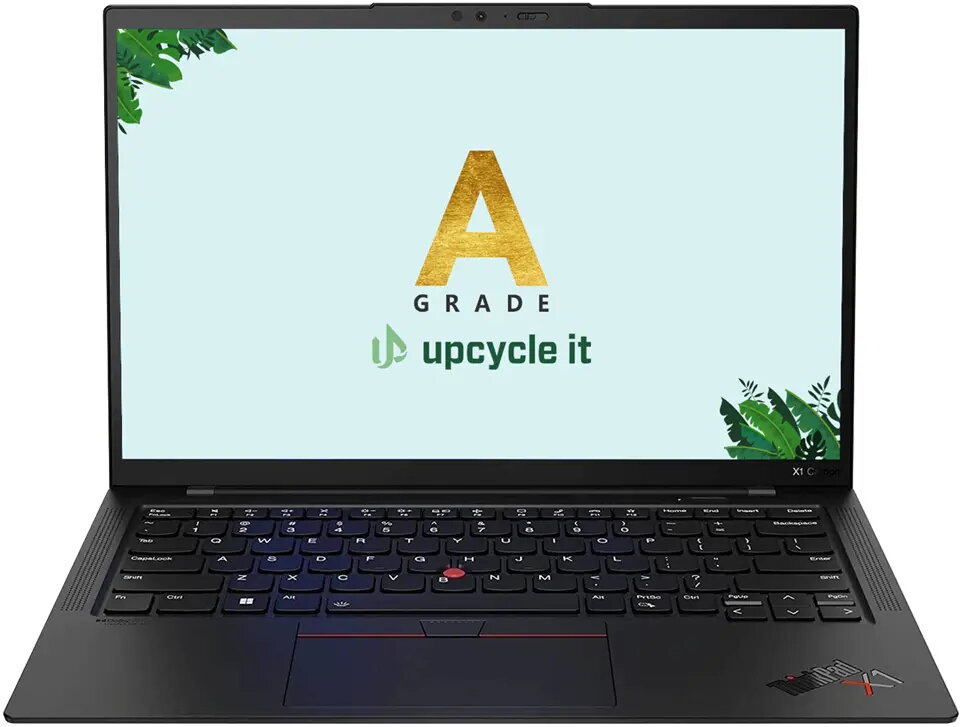
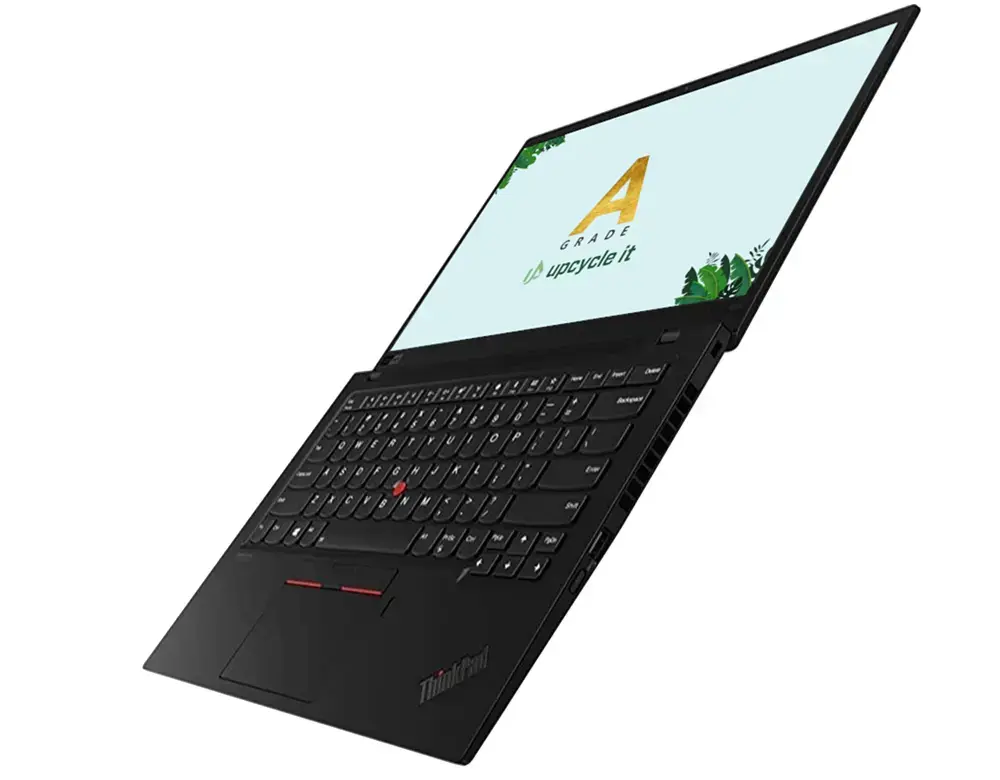
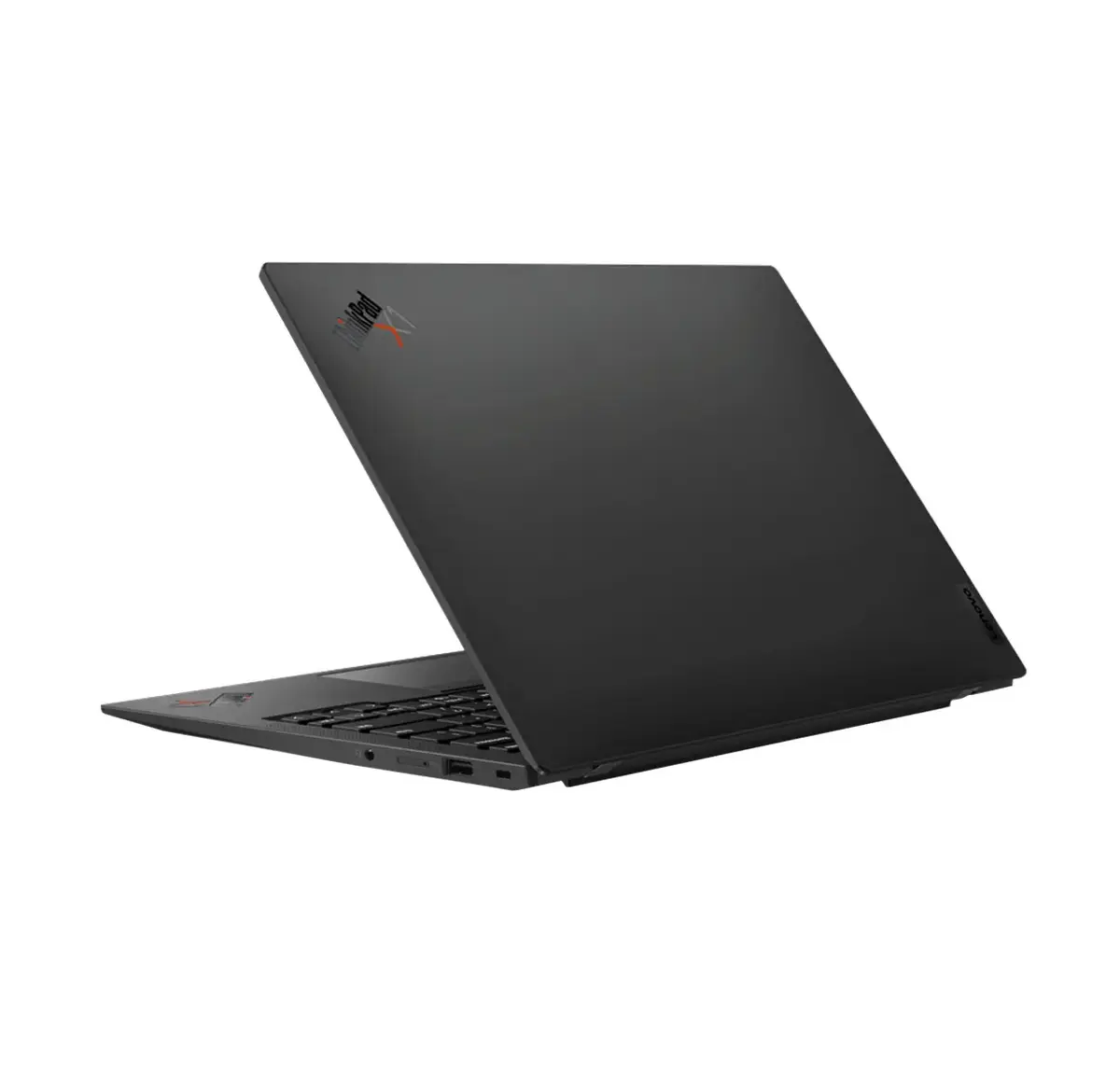
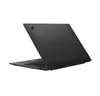
Upcycle IT Lenovo ThinkPad X1 Carbon Gen 10 Laptop, Intel Core i7-1265U, 14" WUXGA, 32GB RAM, 512GB SSD, Windows 11 Pro, Refurbished Grade A
The Upcycle IT Lenovo ThinkPad X1 Carbon Gen 10 is a premium, Grade A refurbished business laptop designed for professionals who require high performance in a portable form factor. Featuring a robust Intel Core i7-1265U processor and 32GB of LPDDR5 RAM, this device handles intensive multitasking and complex office applications with ease. Its sleek, lightweight clamshell design makes it an excellent companion for business travel and daily commuting, while the 14-inch WUXGA display provides a sharp and clear visual experience for all your work tasks.
This refurbished laptop offers a sustainable and cost-effective way to acquire enterprise-grade hardware without compromising on quality. The Grade A condition ensures that the device meets high aesthetic and functional standards. With its powerful 10-core processor and fast SSD storage, users benefit from quick boot times and responsive system performance. The inclusion of Windows 11 Pro provides advanced security and management features suitable for professional environments, while the lightweight construction ensures maximum mobility for users on the go.
This laptop is not designed for high-end gaming or intensive 3D rendering, as it relies on integrated graphics rather than a dedicated GPU. Additionally, users who require a larger screen for specialized design work or extensive video editing might find the 14-inch display limiting compared to a desktop workstation.
To begin using your Lenovo ThinkPad X1 Carbon, simply connect the power adapter to charge the battery fully before the first use. Press the power button to initiate the Windows 11 Pro setup process, following the on-screen prompts to configure your language, network settings, and user account. Once set up, you can connect peripherals via the available ports or use the integrated Bluetooth for wireless accessories. Keep the device updated through Windows Update to ensure optimal performance and security.
To maintain the longevity of your laptop, keep the ventilation areas clear of dust and ensure the device is placed on a flat, hard surface during heavy use to prevent overheating. Regularly back up your important data to an external drive or cloud service.
{{highlightedFeature.featureTitle}}:
{{getProductFeatureValueById(product, highlightedFeature.featureId)}}
{{ productComparisonGenerationError }}
