
Powerful EcoFlow stations for energy anywhere!
In cart {{totalProductsCount}} item(s)
Your cart is empty
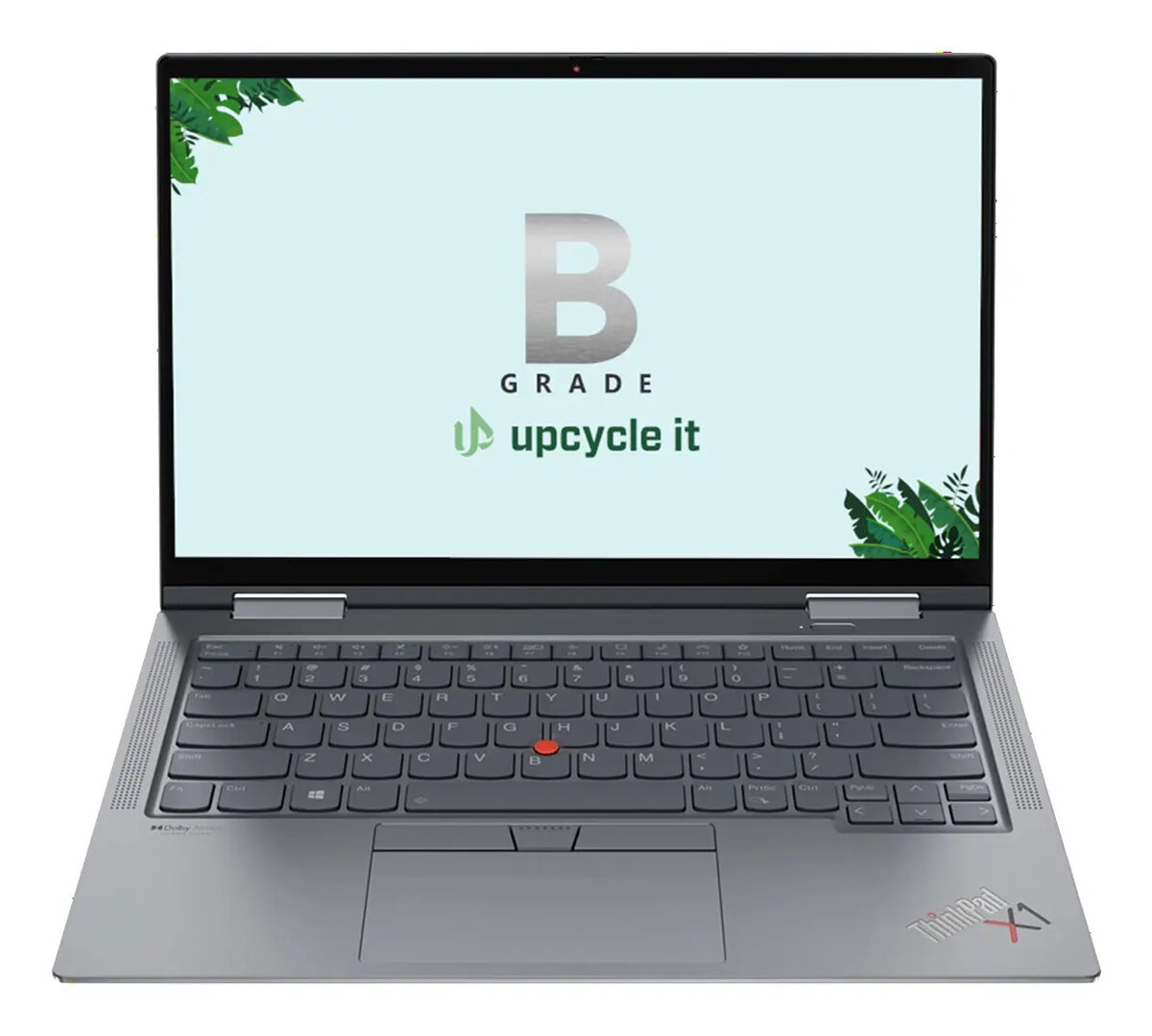
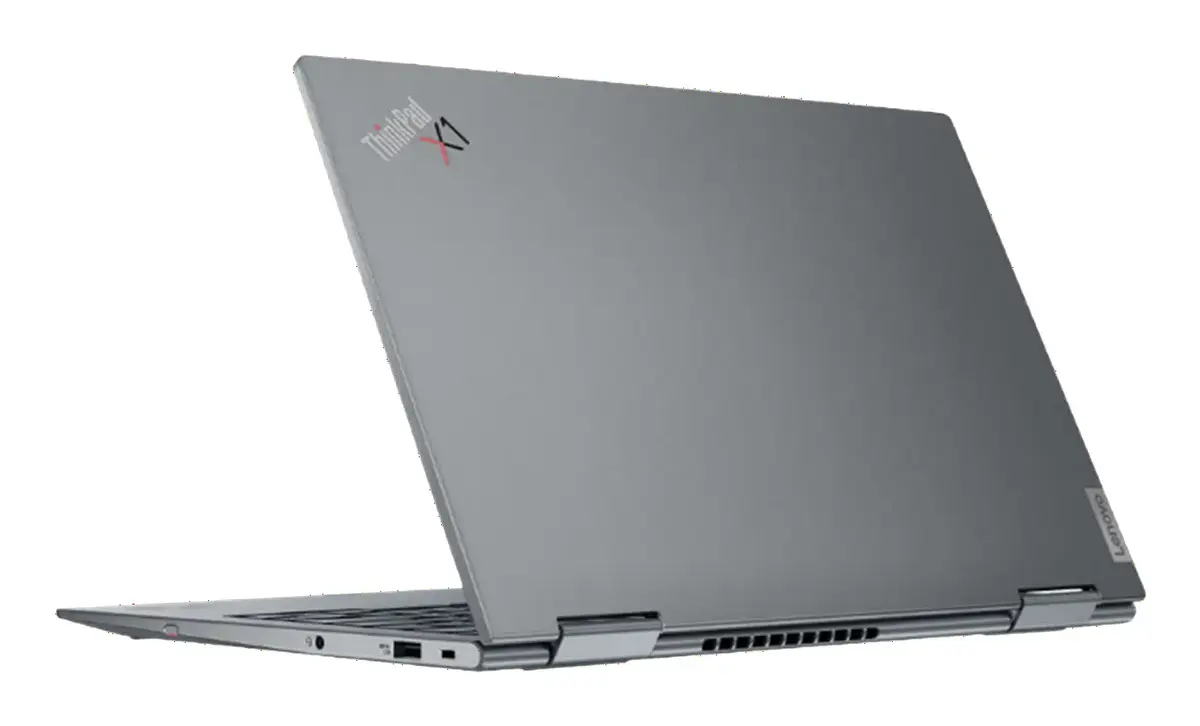
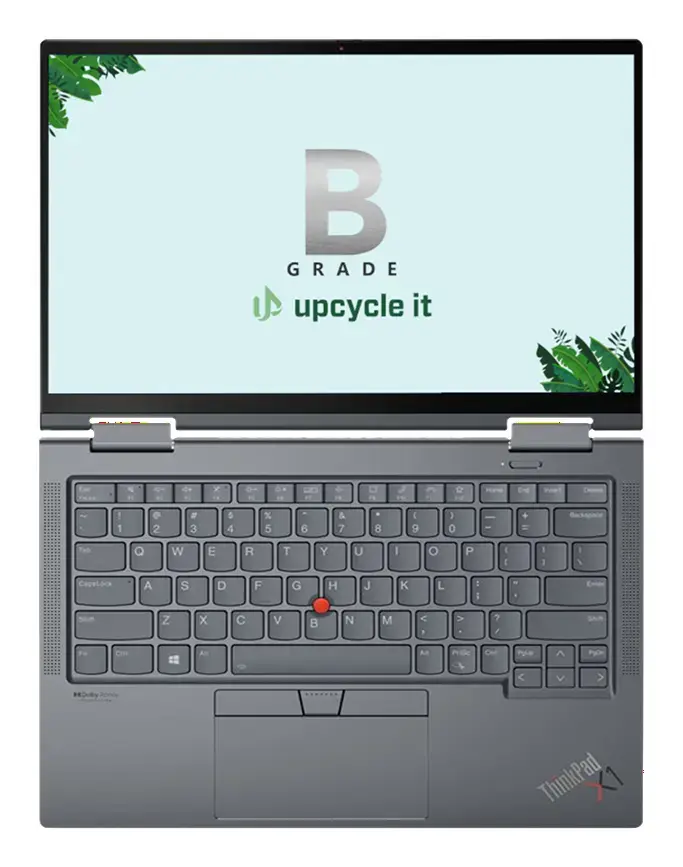
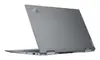
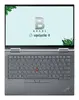
Upcycle IT Lenovo ThinkPad X1 Yoga Gen 7 Convertible Laptop, Intel Core i7-1270P, 32GB RAM, 256GB SSD, 14-inch WUXGA Touchscreen, Windows 11 Pro
The Upcycle IT Lenovo ThinkPad X1 Yoga Gen 7 is a high-performance 2-in-1 convertible laptop designed for professionals who require flexibility and power. This refurbished device features a robust Intel Core i7-1270P processor paired with 32GB of LPDDR5 RAM, ensuring smooth multitasking and efficient handling of demanding applications. Its 14-inch WUXGA touchscreen display provides a crisp visual experience, while the convertible design allows it to function as both a traditional laptop and a tablet, making it an ideal companion for mobile work environments.
This laptop stands out due to its premium build quality and versatile form factor, which adapts seamlessly to various working styles. The inclusion of 32GB of RAM allows for intensive data processing and complex workflows without performance degradation. Furthermore, the pre-installed Windows 11 Pro operating system provides advanced security features and management tools suitable for business use. The compact and lightweight design, combined with the responsive touchscreen, enhances productivity for users who are frequently on the move.
This device may not be suitable for users who require extensive internal storage for large media libraries, as the 256GB SSD capacity is relatively limited. Additionally, while the integrated Intel Iris Xe graphics are excellent for general productivity and light creative work, they are not intended for high-end gaming or professional-grade 3D rendering.
To use the Lenovo ThinkPad X1 Yoga Gen 7, simply power on the device and follow the on-screen prompts to configure your Windows 11 Pro settings. You can transition between laptop and tablet modes by rotating the screen 360 degrees, which automatically adjusts the keyboard and input settings. Utilize the touchscreen for navigation or pair it with a compatible stylus for precise input during meetings or creative sessions. Ensure the device is kept updated through the system settings to maintain optimal performance and security.
For the best experience, keep the device firmware and drivers updated via the manufacturer's support portal and ensure the battery is charged regularly to maintain longevity during mobile use.
{{highlightedFeature.featureTitle}}:
{{getProductFeatureValueById(product, highlightedFeature.featureId)}}
{{ productComparisonGenerationError }}
