


VALUE Cat.6A U/UTP Network Patch Cord RJ-45 Male to Male Round Blue 20 m
Offer for a legal entity, non-cash payment.
Short description


Cheapest delivery:
Unisend LV
Product information
Description
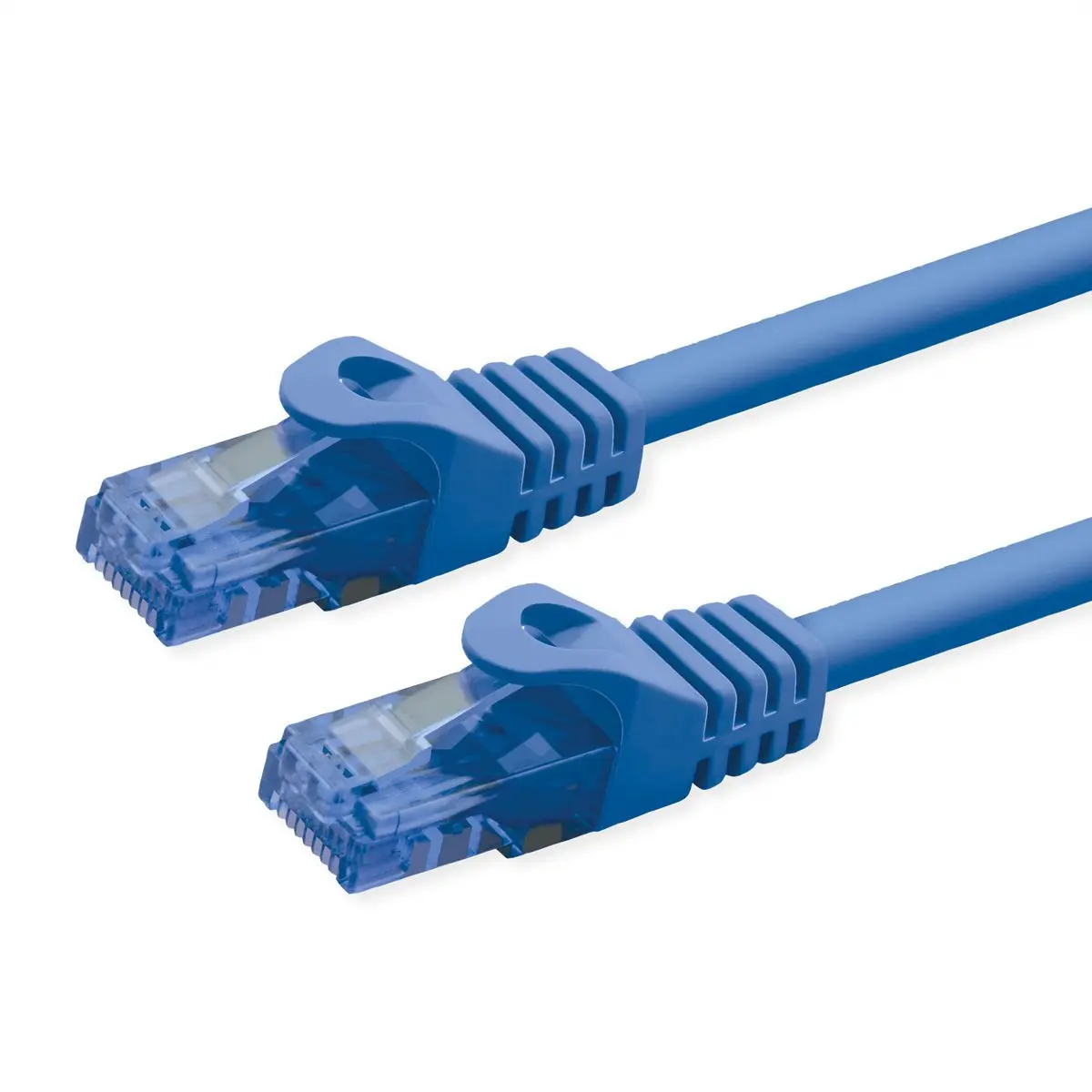
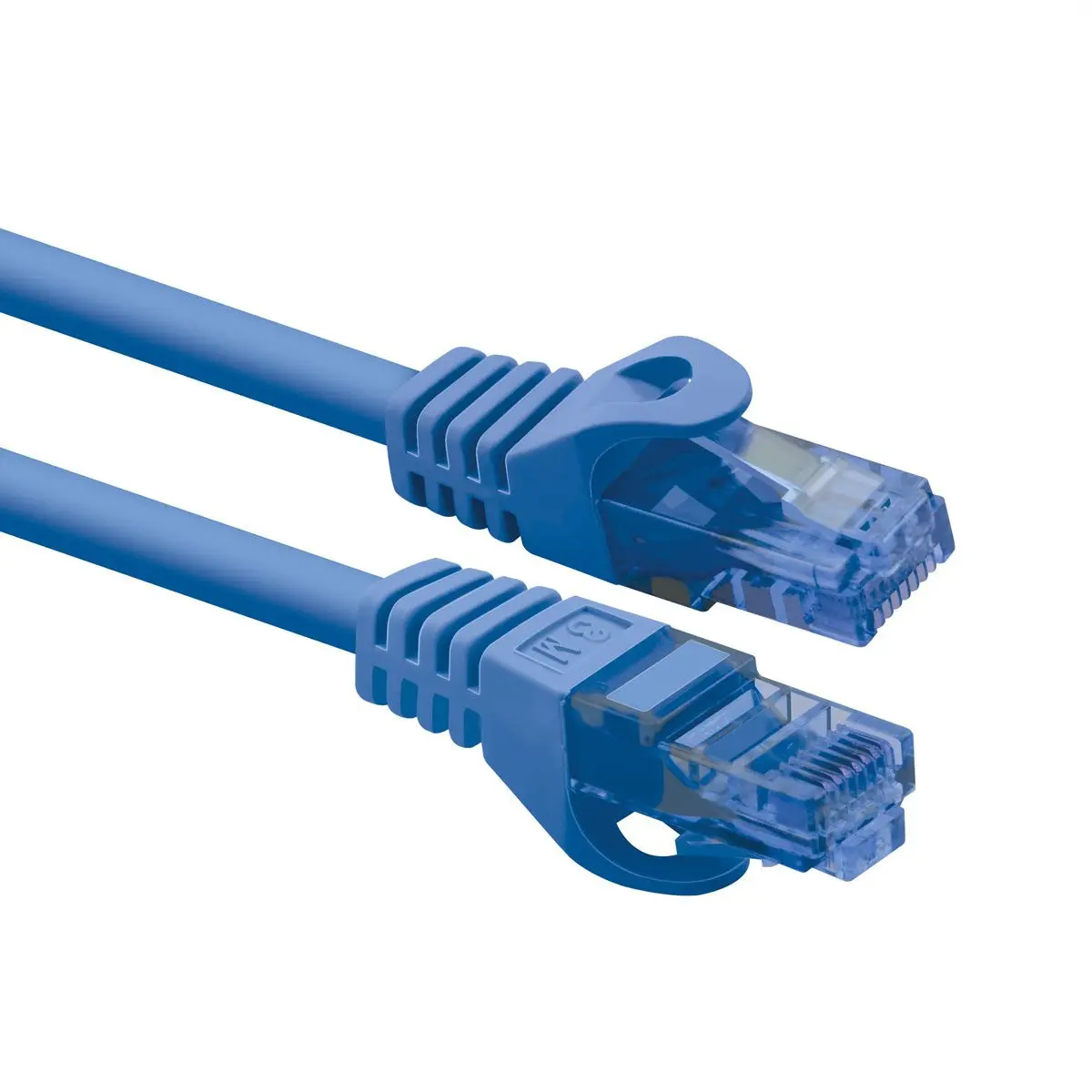
The VALUE Cat.6A U/UTP Network Patch Cord is a reliable 20-meter cable designed for stable Ethernet connections in local area networks. Featuring a flexible round blue design with RJ-45 male connectors on both ends, this patch cord provides an efficient way to link computers, network switches, routers, and other compatible devices. It supports high-speed data transmission and is built to meet the daily demands of home and office networking environments.
Advantages
This network cable offers a cost-effective solution for achieving reliable data transfer rates and maintaining stable network performance. The durable construction includes moulded kink protection to help prevent damage during installation and daily use. Its flexible cable body allows for easy routing even in tight spaces and narrow bends, ensuring straightforward setup across various room layouts.
Suitable for
- Connecting desktop computers and laptops to local network routers
- Linking network switches and patch panels within an office setup
- Extending network coverage across larger rooms over a 20-meter distance
- General Ethernet connectivity in home and small business environments
When it may not be suitable
This cable may not be suitable for industrial environments that require heavy-duty electromagnetic shielding, as it utilizes an unshielded U/UTP design. Additionally, the 20-meter length might be excessive for connecting devices that are positioned close to one another, potentially leading to unnecessary cable clutter.
Key specifications
- Cable standard: Cat6a
- Cable shielding: U/UTP
- Cable length: 20 m
- Cable shape: Round
- Connector 1: RJ-45 male
- Connector 2: RJ-45 male
- Product colour: Blue
How to use
To use the patch cord, insert one RJ-45 connector into the network port of your active device, such as a router or switch, until it clicks into place. Route the cable carefully along walls or through cable management channels to avoid sharp bends or pinching. Insert the second RJ-45 connector into the network port of the target device, such as a computer, to establish the wired connection.
What to consider before purchase
- Verify that the 20-meter length is appropriate for the distance between your networked devices
- Check that your network hardware features standard RJ-45 ports
- Determine if an unshielded U/UTP cable meets the interference requirements of your installation environment
Ensure the cable is not subjected to excessive tension or sharp bending angles during installation to maintain optimal signal integrity and longevity.
Features
- Cable shape:
- Round
- Connector 1 gender:
- Male
- Connector 2 gender:
- Male
- Connector 2:
- RJ-45
- Connector 1:
- RJ-45
- Cable shielding:
- U/UTP (UTP)
- Cable standard:
- Cat6a
- Cable length:
- 20 m


