Dreame vacuums for fast and efficient cleaning!
In cart {{totalProductsCount}} item(s)
Your cart is empty
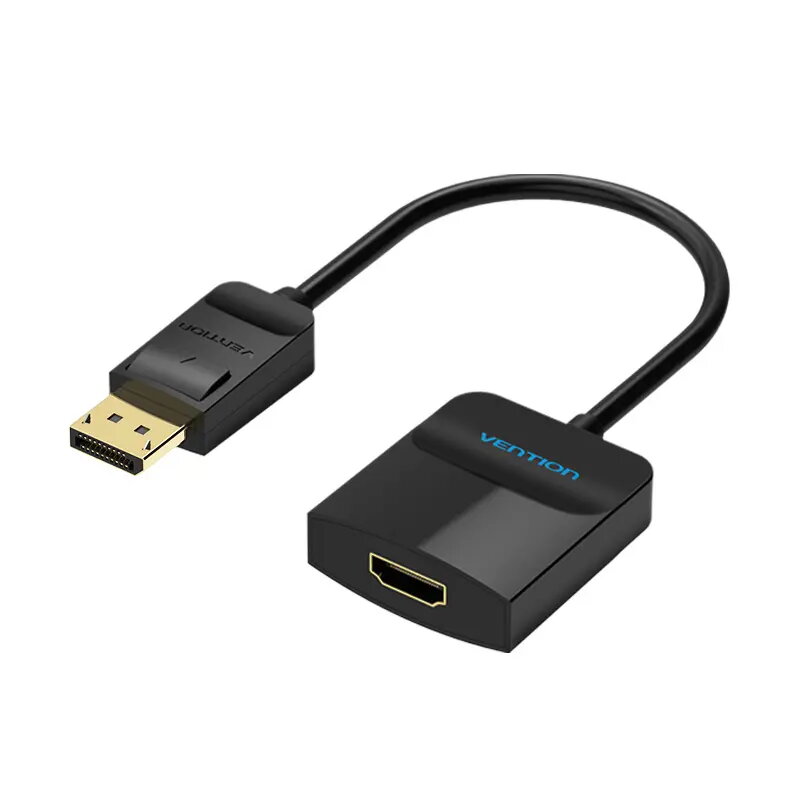
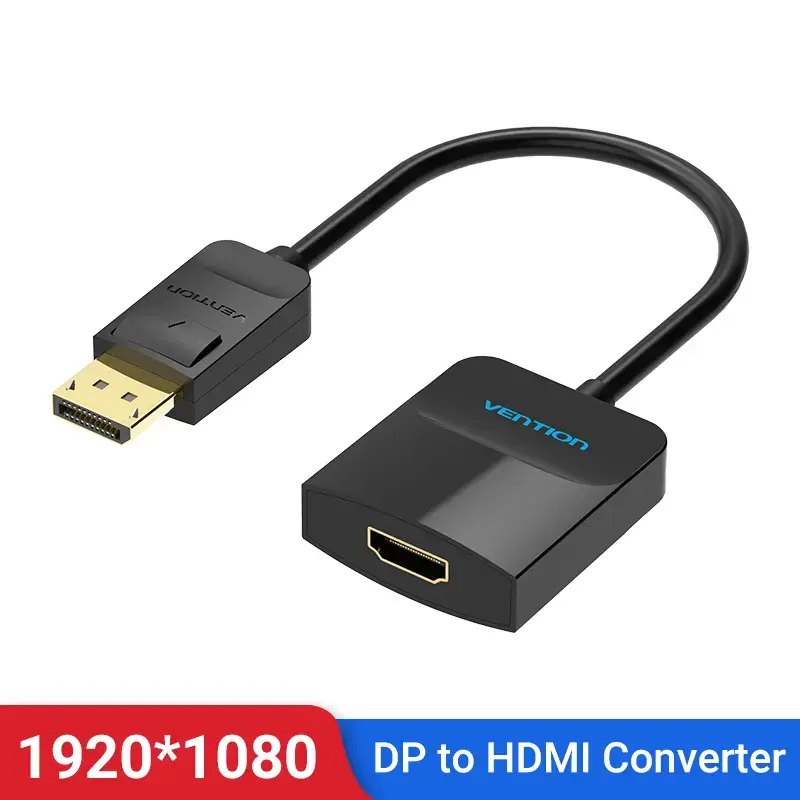
Vention DP to HDMI Converter 0.15M Black DisplayPort to HDMI 0.15m
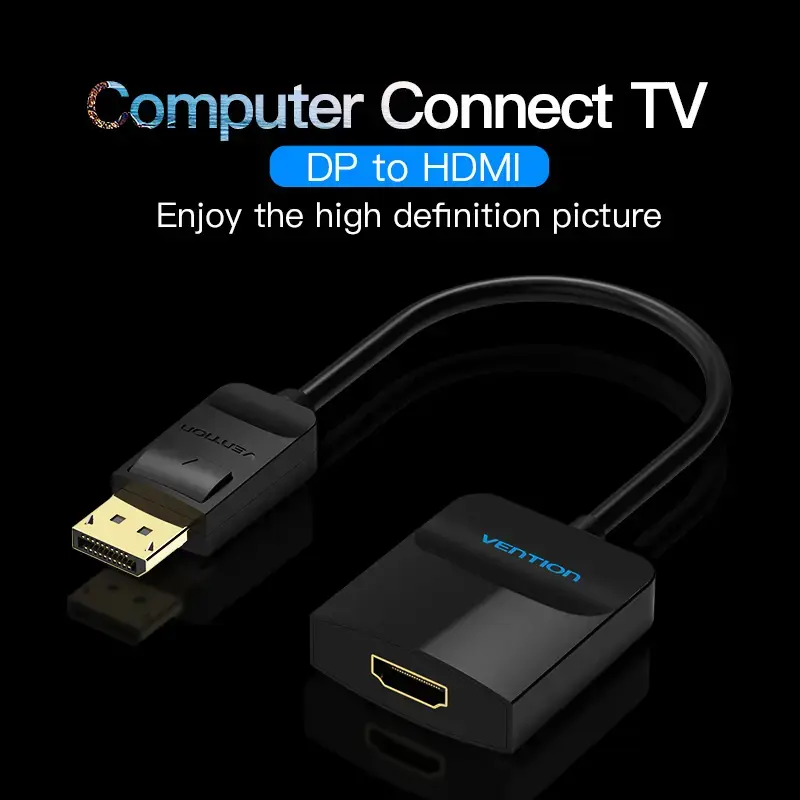
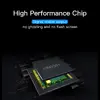
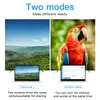
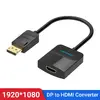
The Vention DP to HDMI Converter 0.15M Black is a short DisplayPort-to-HDMI adapter cable designed to link DisplayPort output devices to HDMI displays. With a 0.15 m cable length and black finish, it is intended for installations where space is limited and a direct, compact connection is needed. The connector pair consists of a DisplayPort straight male and an HDMI straight female, supporting video transfer up to 3840 x 2160 pixels at 30 Hz.
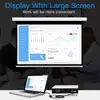
This converter provides a compact and durable solution for connecting DisplayPort sources to HDMI monitors, TVs or projectors. Its short length reduces cable clutter and is suited for close-proximity setups. The molded connectors ensure a stable physical connection and the cable is lightweight for easy placement behind devices.
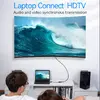
Insert the DisplayPort male connector into the source device’s DisplayPort output. Plug an HDMI cable from the HDMI female end of the converter to the HDMI input on the display device. Ensure both devices are powered on and select the correct input on the display. The adapter carries video signals from the DisplayPort source to the HDMI display; no external power is required.
For best results, use good-quality HDMI cables and verify that the source device supports output at the desired resolution and refresh rate. Avoid excessive bending near the connectors and keep the short cable length for near-field connections.
{{highlightedFeature.featureTitle}}:
{{getProductFeatureValueById(product, highlightedFeature.featureId)}}
The main product Vention DP to HDMI Converter 0.15M is compared with similar adapters and converter cables from the same manufacturer. All compared devices share a compact cable length of 0.15 meters suitable for tight spaces and a primary function of video signal transmission. The main differences lie in the interface types—DisplayPort, HDMI, and VGA—which determine compatibility with specific source devices and displays.
⚙️ The table below compares signal conversion types, connectors, cable lengths, and the practical use cases for each device.
| Feature | Vention DP to HDMI Converter | Vention HBZBB (DisplayPort to HDMI) | Vention DisplayPort Male to HDMI Female | Vention DP to VGA Converter Cable | Vention HDMI to VGA Converter | Vention Flat HDMI to VGA Converter | Practical significance |
|---|---|---|---|---|---|---|---|
| Converter type | DisplayPort to HDMI | DisplayPort to HDMI | DisplayPort to HDMI | DisplayPort to VGA | HDMI to VGA | HDMI to VGA (reverse) | Defines the compatible source and target display interfaces. |
| Connector 1 | DisplayPort (Male) | DisplayPort | DisplayPort (Male) | DisplayPort (Male) | HDMI Type A (Male) | VGA D-Sub (Female) | Connection type for computers or laptops. |
| Connector 2 | HDMI (Female) | HDMI | HDMI (Female) | VGA (Female) | VGA (Female) | HDMI Type A (Female) | Connection type for monitors, TVs, or projectors. |
| Cable length | 0.15 m | 0.15 m | Not specified | 0.15 m | 0.15 m | 0.15 m | Ensures compact routing in restricted spaces. |
◎ The table below evaluates which product is more suitable for specific user needs and usage scenarios.
| Use case | Recommended product | Why |
|---|---|---|
| Connecting a DisplayPort PC to an HDMI monitor | Vention DP to HDMI Converter or Vention HBZBB | Provide reliable digital video transmission to HDMI displays with a convenient short cable. |
| Connecting a DisplayPort source to a legacy VGA monitor | Vention DP to VGA Converter Cable | Enables connection between modern computers and older VGA displays or projectors. |
| Connecting an HDMI laptop to a VGA projector | Vention HDMI to VGA Converter or Flat HDMI to VGA | Ideal for presentations requiring connection from HDMI outputs to VGA inputs. |
Choose the Vention DP to HDMI Converter 0.15M when you need to bridge a DisplayPort source device to an HDMI display with a reliable and compact connection. If your setup involves legacy VGA equipment or different interface combinations, select the alternative model matching those specific ports.