






Leave your address - as soon as the price of the product goes down, you'll know about it right away
Verbatim Premium SDHC 16 GB Class 10 Memory Card
In cart {{totalProductsCount}} item(s)
Your cart is empty
Verbatim Premium SDHC 16 GB Class 10 Memory Card
Leave your address - as soon as the price of the product goes down, you'll know about it right away
Verbatim Premium SDHC 16 GB Class 10 Memory Card
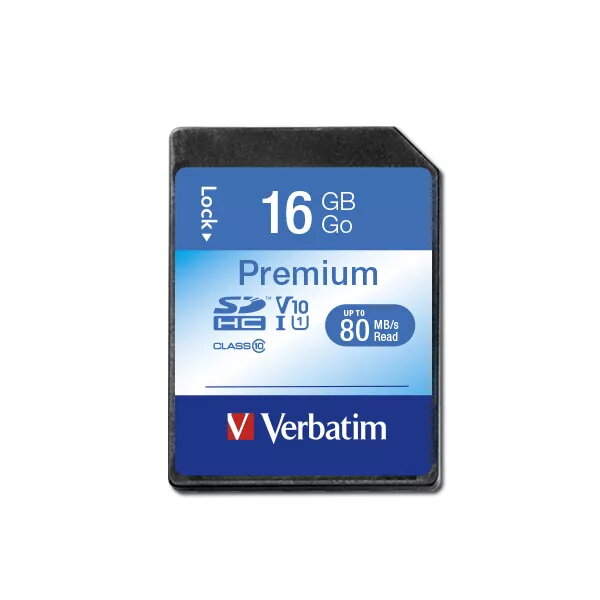
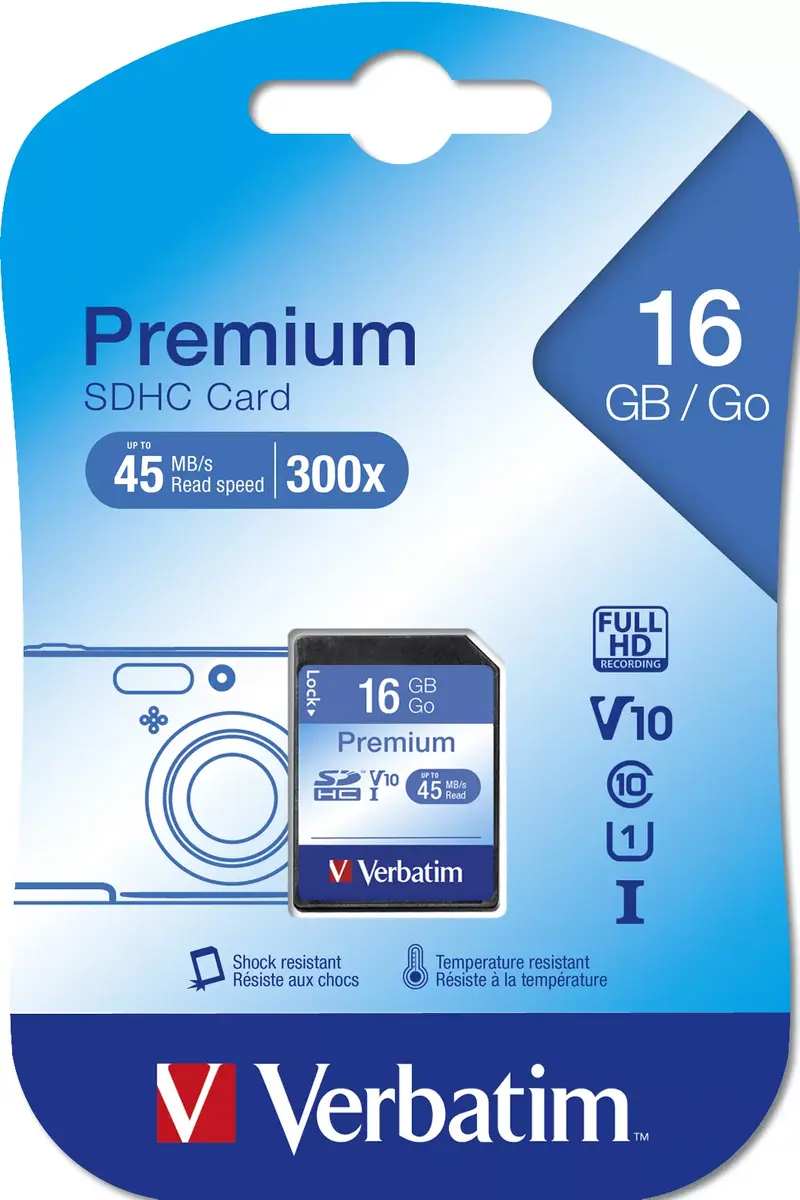
The Verbatim Premium 16 GB SDHC Class 10 memory card is a reliable storage solution designed for high-performance digital devices. Utilizing the SD 2.0 specification and the FAT32 file system, this card is engineered to meet the demands of high-resolution photography and high-definition video recording. It ensures consistent performance by guaranteeing a minimum sustained data transfer speed, which is essential for capturing data-intensive media without interruption.
This SDHC card offers a robust Class 10 speed rating, ensuring a minimum write speed of 10 MB/s for smooth data recording. The card is fully compliant with all applicable SD standards and features a built-in write-protect switch to prevent the accidental deletion of important files. Its physical design is compatible with a wide range of modern consumer electronics, providing a stable and secure environment for your digital content.
This card is not compatible with older SD host devices that do not support the SDA Specifications Version 2.0. It is also not intended for devices requiring higher capacity formats like SDXC or those needing significantly faster transfer speeds for professional 4K or 8K cinema production.
To use the Verbatim SDHC card, simply insert it into the designated SDHC slot on your compatible device. Ensure the write-protect switch on the side of the card is in the unlocked position if you intend to save or modify data. Once inserted, the device will typically prompt you to format the card for first-time use, which is recommended to ensure optimal compatibility with your specific hardware.
Always safely eject the card from your device before physical removal to prevent data corruption. Keep the gold contact pins clean and free of moisture or debris to maintain reliable connectivity.
{{highlightedFeature.featureTitle}}:
{{getProductFeatureValueById(product, highlightedFeature.featureId)}}
