
Dreame vacuums for fast and efficient cleaning!
In cart {{totalProductsCount}} item(s)
Your cart is empty
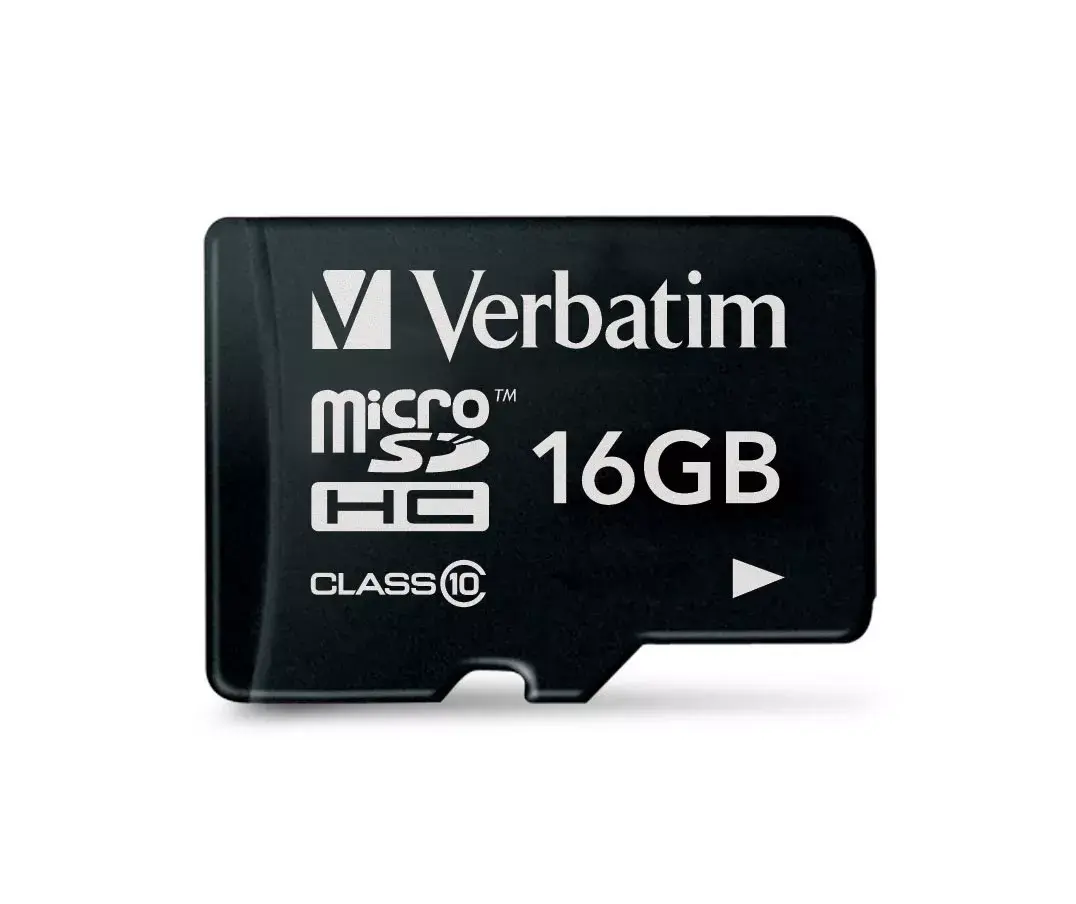
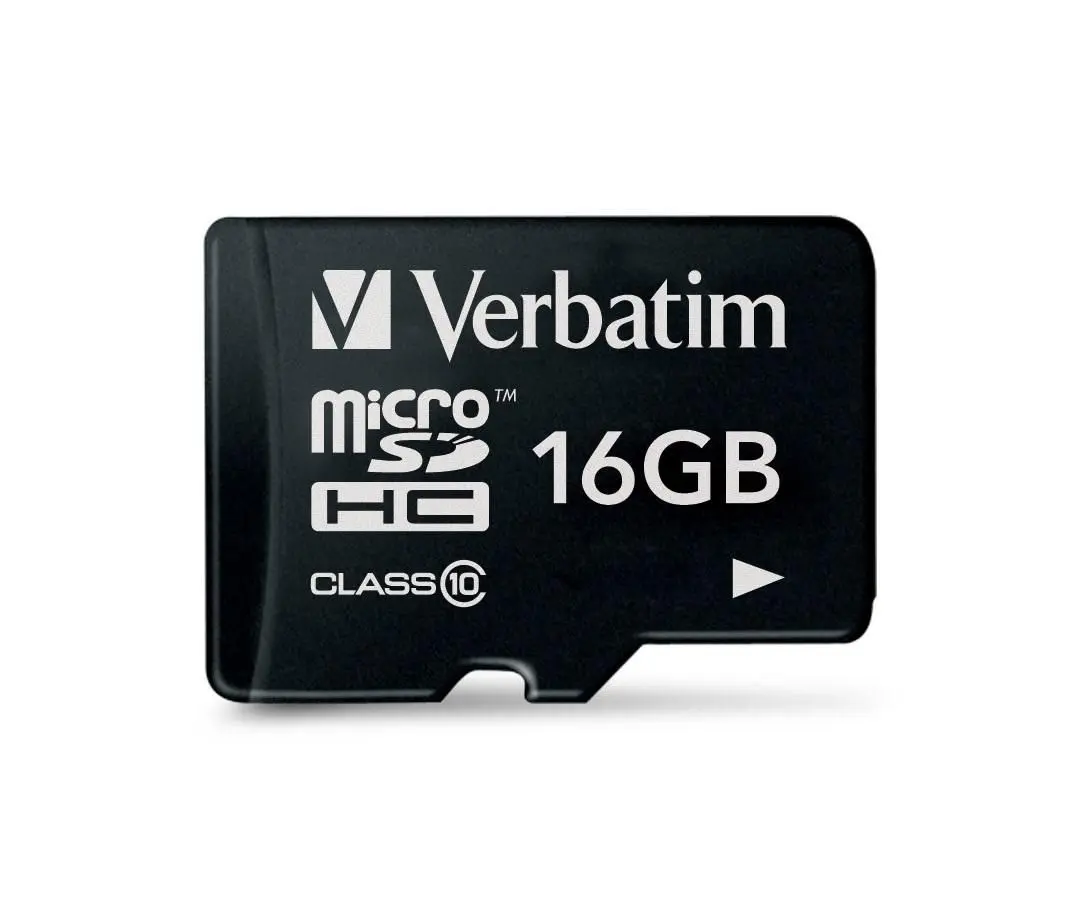
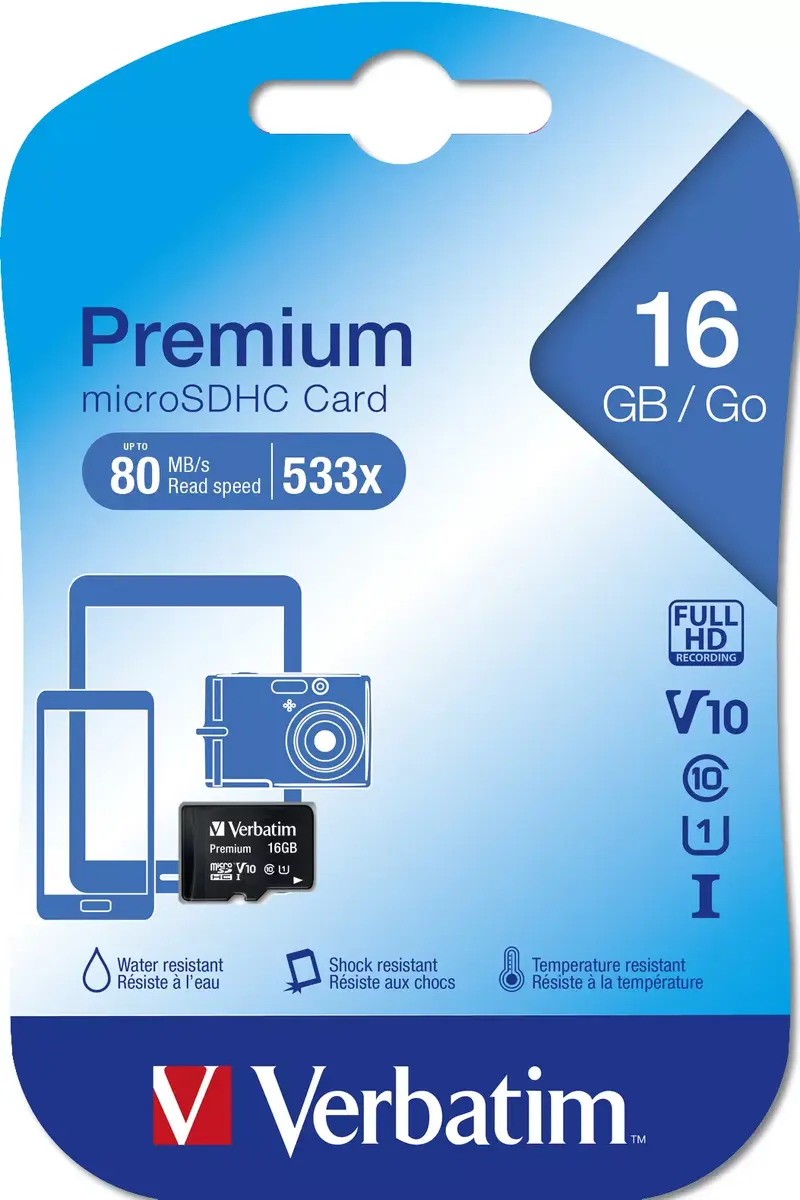
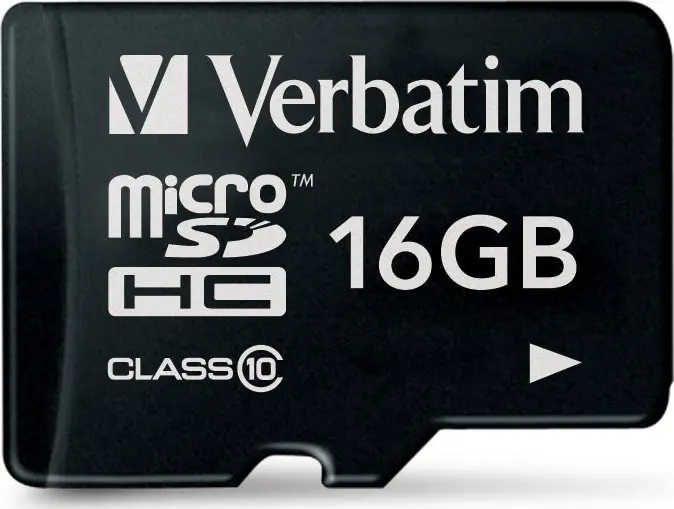
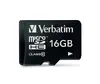
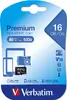
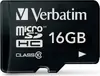
Verbatim Premium MicroSDHC Class 10 Memory Card with 16 GB Capacity and 10 MB/s Read and Write Speed in Black
The Verbatim Premium MicroSDHC Class 10 Memory Card with 16 GB Capacity and 10 MB/s Read and Write Speed in Black is a compact and reliable data storage solution designed to meet the everyday digital needs of modern users. Built with advanced flash memory technology, this microSDHC card offers a dependable way to store photos, videos, music, and documents across a wide variety of portable electronics. Its robust construction ensures your files remain safe during regular daily use, while the sleek black design reflects the high standard of engineering expected from Verbatim.
This memory card provides a balanced combination of capacity and performance, making it an efficient choice for expanding device storage without slowing down your workflow. Operating with low power consumption, it helps preserve the battery life of mobile phones and other portable electronics during extended periods of use. The Class 10 specification guarantees a consistent performance baseline, which is essential for smooth file transfers and media playback. Additionally, the inclusion of copyright management technology allows for the secure and legal transfer of digital assets across networks for personal use.
This memory card may not be ideal for professional 4K video recording or high-speed continuous burst photography, which require significantly higher read and write speeds. It is also not suitable for devices that only support standard microSD formats without SDHC compatibility, or industrial applications that demand extreme temperature resistance and continuous write endurance.
Insert the memory card gently into the designated microSDHC slot on your compatible device until it clicks into place. If your host device features a standard SD slot, insert the microSD card into an appropriate SD adapter beforehand. To ensure data integrity, always safely unmount or eject the card through your device settings before physical removal. Format the card through your device menu prior to initial use if required to optimize performance.
Usage recommendations
For optimal longevity and performance, avoid exposing the memory card to extreme temperatures, moisture, or strong magnetic fields. Regularly back up your stored data to a computer or cloud storage to prevent accidental loss.
{{highlightedFeature.featureTitle}}:
{{getProductFeatureValueById(product, highlightedFeature.featureId)}}
{{ productComparisonGenerationError }}
