
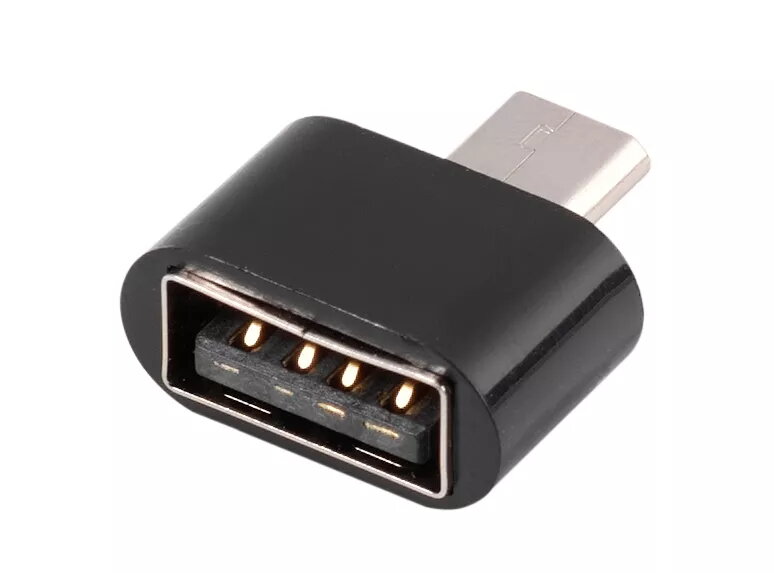
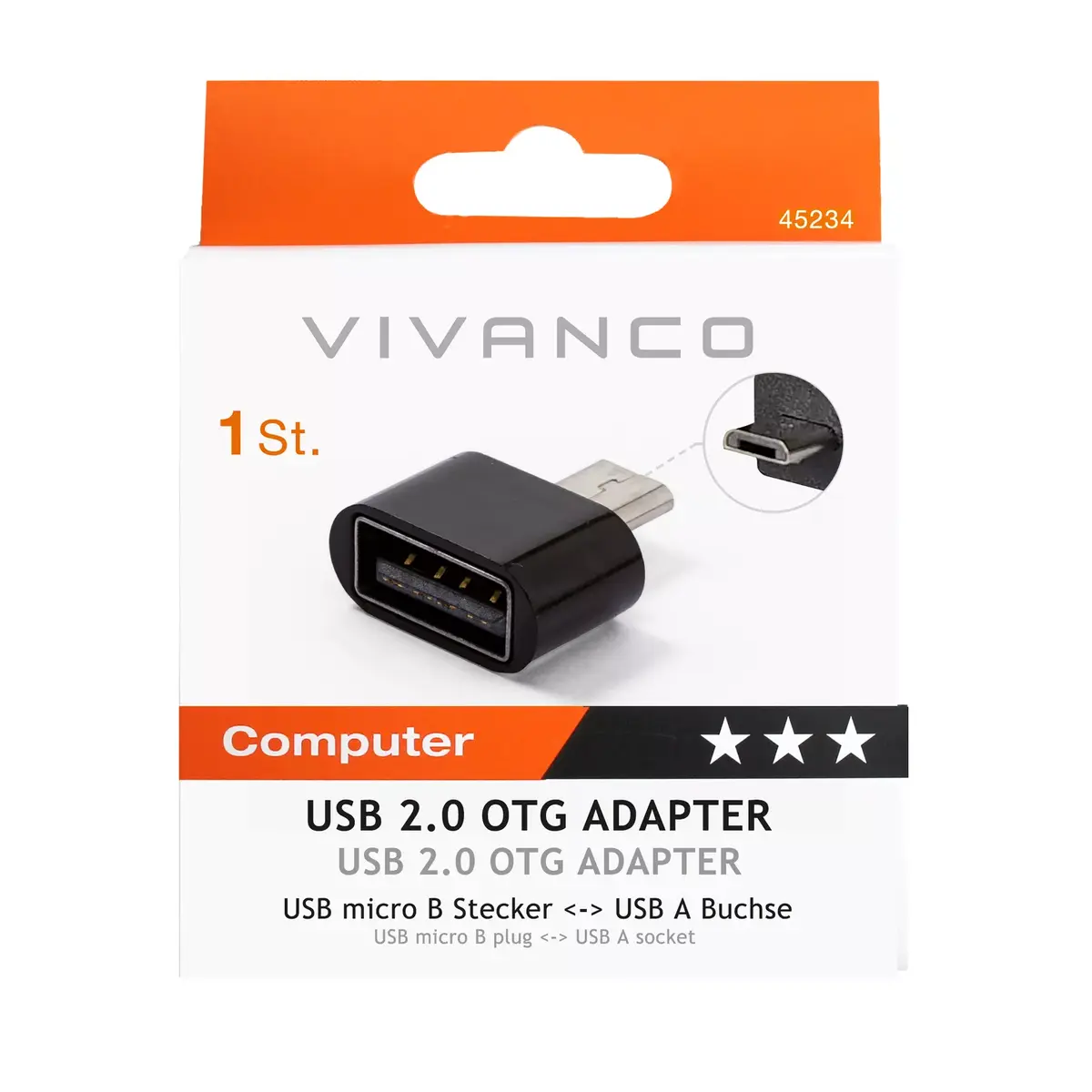
OTG Micro-USB B to USB A Cable Vivanco CAM 17C
{{selectedOffer && selectedOffer.price | formatAmount}}
{{selectedOffer && selectedOffer.price | formatAmount}}
Short description
The Vivanco CAM 17C OTG cable features a Micro-USB B connector on one end and a USB A connector on the other, allowing for easy data transfer between devices. Its compact black design ensures portability and convenience. Ideal for connecting smartphones, tablets, and other devices to USB peripherals, this cable supports fast data transfer rates and is compatible with a wide range of devices.
Available for order:
15 pcs.
Warranty:
2 Years
SKU:
1897881


Cheapest delivery:
Unisend LV
Pick-up points
Unisend LV
Cost
1.99 €
Deliver
{{selectedOffer.parcelStationDeliveryString}}
Customer service center
2b. Kengaraga str., Riga, Latvia, LV-1063
23.09.2026
{{selectedOffer.officeDeliveryString}}
free
Courier Delivery
Please note that in case of a large parcel additional delivery costs may apply!
From 4.99 €
Parcel couriers
Unisend LV / Venipak Pickup LV / Venipak Locker LV / DPD Paku skapis / Omniva LV / Latvijas Pasts pakomāts / Latvijas Pasts nodaļa
28.09.2026
{{selectedOffer.parcelStationDeliveryString}}
From 1.99 €

Payment Methods:
Bank transfer, Bank cards on-line, Apple Pay, Google Pay


