Leave your address - as soon as the price of the product goes down, you'll know about it right away
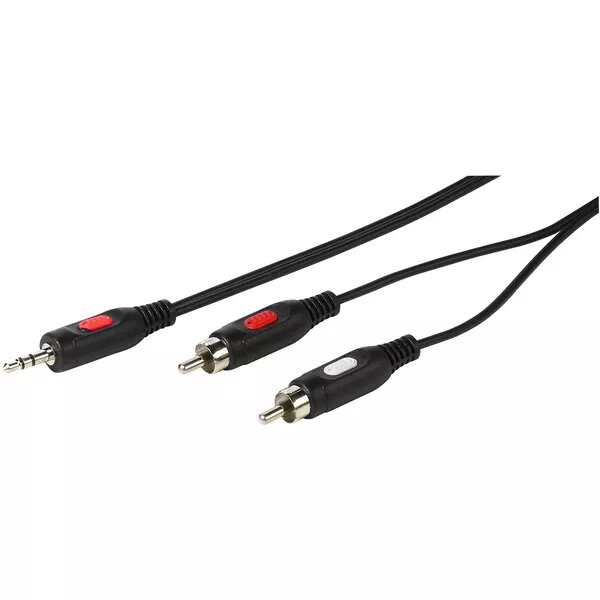
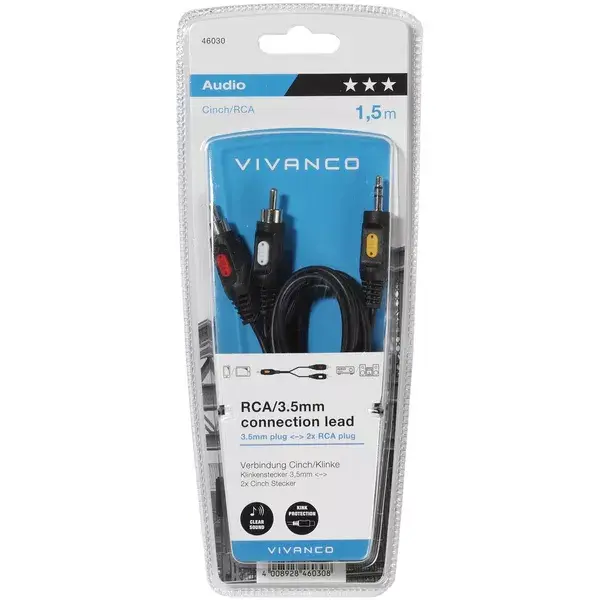
Audio Cable Vivanco 46030 1.5m 2xRCA 3.5mm Black Red
In cart {{totalProductsCount}} item(s)
Your cart is empty
Audio Cable Vivanco 46030 1.5m 2xRCA 3.5mm Black Red
Leave your address - as soon as the price of the product goes down, you'll know about it right away
Audio Cable Vivanco 46030 1.5m 2xRCA 3.5mm Black Red
The Vivanco 46030 audio cable is a 1.5 meter connection cable with two RCA male plugs and a 3.5 mm male plug. It is intended for transmitting analogue stereo audio signals between devices such as smartphones, laptops, portable players and hi-fi systems, car stereos or AV receivers. The cable combines a compact 3.5 mm jack with twin RCA outputs, offering a simple wired solution for hooking portable sources to amplifiers, powered speakers or AUX inputs.
The cable provides a straightforward, low-latency wired connection with minimal setup required. Its 1.5 m length balances reach and signal integrity for typical home and in-car arrangements. The two RCA connectors separate left and right channels for stereo reproduction, while the 3.5 mm plug allows direct connection from common headphone or line outputs. The black jacket with red marking on one RCA plug helps identify channel polarity and keeps the cable visually compatible with most audio systems.
Insert the 3.5 mm male plug into the headphone or line output of the source device. Connect the two RCA male plugs to the corresponding left (usually white or black) and right (usually red) inputs on the receiving device, ensuring the red-marked RCA is placed in the right-channel input. After connections are made, set the receiving device to the correct input and adjust volume levels on both source and receiver to a safe, audible level before playback.
For best audio quality, avoid running the cable parallel to power cords and keep cable runs as short as practical. Inspect connectors for secure fit and clean contacts if audio noise or dropouts occur. Use the cable for line-level signals rather than speaker-level outputs to prevent damage to the cable or connected equipment.
{{highlightedFeature.featureTitle}}:
{{getProductFeatureValueById(product, highlightedFeature.featureId)}}