Powerful EcoFlow stations for energy anywhere!
In cart {{totalProductsCount}} item(s)
Your cart is empty
USB cable VivoLink PROUSBCMF0.3 — USB-C (male) to USB-A (male), 0.3 m
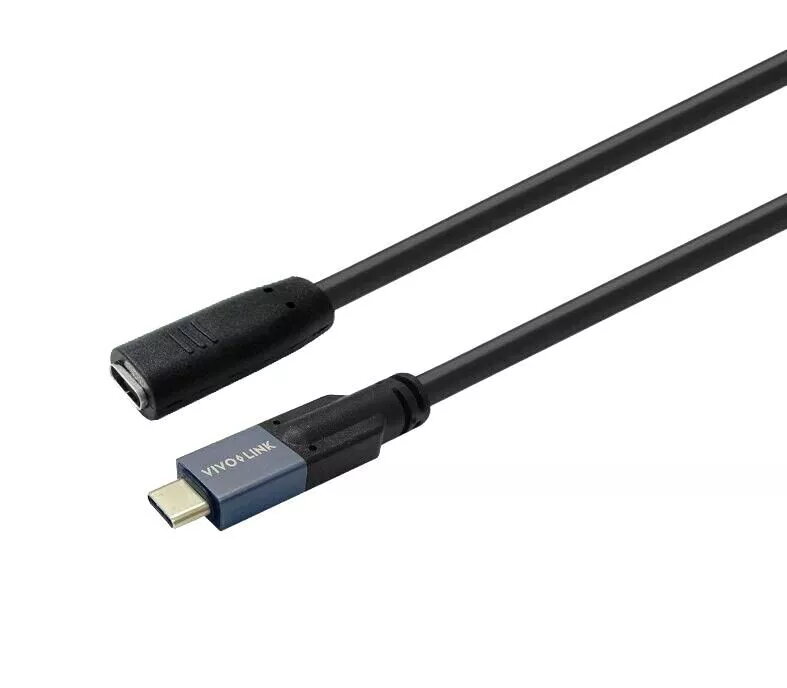
The Vivolink male-to-female cable serves as an accessory for the Vivolink Optic USB-C cable, enabling a tidy desk installation where the Optic cable is routed under the desk while this cable is positioned on top. It is a fully featured USB-C cable that supports video, audio, data and power transmission with data rates up to 20 Gbps and power delivery up to 100 W. The reversible USB-C connector simplifies connection and is suitable for charging and data exchange with mobile phones, external drives and most laptops. Supported formats include DisplayLink, DP1.4, MST, Alt Mode and DisplayPort.
This Vivolink cable provides a compact and reliable connection between USB-C devices and accessories, protecting the main Optic USB-C cable by allowing a convenient surface-mounted interface. It supports high-speed data transfer up to 20 Gbps and up to 100 W power delivery, while the reversible USB-C connector ensures easy plug-in from either side. Compatibility with DisplayLink, DP1.4, MST and Alt Mode enables video and multi-stream transport in addition to audio and data.
Connect the Vivolink cable to the surface-mounted end of the Vivolink Optic USB-C cable or directly to a USB-C port on your device. Ensure the mating connector is fully inserted; the reversible USB-C plug allows insertion in either orientation. Use this cable for charging, file transfer, or for transmitting audio/video signals when connected to compatible host devices and displays.
For optimal performance, use the cable with devices and hosts that support the listed protocols (DisplayLink, DP1.4, MST, Alt Mode). To deliver full 100 W power, connect to a power source and device that both support the required USB Power Delivery profile. Route and secure cables to avoid sharp bends and mechanical strain.
{{highlightedFeature.featureTitle}}:
{{getProductFeatureValueById(product, highlightedFeature.featureId)}}