JBL speakers and headphones for pure and deep sound!
In cart {{totalProductsCount}} item(s)
Your cart is empty
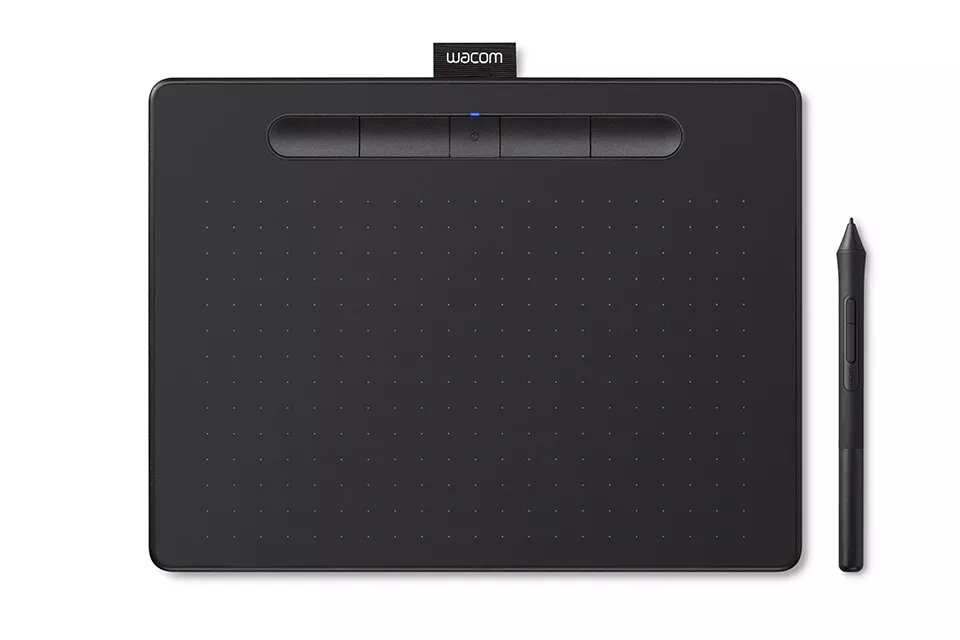
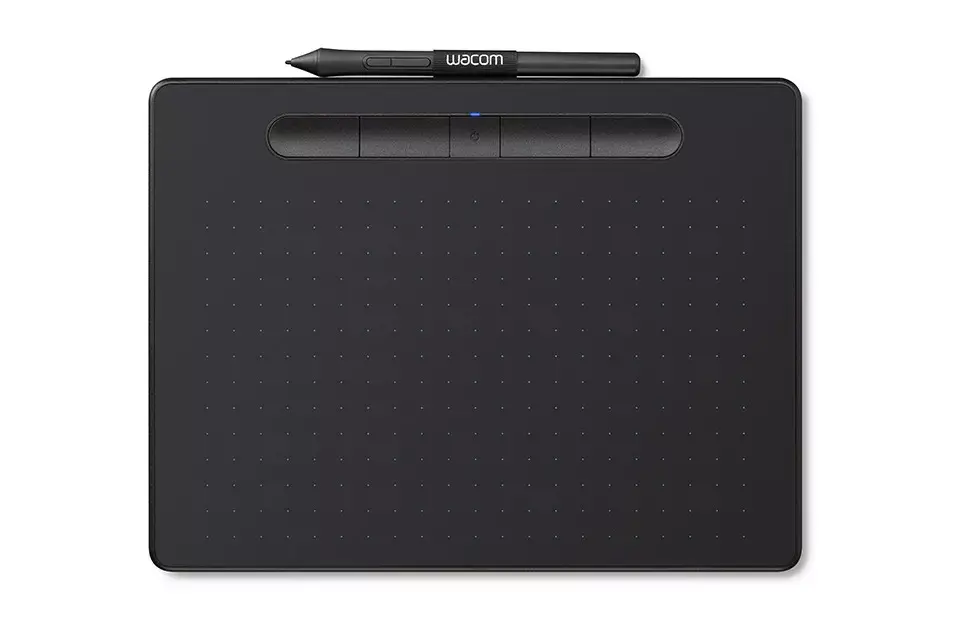
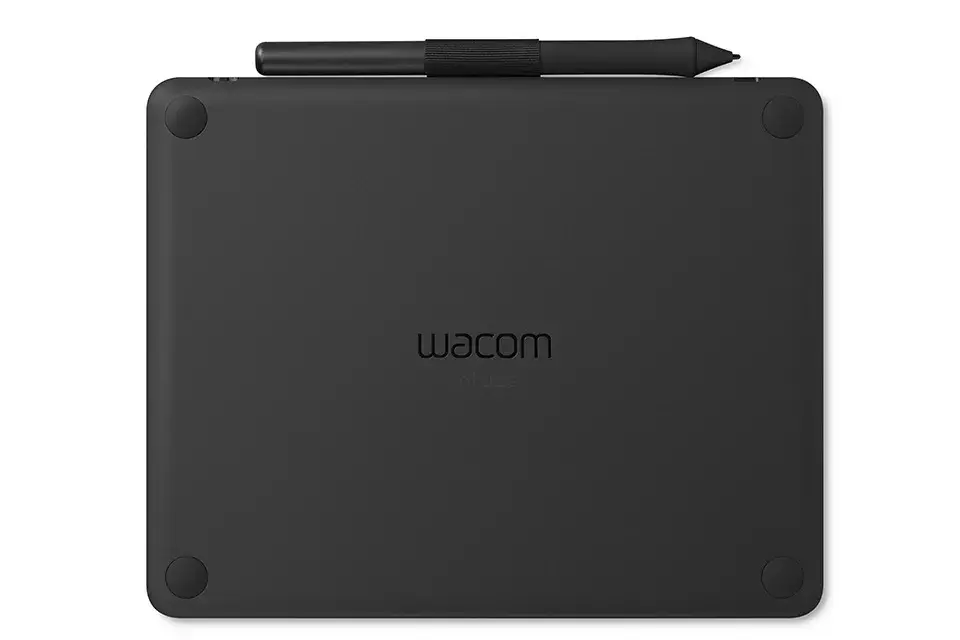
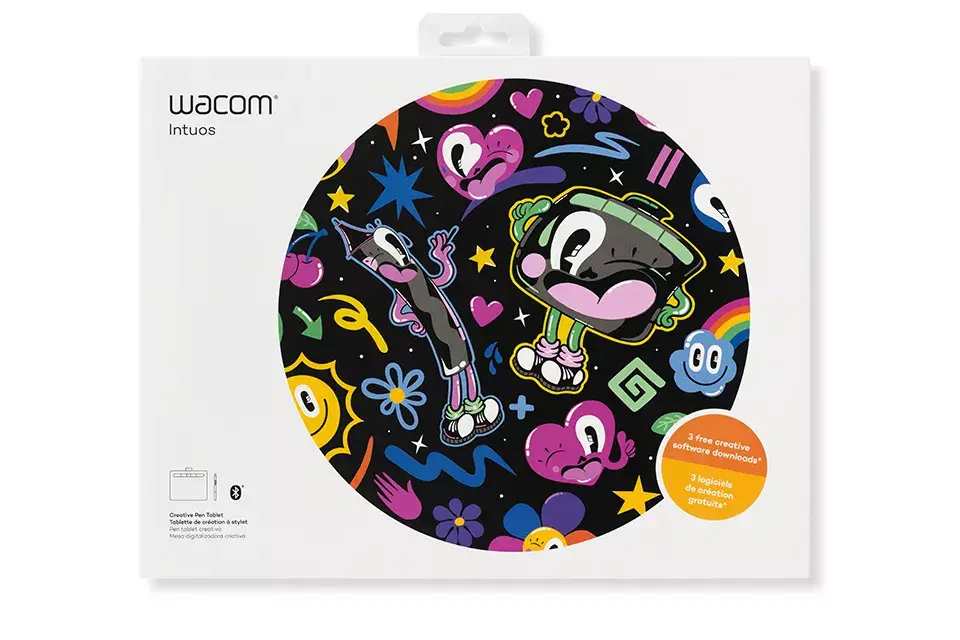
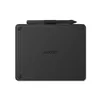
Graphic Tablet Wacom Intuos S Black
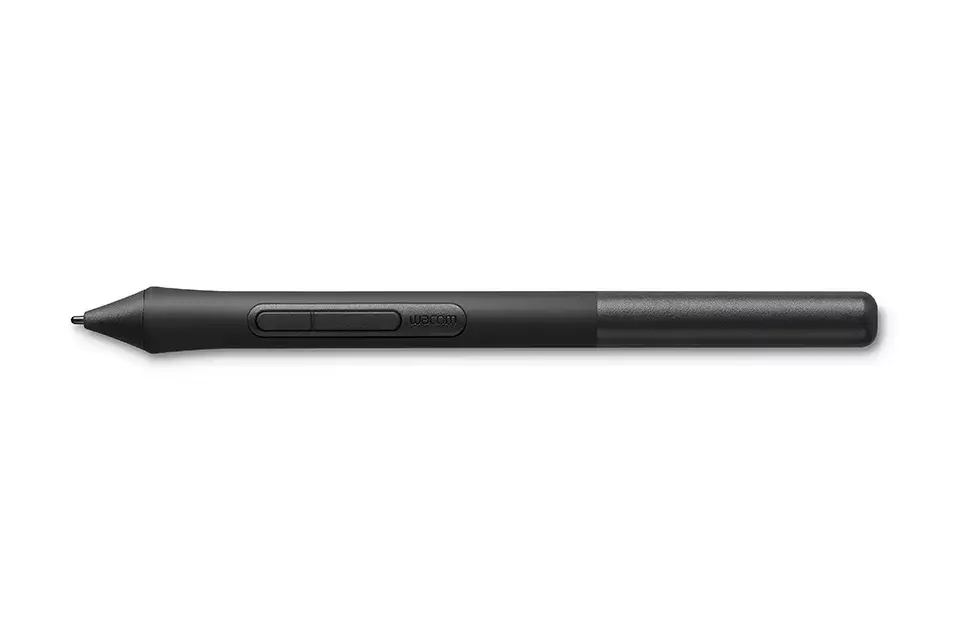
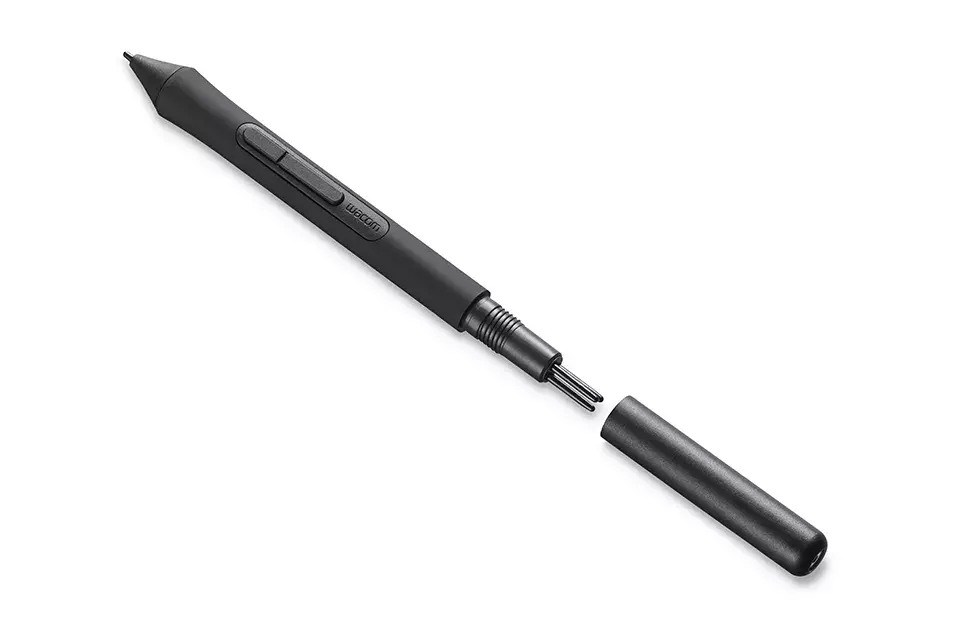
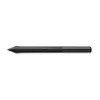
The Wacom Intuos S Black is a compact and versatile graphic tablet designed to bring digital creativity to life. Featuring a working area of 152 x 95 mm and a resolution of 2540 lpi, it provides a precise canvas for artists, illustrators, and designers. The device supports both wired and wireless connectivity, offering flexibility for various workspace setups, while the included battery-free pen ensures a natural drawing experience with 4096 levels of pressure sensitivity.
This tablet stands out due to its ergonomic design and high level of precision, allowing for detailed work in digital drawing and photo editing. The integration of EMR technology means the pen requires no battery, ensuring it is always ready for use. With customizable ExpressKeys and a slim, durable profile, the Wacom Intuos S adapts to individual creative workflows, making it an efficient tool for both beginners and experienced professionals who need a reliable, portable solution.
This tablet may not be the best choice for users who require a large active drawing area for professional-grade fine art or large-format design work, as the compact size might feel restrictive for broad, sweeping strokes. Additionally, it is not intended for users who prefer a screen-integrated display, as this model requires a connection to a separate computer monitor.
To begin, connect the Wacom Intuos S to your computer via the provided USB cable or pair it using Bluetooth. Install the necessary drivers from the official Wacom website to ensure full functionality. Once configured, you can customize the four ExpressKeys and the pen buttons through the Wacom tablet settings to match your preferred shortcuts. Place the tablet on a flat surface and use the pen to interact with your creative software, adjusting pressure sensitivity settings to suit your drawing style.
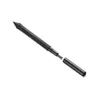
Usage recommendations: To maintain the longevity of the tablet surface, use the pen with a light touch and ensure the nib is replaced if it becomes worn. Keep the device away from liquids and store it in a clean, dry environment when not in use to protect the active area from scratches.
{{highlightedFeature.featureTitle}}:
{{getProductFeatureValueById(product, highlightedFeature.featureId)}}