{{ totalProductsCount }}

In cart {{totalProductsCount}} item(s)

Total:
{{sum | formatAmount}}

Your cart is empty

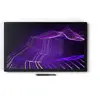
header-product Graphic tablet Wacom Cintiq Pro 27 596 x 335 mm 5080 lpi

Graphic tablet Wacom Cintiq Pro 27 596 x 335 mm 5080 lpi

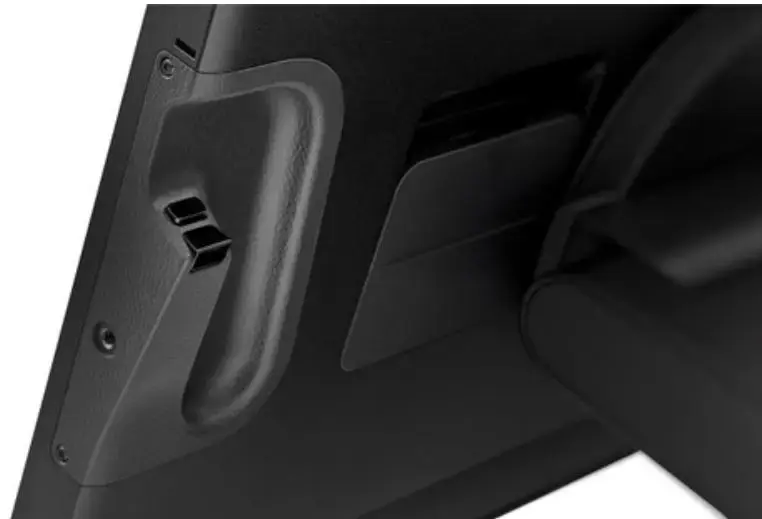
Graphic tablet Wacom Cintiq Pro 27 Photo 1
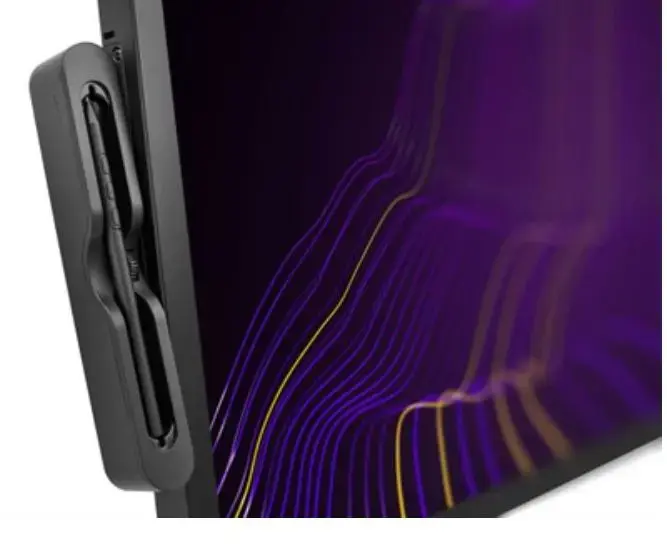
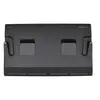
Graphic tablet Wacom Cintiq Pro 27 Photo 2
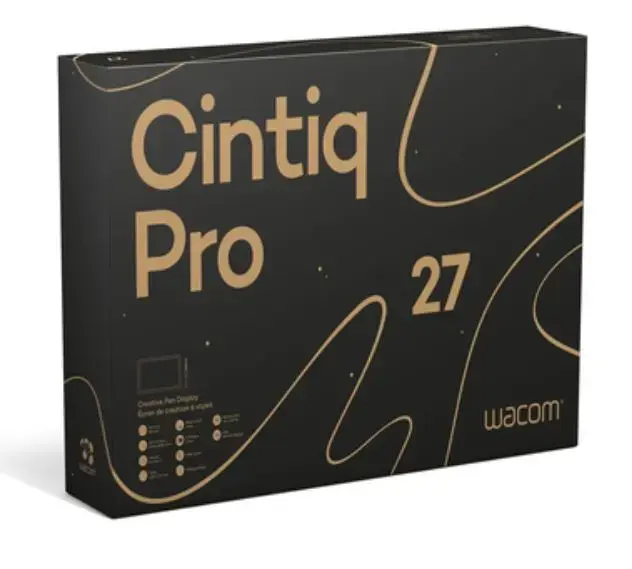
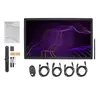
Graphic tablet Wacom Cintiq Pro 27 Photo 3
Graphic tablet Wacom Cintiq Pro 27 Photo 4
Graphic tablet Wacom Cintiq Pro 27 Photo 5
Graphic tablet Wacom Cintiq Pro 27 Photo 6
Graphic tablet Wacom Cintiq Pro 27 Photo 7
Graphic tablet Wacom Cintiq Pro 27 Photo 1
Graphic tablet Wacom Cintiq Pro 27 Photo 2
Graphic tablet Wacom Cintiq Pro 27 Photo 3
Graphic tablet Wacom Cintiq Pro 27 Photo 4
Graphic tablet Wacom Cintiq Pro 27 Photo 5
Graphic tablet Wacom Cintiq Pro 27 Photo 6
Graphic tablet Wacom Cintiq Pro 27 Photo 7
Out of stock.
View similar!

Short description

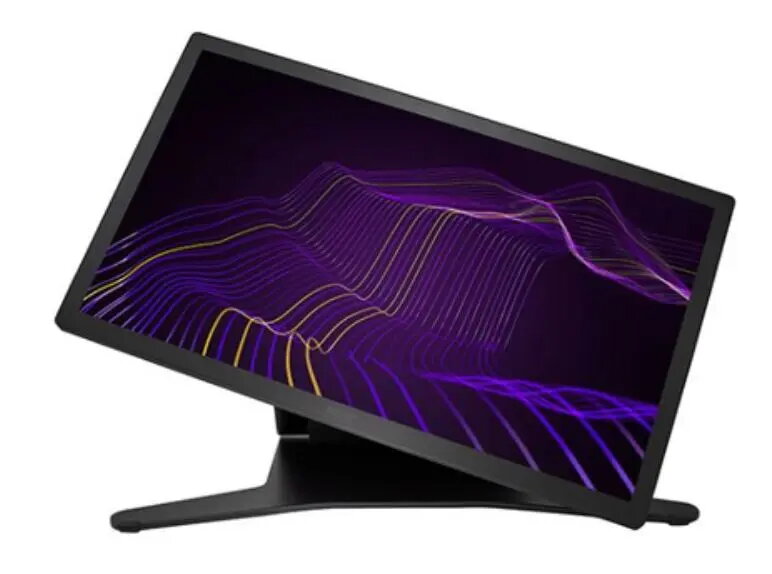
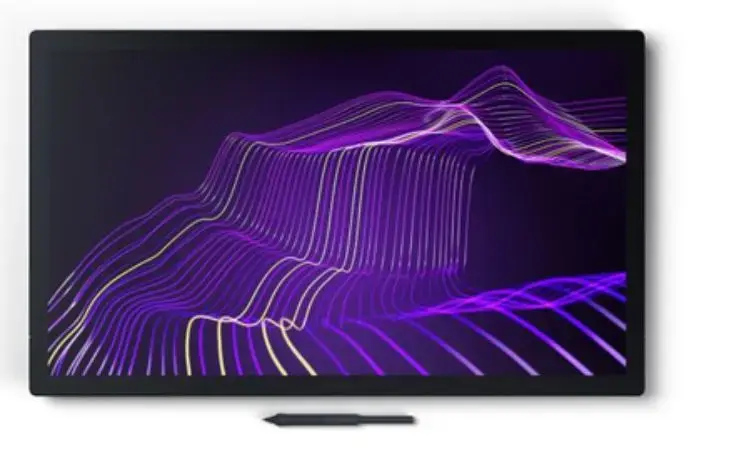
The Wacom Cintiq Pro 27 graphic tablet features a 5080 lpi resolution and a spacious 596 x 335 mm working area. It has a 68.3 cm IPS display with a 16:9 aspect ratio, ensuring vibrant colors and sharp details. The tablet is designed for professional artists and designers, providing precise input and a natural drawing experience. Connectivity is wired, and it includes a Kensington cable lock slot for security. Input voltage ranges from 100 to 240 V, making it versatile for various setups.
Warranty: 2 Years
SKU: 11435867
Manufacturer: Wacom Technology
delivery
Information regarding the items availability for purchase will be posted on this site
price
Item cost information will be published on this site
Together cheaper
{{product.price | formatAmount}}
{{product.title}}
{{productBundle.reference.specialPrice | formatAmount}}
{{productBundle.title}}
{{productBundlePreviousPrice | formatAmount}}
{{productBundleSpecialPrice | formatAmount}}

You saving {{productBundleYouSave | formatAmount}}

Product information

Description

The Wacom Cintiq Pro 27 is a professional pen display with a 68.3 cm (27") IPS screen and a 596 x 335 mm active area, designed for precise digital drawing and design work. The display delivers high resolution input (5080 lpi) and supports 8192 pressure levels for detailed pen control. With wired connectivity and a Kensington cable lock slot, the device suits studio and fixed workstation setups. The screen offers wide color coverage and advanced color validation to meet professional color workflows.

Advantages

The Cintiq Pro 27 provides accurate color reproduction, wide color gamut support and Pantone validation, enabling reliable results for print, photo, video and web projects. The display supports over 1 billion colors, 4K resolution and a high refresh rate for smooth on-screen rendering. The included Wacom Pro Pen 3 is configurable for weight, grip and balance, while multi-touch gestures and customizable ExpressKeys allow fluid switching between touch and pen input and fast access to shortcuts. The unit is built with recycled materials where possible and includes mounting options such as VESA 100 compatibility and threaded holes for extension accessories.

Suitable for

  • Professional illustration and concept art
  • Photo retouching and color-critical editing
  • Graphic and print design
  • Video editing and color grading
  • Digital painting and character design

Key specifications

  • Display size: 68.3 cm (27") IPS, 16:9 aspect ratio
  • Working area: 596 x 335 mm
  • Input resolution: 5080 lpi
  • Pressure sensitivity: 8192 levels
  • Color: Pantone and Pantone SkinTone validated; ~99% Adobe RGB and ~98% DCI-P3 coverage
  • Colors: capable of displaying over 1 billion colors
  • Refresh rate and video: 4K resolution support and 120 Hz refresh rate
  • Connectivity: Wired (includes Kensington lock slot)
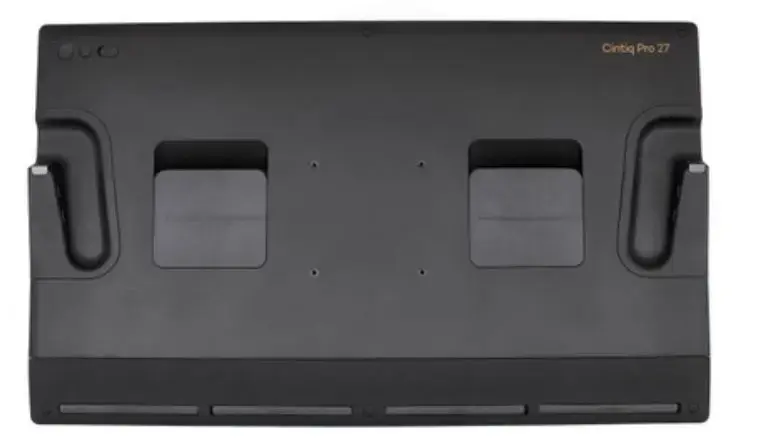
  • Mounting: Requires Wacom Cintiq Pro 27 Stand or compatible VESA 100 monitor arm; extension table and threaded mounting points available
  • Power: 100–240 V input voltage

How to use

Connect the Cintiq Pro 27 to a compatible computer using the supplied wired connections and secure it in place if required with the Kensington lock. Mount the display on the Wacom Cintiq Pro 27 Stand or a VESA 100 monitor arm to achieve a comfortable drawing angle and height; the stand enables rapid adjustments and up to 20 degrees rotation in each direction for natural hand movement. Configure the Wacom driver to set pen buttons, pressure curve, pen gestures and on-screen controls. Use multi-touch gestures for panning, zooming and rotating, and assign frequently used functions to ExpressKeys for faster workflow.

Usage recommendations

Position the display and stand to maintain a neutral wrist posture and reduce glare. Calibrate color profiles for your specific workflow (print, photo or video) and store driver presets for different projects. Regularly clean the screen with a soft, lint-free cloth and follow Wacom’s guidance for pen nib replacement and maintenance to ensure consistent pen performance.

Specifications

Display diagonal: Size of the display for this product, measured diagonally, usually in inches.
26.9 "
Pen included: The product includes a pen.
Yes
Working area: The area that can be worked on.
596 x 335
Resolution: The degree of detail in a device.
5080
Connectivity technology: The technology that enables connectivity of the device, e.g. wired or wireless.
Wired
Product colour: The colour e.g. red, blue, green, black, white.
Black
All features

Packaging content

Number of pen nibs:
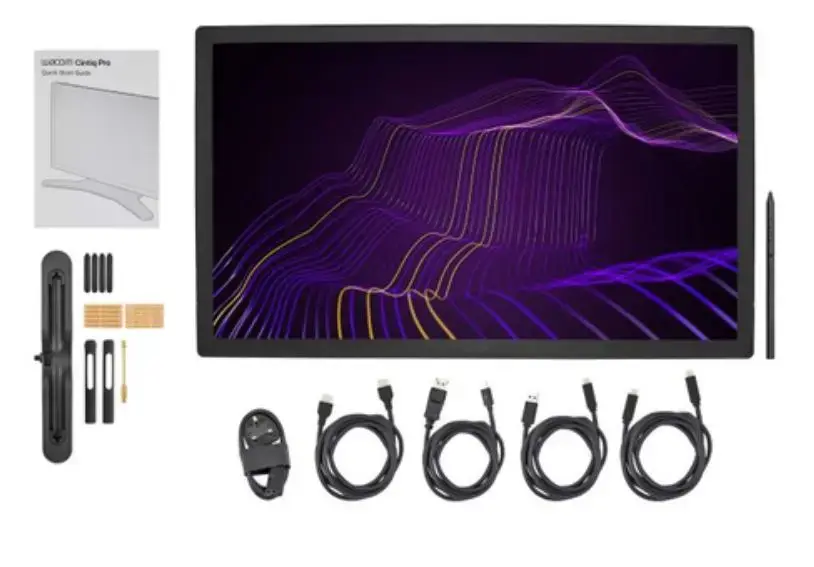
10
Pen holder:
Yes
Tablet stand:
Yes
Cables included:
DisplayPort to Mini DisplayPort, AC, HDMI, USB Type-C to USB Type-A, USB Type-C to USB Type-C

Packaging data

Package type: The type of product package e.g. box.
Box

Weight & dimensions

Tablet weight:
7200 g
Height: The measurement of the product from head to foot or from base to top.
379 mm
Depth: The distance from the front to the back of something.
31 mm
Width: The measurement or extent of something from side to side.
638 mm

Power

AC adapter output voltage:
19
AC adapter output current:
8.4 A
AC input frequency:
50 - 60
Input voltage: The voltage (V) which is required to power the product.
100 - 240

Features

Mac operating systems supported: Mac operating systems e.g. OS X can be used with the device.
Yes
Windows operating systems supported: Windows vesions wich can be used with the device.
Yes
Product colour: The colour e.g. red, blue, green, black, white.
Black

Performance

Cable lock slot type:
Kensington
Cable lock slot: Holes on the edge of devices through which a cable lock can be passed, so the device can be locked to a desk etc.
Yes

Ports & interfaces

USB 2.0 ports quantity: Number of USB 2.0 ports (connecting interfaces) in the device. USB 2.0 was released in April 2000 (now called "Hi-Speed"), adding higher maximum signaling rate of 480 Mbit/s (effective throughput up to 35 MB/s or 280 Mbit/s), USB 2.0 ports are usually black.
1
USB Type-C ports quantity:
1
DisplayPorts quantity: Number of DisplayPorts. A DisplayPort is a digital display interface developed by the Video Electronics Standards Association (VESA). The interface is primarily used to connect a video source to a display device such as a computer monitor, though it can also be used to carry audio, USB, and other forms of data.
1
HDMI ports quantity: The number of sockets (ports) for HDMI connections. HDMI (High-Definition Multimedia Interface) is a compact audio/video interface for transferring uncompressed video data and compressed/uncompressed digital audio data from a HDMI-compliant device ("the source device") to a compatible computer monitor, video projector, digital television, or digital audio device. HDMI is a digital replacement for existing analog video standards.
1

Display

Colour gamut:
98 %
Pixel pitch: This is the parameter of a picture tube, which specifies the shortest distance between two dots of the same colour. The principle is: the smaller the dot pitch, the better sharpness of image.
0.155 x 0.155
Contrast ratio (typical): The difference in light intensity between the brightest white and the darkest black.
1000:1
Response time: The response time is the time difference between the moment that a source (for example a video card) sends a signal and that equipment (for example a monitor) receives or display the signal. (Used abbreviations: R/F = Rise and Fall.)
10 ms
Brightness: The amount of light given by a light, TV, monitor etc.
400 cd/m²
Display number of colours:
1.07 billion colours
Viewing angle, horizontal: Maximum horizontal angle at which a display can be viewed with acceptable visual performance.
178 °
Viewing angle, vertical: Maximum vertical angle at which a display can be viewed with acceptable visual performance.
89 °
Touchscreen: A screen of a laptop, smartphone, etc., that responds to touch so you can control the interface using your fingers.
Yes
Display resolution: The number of distinct pixels in each dimension that can be displayed. It is usually quoted as width × height, with the units in pixels: for example, "1024 × 768" means the width is 1024 pixels and the height is 768 pixels. The higher the number of pixels, the sharper the image.
3840 x 2160
HD type: Type of supported High Definition (e.g. Full HD, 4K Ultra HD).
UHD
Aspect ratio: The aspect ratio is the ratio of the width of a shape to its height. For example, 4:3 is common for standard displays and 16:9 is the ratio for Widescreen TV.
16:9
Display: The description of display that can includes display type, resolution, size etc.
IPS
Display diagonal: Size of the display for this product, measured diagonally, usually in inches.
26.9 "

Pen

Battery-free pen:
Yes
Pressure levels: A gradation of applied amount of pressure.
8192
Wireless pen: An electronic ballpoint pen that digitizes, stores and transfers what is written or drawn to the computer. Instead of a mouse, a digital pen provides a very natural way to hand write and hand draw into the computer. The data can transferred simultaneously or later to a computer via a wireless network.
Yes
Pen included: The product includes a pen.
Yes

Tablet

Tablet input type:
Pen
Working area: The area that can be worked on.
596 x 335
Resolution: The degree of detail in a device.
5080
Connectivity technology: The technology that enables connectivity of the device, e.g. wired or wireless.
Wired

Description

Machine translation. Load original

Similar products

{{product.title}}
Show details Hide details

{{highlightedFeature.featureTitle}}:

{{getProductFeatureValueById(product, highlightedFeature.featureId)}}

{{product.price | formatAmount}}
Might be useful
{{product.manufacturerName}}
{{product.categoryName}}
{{product.title}}
{{product.specialPrice}}
{{product.price}}

Customer reviews

Customer questions

FAQ

What payment options are available?

AiO.lv offers several payment methods: Bank transfer, Leasing for legal entities. All transactions are 100% secure and encrypted.

Can this product be purchased for a company (with VAT)?

Yes. AiO.lv works with legal entities in Latvia and across Europe. The product price already includes VAT. For certain product categories, as well as for companies from other EU countries with a valid VAT number, a 0% VAT rate may apply. We issue the invoice immediately after the order is placed, support electronic BIS invoices, and automatically generate all necessary accounting documents. You can complete the purchase for a company online — simply select the company profile and choose bank transfer as the payment method during checkout.

What is the warranty period?

All Wacom Technology products come with an official 2 Years warranty. It covers all manufacturing defects and malfunctions that may occur during use. The warranty is valid at all authorized Wacom Technology service centers and through AiO.lv

Can the product be returned after purchase?

Yes, you can return the product within 14 days of purchase if you bought it as a consumer (not a legal entity). Returns are possible without giving any reason — the main condition is that the product retains its original appearance and full set of accessories. We will make the process as simple and convenient as possible: just contact our customer support team, and we will help you arrange the return.

Where should I contact for warranty service?

For warranty-related questions you can contact the AiO.lv (SIA VSPRO) customer support team. We will assist with consultation, warranty claim processing, and coordination with certified service centers.

How can I tell if this product suits my needs?

When making a choice, we recommend paying attention to the key features: display diagonal, pen included, working area, resolution, connectivity technology, product colour, compatibility with your devices or usage conditions, material quality, functionality, and warranty terms. These characteristics will help you determine how well the model meets your needs.

warranty
14-Day Return Policy We are confident in our quality, but if the purchase doesn’t fit — you have 14 days to return the product with peace of mind.
shipping
Fast Delivery Get your orders as quickly as possible — right to your door, parcel lockers, or pickup points across Latvia and the EU.
payment
Secure Payment Pay the way you prefer: cash, VISA, MasterCard, Apple Pay, Google Pay, bank transfer, or 0% installment plan.
warranty
Quality Since 2008 AiO.lv has been on the market for over 18 years and has earned trust — with more than 6000 genuine positive reviews on Google.