Dreame vacuums for fast and efficient cleaning!
In cart {{totalProductsCount}} item(s)
Your cart is empty
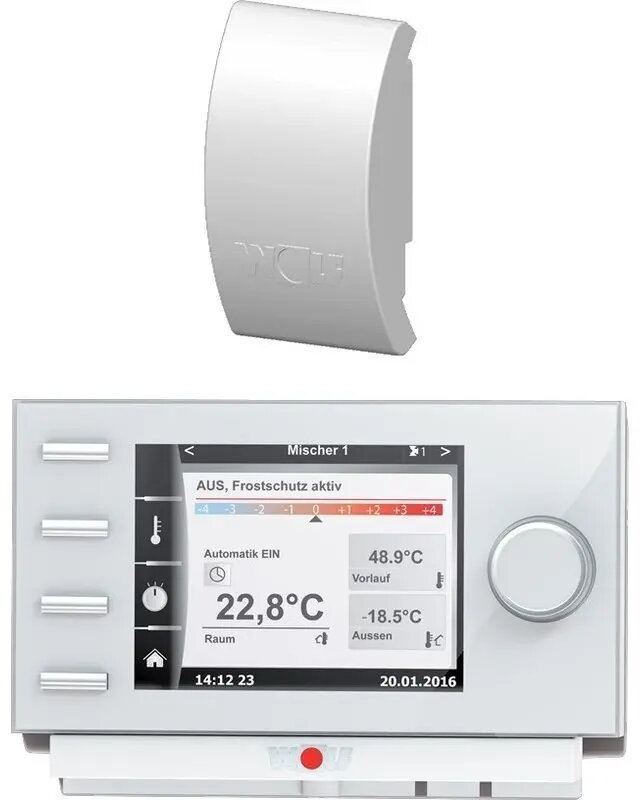
Weather module WOLF BM-2 with external temperature sensor (black)
WOLF BM-2 with external temperature sensor (black) is a compact weather module designed to provide accurate outdoor temperature readings for compatible heating and ventilation systems. The module uses an external probe to measure ambient temperature remotely and transmits that information to the connected HVAC controller to support temperature-dependent control strategies, monitoring and regulation. The unit is intended for integration in residential and light commercial installations where a reliable outdoor temperature input improves system efficiency and comfort management.
The WOLF BM-2 offers precise ambient temperature measurement via its external sensor, allowing HVAC systems to adapt control logic based on real outdoor conditions rather than internal setpoints alone. Its compact black housing is suitable for discreet installation and is built for straightforward integration with compatible controllers. Remote sensing reduces the influence of local heat sources and provides stable temperature data for regulation and monitoring tasks.
Mount the external temperature probe in a representative outdoor location away from direct sunlight, heat sources and reflected heat from walls or surfaces to ensure accurate readings. Install the BM-2 module indoors near the HVAC controller and connect the sensor cable to the controller according to the controller manufacturer’s wiring diagram. Verify communication and temperature reporting in the controller interface, then configure the controller’s temperature-dependent control parameters to use the external sensor input.
For reliable long-term performance, route and secure the sensor cable to prevent damage, and avoid locating the external probe in areas with strong radiant heat or localized cold drafts. Periodically check the sensor connection and clean the probe if necessary. Follow the HVAC controller documentation for input configuration and validation after installation.
{{highlightedFeature.featureTitle}}:
{{getProductFeatureValueById(product, highlightedFeature.featureId)}}
{{ productComparisonGenerationError }}