Powerful EcoFlow stations for energy anywhere!
In cart {{totalProductsCount}} item(s)
Your cart is empty
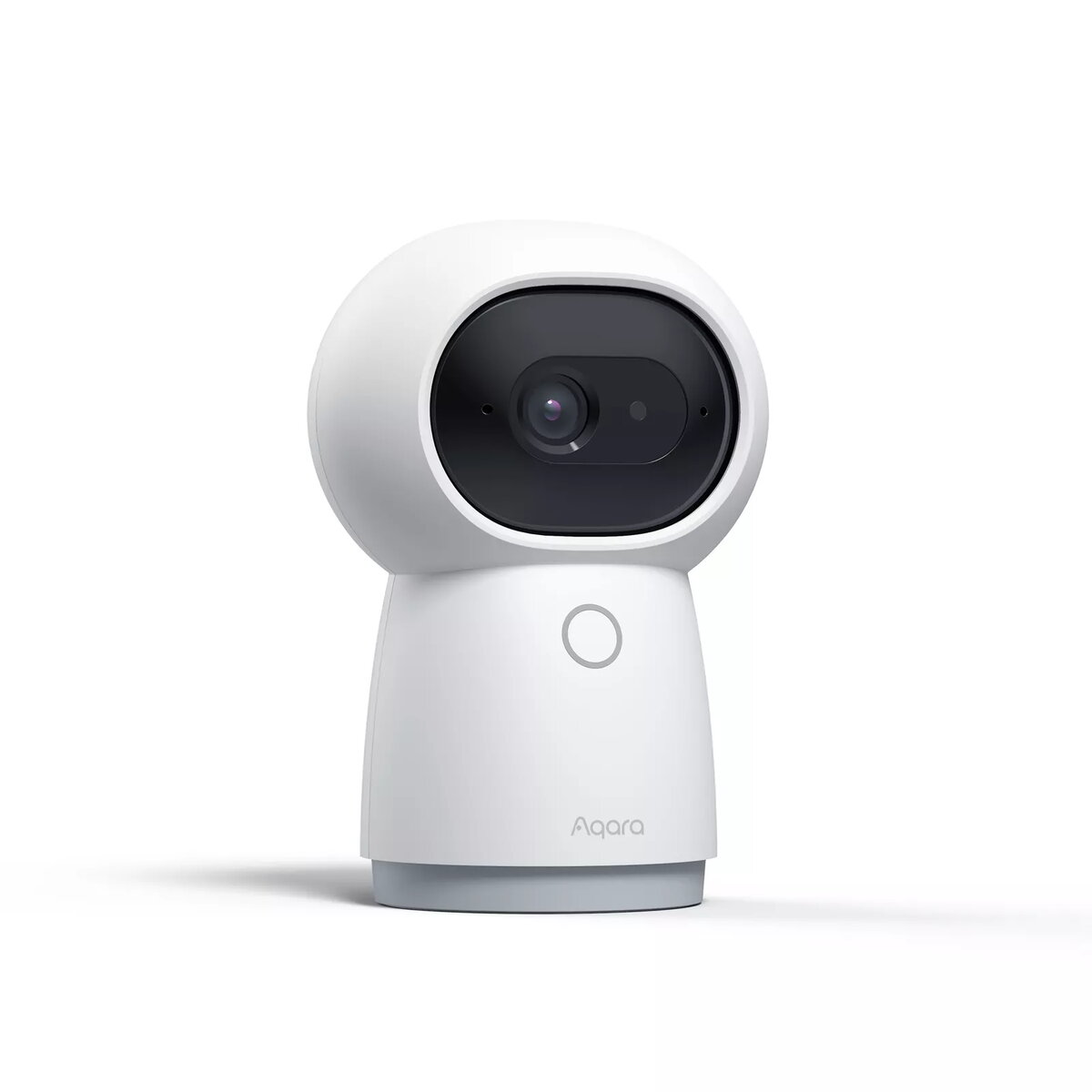
IP security camera Xiaomi Aqara Hub G3 Turret — Indoor desk-mounted, 2304×1296, Wi‑Fi, Zigbee
The Xiaomi Aqara Hub G3 Turret is an indoor IP security camera and smart hub that combines 2304×1296 resolution video capture with dual wireless connectivity. Its compact white turret body is designed for desk placement and supports wide-area coverage with a pan range up to 340° and tilt from 0° to 45°. The device integrates Wi‑Fi (802.11a/b/g/n/ac) for video streaming and Zigbee connectivity for smart home device control, providing a single unit for monitoring and automation in homes, baby rooms, and small offices.
The camera delivers higher-than-1080p resolution at 2304×1296 for clearer detail in recordings and live view while keeping a compact footprint suitable for desktops and shelves. Mechanical pan and tilt allow flexible monitoring angles without repositioning the base. Built‑in Zigbee hub functionality reduces the need for separate gateways when integrating compatible sensors and accessories, and Wi‑Fi connectivity enables easy setup and remote access through supported apps.
The Aqara Hub G3 Turret is intended for indoor use only and does not include Ethernet LAN, so it is not suitable where wired network connectivity or outdoor weatherproofing is required. If you need ultra-high resolution (4K) imaging, long-range outdoor coverage, or PoE power delivery, this model will not meet those specific needs.
Place the Aqara Hub G3 Turret on a stable desk or shelf with clear line of sight to the area to be monitored. Connect the camera to mains power using the supplied adapter and follow the manufacturer’s app instructions to join the device to your Wi‑Fi network and enable Zigbee if required. Use the app to position the camera by adjusting pan and tilt, configure motion detection zones, set recording or cloud backup options, and pair compatible Zigbee sensors or accessories for automation. Regularly check firmware updates in the app to maintain security and feature support.
For reliable coverage, position the camera where it can pan freely and avoid placing it directly facing bright windows or strong backlight. Use the integrated Zigbee hub to group nearby sensors and automate actions such as recording on motion or turning on lights when activity is detected.
{{highlightedFeature.featureTitle}}:
{{getProductFeatureValueById(product, highlightedFeature.featureId)}}
{{ productComparisonGenerationError }}