Save time and money with our discounts!
In cart {{totalProductsCount}} item(s)
Your cart is empty
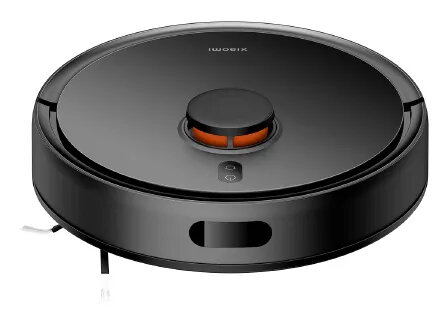
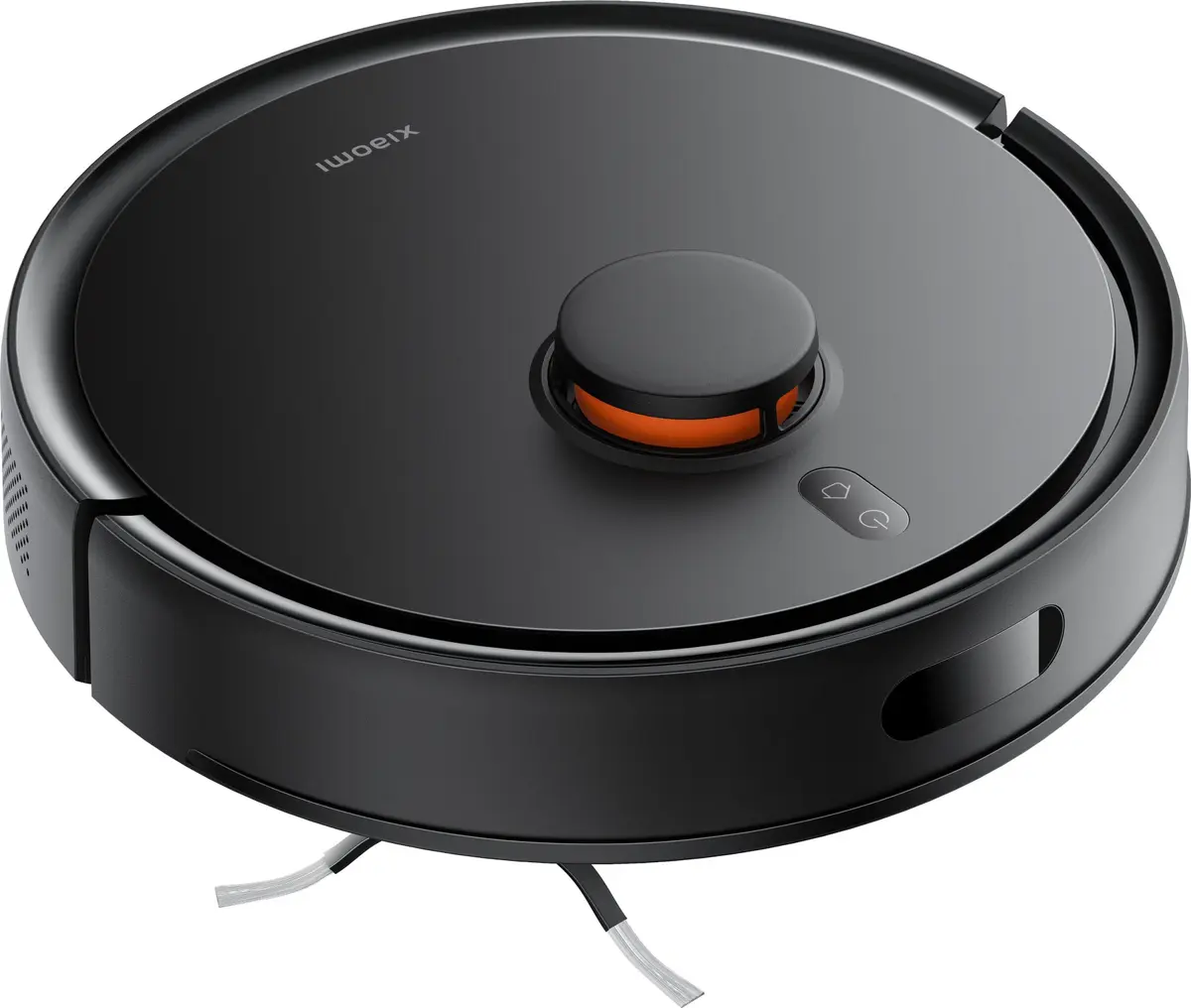
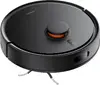
Robot Vacuum Cleaner Xiaomi S20
Xiaomi Robot Vacuum S20 is a compact, bagless robot vacuum cleaner with integrated wet mopping designed to perform vacuuming and mopping in one pass. It combines a 400 ml dustbin and a 270 ml water tank, an LDS laser navigation system for accurate mapping and route planning, and a powerful suction system to remove dust, hair and debris from floors and crevices. The model is lightweight and compact (325 mm diameter, 98 mm height) and supports remote control via the Mi Home/Xiaomi Home app and voice assistants.
The S20 offers up to 5000 Pa suction power with three power modes, a 2-in-1 large-capacity dustbin with a dust barrier to reduce secondary contamination, and zigzag vacuuming plus Y-shaped mopping routes that simulate manual cleaning for improved stain removal. LDS laser navigation provides precise mapping, fewer missed spots and efficient route planning. Multiple onboard sensors reduce collisions and falling, while a compact size makes storage and maneuvering easier. The robot returns automatically to its base and supports OTA updates.
Place the charging base on a flat surface with sufficient clearance and charge the robot before first use. Fill the water tank and insert the mop attachment for mopping tasks or ensure the dustbin is in place for vacuuming. Use the Mi Home/Xiaomi Home app to start cleaning, choose a cleaning mode or schedule automatic runs. The robot will scan the area using LDS laser navigation to create an in-app map and plan efficient zigzag or Y-shaped routes. After cleaning, empty the dustbin and refill the water tank as needed.
For best results, remove small obstacles and loose cables from floors before operation, clean the main brush and filters regularly, and empty the dustbin and clean the water tank after repeated use. Use the appropriate cleaning mode for different floor types and allow the robot to complete mapping runs undisturbed to achieve accurate house maps in the app.
{{highlightedFeature.featureTitle}}:
{{getProductFeatureValueById(product, highlightedFeature.featureId)}}
{{ productComparisonGenerationError }}