Hurry and order now – up to 50% off!
In cart {{totalProductsCount}} item(s)
Your cart is empty
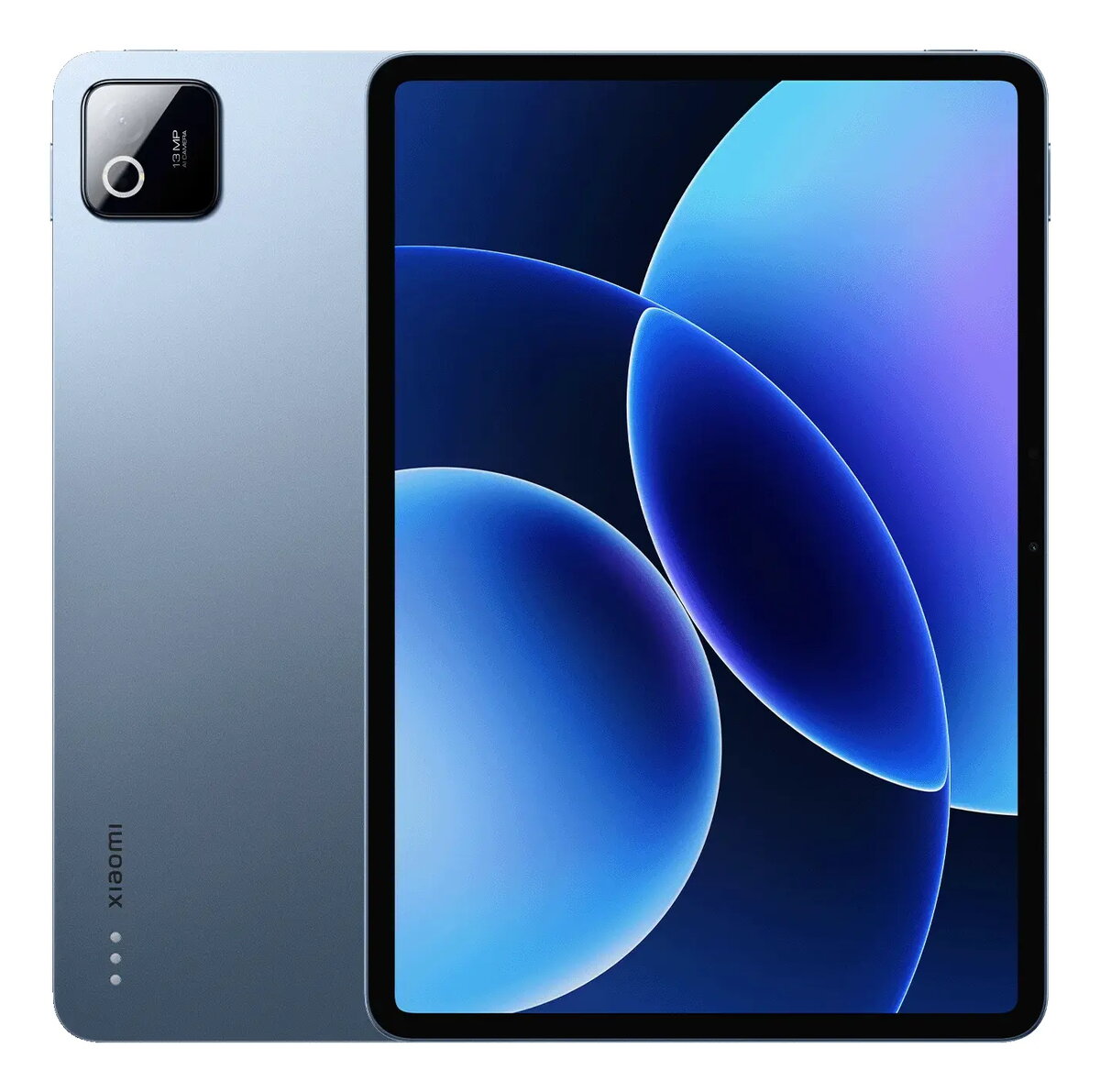
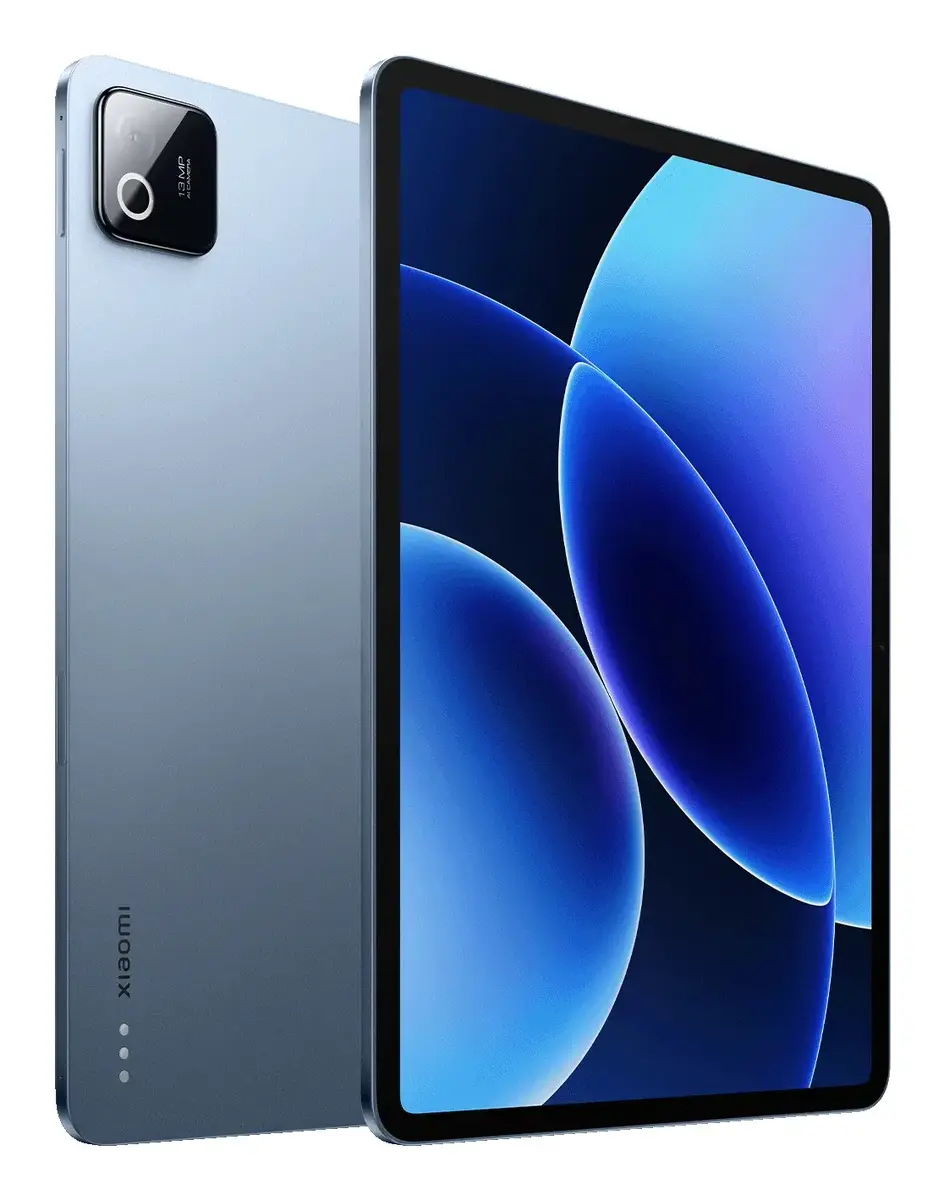
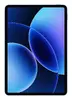
Xiaomi Pad 8 Tablet, 11.2-inch Display, Snapdragon 8s Gen 4, 8GB RAM, 128GB Storage, Wi-Fi 7, Grey
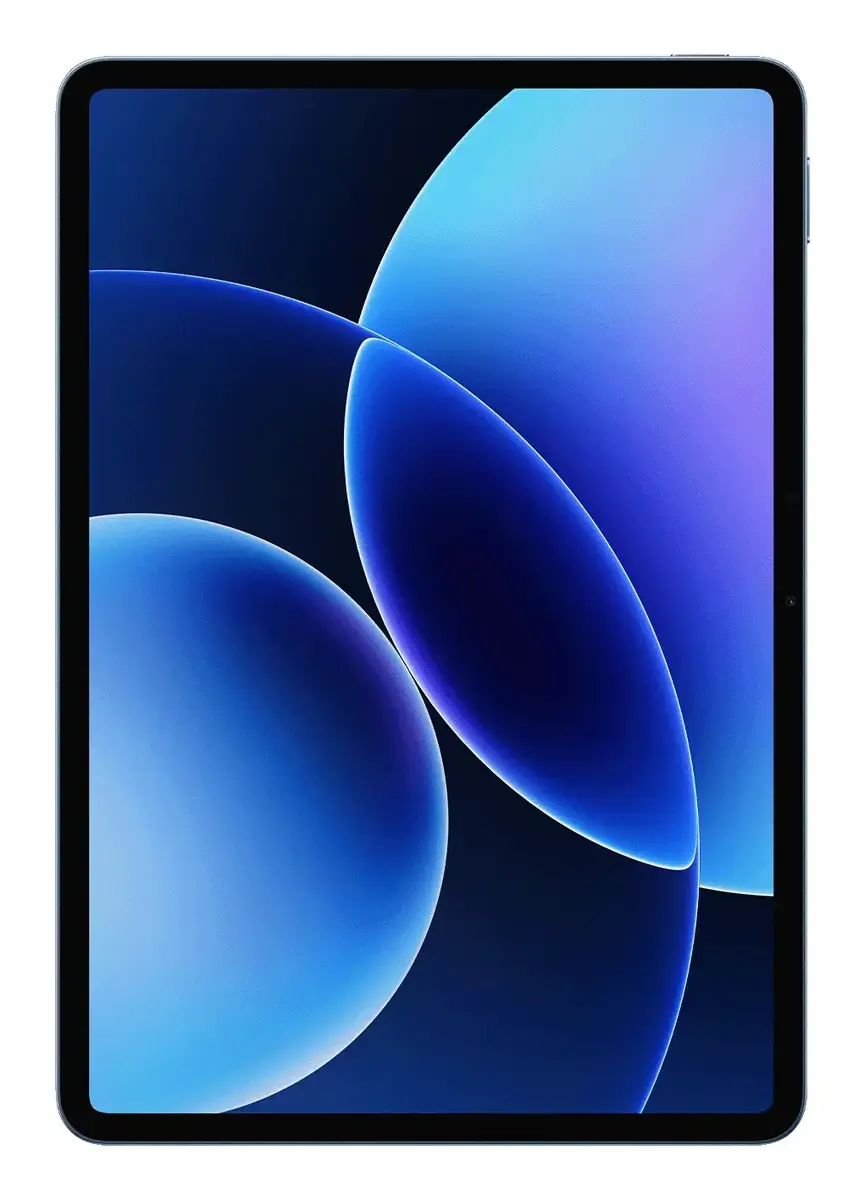
The Xiaomi Pad 8 is a high-performance tablet designed for both productivity and entertainment. Featuring a stunning 11.2-inch display with a resolution of 3200 x 2136 pixels, it delivers crisp visuals and vibrant colors. At its core lies the powerful Snapdragon 8s Gen 4 processor, paired with 8GB of RAM, ensuring smooth multitasking and responsive performance for demanding applications. With 128GB of internal storage, you have plenty of space for your media, documents, and apps, while the inclusion of Wi-Fi 7 ensures ultra-fast connectivity for streaming and browsing.
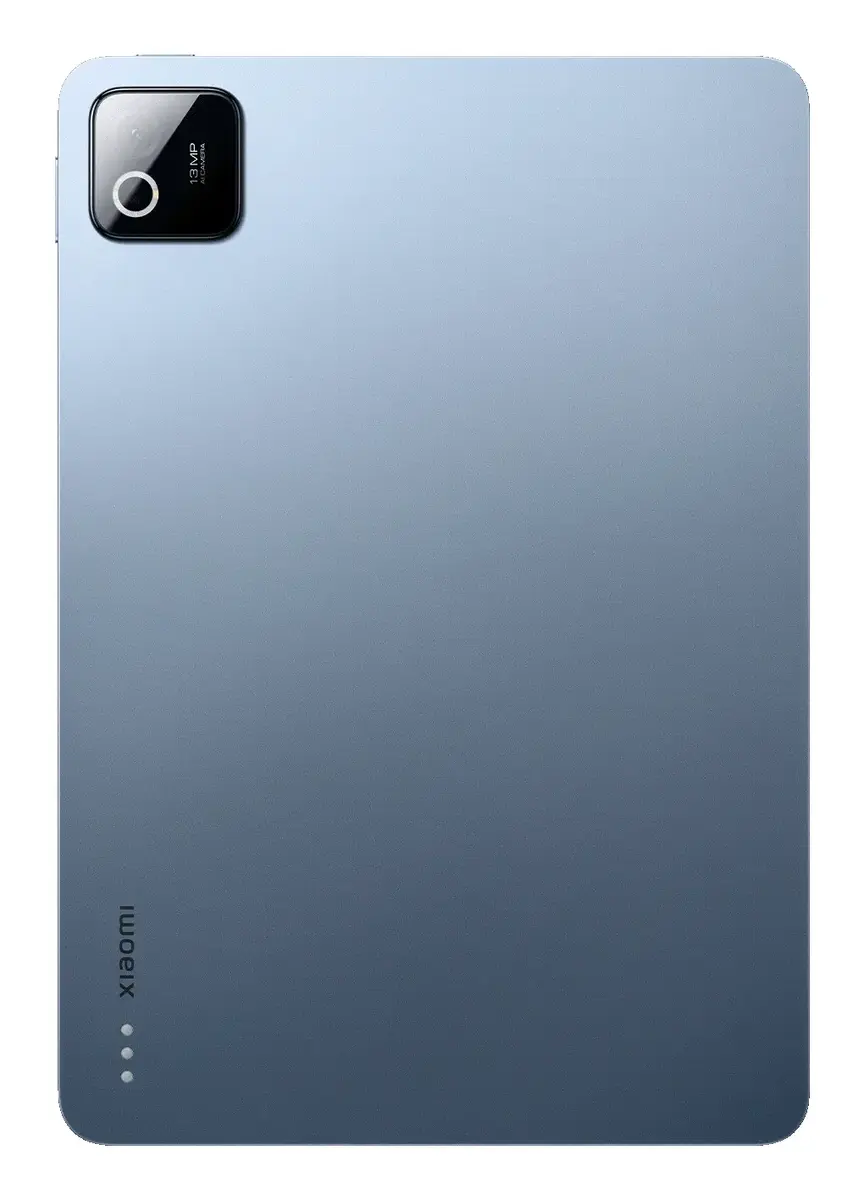
This tablet stands out due to its ultra-thin, lightweight metal unibody design, making it highly portable for daily commuting or travel. The 3:2 aspect ratio is specifically optimized for document reading and office tasks, providing a more natural workspace. Users benefit from an immersive audio experience provided by quad speakers with Dolby Atmos support. Furthermore, the device integrates advanced AI features to assist with writing, translation, and complex calculations, significantly boosting efficiency. The long-lasting battery, combined with fast turbo charging, ensures that the device remains powered throughout the day, while the compatibility with professional-grade productivity software and external display modes makes it a versatile tool for work.
The Xiaomi Pad 8 does not support cellular mobile network connections, meaning it relies entirely on Wi-Fi for internet access. Consequently, it may not be the ideal choice for users who require constant, independent connectivity while traveling in areas without reliable wireless networks.
To begin using your Xiaomi Pad 8, power on the device by holding the side button and follow the on-screen setup instructions to connect to your Wi-Fi network and sign in to your account. You can navigate the interface using touch gestures or by connecting compatible peripherals. For productivity, utilize the split-screen mode by dragging apps to the sides of the screen to manage multiple tasks simultaneously. To maximize efficiency, explore the built-in AI tools within the notes and browser applications. Keep the device updated through the settings menu to ensure you have access to the latest features and security enhancements.
Usage recommendations: To maintain the longevity of your device, avoid exposing it to extreme temperatures and ensure the charging port remains clean and dry. For optimal battery health, use the provided fast-charging equipment and avoid leaving the tablet plugged in for extended periods after reaching a full charge.
{{highlightedFeature.featureTitle}}:
{{getProductFeatureValueById(product, highlightedFeature.featureId)}}
Device manufacturer code
Device manufacturer
iagonal of the visible part of the screen expressed in centimeters and inches.
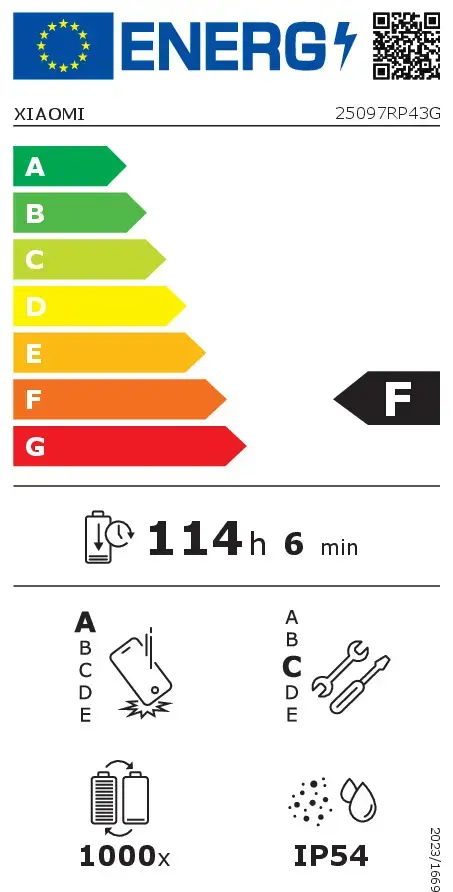
Number of full charge–discharge cycles the battery endures before its capacity significantly decreases.
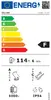
Rating of how efficiently a device uses energy, affecting power consumption and costs.
Device protection rating against dust and water according to the international IP standard.
Assessment of device durability after repeated drops from a specified height.
Rating of how easy it is to disassemble and repair the device, including parts and manual availability.