
Leave your address - as soon as the price of the product goes down, you'll know about it right away
USB to Lightning cable XO NB265 1.0 m 2.4 A white
In cart {{totalProductsCount}} item(s)
Your cart is empty
USB to Lightning cable XO NB265 1.0 m 2.4 A white
Leave your address - as soon as the price of the product goes down, you'll know about it right away
USB to Lightning cable XO NB265 1.0 m 2.4 A white
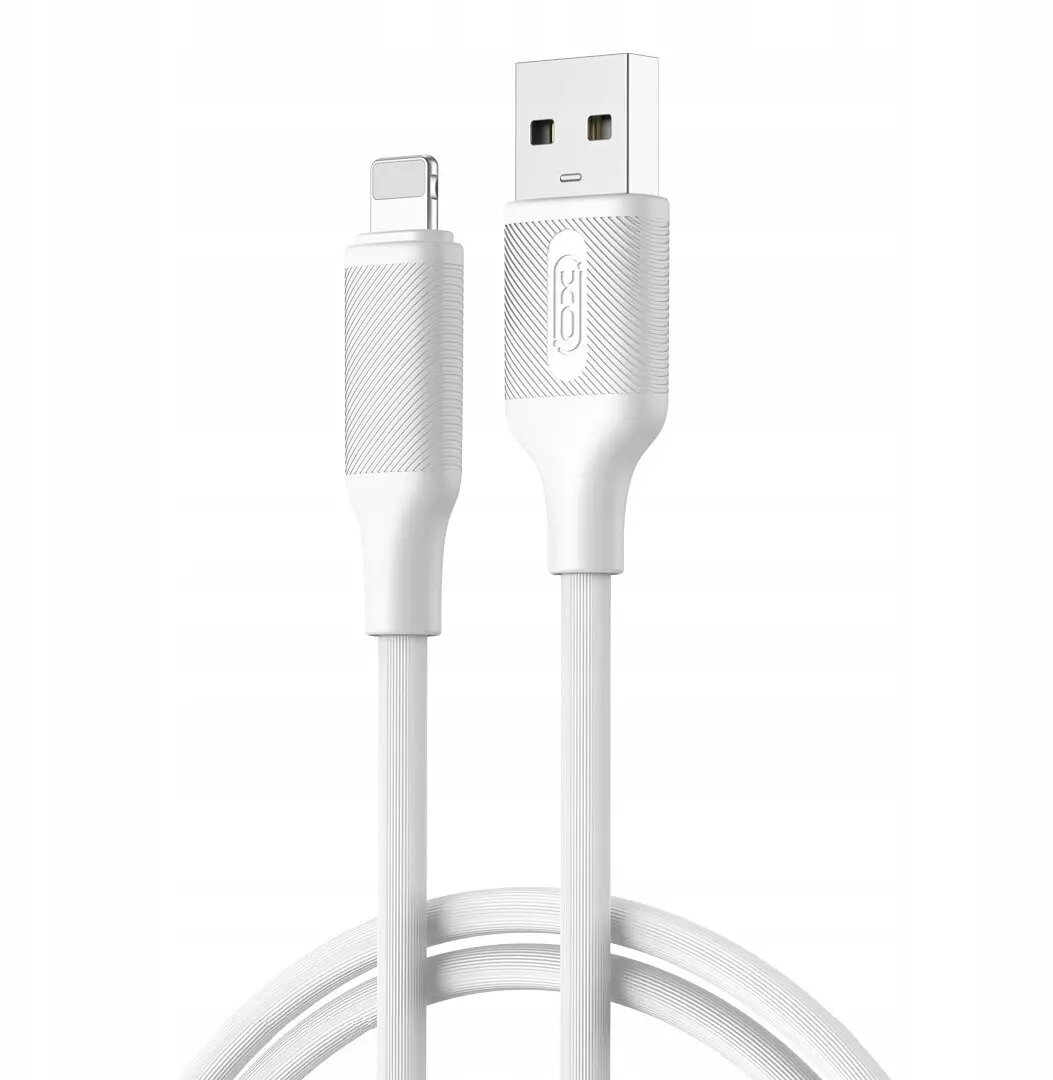
XO NB265 USB to Lightning cable, 1.0 m in white, provides a straightforward connection between USB power sources or computers and Apple devices with a Lightning port. The cable supports charging at up to 2.4 A and enables data transfer for syncing contacts, media and backups. Designed for everyday use, it combines a standard Lightning connector with a USB-A plug and durable connector housings for reliable plug-and-play operation with iPhone and other Lightning-equipped devices.
The cable delivers up to 2.4 A output for efficient charging from compatible USB chargers and power banks while maintaining stable data transfer speeds when connected to a computer. Its 1.0 m length offers a balance between reach and portability for daily use. The standard Lightning interface ensures wide compatibility with Apple devices that use Lightning connectors, and reinforced connector housings improve resistance to bending and wear over time.
Connect the USB-A plug to a compatible USB power adapter, computer USB port or power bank and insert the Lightning connector into the Lightning port on your Apple device. Charging begins automatically when connected to a power source that provides sufficient current; data transfer requires the cable to be connected to a computer with appropriate file transfer or sync software. Disconnect by gently pulling the connector, avoiding excessive bending or twisting.
To prolong service life, avoid exposing the cable to sharp bends, high temperatures or liquids. Use with certified chargers and avoid forcing the connector into ports. If you notice frayed insulation or loose connectors, replace the cable to maintain safe charging and reliable data transfer.
{{highlightedFeature.featureTitle}}:
{{getProductFeatureValueById(product, highlightedFeature.featureId)}}