


Powerful EcoFlow stations for energy anywhere!
In cart {{totalProductsCount}} item(s)
Your cart is empty
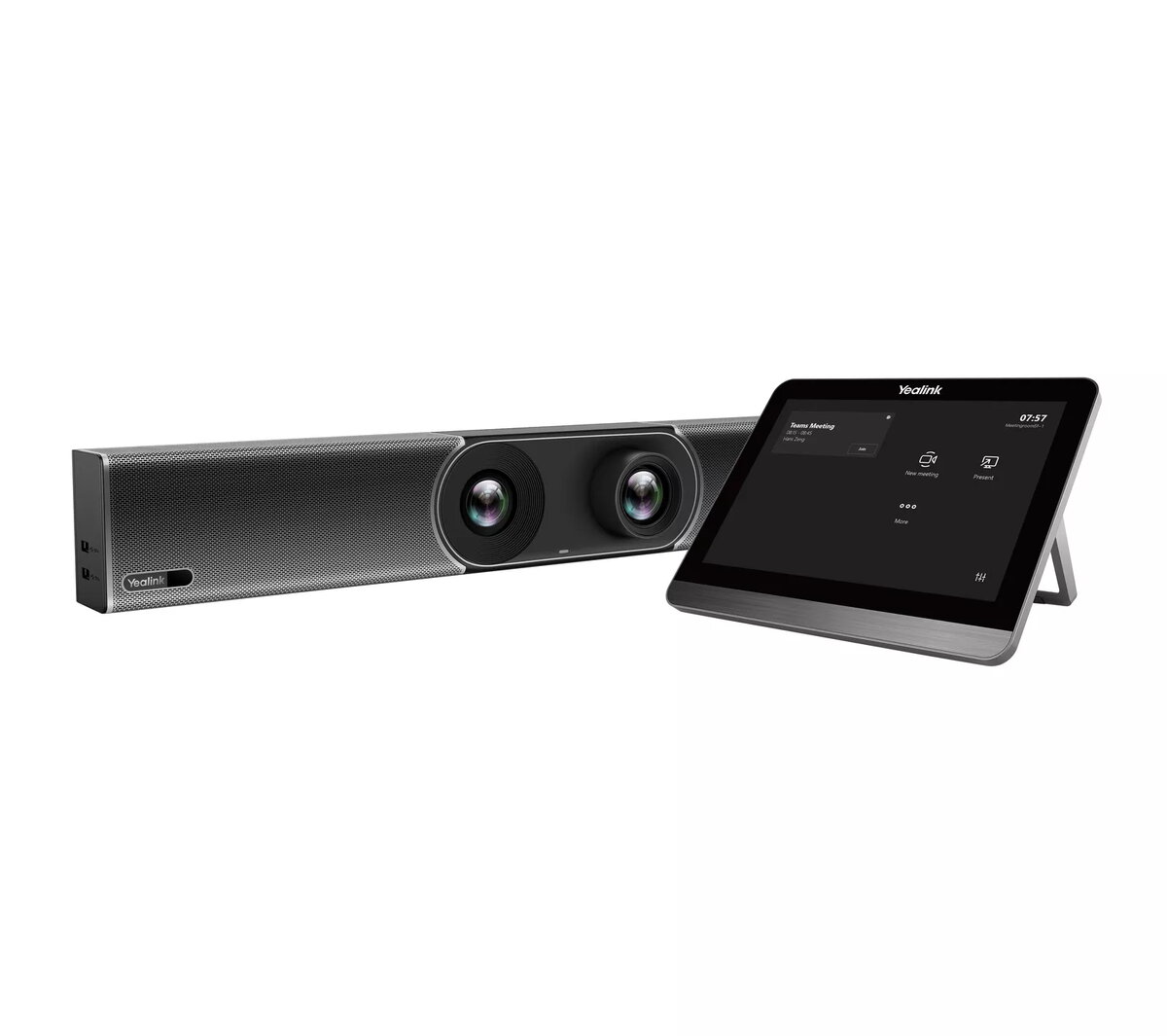
Video collaboration bar Yealink MeetingBar A30 120° FOV 3.5x optical zoom
The Yealink MeetingBar A30 Teams Edition is an all-in-one video collaboration bar for medium meeting rooms. It integrates a computing unit, 8 MP camera with 120° super-wide-angle lens and 3.5x optical zoom, 8 MEMS microphone arrays, speaker, Wi‑Fi, Bluetooth and Ethernet LAN for a compact, minimal-cable deployment. Running Android 9 and available with native Microsoft Teams or Zoom clients, the A30 supports content sharing and whiteboard features so meetings can be started without a PC or Mac.
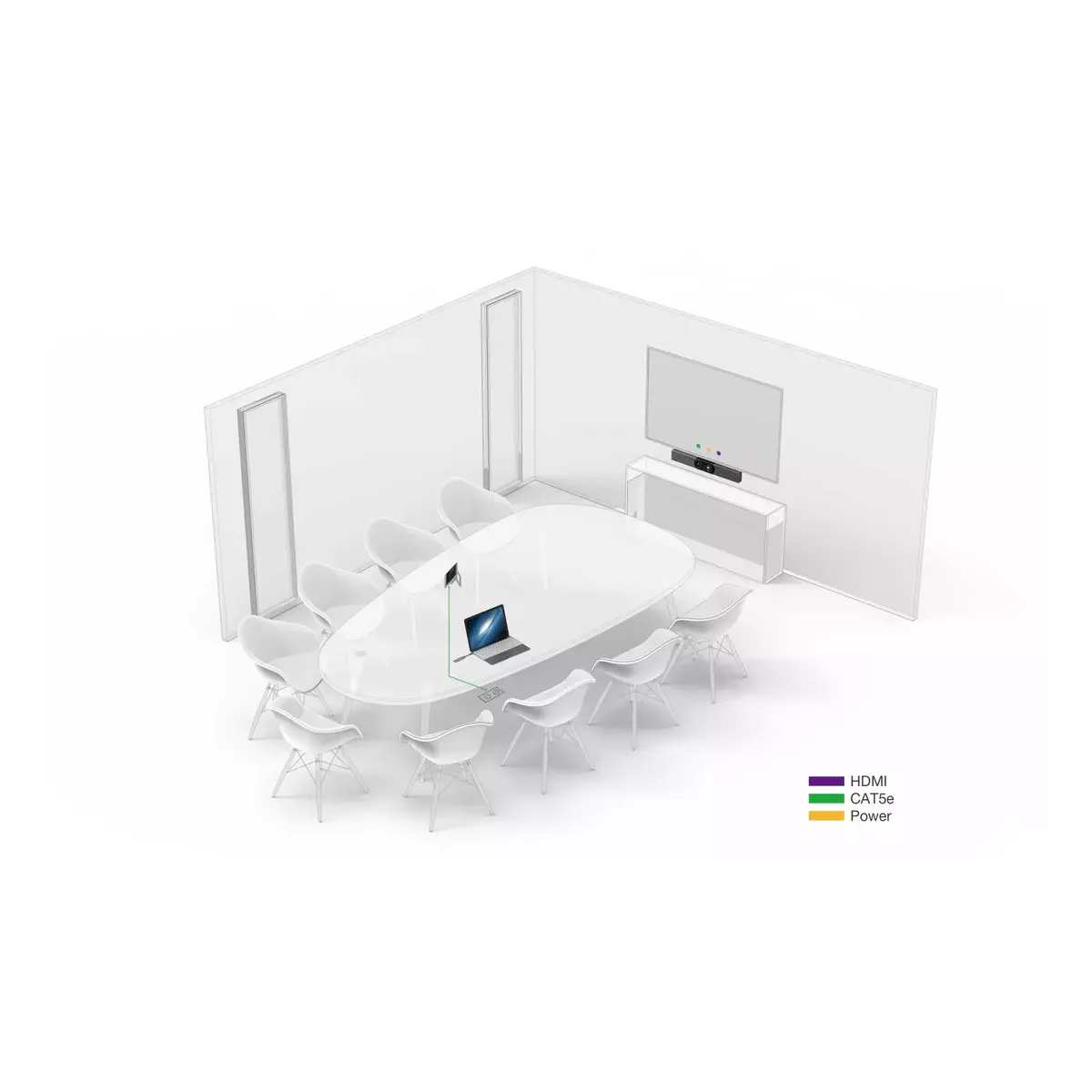
The MeetingBar A30 delivers clear video with a wide 120° field of view and automatic image optimization in low light or backlit conditions. Dual-camera design plus AI functions such as AutoFraming and Speaker Tracking enable automatic group framing and dynamic zoom to the active speaker. Eight MEMS microphones combined with beamforming, noise-proof and dereverberation algorithms provide precise sound localization and full‑duplex audio so participants can be heard and understood. The integrated all-in-one design simplifies installation — typically only power and HDMI are required — and device management is supported via Yealink Device Management.
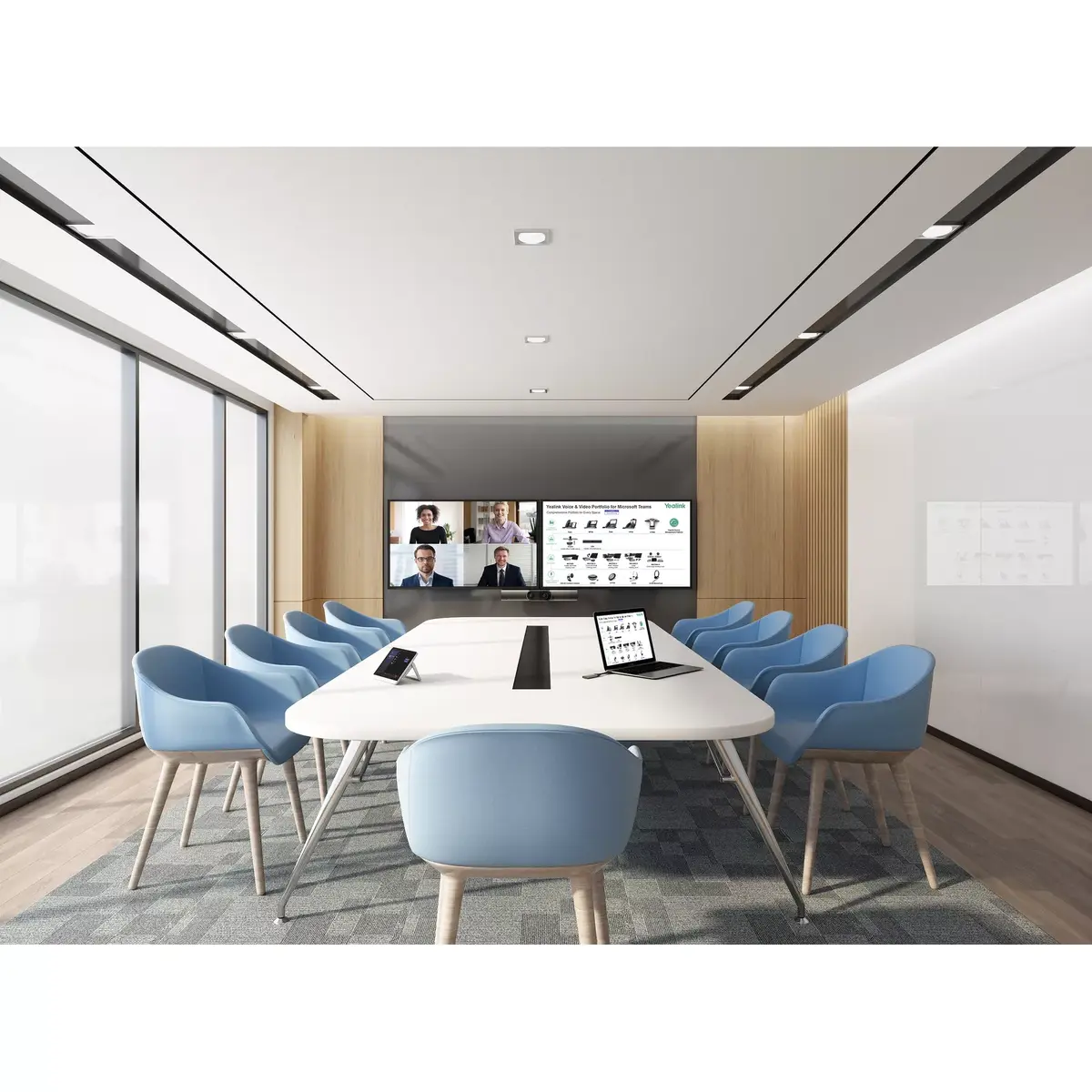
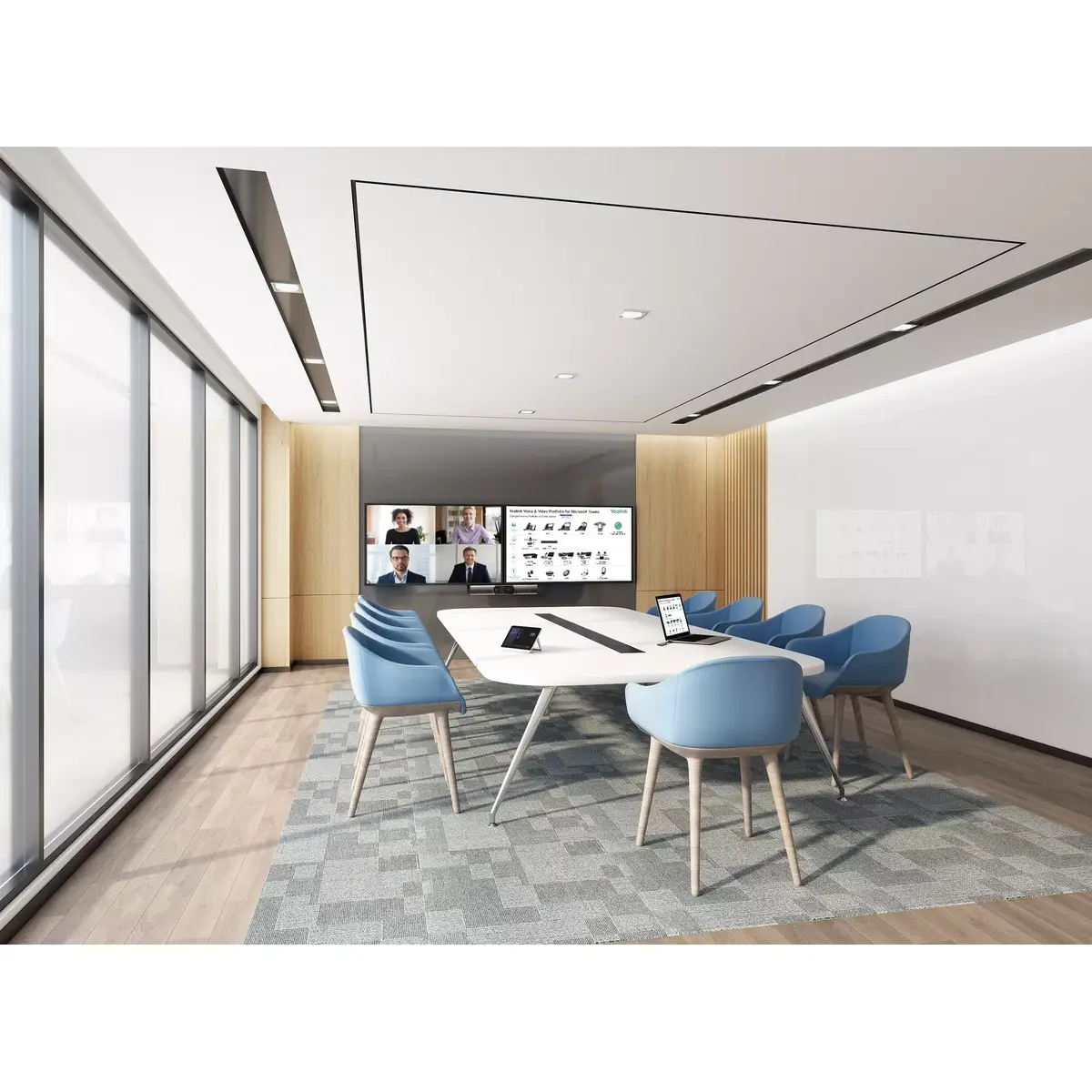
Mount or place the MeetingBar A30 in the meeting room, connect the power adapter and an HDMI cable to the display, and attach network via Ethernet or configure Wi‑Fi. Use the built-in Teams or Zoom application to start or join meetings directly from the device. During a call, content can be shared and the whiteboard can be used from the native client. Use the remote control or on-screen touch controls to adjust settings, start/stop sharing, and control the camera functions.
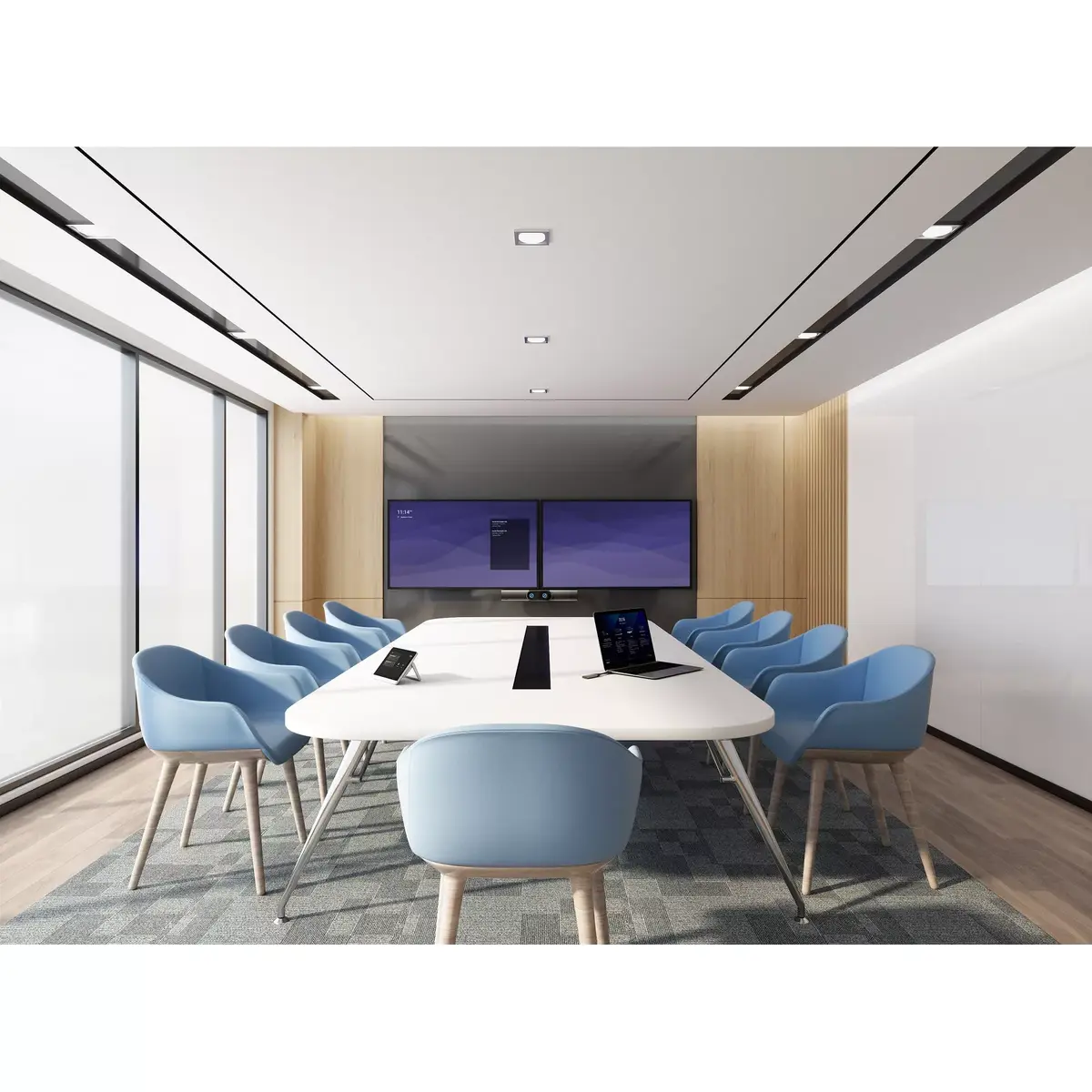
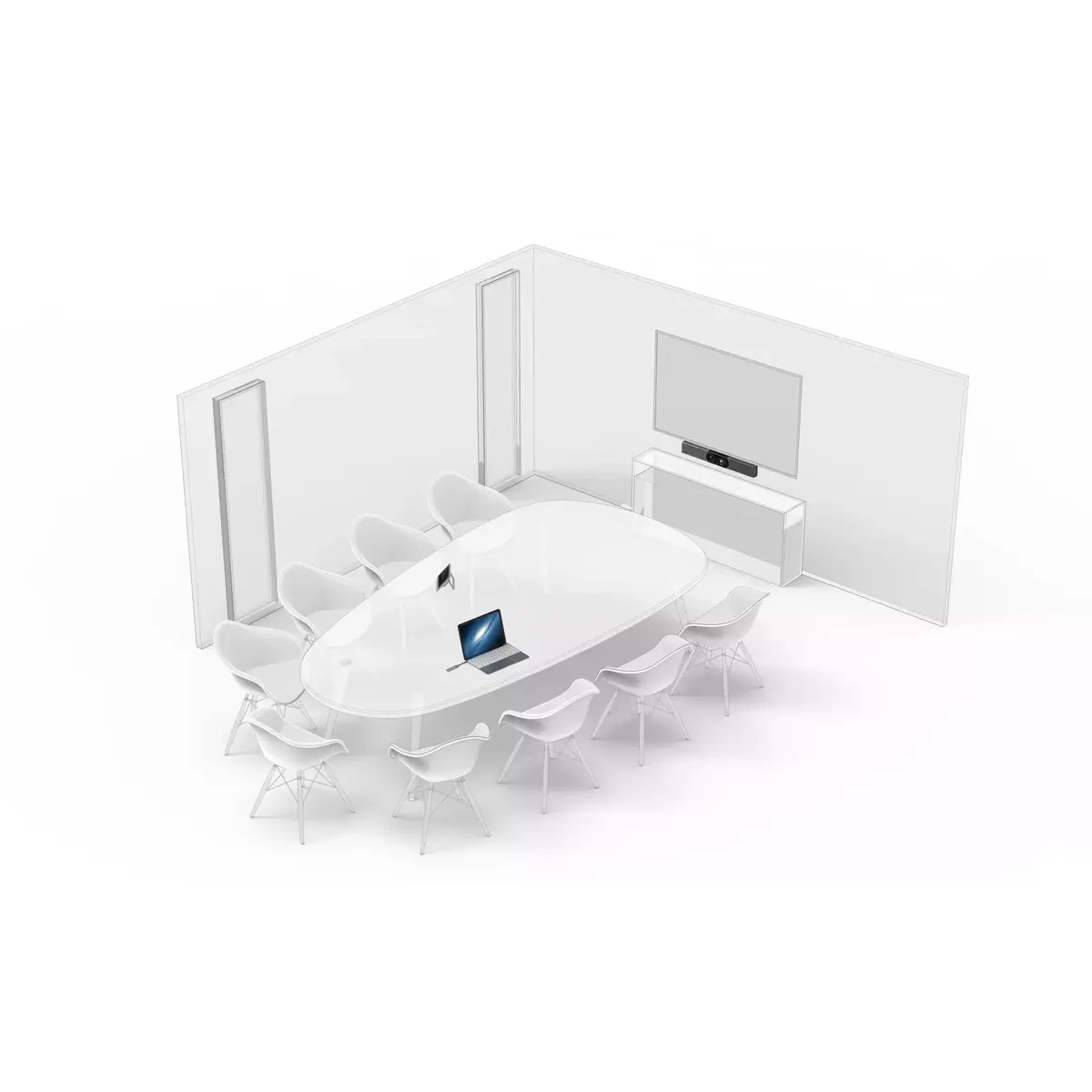
Place the bar centered under or above the main display at eye level where the 120° field of view covers the table area; ensure a stable network connection (preferably Ethernet) for best video and audio quality. Keep the firmware and Yealink Device Management updated to maintain performance and security.
{{highlightedFeature.featureTitle}}:
{{getProductFeatureValueById(product, highlightedFeature.featureId)}}
{{ productComparisonGenerationError }}