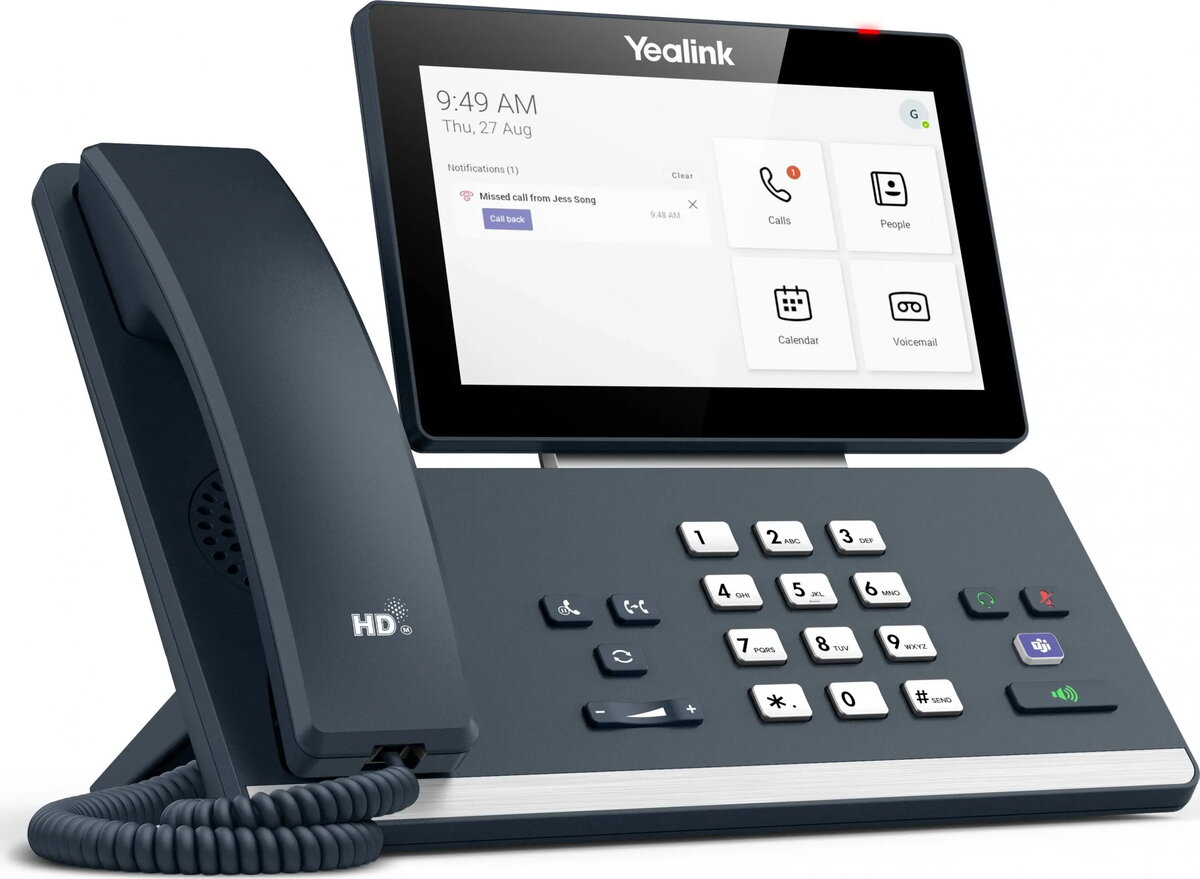
The Yealink MP58-TEAMS IP Phone is compared against several similar alternatives from the same manufacturer: Yealink MP56 Microsoft Teams Edition, Yealink MP58‑WH E2 Teams, Yealink MP58-WH Microsoft Teams Edition (in various configurations), and the standard Yealink MP58 Microsoft Teams Edition. All products belong to the IP phone category and are specifically engineered for Microsoft Teams environments, providing high-quality audio and collaboration features. The key practical differences lie in the handset type (wired versus wireless), touchscreen integration, and specific connectivity options designed for modern workspaces.
⚙️ The specifications comparison table below evaluates core characteristics such as handset type, wireless interfaces like Wi-Fi and Bluetooth, touchscreen availability, and platform compatibility.
| Parameter | Yealink MP58-TEAMS IP Phone | Yealink MP56 Microsoft Teams Edition | Yealink MP58‑WH E2 Teams | Yealink MP58-WH Microsoft Teams Edition | Yealink MP58-WH (Wireless Handset) | Yealink MP58 Microsoft Teams Edition | Practical conclusion |
|---|
| Product type | IP Phone | IP Phone | IP desk phone | IP Phone | IP Phone | IP Phone | All options belong to the same professional category of corporate IP communication devices. |
| Ecosystem | Microsoft Teams | Microsoft Teams | Microsoft Teams | Microsoft Teams | Microsoft Teams | Microsoft Teams | Every device is natively optimized for Microsoft Teams to ensure consistent collaboration workflows. |
| Handset type | Not specified | Wired handset | Not specified | Not specified | Wireless handset | Wired | Models featuring WH offer a wireless handset for enhanced mobility, whereas standard models use wired handsets. |
| Connectivity | Not specified | Wi-Fi, Bluetooth, PoE, Gigabit Ethernet | Not specified | Wi-Fi, Bluetooth, PoE, Gigabit Ethernet | Wi-Fi, Bluetooth, PoE, Gigabit Ethernet | Wi-Fi, Bluetooth, PoE, Gigabit Ethernet | Most alternatives support robust wired and wireless networking options for flexible deployment. |
◎ The suitability table below evaluates which product is most appropriate for specific user needs and office scenarios.
| Use case | Recommended product | Why |
|---|
| Fixed office desk with standard communication needs | Yealink MP58 Microsoft Teams Edition | The wired configuration provides a stable, reliable setup for stationary desk work. |
| Environments requiring mobility during calls | Yealink MP58-WH Microsoft Teams Edition | The wireless handset allows users to move freely around the office without interrupting calls. |
| Standard touchscreen collaboration and call control | Yealink MP56 Microsoft Teams Edition | The 7-inch touchscreen and Android interface offer a familiar and efficient Teams control layout. |
Yealink MP58-TEAMS IP Phone is a reliable professional choice for Microsoft Teams environments, offering robust audio and collaboration tools. Choose this device for standard office communication, but consider the wireless handset (WH) variants if your daily routine requires greater mobility and flexibility away from the desk.